Bitwarden vs 1Password vs Proton Pass: Prices and Features Compared
Official prices, free plans, family plans and security features side by side, so you can pick the password manager that fits your budget and how you share logins.
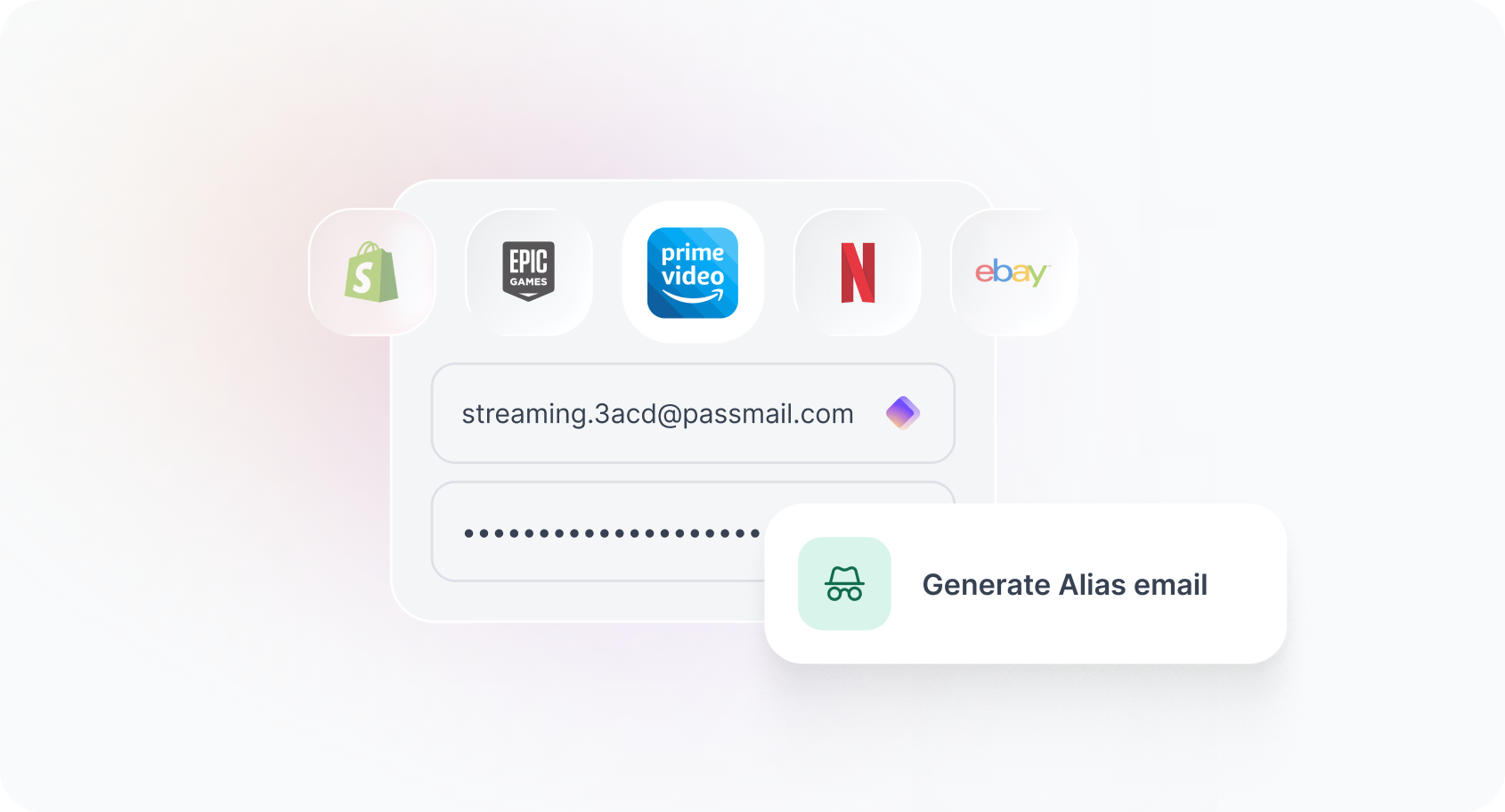
Bitwarden is the cheapest of the three, with a capable free plan and Premium at $19.80 a year. Proton Pass has the most generous free tier and builds email aliases into every plan. Its Pass Plus tier costs $35.88 a year. 1Password has no free plan, but it offers the most polished all-round package, starting at $35.88 for the first year and $47.88 a year after that. The prices below come from each company’s official pricing page as of September 24, 2026, in US dollars with annual billing.
Key facts
- Cheapest paid plan: Bitwarden Premium, $1.65 a month billed at $19.80 a year.
- Best free plan: Proton Pass Free (unlimited logins and devices, passkeys, 10 email aliases). Bitwarden Free is a close second.
- No free plan: 1Password, which offers a 14-day free trial instead.
- Family plans: Bitwarden $47.88 a year for 6 people; Proton Pass Family $59.88 a year for 6; 1Password Families $71.88 a year for 5 at the regular price.
- Open source: Bitwarden and Proton Pass. 1Password is closed source but independently audited.
Quick verdict: which password manager should you pick?
- Pick Bitwarden if you want the lowest price, open-source code and the option to self-host. Its free plan covers the basics for one person on unlimited devices.
- Pick Proton Pass if privacy is your priority and you want hide-my-email aliases built in, or if you already pay for Proton Mail or Proton VPN.
- Pick 1Password if you want the most complete paid package, with Travel Mode, the Secret Key design, secure sharing with people who don’t use 1Password, and 24/7 support. It costs more, especially for families.
All three store passwords and passkeys, fill them in across Windows, macOS, Linux, iOS, Android and the major browsers, and use end-to-end encryption. None of them can read what is in your vault. The real differences are price, the free tier, how sharing works and a handful of extras.
How much do Bitwarden, 1Password and Proton Pass cost?
Here are the personal and family plans side by side. Annual totals for 1Password are worked out from its per-month prices, since the company quotes plans per month, paid annually.
| Plan | Bitwarden | 1Password | Proton Pass |
|---|---|---|---|
| Free plan | Yes (1 user, unlimited devices) | No (14-day free trial) | Yes (1 user, unlimited devices) |
| Individual, per month (annual billing) | $1.65 (Premium) | $2.99 first year, then $3.99 (Individual) | $2.99 (Pass Plus) |
| Individual, per year | $19.80 | $35.88 first year, then $47.88 | $35.88 |
| Individual, month to month | Not offered (annual only) | Monthly billing option offered | $4.99 |
| Family plan, per month (annual billing) | $3.99 (Families) | $4.49 first year, then $5.99 (Families) | $4.99 (Pass Family) |
| Family plan, per year | $47.88 | $53.88 first year, then $71.88 | $59.88 |
| People on family plan | 6 | 5 | 6 |
| Money-back or trial | Free Families trial | 14-day free trial | 30-day money-back guarantee |
A few notes on those numbers:
- 1Password’s lower prices are promotional. According to the 1Password personal pricing page, $2.99 (Individual) and $4.49 (Families) are for new customers who subscribe directly on 1Password.com, for the first year, with annual billing. They don’t apply through the Apple App Store, Google Play or other third-party stores. The regular prices are $3.99 and $5.99 a month.
- Bitwarden’s prices are annual and exclude tax. The Bitwarden pricing page lists Premium at $1.65 a month billed annually at $19.80, and Families at $3.99 a month billed annually at $47.88.
- Proton’s yearly price is a discount on monthly billing. The Proton Pass pricing page shows Pass Plus at $4.99 month to month or $2.99 a month billed at $35.88 every 12 months. Pass Family is $6.99 month to month or $4.99 billed at $59.88 a year.
Cost per person on family plans
Split across the maximum number of members, Bitwarden Families works out to about $7.98 per person per year. Proton Pass Family is about $9.98. 1Password Families is about $10.78 in the promotional first year and about $14.38 at the regular price. For a family that fills every seat, Bitwarden is clearly the cheapest.
Free plans: Bitwarden Free vs Proton Pass Free
If you don’t want to pay at all, only two of the three are options.
Proton Pass Free
Proton’s free plan includes unlimited logins, notes and credit cards, on unlimited devices. It covers browser, mobile and desktop apps, a password generator, alerts for weak and reused passwords, passkey support on all devices, easy import, and 10 hide-my-email aliases. Proton says its free and paid plans offer the same level of privacy protection and says it will always offer a free plan with no ads.
Bitwarden Free
Bitwarden’s core features, which are included in every account, cover unlimited devices and passwords, apps for browsers, mobile and desktop, and passkey storage and use. They also include a username and password generator, secure notes, cards and identities, encrypted export, built-in phishing protection, integration with email alias services, and Bitwarden Send for encrypted text sharing. A free account can also share vault items with one other user through a free organization.
The main difference is aliases. Proton generates its own aliases on its own infrastructure, while Bitwarden connects to third-party forwarding services. Bitwarden’s free sharing with one other person is a plus for couples. Neither free plan includes a built-in authenticator for two-factor codes; both vendors put that behind the paid tier.
Features compared
| Feature | Bitwarden Premium | 1Password Individual | Proton Pass Plus |
|---|---|---|---|
| Unlimited passwords and devices | Yes | Yes | Yes |
| Passkey storage | Yes (all plans) | Yes | Yes (all plans) |
| Built-in authenticator (TOTP) | Yes | Not listed on pricing page | Yes |
| Encrypted file storage | 5 GB (expandable) | 1 GB | File attachments included |
| Email aliases | Via third-party alias services | Not listed on pricing page | Unlimited hide-my-email aliases, custom domains |
| Share with people who don’t use the app | Bitwarden Send (text and files) | Yes, with expiry and history | Secure link sharing |
| Password health alerts | Vault health reports and alerts | Watchtower | Weak and reused alerts, plus dark web monitoring |
| Emergency access | Yes | Not listed on pricing page | Yes |
| Travel mode (hide vaults at borders) | Not listed on pricing page | Yes | Not listed on pricing page |
| Self-hosting | Yes | Not listed on pricing page | Not listed on pricing page |
| Command-line interface | Not listed on pricing page | Yes (1Password Developer tools) | Yes |
| Open source | Yes | No (independently audited) | Yes |
“Not listed” means the feature does not appear on the plan comparison of that vendor’s pricing page. It does not mean the feature is missing from the product.
Security: how each one protects your vault
All three are end-to-end encrypted and zero-knowledge. Your vault is encrypted on your device before it syncs, so the company cannot decrypt it. They differ in extra layers and in how much of the code you can inspect.
1Password: the Secret Key
1Password combines your account password with a Secret Key generated on your device. The company explains in its support article on Secret Key security that the key is 34 letters and numbers with 128 bits of entropy, compared with about 40 bits for a typical memorized password. The Secret Key is never sent to 1Password. The result, the company says, is that someone attempting a brute-force attack on its servers cannot decrypt your data without the key. The trade-off is that you need your Emergency Kit to sign in on a new device.
Proton Pass: open source, Swiss jurisdiction
On its Proton Pass security page, Proton says all Proton Pass apps are open source and have been audited by independent third parties, and that it runs a public bug bounty program. Vaults are encrypted with 256-bit AES-GCM. Proton says it encrypts every field, including usernames and web addresses, not just passwords, and it points to Switzerland’s privacy laws as an extra protection. Paid plans add Proton Sentinel, which Proton describes as a high-security program that combines automated and human review to block account takeover attempts.
Bitwarden: open source and self-hostable
Bitwarden lists open-source security, zero-knowledge encryption and advanced two-step login among the core features of every account. Its client code is public on GitHub. Premium and Families add support for up to 10 hardware security keys, Yubico OTP and Duo as second factors. Bitwarden is also the only one of the three that lets you run the server yourself, which some businesses and technical users want.
Sharing and family plans
Sharing is where the three diverge the most:
- Bitwarden Families gives six people Premium accounts, with unlimited sharing, unlimited collections and 5 GB of organization storage for family items on top of each member’s personal 5 GB.
- 1Password Families covers five people with unlimited shared vaults, admin controls to add, remove or recover members, and five guest accounts for sharing specific vaults with people outside the family. A family admin can recover a member who is locked out.
- Proton Pass Family gives six people Pass Plus accounts, plus an admin panel. Paid Proton plans can create unlimited vaults (Proton asks users to contact support once they reach 50) and can share whole vaults or single items.
If you want to bundle more than a password manager, Proton Unlimited costs $9.99 a month billed at $119.88 a year. It includes Proton Pass along with Proton Mail, Calendar, VPN and Drive. Bitwarden and 1Password don’t list a comparable bundle on their personal pricing pages.
Platforms and apps
1Password lists apps for macOS, iOS, watchOS, Windows, Android and Linux, and extensions for Chrome, Safari, Edge, Firefox and Brave. Proton Pass is available on iOS, Android, Windows, macOS and Linux, as a web app, and as extensions for the major browsers including Chrome, Safari, Edge, Firefox and Brave. Bitwarden offers browser, mobile and desktop apps on all its plans. For most people, platform support will not decide between these three. Apple Watch access is one area where 1Password explicitly lists support.
Bitwarden vs 1Password vs Proton Pass: who should choose which?
Choose Bitwarden if…
- You want the cheapest paid plan ($19.80 a year) or the cheapest family plan ($47.88 for six).
- You value open-source code and may want to self-host.
- You need hardware security key support for your vault login without paying much.
Choose Proton Pass if…
- You want the strongest free plan, including aliases and passkeys.
- You care about email privacy and want unlimited aliases with custom domains.
- You already use Proton Mail or Proton VPN, or might pay for Proton Unlimited.
Choose 1Password if…
- You want Travel Mode, the Secret Key model and polished sharing, including guest accounts and expiring links.
- You want 24/7 support through email, forum or social media.
- You are fine paying $47.88 a year after the first-year promotion, or $71.88 for a family of five.
Switching is easier than you think
Moving between password managers is routine. Proton lists easy password import on its free plan, and Bitwarden includes encrypted export on every account, which makes it easier to leave later. Before you move, export your current vault to an encrypted file where possible. Import it into the new service, check a sample of logins and passkeys, and then delete any unencrypted export files right away. Passkeys may not transfer as cleanly as passwords, so keep your old manager for a short time in case you need to create new passkeys with the new one.
Bottom line
For most individuals, Bitwarden offers the best value: a free plan with no device limits and a paid tier at under $20 a year. Proton Pass is the better pick if you want a free plan with aliases or already live in the Proton ecosystem. 1Password costs the most, particularly for families after the first year, but it remains the most feature-complete option for people who want Travel Mode, rich sharing and round-the-clock support. Whichever you pick, turning on two-step login for the vault itself and moving your important accounts to passkeys will do more for your security than the choice between these three.
Frequently asked questions
Is Bitwarden cheaper than 1Password?
Yes. Bitwarden Premium costs $19.80 a year, while 1Password Individual is $35.88 in the first year for new customers and $47.88 a year at the regular price. Bitwarden Families is $47.88 a year for six people versus $71.88 a year for five on 1Password Families at the regular price.
Does 1Password have a free plan?
No. 1Password offers a 14-day free trial of its Individual and Families plans, but no permanent free tier. Bitwarden and Proton Pass both have free plans with unlimited passwords and devices.
Is Proton Pass free?
Proton Pass has a free plan with unlimited logins, notes and credit cards on unlimited devices, passkey support and 10 hide-my-email aliases. Pass Plus, at $35.88 a year, adds unlimited aliases, a built-in authenticator, sharing, dark web monitoring and file attachments.
Which password managers are open source?
Bitwarden and Proton Pass are open source. 1Password is closed source but says it is independently audited by third-party security experts.
Do Bitwarden, 1Password and Proton Pass support passkeys?
Yes. All three can store and use passkeys. Bitwarden and Proton Pass include passkey support on their free plans.
Which password manager is best for families?
On price, Bitwarden Families is the cheapest at $47.88 a year for six people. Proton Pass Family costs $59.88 a year for six, and 1Password Families costs $71.88 a year for five at the regular price, with guest accounts and admin recovery tools.
Sources
- Bitwarden plans and pricingbitwarden.com
- 1Password personal pricing1password.com
- Proton Pass pricing and plansproton.me
- 1Password Support: About your Secret Keysupport.1password.com
- Proton Pass securityproton.me
Sana Qureshi runs the security and privacy desk. She reports on actively exploited vulnerabilities, vendor patches and data breaches, and covers the password managers, VPNs and authentication tools readers use to protect themselves. Her alerts cite vendor advisories, CISA and the CVE record directly.