Keeper vs 1Password: Price, Security and Passkeys Compared
Keeper and 1Password both promise zero-knowledge security. Here is how their 2026 pricing, encryption, passkeys and business plans actually compare.
Keeper and 1Password are both zero-knowledge password managers built for the same job — storing credentials, passkeys, and sensitive files behind a master password only you know — but they reach very different buyers. Keeper leans on government-grade compliance (FedRAMP, FIPS 140-3, GovRAMP) and a sprawling business/PAM product line; 1Password leans on a simpler dual-key architecture, a cleaner personal-use experience, and an "Unified Access" pitch for enterprises managing AI agents and SaaS sprawl. For most individuals and families, the practical difference comes down to price tier structure and how each company handles passkeys. Below is what each company actually publishes on its own site as of November 2026, tier by tier.
Pricing: personal and family plans
1Password publishes exact figures on its own sign-up and pricing page: the Individual plan is listed at $2.99 per month billed annually (a new-customer promotional rate, down from a standard $3.99/month) with 1GB of document storage for one user. The Families plan is listed at $4.49 per month billed annually (promotional, down from $5.99/month) for up to 5 family members, 1GB of storage per person, unlimited shared vaults, and 5 guest accounts for sharing with people outside the family group. 1Password says the promotional rate applies to new customers who subscribe directly through 1password.com on annual billing for the first 12 months.
Keeper's own Personal and Family pricing page confirms the feature set for each tier — unlimited password, identity, and payment storage; unlimited devices and sync; biometric unlock; 24/7 support for Personal, plus 5 private vaults, 10GB of secure file storage, unlimited shared folders, and estate-planning emergency access for Family — but at the time of writing, Keeper's page renders its dollar price dynamically (by region and active promotion) rather than printing a fixed figure in the page's static text. We won't guess a number here; check keepersecurity.com's pricing page directly for your region's current rate before buying. One structural note worth flagging: Keeper sells BreachWatch dark-web monitoring and extra secure file storage as paid add-ons on both Personal and Family tiers, while 1Password bundles its equivalent breach-monitoring tool, Watchtower, into every plan at no extra cost.
Pricing: business and enterprise
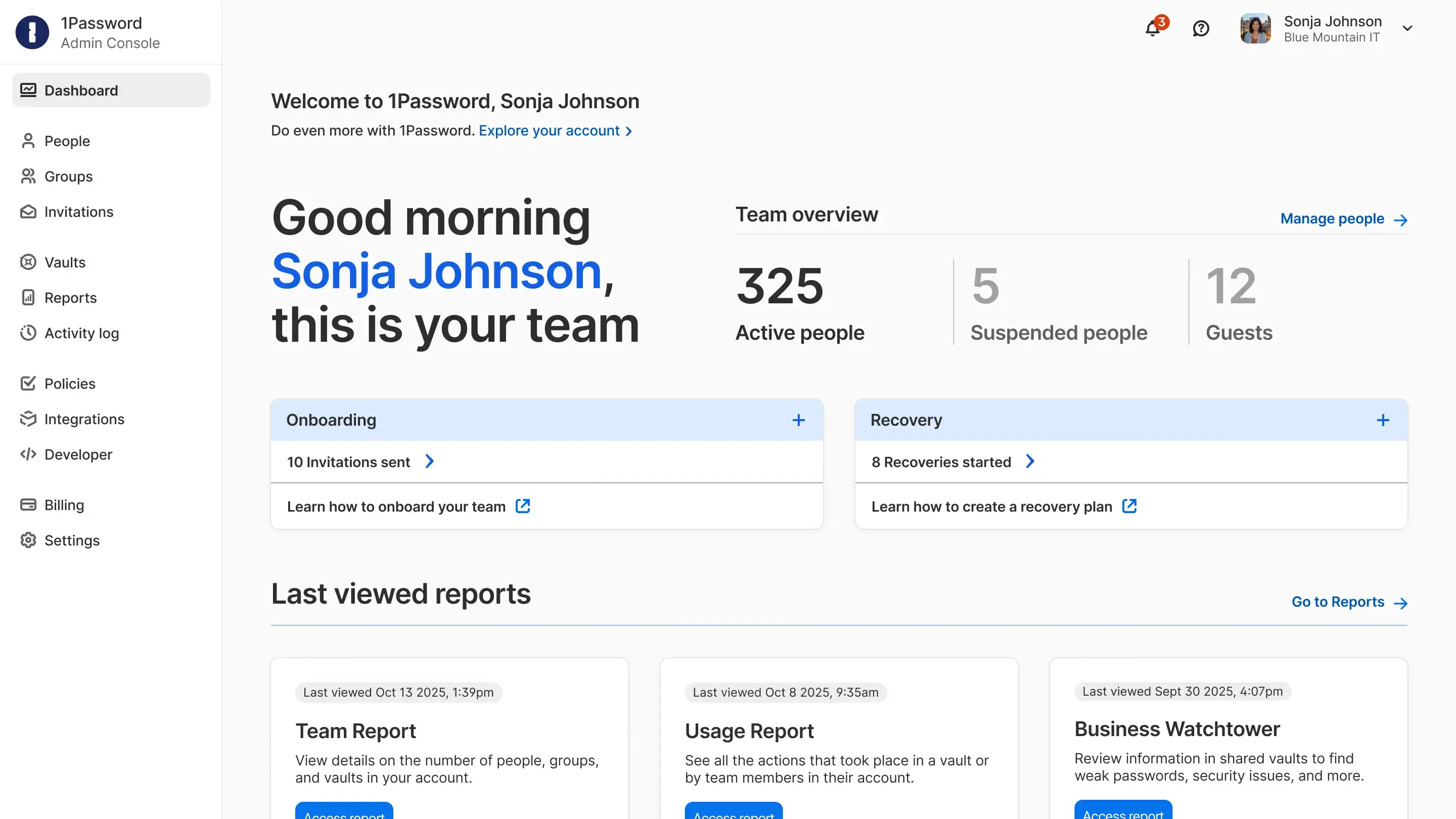
On the business side, 1Password's Business pricing page lists a Teams Starter Pack at $2.49 per user per month billed yearly — or, per its own FAQ, a flat $24.95/month covering up to 10 members with additional seats at $4.99/seat/month — and a Business plan at $8.99 per user per month billed yearly. 1Password's Enterprise tier, marketed as "Unified Access" (bundling Enterprise Password Manager, Device Trust, SaaS Manager, and Privileged Access), is quote-only; the individual products inside that bundle can also be purchased separately.
Keeper's business pricing page describes three tiers by feature rather than price in its static text: Business Starter (an encrypted vault and admin console, credential sharing and autofill, for 5–10 users), Business (adds shared team folders, delegated administration, deeper org structure and integrations, plus a free Family Plan for every licensed user), and Enterprise (adds SCIM/AD/LDAP provisioning, SSO/SAML, advanced two-factor authentication, role-based access control, and developer APIs). As with the personal tiers, Keeper's business price fields are populated by client-side scripting rather than static page copy, so we're not publishing a number we can't verify from the page itself — Keeper's sales team or checkout flow will show the current per-seat rate, and KeeperMSP is sold through direct sales contact only, with no public price list.
| Category | Keeper | 1Password |
|---|---|---|
| Personal plan | Unlimited storage, unlimited devices; price set dynamically on keepersecurity.com | $2.99/mo billed annually (promo), $3.99/mo regular; 1GB storage |
| Family plan | 5 private vaults, 10GB storage, emergency access; price set dynamically | $4.49/mo billed annually (promo), $5.99/mo regular; 5 members, 1GB each |
| Entry business tier | Business Starter, 5–10 users; price via sales/checkout | Teams Starter Pack, $2.49/user/mo annual (or $24.95/mo flat for 10 + $4.99/extra seat) |
| Mid business tier | Business (adds shared folders, delegated admin, free Family Plan per user) | Business, $8.99/user/mo billed yearly |
| Enterprise | SCIM/AD/LDAP, SSO/SAML, RBAC, dev API — quote only | Unified Access (EPM + Device Trust + SaaS Manager + Privileged Access) — quote only |
| Dark-web / breach monitoring | BreachWatch — paid add-on | Watchtower — included in every plan |
| Core encryption | AES-256 GCM (client-side), ECC-256 for SSO | AES-GCM-256 + 128-bit Secret Key, SRP authentication |
| Passkey support | Store/share/autofill passkeys in vault; passkey as a 2FA/login method | Create, store, manage, autofill, and share passkeys across Mac/iOS/Windows/Android |
Security architecture and encryption
Both vendors describe a zero-knowledge model in which your master password or account password never reaches their servers and all encryption/decryption happens on your device. The specifics differ. Keeper's security architecture page states that vault data is encrypted at rest on-device with AES-256 in GCM mode, using record- and folder-level keys wrapped by a 256-bit AES data key unique to each account. Keeper layers an additional "super-encryption" step using multi-region hardware security modules with non-exportable keys, and for SSO/passwordless logins it uses elliptic-curve cryptography (ECC-256, secp256r1) to decrypt the data key on-device. Key derivation from the master password uses PBKDF2-HMAC-SHA256 with 1,000,000 iterations for the authentication key, and PBKDF2-HMAC-SHA512 with 1,000,000 iterations protects the offline cache's client key. Transport runs over TLS 1.3 plus a per-payload AES-256 transmission key that Keeper says it wraps with ML-KEM for post-quantum resistance, alongside a Kyber-based hybrid KEM it describes as protection against future "harvest now, decrypt later" attacks. Account recovery, if you lose your master password, relies on an optional 24-word BIP39 recovery phrase that administrators can disable by policy.
1Password's security overview and its security support documentation describe a "dual-key" design: your account password (never stored by 1Password) is combined with a 128-bit Secret Key that's generated on your first device and never transmitted in full. Together they derive the encryption key for your vault data, which the support article confirms is protected with AES-GCM-256 authenticated encryption and PBKDF2-HMAC-SHA256 key derivation (1Password publishes its specific iteration guidance in a separate article rather than on the main security page). Sign-in itself uses Secure Remote Password (SRP), a protocol that authenticates your account without your password ever crossing the network. 1Password doesn't use the phrase "zero-knowledge" on its public security page, describing its approach instead as privacy-by-design and end-to-end encryption, but the practical effect — 1Password says it cannot read what you've stored — is the same claim Keeper makes. Both companies hold SOC 2 Type 2 certification; Keeper additionally publishes ISO 27001/27017/27018, FedRAMP High and GovRAMP High authorization, FIPS 140-3 validation (NIST CMVP certificate #4743), PCI DSS Level 1, HIPAA, and CMMC Level 1 compliance claims on its own site, reflecting its heavier push into regulated government and enterprise markets. These are self-reported by each vendor on their own security pages; treat exact certification scope and dates as something to re-verify against the certifying bodies before a procurement decision.
- Keeper: AES-256-GCM vault encryption, PBKDF2-HMAC-SHA256/512 at 1,000,000 iterations, ECC-256 for SSO, ML-KEM-wrapped transmission keys, FIPS 140-3 validated.
- 1Password: AES-GCM-256 encryption, 128-bit Secret Key + account password dual-key model, SRP authentication, PBKDF2-HMAC-SHA256 derivation.
- Both: zero-knowledge/end-to-end design, SOC 2 Type 2 certified, on-device encryption and decryption only.
Passkey support in 2026
Passkeys are where both vendors are investing heavily, but they solve slightly different problems. Keeper's vault can store passkeys alongside passwords, share them with teammates or family members, and use them for autofill at login; Keeper also offers passkeys as a second-factor/login method — described on its pricing page as "biometric login with passkeys" — that can stand in for a master password, SSO, or traditional 2FA on a trusted device, alongside standard FIDO2 WebAuthn hardware-key support.
1Password's passkeys page covers a broader workflow: you can create, store, tag, and manage passkeys inside a vault the same way you manage passwords, with creation currently supported through the desktop browser extension and on iOS 17/iPadOS 17 and later. 1Password says it provides a "seamless passkey experience" across Mac, iOS, Windows, and Android for viewing, managing, and sharing saved passkeys, and you can share a passkey through a shared vault for ongoing team access or via one-off item sharing. 1Password is also piloting passkey-based account unlock — new Individual accounts can enroll in a public beta that unlocks the vault itself with a passkey, while unlocking an existing account with a passkey is listed as "coming soon" on platforms beyond that beta. One honesty note: the passkeys page we reviewed carried a 2025 copyright footer with no 2026-dated updates, so some of that roadmap language may have moved on since publication — check 1password.com/passkeys directly for the latest status before relying on a specific platform's availability.
Family plans compared
Keeper Family covers 5 users, each with their own private vault that other family members cannot access by default, plus 10GB of secure file storage, unlimited shared folders/records with granular permissions, and an emergency-access feature Keeper frames around estate planning — useful if you want a trusted person to inherit vault access after you're gone. 1Password Families also covers up to 5 members with 1GB of storage per person, unlimited shared vaults, simple admin recovery controls if a family member is locked out, and 5 separate guest accounts for sharing specific items with people outside the family plan (useful for a babysitter or a shared streaming password without giving them full family membership). Neither official page we reviewed lists a hard item-count cap for either family tier, only the storage and seat limits above. Readers comparing 1Password's family tier against other managers may also want our 1Password vs. NordPass pricing and feature breakdown.
Business and enterprise features
Keeper's business ladder is built around compliance and administrative control: Business Starter targets sole proprietors and small teams (5–10 seats) with an encrypted vault, admin console, and credential sharing; the standard Business plan adds shared team folders, delegated administration, and a free Family Plan bundled in for every licensed employee; Enterprise adds SCIM, AD/LDAP, and SSO/SAML provisioning, advanced two-factor authentication, role-based access control, and developer APIs, aimed squarely at regulated and government-adjacent buyers who care about the FedRAMP/FIPS story above.
1Password's business ladder centers less on compliance paperwork and more on reducing shadow IT and managing non-human identities: the Teams Starter Pack and Business plan cover core team vaults, shared access, and admin controls, while the Enterprise-level Unified Access bundle adds Device Trust (continuous device health checks before granting access), SaaS Manager (discovering unsanctioned SaaS and AI tools employees have signed up for, plus 400+ integrations for on/offboarding automation), and Privileged Access (just-in-time, zero-standing-privilege access to servers, databases, and Kubernetes, including runtime credential control for AI agents). 1Password Enterprise Password Manager itself adds protection for apps that sit outside SSO, granular vault permissions, multi-tenant support for MSPs/agencies, a developer toolkit, and audit-ready activity logs. If your team is also weighing LastPass in that enterprise conversation, our LastPass vs. 1Password comparison covers that specific matchup in more depth.
Standout features that set each apart
Keeper's most distinctive angle is depth in regulated environments: FedRAMP High and GovRAMP High authorization, FIPS 140-3 validation, and a DoD Impact Level 5 assessment that Keeper says recommended its KSGC product for DoD Provisional Authorization as of October 2026 — credentials that matter far more to a government contractor or defense-adjacent business than to a typical consumer. Keeper also bundles privileged access management (KeeperPAM) and secrets management into its broader platform rather than treating them as a separate product line, and its post-quantum transmission-layer protections (ML-KEM-wrapped keys, a Kyber hybrid KEM) are more explicitly spelled out on its public security page than 1Password's equivalent public documentation.
1Password's standout is arguably breadth of everyday usability layered on top of its security model: Watchtower (weak/breached/reused password monitoring) ships free in every tier rather than as a paid add-on, its dual-key/Secret Key model gives a second physical-feeling factor baked into the account itself, and its 2026 "Unified Access" push explicitly targets the newer problem of AI-agent and SaaS-sprawl identity management with purpose-built products (SaaS Manager, Device Trust) rather than retrofitting a traditional PAM tool. For teams specifically evaluating lightweight alternatives to either platform, our Proton Pass vs. Bitwarden comparison is a useful adjacent read.
Which should you choose?
If you or your organization need FedRAMP/FIPS-level government compliance, a bundled privileged-access-management layer, or you're already standardized on Keeper's broader security suite, Keeper's Business and Enterprise tiers are built for exactly that case — just confirm current per-seat pricing directly with Keeper's sales team or checkout flow, since the public pricing pages don't print a static dollar figure. If you want the simplest path for an individual or family, built-in breach monitoring at no extra charge, and an enterprise roadmap aimed at AI-agent and SaaS identity sprawl, 1Password's confirmed $2.99–$8.99/month range (per the tiers above) is easier to evaluate today because the company publishes its personal and team prices directly on its own site. Either way, both vendors publish real zero-knowledge architectures with independent SOC 2 Type 2 certification, both now treat passkeys as first-class vault citizens rather than an afterthought, and neither is a bad default — the decision mostly comes down to whether your priority is compliance depth (Keeper) or day-to-day simplicity and AI/SaaS-era identity tooling (1Password).
Frequently asked questions
Does Keeper or 1Password publish exact personal and family prices?
1Password lists exact figures on its own site: $2.99/month for Individual and $4.49/month for Families, billed annually (promotional rates for new customers, with regular prices of $3.99 and $5.99). Keeper's pricing page renders its dollar amount dynamically by region and promotion rather than printing a fixed figure in static page text, so check keepersecurity.com directly for your current rate.
Which one has stronger encryption, Keeper or 1Password?
Both use AES-256-class encryption and a zero-knowledge/end-to-end model where the vendor cannot read your vault. Keeper publishes more granular detail on its own site, including PBKDF2 iteration counts, FIPS 140-3 validation, and post-quantum transmission-layer protections. 1Password's dual-key model adds a 128-bit Secret Key alongside your account password and uses SRP for authentication.
Do Keeper and 1Password both support passkeys?
Yes. Keeper's vault can store, share, and autofill passkeys, and offers passkeys as a login/2FA method. 1Password lets you create, store, tag, manage, and share passkeys across Mac, iOS, Windows, and Android, and is piloting passkey-based vault unlock for new Individual accounts in public beta.
Which is better for a family password manager?
Both family plans cover up to 5 people. Keeper Family adds 10GB of file storage and an estate-planning emergency-access feature; 1Password Families adds 5 guest accounts for sharing outside the family group and bundles free breach monitoring (Watchtower) that Keeper sells separately as BreachWatch.
Is Keeper or 1Password better for enterprise compliance?
Keeper is the heavier compliance play, publishing FedRAMP High, GovRAMP High, FIPS 140-3, and a DoD Impact Level 5 assessment on its own site. 1Password's enterprise pitch, branded Unified Access, focuses more on Device Trust, SaaS/AI app discovery, and privileged access for modern AI-agent identity management.
Sources
- Keeper Security — Personal and Family Pricingkeepersecurity.com
- Keeper Security — Business Pricingkeepersecurity.com
- Keeper Security — Security Architecturekeepersecurity.com
- 1Password — Pricing and Plans1password.com
- 1Password — Security1password.com
- 1Password — Passkeys1password.com
Sana Qureshi runs the security and privacy desk. She reports on actively exploited vulnerabilities, vendor patches and data breaches, and covers the password managers, VPNs and authentication tools readers use to protect themselves. Her alerts cite vendor advisories, CISA and the CVE record directly.