Keeper vs Bitwarden: Price, Security and Features Compared
Keeper and Bitwarden both promise zero-knowledge encryption, but they differ sharply on price, passkey support, and dark web monitoring. Here's how to choose.
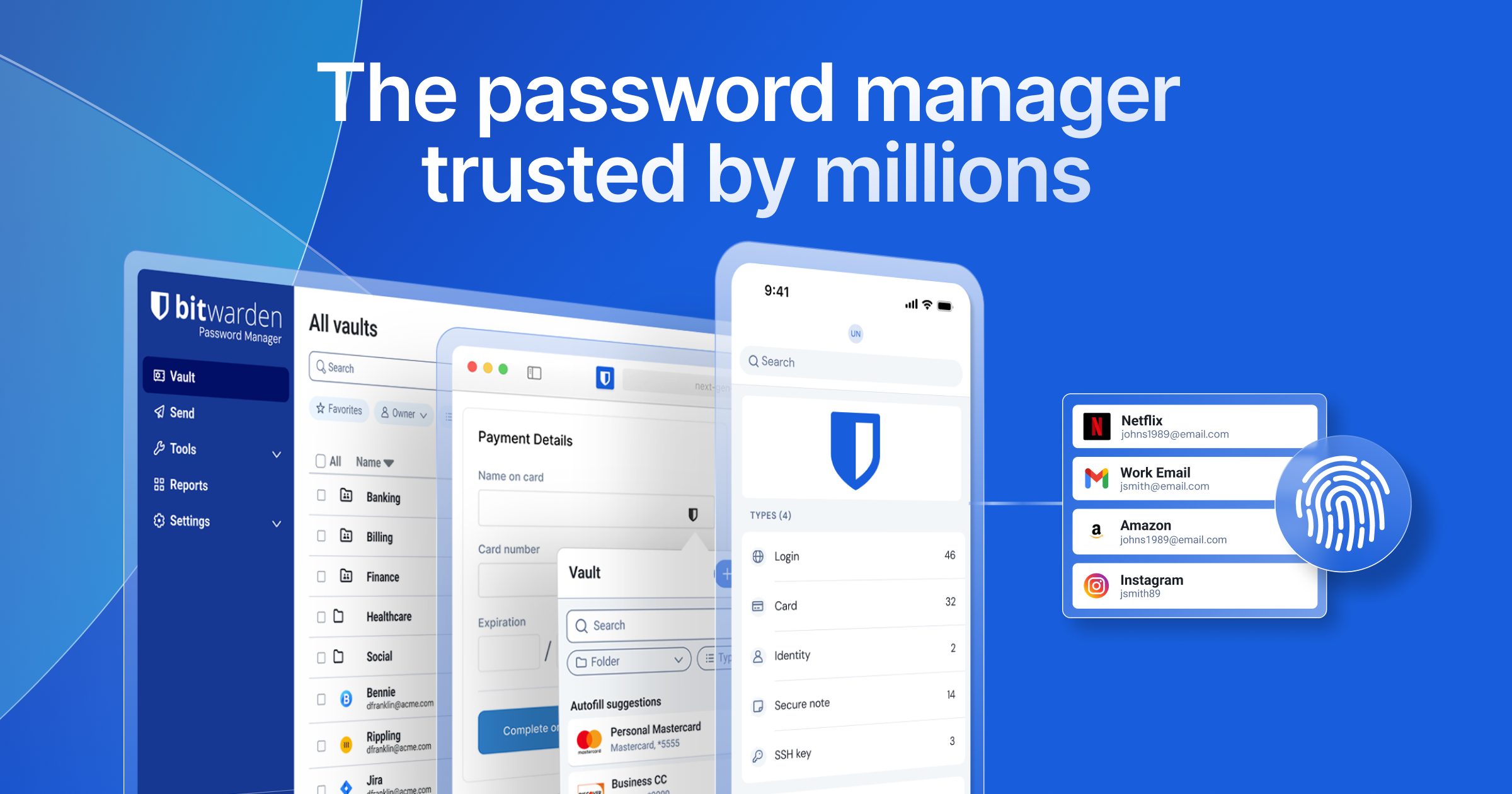
Keeper and Bitwarden sit at opposite ends of how a password manager can be run: Keeper is a tightly controlled, enterprise-grade vault with government-grade certifications and an add-on for nearly everything beyond the basics, while Bitwarden is an open-source vault that publishes flat, public pricing and bundles more into its free and mid-tier plans. For most individuals and families, Bitwarden's Premium ($1.65/month) and Families ($3.99/month, up to six users) plans undercut Keeper on price and include more by default, while Keeper's strength is its security certifications (FIPS 140-3, FedRAMP High, GovRAMP High) and its options for larger, regulated businesses.
- Best for individuals on a budget: Bitwarden Premium — $1.65/month, includes integrated 2FA authenticator and 5 GB of encrypted file storage.
- Best for families: Bitwarden Families — $3.99/month for up to six accounts, versus Keeper Family's five private vaults.
- Best for regulated or government-adjacent businesses: Keeper — FIPS 140-3, FedRAMP High, and GovRAMP High authorizations that Bitwarden does not publish.
- Best published, predictable business pricing: Bitwarden — Teams at $4/user/month and Enterprise at $6/user/month are public; Keeper's business tiers require checkout or a sales quote.
Pricing and plans compared
The clearest difference between the two vaults shows up before you even open one: Bitwarden publishes a fixed dollar figure for every tier on its public pricing page, while Keeper's personal and family pricing page renders the final price only after checkout (shown as a blank "/ month, billed annually" placeholder until you select a region and currency). That makes Bitwarden the easier of the two to budget for sight unseen.
| Plan tier | Keeper | Bitwarden |
|---|---|---|
| Free | 1 mobile device, up to 10 password/passkey records, basic 2FA | 1 user, unlimited passwords and devices, 2FA, Bitwarden Send, sharing with one other person |
| Individual paid | Keeper Personal (formerly Unlimited) — unlimited passwords/passkeys, unlimited devices, unlimited secure cloud backup, emergency access; price shown only at checkout | Premium — $1.65/month ($19.80/year): integrated authenticator, 5 GB encrypted file storage, emergency access, vault health reports |
| Family | Keeper Family — 5 private vaults, 10 GB shared Secure File Storage, folder/record sharing; price shown only at checkout | Families — $3.99/month ($47.88/year): up to 6 premium accounts, unlimited shared folders, 5 GB personal + 5 GB shared org storage |
| Small business | Business Starter — 5–10 users, shared admin console and credential sharing; price by quote/checkout | Teams — $4/user/month billed annually: shared folders, event log auditing, directory sync, SCIM provisioning |
| Enterprise | Enterprise — adds SCIM, AD/LDAP and SSO/SAML provisioning, FIDO2-only 2FA enforcement, role-based access control, developer APIs; sold by quote | Enterprise — $6/user/month billed annually: passwordless SSO, self-hosting option, Access Intelligence risk remediation, free Families plan for every user |
Both companies also sell add-ons the base price doesn't cover. Keeper's dark web monitoring tool, BreachWatch, is listed under Keeper's "Add-Ons" navigation rather than bundled into Personal or Family by default. Bitwarden's equivalent — a one-time, on-demand Data Breach report powered by Have I Been Pwned — is free for every account, though Bitwarden reserves its other vault health reports (weak, reused, and unsecured-website passwords) for Premium users and paid organizations. Business pricing for both vendors sits on separate pages: Keeper's business and enterprise pricing page lists tier structure without public per-seat figures, while Bitwarden's business plans page states its Teams and Enterprise rates outright.
Zero-knowledge security architecture
Both vaults encrypt and decrypt data locally on the user's device, so in principle neither company can read vault contents — the definition of "zero-knowledge." The implementations differ in a few technical specifics worth knowing if you're choosing based on cryptography rather than price.
Keeper publishes the fullest breakdown of its approach in its security and encryption documentation; Bitwarden does the same in its security white paper.
Keeper wraps a layered key hierarchy: each vault record gets its own AES-256 (GCM) key, record keys are wrapped by folder keys, and folder keys are wrapped by a per-user 256-bit AES data key generated on-device. The master password is stretched with PBKDF2 at 1,000,000 iterations, and sharing between users runs on Elliptic Curve Cryptography (ECC-256/secp256r1). Keeper layers transport security further with TLS 1.3 plus an additional AES-256 transmission key wrapped in ECIES and ML-KEM (for post-quantum resistance), and says stored ciphertext gets a further "super-encryption" pass using multi-region hardware security modules. On certifications, Keeper holds SOC 2 Type 2 (over a decade running), ISO/IEC 27001, 27017 and 27018, FIPS 140-3 validation (NIST CMVP certificate #4743), and FedRAMP High and GovRAMP High authorizations.
Bitwarden encrypts vault data with AES-256 (CBC mode with HMAC authentication), and each vault item gets a unique 64-byte Cipher Key. The master password is never transmitted or stored — the client sends only a Master Password Hash, itself re-hashed server-side with PBKDF2-SHA256 and a random salt. Bitwarden's default key derivation is PBKDF2-SHA256 at 600,000 iterations, with an option to switch to Argon2id; the resulting key is stretched to 512 bits via HKDF. Organization (shared) keys use RSA-OAEP key pairs issued per user at signup. Bitwarden holds SOC 2 Type II and SOC 3 reports (renewed annually, with the SOC 3 report published publicly) and added ISO 27001 certification in March 2025.
In practice, both meet the bar for "properly built, audited zero-knowledge encryption." Keeper's edge is its breadth of government-oriented certifications (FIPS 140-3, FedRAMP/GovRAMP High); Bitwarden's edge is that its entire client codebase is open source and has been independently, publicly audited on that basis for years — something Keeper, as closed-source software, does not offer in the same form.
Two-factor authentication and passkey support
Both vaults can act as a passkey store (saving and autofilling FIDO2/WebAuthn passkeys for the sites you log into) and both can use a passkey or security key as a second factor protecting the vault itself — but they split those two uses differently.
- Keeper supports a range of MFA methods for unlocking the Keeper Vault, including FIDO2 security keys and passkeys, TOTP authenticator apps, and biometrics (Face ID/fingerprint) on mobile. Keeper's admin console can enforce FIDO2-only authentication for an organization, requiring every user to carry a compatible hardware key or platform passkey rather than falling back to a code. Passkey management (storing third-party-site passkeys inside the vault) is supported in Keeper's browser extensions and, since 2024, its iOS and Android apps.
- Bitwarden includes FIDO2 WebAuthn as a 2FA option on every plan, including the free tier, which allows up to 5 security keys; Premium accounts can register up to 10. Bitwarden separates "Log in with passkeys" (replacing your Bitwarden master password itself) from passkey 2FA and from the vault's ability to store and autofill passkeys for other websites. One caveat Bitwarden's own documentation flags: some authenticators — notably Windows Hello — can't be used for both account login and 2FA at the same time.
Neither vendor publishes a hardware-security-key feature that the other entirely lacks; the practical difference is that Bitwarden's passkey/security-key 2FA ships free on every tier (including Free), while Keeper reserves admin-enforced FIDO2-only policy for paid business tiers.
Vault sharing and dark web monitoring
Sharing individual records, folders, and family access is a core job for either vault, and dark web breach monitoring is the most commonly requested add-on feature for both.
Keeper Personal includes unlimited secure password sharing with other Keeper users; Keeper Family extends this to shared folders with granular permission management across its five private vaults. BreachWatch, Keeper's dark web monitoring tool, checks hashed (not plaintext) versions of saved credentials against breach databases to preserve the zero-knowledge model, and is available as an add-on across individual, family, business, and enterprise tiers — it ships bundled only with KeeperPAM, Keeper's privileged access management subscription.
Bitwarden's free tier includes sharing with one other person via organizations; Families extends this to unlimited sharing and shared folders across up to six accounts, with 5 GB of organization storage for shared items on top of each member's personal 5 GB. Rather than continuous dark web monitoring, Bitwarden ships a free, on-demand Data Breach report (via Have I Been Pwned) available to every account from the web vault, alongside Premium-only reports for weak, reused, and unsecured-website passwords. Bitwarden's business-tier Enterprise plan adds Access Intelligence, a newer risk-remediation dashboard surfacing high-priority credential risks across an organization's vaults.
Platforms, autofill, and recovery options
Day-to-day usability matters as much as the cryptography underneath it, and this is an area where the two vaults are closely matched. Keeper ships browser extensions (KeeperFill) for every major browser, native apps for Windows, macOS, and Linux, and mobile apps for iOS and Android with biometric unlock. Bitwarden covers the same spread — browser extensions, desktop apps for all three major operating systems, and iOS/Android apps — and additionally publishes a self-hosting option for its server, letting an organization run its own Bitwarden instance instead of using Bitwarden's cloud, something Keeper does not offer as a standard option.
Account recovery is handled differently by each vendor. Keeper Personal and Family plans include emergency access, letting a nominated contact request vault access after a waiting period you control, plus an optional 24-word BIP39 recovery phrase an administrator can disable for added control. Bitwarden also offers emergency access on paid plans, but warns plainly that losing your master password without emergency access or an account-recovery administrator configured in advance means permanent lockout, since Bitwarden itself never stores the password or the keys derived from it.
Support channels differ by tier on both sides. Keeper's paid Personal and Family plans include email, live chat, and phone support; its free tier does not. Bitwarden's Premium plan adds priority support on top of the community-forum and email support available to free users, and paid organizations on Teams and Enterprise get dedicated support channels as part of the per-seat price.
Which to pick: individuals, families, or business
For an individual who wants the cheapest fully-featured vault, Bitwarden Premium at $1.65/month is hard to beat on price, and its free tier alone (unlimited passwords and devices, 2FA, basic sharing) out-features Keeper's capped free tier (one device, 10 records). If your household already compares 1Password against Bitwarden or Proton Pass against Bitwarden, Keeper vs. Bitwarden follows a similar pattern: Bitwarden tends to win on transparent pricing and free-tier generosity, while the competing vault wins on a narrower set of specialized features.
For families, Bitwarden Families covers one more person (six vs. five) for roughly the same published price band, with unlimited internal sharing. Keeper Family's edge is its bundled 10 GB of Secure File Storage and folder-level permission management, useful if you're storing scanned documents or ID photos alongside logins.
For business, the decision tilts on regulatory need. If your organization must demonstrate FIPS 140-3, FedRAMP High, or GovRAMP High compliance — common for government contractors and some regulated industries — Keeper's certification list is the more direct fit, and its Enterprise tier adds AD/LDAP and SSO/SAML provisioning plus role-based access control. If you'd rather see exact per-seat pricing before you talk to anyone, Bitwarden's public $4/user (Teams) and $6/user (Enterprise) rates, plus a free Families plan bundled for every Enterprise seat, are easier to plan a budget around — and Bitwarden's self-hosting option is one Keeper does not publicly offer at all.
What's next
Both vendors update pricing, add-on bundling, and certification status periodically — Keeper has recently restructured its plan names and Bitwarden added ISO 27001 only in 2025, so it's worth checking each company's own pricing and security pages directly before buying, particularly if your decision hinges on a specific certification or an exact dollar figure for a business tier. If you're also weighing a VPN-bundled option, see how a browser-based vault compares in our ExpressVPN Keys vs. 1Password comparison.
Frequently asked questions
Is Keeper or Bitwarden cheaper?
Bitwarden publishes lower, fixed prices: Premium is $1.65/month and Families is $3.99/month for up to six users. Keeper's Personal and Family plans show only a blank "billed annually" placeholder on its pricing page until you reach checkout, so an exact like-for-like comparison isn't possible from published prices alone.
Do both Keeper and Bitwarden support passkeys?
Yes. Both can store and autofill passkeys for the websites you log into, and both can use a FIDO2 passkey or security key as a second factor protecting your vault. Keeper additionally lets administrators enforce FIDO2-only authentication for a business account.
Which has better dark web monitoring?
Keeper's BreachWatch continuously scans hashed vault credentials against breach databases, but it's sold as an add-on rather than bundled free into Personal or Family. Bitwarden includes a free, on-demand Data Breach report (powered by Have I Been Pwned) for every account, though it's a manual check rather than continuous monitoring.
Is Keeper or Bitwarden more secure?
Both use zero-knowledge, client-side AES-256 encryption and have passed independent audits. Keeper holds more government-oriented certifications, including FIPS 140-3, FedRAMP High, and GovRAMP High. Bitwarden's client code is open source, which allows public, ongoing community and third-party review of its encryption implementation.
Which is better for a family?
Bitwarden Families covers one more account (six vs. five) at a comparable published price and includes unlimited internal sharing. Keeper Family adds 10 GB of bundled Secure File Storage and folder-level permission controls, which may matter more if you're storing documents alongside logins.
Can I self-host either password manager?
Bitwarden offers an official self-hosting option for its server as part of its Enterprise plan. Keeper does not publish a self-hosting option for its cloud vault in the same way.
Sources
- Bitwarden: Pricingbitwarden.com
- Bitwarden: Business plans (Teams & Enterprise pricing)bitwarden.com
- Bitwarden: Security white paperbitwarden.com
- Keeper Security: Personal & Family pricingkeepersecurity.com
- Keeper Security: Security & encryption modelkeepersecurity.com
- Keeper Security: BreachWatch dark web monitoringkeepersecurity.com
Sana Qureshi runs the security and privacy desk. She reports on actively exploited vulnerabilities, vendor patches and data breaches, and covers the password managers, VPNs and authentication tools readers use to protect themselves. Her alerts cite vendor advisories, CISA and the CVE record directly.

