Apple Creator Studio AI Update: What's New in Final Cut and Logic Pro
Apple's creative app bundle is getting its biggest AI upgrade yet: beta assistants in Logic Pro, Keynote, Pages and Numbers, plus new tools in Final Cut Pro and Pixelmator Pro, free in November.
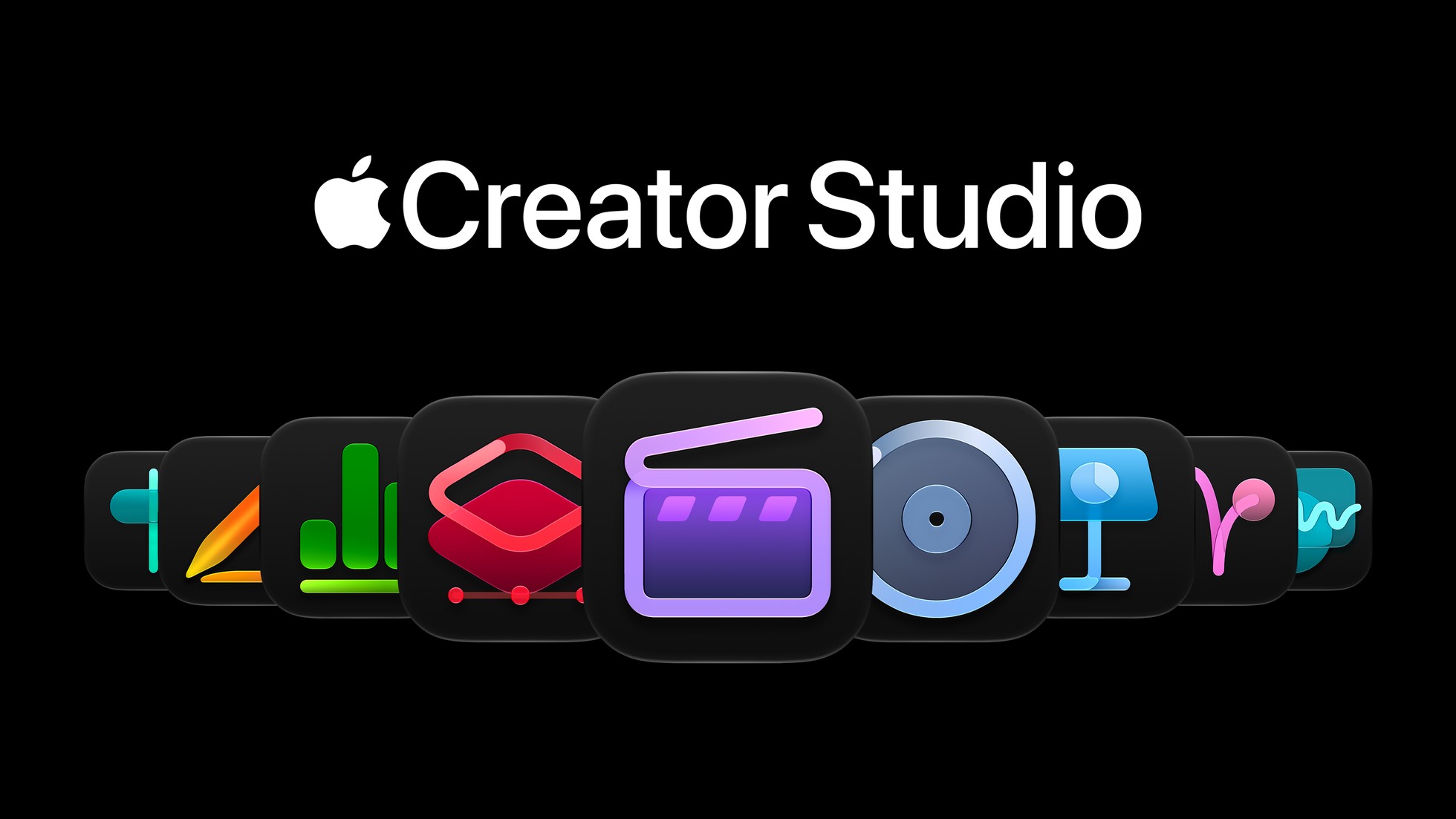
Apple Creator Studio is getting its biggest update since launch. On October 27, 2026, Apple announced new AI-powered tools across Final Cut Pro, Logic Pro, Pixelmator Pro, Keynote, Pages and Numbers, arriving as a free update for existing subscribers through the App Store in November 2026. The headline additions are beta "intelligent assistants" in Logic Pro and in Keynote, Pages and Numbers, built on Apple's own models plus third-party and OpenAI models, alongside new generative image tools in Final Cut Pro and Pixelmator Pro.
Quick facts:
- Update rolls out via the App Store in November 2026, free for existing Apple Creator Studio subscribers.
- New AI assistants in Logic Pro and in Keynote/Pages/Numbers are in beta, U.S. English only.
- New subscribers pay $12.99/month or $129/year ($2.99/month for students and educators).
- Assistants require macOS 27, iOS 27 or iPadOS 27 on an Apple Intelligence-capable device.
What is Apple Creator Studio?
Apple Creator Studio is Apple's subscription bundle of professional creative apps: Final Cut Pro, Logic Pro and Pixelmator Pro, alongside the free iWork apps Keynote, Pages, Numbers and Freeform. Apple launched the bundle in January 2026 as a way to sell its professional Mac and iPad creative apps as a single ongoing subscription rather than separate one-time purchases, and followed it with a "smarter, faster and more connected" update in June 2026. This October 27 announcement is the bundle's biggest update since launch, adding AI features across nearly every app in the lineup at once rather than to a single product.
The strategy mirrors how Apple has rolled out Apple Intelligence elsewhere on its platforms over the past two years: rather than a single standalone chatbot, individual features are built directly into the apps people already use, so a video editor sees AI tools inside Final Cut Pro's existing timeline and a presentation gets help from an assistant inside Keynote itself.
What's new in Final Cut Pro
Final Cut Pro on Mac gains built-in MotionVFX, giving editors direct access to thousands of templates, titles, transitions and graphics, plus rotoscoping, tracking and color-grading tools that previously required a separate plug-in purchase. The app also adds:
- Content Hub access to Apple-curated stock video, photos and backgrounds, directly inside the timeline.
- The ability to open a timeline image in Pixelmator Pro and have edits save back to the Final Cut Pro project automatically.
- Image generation from text descriptions within a project, with quick style and content adjustments.
- More keyframe easing options and the ability to disconnect clips from the primary storyline.
- 23 new transcription languages for automatic captions and subtitles.
Apple's Compressor app also picks up support for encoding Cinematic mode video shot on iPhone 18 Pro and iPhone Duo, and Motion — Apple's standalone motion-graphics app — adds its own MotionVFX plug-ins for color grading, 3D camera tracking and a new Displacement filter, plus the same round-trip image generation and editing that Final Cut Pro gets.
The MotionVFX integration is notable because it was previously a paid third-party plug-in that many Final Cut Pro editors bought separately; folding its template library and tracking tools directly into the app removes a step that used to require leaving Final Cut Pro, installing a plug-in bundle, and relaunching the app before the new effects would appear in the timeline.
Logic Pro's new AI assistant
Logic Pro for Mac is getting a beta intelligent assistant that Apple says can help musicians start a song, set up a vocal track from a text prompt, and refine an existing project. It's built on a mix of Apple's own models and third-party models. Alongside it, Logic Pro adds a redesigned Browser that uses on-device music understanding to automatically tag loops, instruments and effect patches, plus access to a Splice sound library.
Other Logic Pro additions include an upgraded Stem Splitter that can isolate, replace or rebalance individual drum parts without needing the original multitrack recording — useful for remixing a finished song or pulling a clean drum loop out of a reference track — a new Producer Pack built with musician Sergio George featuring piano sounds and Latin jazz and salsa loops, Voice Memo Studio Sound for reducing room ambience and background noise on supported iPhone recordings, and a visual refresh using Apple's Liquid Glass design language that Apple has been extending across its software this year.
Apple hasn't named which third-party models power the Logic Pro assistant, only that it combines Apple's own models with outside ones. That's a different approach from the Keynote, Pages and Numbers assistant, where Apple explicitly credits OpenAI's models alongside its own. Logic Pro for iPad also gets access to the same assistant and Browser redesign, provided the device meets the iPadOS requirements below.
Pixelmator Pro's Generate Fill and Super Resolution
Pixelmator Pro adds Generate Fill, which lets a user select an area of an image, describe the change they want in text, and have Apple's tools blend the result into the surrounding lighting, perspective and texture. A built-in Super Resolution tool can then upscale the generated content. Results can be merged directly into an existing layer or added as a new, separately masked layer for further editing, which keeps the generated content non-destructive and reversible.
Because Pixelmator Pro is now wired directly into Final Cut Pro and Motion through the new round-trip editing feature, the same Generate Fill and Super Resolution tools effectively become available to video editors too — opening a still frame from a timeline in Pixelmator Pro, generating or upscaling part of the image, and having the result sync back into the video project automatically rather than requiring a manual re-import.
The new assistant in Keynote, Pages and Numbers
Apple's free iWork apps get a beta intelligent assistant built on a combination of Apple's own models and OpenAI's models. Apple says the assistant understands the context of the document a person is working on:
- Keynote — helps design, animate and refine slides.
- Pages — drafts, restructures and fine-tunes written text.
- Numbers — calculates values, organizes data, and recommends chart types and table layouts.
All three apps also gain Model Context Protocol (MCP) support, which Apple says lets external AI agents and developer tools read document content, make edits and run automated actions against a file — for example, a separate automation tool could be given permission to pull data out of a Numbers spreadsheet or push edits into a Pages draft without a person manually copying and pasting. MCP is an open protocol originally developed outside Apple for connecting AI assistants to external tools and data sources, and Apple's adoption of it here is notable because it means Keynote, Pages and Numbers documents can now be scripted against by any MCP-compatible agent, not just Apple's own assistant.
Keynote separately adds support for .keyx, an open, JSON-based presentation bundle format aimed at developers and automated workflows — effectively a machine-readable alternative to Keynote's standard .key file format that external tools can generate or parse without needing to understand Apple's proprietary format. All three iWork apps also get new premium themes, templates and Content Hub stock video, the same curated media library Apple is adding to Final Cut Pro.
Freeform updates, and what's coming in December
Freeform, Apple's free whiteboard app, adds one-step text styles and new custom and preset board background colors in this release. Apple says a second wave of Freeform features — editing images directly with Pixelmator Pro tools and generating editable shapes from text descriptions — is "arriving in December."
Pricing and availability
The new features reach existing Apple Creator Studio subscribers as a free App Store update starting in November 2026. For new subscribers, Apple Creator Studio costs $12.99 per month or $129 per year in the U.S., with a one-month free trial and three free months when buying a qualifying new Mac or iPad. Students and educators qualify for a discounted $2.99 per month or $29.99 per year plan. Subscriptions are a universal purchase and can be shared with up to six family members through Family Sharing.
Each app in the bundle also remains available as a one-time purchase on the Mac App Store, for anyone who doesn't want a subscription:
| App | One-time price (Mac App Store) |
|---|---|
| Final Cut Pro | $299.99 |
| Logic Pro | $199.99 |
| Pixelmator Pro | $49.99 |
| Motion | $49.99 |
| Compressor | $49.99 |
| MainStage | $29.99 |
| Keynote, Pages, Numbers, Freeform | Free |
System requirements for the new AI features
The new assistants are beta features and currently limited to U.S. English. Apple's stated requirements are specific about which devices qualify:
- The Logic Pro assistant needs macOS 27 on an Apple Intelligence-capable Mac.
- The Keynote, Pages and Numbers assistant needs an Apple Intelligence-capable device running iOS 27, iPadOS 27 or macOS 27.
- MCP support in Keynote, Pages and Numbers also requires macOS 27.
- Final Cut Pro for Mac needs macOS 26.6 or later; Final Cut Pro for iPad needs iPadOS 26.6 or later on a supported chip.
- Logic Pro for Mac needs macOS 26.1 or later on Apple silicon; Logic Pro for iPad needs iPadOS 26 or later.
- Pixelmator Pro needs macOS 26 or iPadOS 26 or later.
Apple quoted Brent Chiu-Watson, its senior director of Worldwide Product Marketing for Apps and iCloud, calling it "our most exciting update since the launch of Apple Creator Studio."
How this fits into Apple's wider AI push
The update lands alongside a broader run of AI-assisted features across Apple's software this year, including platform work that spans both iPhone and Mac. It also follows Apple's new touchscreen MacBook Pro announcement, giving Apple a fresh high-end Mac for creators to run Logic Pro's and Final Cut Pro's heavier new AI tools on. On the mobile side, Apple's rivals have been moving in a similar direction — Google has layered its own assistant into Android Auto, part of a wider push across the industry to put AI assistants directly inside everyday apps rather than as a separate standalone chatbot.
That same pattern shows up in how Apple is handling app distribution more broadly this year, following changes to App Store age verification and new rules around third-party app stores on Android — both signs that the two biggest mobile platforms are under growing pressure to open up while also layering in more AI-driven features at the same time.
One notable gap in Apple's announcement: there's no mention yet of these assistants reaching iPhone-only workflows the way they do on iPad and Mac. Keynote, Pages and Numbers are available on iPhone, but Apple's requirements list only cites "an Apple Intelligence-capable device" running iOS 27 without singling out which iPhone models currently qualify — worth checking on your own device before assuming the assistant will appear once the update installs.
What's next
Existing Apple Creator Studio subscribers don't need to do anything except update their apps from the App Store once the release reaches their account in November. Anyone considering a new subscription can use the free trial to test the Final Cut Pro and Pixelmator Pro tools immediately, though the Logic Pro and iWork assistants will only be usable on hardware running the iOS 27, iPadOS 27 or macOS 27 betas or releases in U.S. English while they remain in beta. Apple has not given an exact date in November for the rollout or said when the beta assistants might expand beyond U.S. English.
Frequently asked questions
When does the Apple Creator Studio AI update arrive?
Apple says the update reaches existing Apple Creator Studio subscribers as a free App Store update in November 2026. Apple has not given an exact date within the month.
How much does Apple Creator Studio cost?
New subscribers pay $12.99 per month or $129 per year in the US, with a one-month free trial. Students and educators pay $2.99 per month or $29.99 per year. Each app is also available as a one-time Mac App Store purchase.
Do I need to pay extra for the new AI features?
No. The new features are a free update for existing Apple Creator Studio subscribers. New subscribers pay the standard subscription or one-time app prices.
What devices support the new AI assistants?
The Logic Pro assistant needs macOS 27 on an Apple Intelligence-capable Mac. The Keynote, Pages and Numbers assistant needs an Apple Intelligence-capable device running iOS 27, iPadOS 27 or macOS 27. Both are in beta and limited to US English.
What is Model Context Protocol (MCP) support in Keynote, Pages and Numbers?
MCP is an open protocol that lets external AI agents and developer tools read, edit and run automated actions against Keynote, Pages and Numbers documents, requiring macOS 27.
What's coming to Freeform in December 2026?
Apple says Freeform will get Pixelmator Pro image editing tools and the ability to generate editable shapes from text descriptions, arriving in December 2026.
Sources
Nadia Osei covers mobile and consumer gadgets for Pandromeda: smartphones, tablets, smartwatches, earbuds and smart-home devices. She tracks launches, software updates and pricing across Apple, Google, Samsung and the rest, and builds comparisons from the manufacturers' published specifications.