How Much VRAM Do You Need in 2026?
A practical, spec-sourced guide to how much video memory you actually need for 1080p, 1440p, 4K gaming, and local AI in 2026.
For 1080p gaming in 2026, 8GB of VRAM is the bare minimum and 12GB is the comfortable floor. At 1440p, 12-16GB is the sweet spot. At 4K, or if you want to run local AI models alongside your games, 16GB is the realistic minimum and 24GB+ gives real headroom. Those numbers aren't arbitrary — they come straight from how much memory current-generation Nvidia and AMD graphics cards actually ship with, cross-checked against official spec pages.
VRAM (video memory) is the one spec that gets less attention than core counts or clock speeds, yet it's often the thing that determines whether a graphics card still feels good two or three years after you buy it. Buy too little and you'll hit stutters, texture pop-in, or a model that simply refuses to load — no matter how fast the GPU underneath is. Buy more than you need and you've overpaid for capacity that sits idle. This guide breaks down exactly how much VRAM you need for each resolution and use case in 2026, and names the specific cards that hit each tier.
- 1080p gaming: 8GB works today; 12GB is safer for the next few years.
- 1440p gaming: 12-16GB is the sweet spot for current and near-future titles.
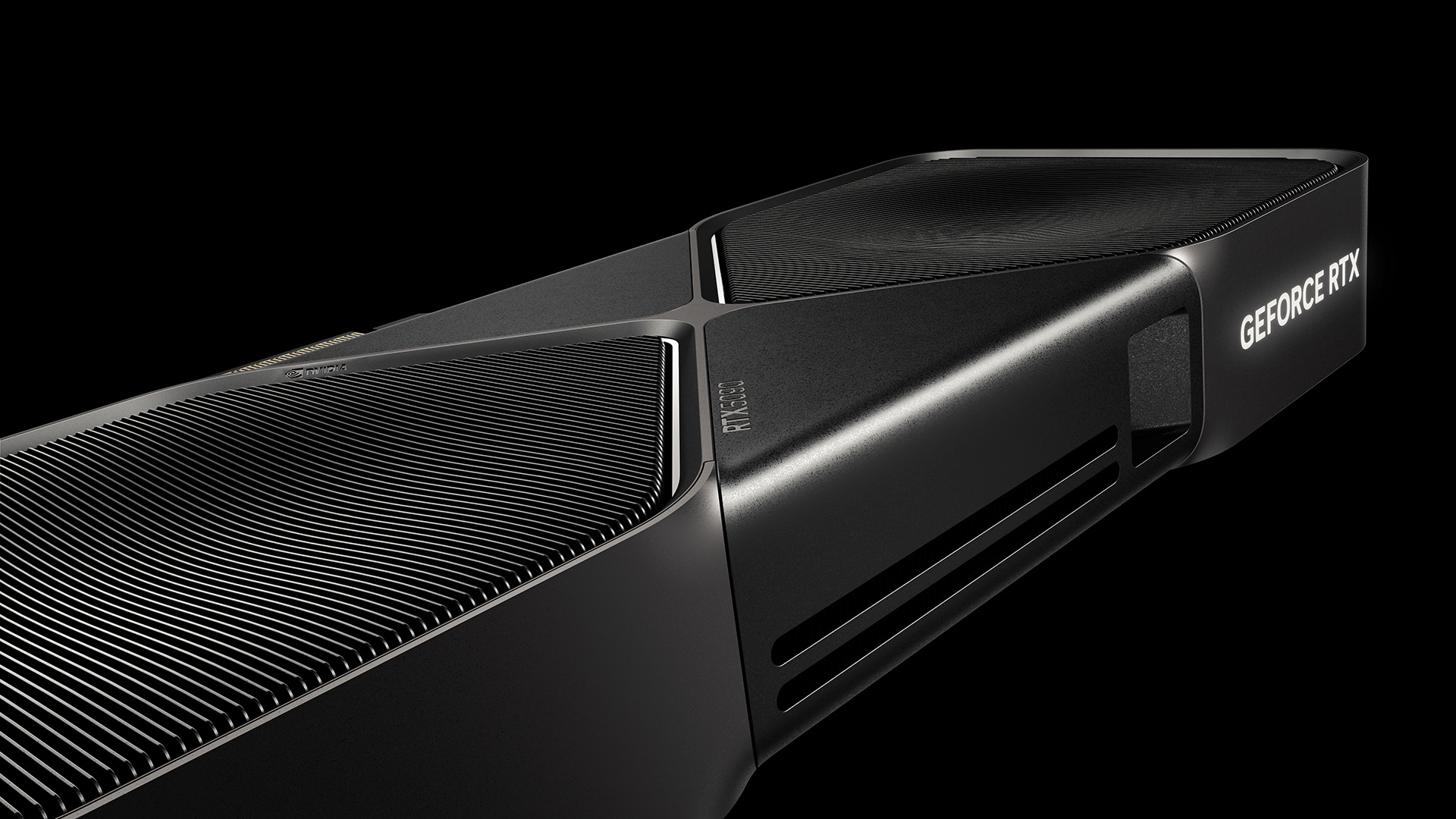
- 4K gaming: 16GB minimum; 24GB+ (RTX 5090-class) removes VRAM as a bottleneck entirely.
- Local AI on your GPU: 12-16GB covers small-to-midsize open models comfortably; 24GB+ opens up larger ones without heavy compromise.
What VRAM Actually Does
VRAM is dedicated memory built onto the graphics card itself, separate from your system's regular RAM. While your GPU's processing cores do the actual rendering math, VRAM is where it stores everything those cores need close at hand: texture data, frame buffers, geometry, shader programs, and — increasingly — the intermediate data used by upscaling and frame-generation features. System RAM is too slow and too far away (across the PCIe bus) to serve this role efficiently, so the GPU keeps its working set in its own high-bandwidth memory instead.
When a game or application needs more VRAM than the card has, it doesn't simply refuse to run. Instead, data gets swapped in and out, textures load in lower resolution than intended, or some workloads fall back to system RAM entirely — all of which show up as stutters, texture pop-in, or a visible drop in frame rate, even if the GPU's core horsepower would otherwise be more than capable. This is why a card with a weaker chip but more VRAM can sometimes age better than a faster chip paired with too little memory.
Why 2026 Games (and AI Apps) Need More VRAM Than Before
A few trends have pushed VRAM requirements up over the last several GPU generations. Game textures have gotten larger and more detailed, especially as 4K displays and texture packs become more common. Ray tracing and path tracing — now standard features in many AAA titles — require the GPU to hold additional scene and lighting data in memory on top of the usual texture and geometry load. And upscaling and frame-generation technologies, while they reduce the raw rendering work the GPU has to do, add their own memory overhead for motion vectors and generated frame buffers.
On top of gaming, a newer driver of VRAM demand has emerged: running AI models locally. Interest in running large language models and image generators on a personal GPU, rather than through a cloud service, has grown steadily, and unlike most games, AI workloads have a hard VRAM requirement — if the model's weights don't fit in memory, it typically won't run at all, rather than just running a bit slower. That makes VRAM capacity a binary pass/fail gate for local AI in a way it rarely is for gaming.
How Much VRAM You Need, by Resolution and Use Case
The table below maps common use cases to a recommended VRAM tier, along with example current-generation cards that hit each tier. These are general guidelines rather than hard rules — a demanding, texture-heavy title at "medium" settings can need more memory than a lighter game maxed out — but they reflect where the current Nvidia RTX 50 and AMD RX 9000 lineups cluster.
| Use case | Recommended VRAM | Example current-gen GPUs |
|---|---|---|
| 1080p gaming, esports/competitive titles | 8GB | RTX 5060 |
| 1080p gaming, AAA titles with ray tracing, built to last a few years | 12GB | RTX 5070, RTX 5060 Ti (16GB) |
| 1440p gaming, high/ultra settings | 12-16GB | RTX 5070, RTX 5070 Ti, RX 9070, RX 9070 XT |
| 4K gaming, high/ultra settings | 16GB+ | RTX 5070 Ti, RTX 5080, RX 9070 XT |
| 4K gaming with ray/path tracing maxed, or future-proofing | 16-24GB | RTX 5080, RTX 5090 |
| Local AI (small-to-midsize open models) | 12-16GB | RTX 5070, RTX 5070 Ti, RX 9070 XT |
| Local AI (larger models) or creator workloads (video/3D) | 24GB+ | RTX 5090 |
If you mainly play esports titles like competitive shooters at 1080p, VRAM is rarely the limiting factor — 8GB cards handle these comfortably. The calculation changes once you move up in resolution or turn on ray tracing in modern AAA games, where 12GB starts to feel like the real floor rather than a comfortable cushion.
Current-Gen GPUs at Each VRAM Tier
Here's exactly how much memory each current-generation Nvidia and AMD desktop GPU ships with, per the companies' own listed specifications.
Nvidia GeForce RTX 50 series (all GDDR7 except the RTX 5050, which uses GDDR6), per Nvidia's official RTX 50 series comparison page:
- RTX 5050 — 8GB
- RTX 5060, in the RTX 5060 family — 8GB
- RTX 5060 Ti — available in 8GB and 16GB configurations
- RTX 5070, in the RTX 5070 family — 12GB
- RTX 5070 Ti — 16GB
- RTX 5080, per the RTX 5080 product page — 16GB
- RTX 5090, per the RTX 5090 product page — 32GB
AMD Radeon RX 9000 series (GDDR6), per AMD's Radeon RX 9070 XT product page and the RDNA 4 architecture specifications:
- RX 9070 GRE — 12GB
- RX 9070 — 16GB
- RX 9070 XT — 16GB
Notice the gap in Nvidia's lineup: the jump from the RTX 5070's 12GB to the RTX 5070 Ti and RTX 5080's shared 16GB is a meaningful step, and then the RTX 5090 doubles down again to 32GB — double the next card down. AMD's current RX 9070 family, by contrast, clusters its two mainstream cards at the same 16GB, with the cheaper GRE variant trimmed to 12GB. For a broader look at how these two mid-range lineups stack up beyond just memory, see our RTX 5070 vs. RX 9070 XT comparison.
VRAM for Local AI: Running Models on Your Own GPU
A growing number of PC builders are now weighing VRAM not just for gaming but for running AI models locally — large language models (LLMs), image generators, and similar tools — on their own hardware instead of through a cloud API. This is a newer and distinct demand on VRAM, worth separating from the gaming guidance above.
The core difference from gaming is that local AI models have a hard memory floor. A model's weights, plus the working memory needed for its context window, generally need to fit entirely within VRAM for it to run at full GPU speed. If they don't fit, the model either fails to load or spills over into much slower system memory, with a dramatic performance penalty — unlike a game, which can usually keep running at reduced texture quality when VRAM runs short.
In practical terms, this means:
- An 8GB card is workable for smaller, more compact open models, but leaves little room for larger ones or long conversations.
- 12-16GB — the tier occupied by the RTX 5070, RTX 5070 Ti, and RX 9070/9070 XT — covers a meaningfully wider range of popular open models with more comfortable headroom.
- 24GB and up, currently only the RTX 5090 among consumer cards, is where larger models and heavier creative or AI workloads become realistic on a single consumer GPU.
If local AI is a priority alongside gaming, it's one more reason to lean toward the higher end of the VRAM ranges in the table above rather than the minimum for your target resolution.
8GB vs. 12GB vs. 16GB vs. 24GB+: Who Should Buy What
8GB is still a legitimate choice if you're building a budget 1080p system focused on esports and older or lighter titles, and you plan to upgrade again within a couple of years. It's the tier where VRAM limits show up soonest as games get heavier.
12GB is the new practical minimum for anyone who wants a card to comfortably handle current AAA games at 1080p-1440p with ray tracing on, or wants light local-AI capability without immediately hitting a wall.
16GB is the sweet spot for 1440p-4K gaming on today's current-gen mid-to-high-end cards (RTX 5070 Ti, RTX 5080, RX 9070, RX 9070 XT), and it's also the point where local AI use becomes genuinely comfortable rather than merely possible.
24GB+ — currently the RTX 5090's 32GB alone among mainstream consumer cards — is aimed at 4K gaming with every setting maxed, serious content-creation workloads, and larger local AI models. It's the tier to pick if you want VRAM to be a non-issue for years rather than a recurring concern.
This VRAM-focused view complements, rather than replaces, thinking about system memory — for the system RAM side of the equation, see our separate guide on how much RAM you need in 2026. VRAM and system RAM are different pools serving different jobs, and both matter, but they're sized independently.
What Quietly Eats Your VRAM
A few things consume more VRAM than many buyers expect, and are worth factoring in beyond the base resolution/use-case table above:
- Ray tracing and path tracing. These features hold extra lighting and scene data in memory on top of standard textures, which is part of why VRAM requirements have climbed as ray tracing has become standard in more games.
- Frame generation. AI-based frame-generation features, which interpolate or generate additional frames to boost frame rates, add their own memory overhead for motion data and generated buffers, on top of whatever the base render already needs.
- High-resolution texture packs and mods. Many games now ship optional high-res texture packs; these can push VRAM usage well above what the base game needs at the same resolution.
- Multi-monitor and high-refresh-rate setups. Driving multiple displays, or a single display at very high refresh rates, adds to the frame buffer overhead beyond a single standard monitor.
How to Check How Much VRAM You Have
Not sure what you're currently working with? Before deciding whether you need to upgrade, it's worth confirming your current card and its VRAM capacity. Our guide on how to check what graphics card you have on Windows, Mac, and Linux walks through the built-in tools on each platform that will show you the exact model and memory size installed.
Frequently Asked Questions
Is more VRAM always better? Not necessarily on its own — a card needs the processing power to match, or the extra memory goes unused. But for a given class of GPU, more VRAM generally means the card ages better as games and applications grow more memory-hungry.
Does VRAM affect frame rate directly? Not in the way core count or clock speed does. Instead, insufficient VRAM causes stutters, texture pop-in, or settings being forced down, rather than a smooth linear frame-rate hit.
Is 8GB VRAM enough in 2026? For 1080p gaming at moderate-to-high settings, yes, especially for esports titles. For 1440p or 4K, or for running local AI models, 8GB is increasingly tight.
Do I need more VRAM for 4K than for 1440p? Generally yes — higher resolutions mean larger frame buffers and typically higher-resolution textures, both of which increase VRAM use.
Can I use system RAM instead of VRAM? Not effectively. GPUs can technically spill over to system RAM through the PCIe bus, but it's dramatically slower and causes major performance drops, so it's a fallback, not a real substitute.
What's Next for VRAM
VRAM capacities have grown steadily across recent GPU generations, and that trend shows no sign of reversing as ray tracing, AI-assisted rendering features, and local AI workloads all push demand higher. For now, the practical guidance holds: match your VRAM tier to your target resolution using the table above, add headroom if local AI is part of your plans, and remember that the specific card matters as much as the chip generation — within Nvidia's own RTX 50 lineup, memory ranges from 8GB to 32GB, and AMD's current RX 9070 family spans 12GB to 16GB. Buying for your actual resolution and workload, rather than the newest chip name, is still the most reliable way to avoid being VRAM-limited before the rest of the card is ready to be replaced.
Frequently asked questions
Is more VRAM always better?
Not necessarily on its own — a card needs the processing power to match, or the extra memory goes unused. But for a given class of GPU, more VRAM generally means the card ages better as games and applications grow more memory-hungry.
Does VRAM affect frame rate directly?
Not in the way core count or clock speed does. Instead, insufficient VRAM causes stutters, texture pop-in, or settings being forced down, rather than a smooth linear frame-rate hit.
Is 8GB VRAM enough in 2026?
For 1080p gaming at moderate-to-high settings, yes, especially for esports titles. For 1440p or 4K, or for running local AI models, 8GB is increasingly tight.
Do I need more VRAM for 4K than for 1440p?
Generally yes — higher resolutions mean larger frame buffers and typically higher-resolution textures, both of which increase VRAM use.
Can I use system RAM instead of VRAM?
Not effectively. GPUs can technically spill over to system RAM through the PCIe bus, but it is dramatically slower and causes major performance drops, so it is a fallback, not a real substitute.
Sources
- Nvidia GeForce RTX 50 Series: Compare Specsnvidia.com
- Nvidia GeForce RTX 5090 Product Pagenvidia.com
- Nvidia GeForce RTX 5080 Product Pagenvidia.com
- AMD Radeon RX 9070 XT Product Pageamd.com
- Wikipedia: RDNA 4en.wikipedia.org
Mara Lindqvist edits the hardware desk. She covers graphics cards, processors, memory and storage, the foundries and chip designers behind them, and what the numbers on a spec sheet mean for people choosing a PC. Specifications in her stories come from manufacturer spec pages and datasheets.