Passkeys vs Passwords: Which Is More Secure?
A security comparison of passkeys and passwords: how each works, phishing and credential-stuffing resistance, recovery trade-offs, and where passkeys are supported today.
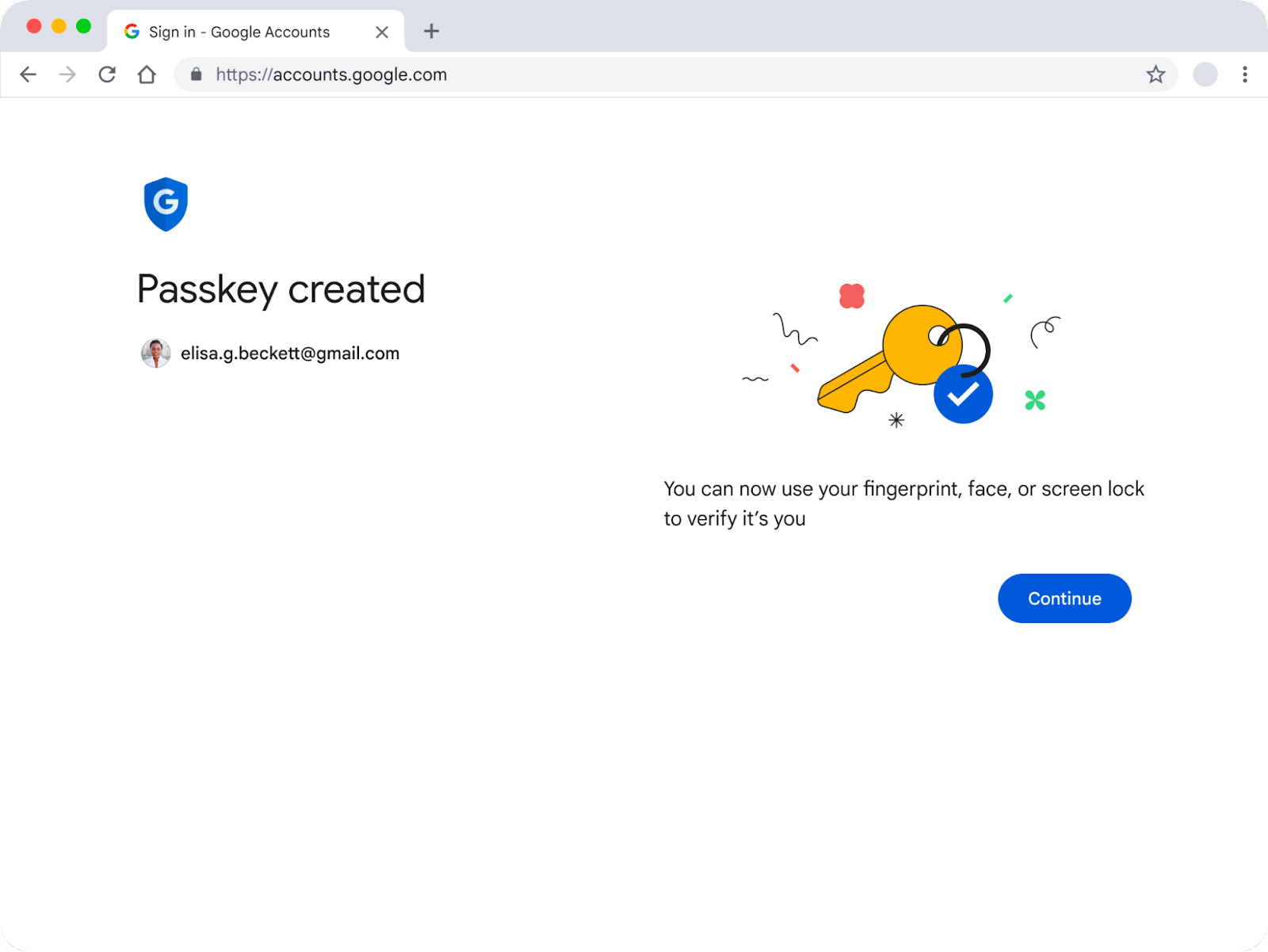
Passkeys are more secure than passwords in every way that matters for everyday attacks: they cannot be phished, cannot be reused in a credential-stuffing attack, and cannot leak in a readable form from a breached server. Passwords remain more universal — almost every site still accepts one — and recovery after losing every device is still a rougher edge for passkeys than typing a password reset link. For any account that offers a passkey, from your Google or Microsoft account to GitHub, switching is the right call. For everything else, a password manager generating long, unique passwords is still the correct fallback.
Quick verdict
- Security: Passkeys win decisively. They resist phishing and credential stuffing by design, using public-key cryptography defined by the FIDO2/WebAuthn standard instead of a shared secret.
- Convenience: Passkeys win here too — unlock with a fingerprint, face scan, or device PIN instead of typing and remembering a string of characters.
- Coverage: Passwords still win. Most of the web still requires one, so you cannot delete your password manager yet.
- Recovery: Passwords are simpler to reset. Passkey recovery depends on your cloud account (Apple ID, Google Account, Microsoft account) or a backup authenticator, so losing every synced device without a recovery option is a real risk.
- Bottom line: Turn on a passkey everywhere one is offered, and keep a password manager for the rest.
How a passkey actually works
A passkey is not a password with extra steps. It is a cryptographic key pair created according to the FIDO2 specifications and the W3C Web Authentication (WebAuthn) standard, the same standard body that defines how browsers talk to the web. When you set up a passkey for an account, your device or browser generates two mathematically linked keys: a private key that never leaves your device (or your encrypted password-manager vault) and a public key that gets sent to the website and stored on its server.
To sign in later, the site sends a one-time cryptographic challenge. Your device unlocks the private key with a fingerprint, face scan, or device PIN/screen lock, signs that challenge, and sends the signature back. The server checks the signature against the public key it already has. Nothing resembling a password is ever typed, transmitted, or stored on the server — the Google passkeys developer documentation describes this directly: the site stores only the public key, and the credential is "tied to a specific website or app and a user account."
Passkeys come in two flavors. Synced passkeys are backed up through an encrypted cloud service — Apple's iCloud Keychain, Google Password Manager, Microsoft's ecosystem, or a third-party password manager — so they reappear automatically on your other signed-in devices. Device-bound passkeys, typically created on a physical FIDO2 security key, never leave that one piece of hardware and have no cloud backup at all.
Why passwords keep failing
A password is a shared secret: both you and the website need to know it, which means it has to be typed, transmitted, and stored somewhere the server can check it. Every one of those steps is an opportunity for an attacker. Passwords can be typed into a convincing fake login page (phishing), guessed or brute-forced, captured by malware or a keylogger, or — most commonly — reused across multiple sites, so that a leak at one company compromises accounts everywhere else that password was reused.
The FIDO Alliance's own consumer research, published in its State of Passkeys 2026 report, puts a number on the human cost of this: in a ten-country survey of 11,000 consumers conducted in April 2026, 33% said they had experienced an account compromise or received a breach notification in the past year, and 47% said they are likely to abandon a purchase or sign-in entirely when they can't remember a password. Passwords don't just fail security — they fail usability, which is exactly what pushes people toward weak, reused, or written-down passwords in the first place.
Phishing resistance: the core difference
This is where passkeys and passwords diverge most sharply. A password has no idea what website it's being typed into — if a phishing page looks convincing enough, a human can be fooled into handing it over. A passkey is cryptographically bound to the exact domain it was created for. Apple's own support documentation describes passkeys as "resistant to phishing" and "designed so that there are no shared secrets," and explains that because no secret is transmitted, there is nothing for a fake site to intercept even if a user is tricked into visiting it.
GitHub's own documentation makes the same point about its own implementation: because a passkey is bound to the GitHub domain and requires a secure connection, "the browser refuses to authenticate to a lookalike phishing website" — the browser itself enforces the match, not the user's judgment. This is also why the U.S. Cybersecurity and Infrastructure Security Agency has pushed organizations toward what it calls phishing-resistant multi-factor authentication, including FIDO-based credentials, after seeing attackers successfully bypass ordinary MFA by phishing one-time codes alongside a password.
Credential stuffing and data breaches
Credential stuffing is the automated attack of taking usernames and passwords leaked from one breach and trying them against hundreds of other sites, banking on password reuse. It works because a password is portable — the same string unlocks any account it was used on. Our explainer on what credential stuffing is and how to defend against it goes into the mechanics in more depth, but the short version is that passkeys close this attack off structurally rather than just making it harder.
A passkey is generated separately for every single site. There is no shared value to steal and reuse elsewhere, and because the server only ever holds a public key, a full database breach doesn't hand attackers anything they can use to sign in anywhere — public keys are, by design, safe to expose. The FIDO Alliance's passkeys overview is explicit that credential stuffing is one of the attack categories passkeys were built to remove, since "there is no sign-in data" left on a server worth stealing in the first place.
Recovery and lockout trade-offs
Passkeys aren't a free upgrade — the honest trade-off is recovery. A forgotten password can be reset by email in a minute. Losing access to a passkey is more involved, and it depends entirely on which kind you have.
If your passkeys are synced (the common case for most consumers), they live inside an encrypted vault tied to your Apple ID, Google Account, Microsoft account, or a third-party password manager. Lose every device and you recover through that account's own process. Apple's documentation describes iCloud Keychain recovery as requiring your Apple Account credentials, a verification code sent to a registered phone number, and your device passcode, with brute-force protection that locks the recovery record after repeated failed attempts — in Apple's words, access is "rate-limited to resist brute-force attacks, even from within Apple's cloud," and an optional account recovery contact can be designated in advance in case you forget your password or passcode.
Device-bound passkeys, typically stored on a hardware security key, have no such safety net. If that one key is lost and no backup authenticator was registered, the credential is simply gone and you must fall back to whatever account-recovery option the site offers. This is why security guidance consistently recommends registering at least two authenticators — for example, two security keys, or a security key plus a synced passkey — for any account you can't afford to be locked out of.
There's a second-order effect worth naming plainly: because synced passkeys are backed by your Apple ID, Google Account, or Microsoft account, that one account becomes a higher-value target than before. Protecting it with its own strong authentication (ideally a passkey plus a recovery contact or printed recovery codes) matters more than ever once it's effectively guarding every other passkey you own.
Passkeys vs. passwords: feature comparison
| Factor | Passkeys | Passwords |
|---|---|---|
| Underlying mechanism | Public/private key pair (FIDO2/WebAuthn) | Shared secret string |
| Phishing resistance | Built in — bound to the real site's domain | None — can be typed into a fake page |
| Credential-stuffing resistance | Immune — unique per site, nothing to reuse | Vulnerable when reused across sites |
| What a server breach exposes | Public keys only (not usable to sign in) | Password hashes, which can sometimes be cracked |
| How you unlock it | Biometric, PIN, or device screen lock | Typed from memory or a password manager |
| Cross-device sync | Via iCloud Keychain, Google Password Manager, Microsoft or third-party vaults | Via any password manager |
| Site/app coverage (Oct 2026) | Growing but partial — major platforms plus a growing list of sites | Universal — accepted almost everywhere |
| Recovery if all devices are lost | Depends on cloud account recovery or a backup authenticator | Email/SMS reset, generally simpler |
Where passkeys work today
Passkey support has moved from novelty to mainstream infrastructure at the biggest platforms:
- Apple ID: Passkeys work across iOS 16/macOS Ventura and later, syncing through iCloud Keychain to every device signed into the same Apple Account, per Apple's support documentation.
- Google Account: Passkeys sync through Google Password Manager across Android devices and Chrome, with support for third-party password managers on Android 14 and later, according to Google's own developer guide.
- Microsoft account: Personal Microsoft accounts can sign in with a passkey, and Microsoft's own support pages list device support across Windows 10+, macOS Ventura+, ChromeOS 109+, iOS 16+, and Android 9+, plus FIDO2 hardware keys — see Microsoft's passkeys overview. Work and school accounts can use passkeys too, but availability depends on the organization's IT policy.
- GitHub: Passkeys have been generally available on GitHub.com since September 2023, and can satisfy both the password and two-factor steps in a single action, per GitHub's documentation.
- Password managers: Several password managers now generate, store, and sync passkeys alongside passwords, which is one reason to keep one installed even as you adopt passkeys — see our comparison of Bitwarden, 1Password, and Proton Pass.
The scale is substantial. According to the FIDO Alliance's State of Passkeys 2026 report, released on World Passkey Day (May 7, 2026), the Alliance estimates roughly 5 billion passkeys are now in use worldwide. In its ten-country consumer survey, 90% of respondents were aware of passkeys, 75% had enabled one on at least one account, and 49% said they use passkeys regularly when available. On the enterprise side, 68% of organizations said they have deployed or are actively deploying passkeys for employee sign-in, and more than 200 organizations have taken the Alliance's formal Passkey Pledge.
If you haven't set one up yet, our step-by-step guide on how to set up passkeys on iPhone, Android, and Windows walks through the process on each platform.
The catch: not everything supports passkeys yet
The FIDO Alliance's own enterprise numbers make the gap plain: even among organizations actively investing in passkeys, 57% still rely on a phishable method — typically a password, sometimes paired with ordinary MFA — for employees' primary day-to-day sign-in. Smaller websites, older internal business systems, and many services simply haven't implemented WebAuthn yet, and some that have still treat it as an optional add-on rather than the default. A passkey can only protect the accounts that offer one; everything else still needs a strong, unique password.
That's the practical argument for not deleting your password manager the day you set up your first passkey. A password manager that also stores passkeys — several mainstream ones now do — lets you adopt passkeys incrementally without maintaining two completely separate systems, covering the accounts that haven't caught up yet.
Verdict: should you switch?
Yes, wherever a passkey is offered — there is no meaningful security or convenience trade-off in the other direction. The clearest priority order:
- Your identity-provider accounts first. Apple ID, Google Account, and Microsoft account passkeys protect the accounts that often gate access to everything else (email, cloud storage, "Sign in with Google/Apple/Microsoft" buttons on other sites).
- High-value individual accounts next. Financial services, primary email, and developer platforms like GitHub that support passkeys.
- Everything else, as it rolls out. Keep using a password manager to generate and store strong, unique passwords for sites that haven't added passkey support yet, and keep multi-factor authentication turned on wherever a passkey isn't available.
One caution: because losing your synced-passkey vault is harder to recover from than forgetting a password, make sure the account backing it (your Apple ID, Google Account, or Microsoft account) has its own strong recovery setup — a registered recovery contact or codes, and ideally a second authenticator — before you lean on passkeys everywhere.
Frequently asked questions
Can a passkey be stolen the way a password can? Not in the same way. There is no secret to steal from a server breach — only a public key, which is useless on its own — and the private key is protected by your device's biometric or PIN lock plus, for synced passkeys, end-to-end encryption in transit between your devices.
What happens if I lose my phone? If your passkeys are synced through iCloud Keychain, Google Password Manager, or a similar service, they're recoverable through that account's own recovery process on a new device. Device-bound passkeys on a lost hardware key are not recoverable unless you registered a backup authenticator.
Do passkeys replace two-factor authentication? In practice, yes for the accounts that support them — a passkey combines something you have (the device) with something you are or know (biometric or PIN), which already satisfies multi-factor requirements on platforms like GitHub.
Can I still use a password manager if I switch to passkeys? Yes, and most security guidance recommends it. Many password managers now store passkeys alongside passwords, and you'll still need strong unique passwords for the many sites that don't support passkeys yet.
Are passkeys tied to one company, like Apple or Google? No — passkeys are built on the FIDO2/WebAuthn open standard, so Apple, Google, Microsoft, and password managers all implement the same underlying protocol, though moving passkeys between different providers' vaults is still a developing capability.
What's next
Passkey adoption is still accelerating rather than finished. Expect more sites to add support, more password managers to treat passkeys as a first-class feature alongside passwords, and continued work from the FIDO Alliance on making passkeys portable between providers. In the meantime, the practical move is simple: turn on a passkey for every account that offers one, starting with your Apple ID, Google Account, or Microsoft account, and keep a password manager running for everything that doesn't support passkeys yet. If you haven't set one up, start with our guide to setting up passkeys on iPhone, Android, and Windows.
Frequently asked questions
Can a passkey be stolen the way a password can?
Not in the same way. There is no secret to steal from a server breach — only a public key, which is useless on its own — and the private key is protected by your device's biometric or PIN lock plus, for synced passkeys, end-to-end encryption in transit between your devices.
What happens if I lose my phone?
If your passkeys are synced through iCloud Keychain, Google Password Manager, or a similar service, they're recoverable through that account's own recovery process on a new device. Device-bound passkeys on a lost hardware key are not recoverable unless you registered a backup authenticator.
Do passkeys replace two-factor authentication?
In practice, yes for the accounts that support them — a passkey combines something you have (the device) with something you are or know (biometric or PIN), which already satisfies multi-factor requirements on platforms like GitHub.
Can I still use a password manager if I switch to passkeys?
Yes, and most security guidance recommends it. Many password managers now store passkeys alongside passwords, and you'll still need strong unique passwords for the many sites that don't support passkeys yet.
Are passkeys tied to one company, like Apple or Google?
No — passkeys are built on the FIDO2/WebAuthn open standard, so Apple, Google, Microsoft, and password managers all implement the same underlying protocol, though moving passkeys between different providers' vaults is still a developing capability.
Sources
- FIDO Alliance: State of Passkeys 2026 reportfidoalliance.org
- FIDO Alliance: Passkeys overviewfidoalliance.org
- Apple Support: About the security of passkeyssupport.apple.com
- Google for Developers: Passkeysdevelopers.google.com
- Microsoft Support: Passkeys overviewsupport.microsoft.com
- CISA: Phishing-Resistant MFA Is Key to Peace of Mindcisa.gov
Sana Qureshi runs the security and privacy desk. She reports on actively exploited vulnerabilities, vendor patches and data breaches, and covers the password managers, VPNs and authentication tools readers use to protect themselves. Her alerts cite vendor advisories, CISA and the CVE record directly.