Zed vs VS Code: Which Code Editor Should You Use?
Zed is fast, Rust-built, and agent-agnostic. VS Code is free, huge, and Copilot-powered. Here is how they actually compare in 2026.
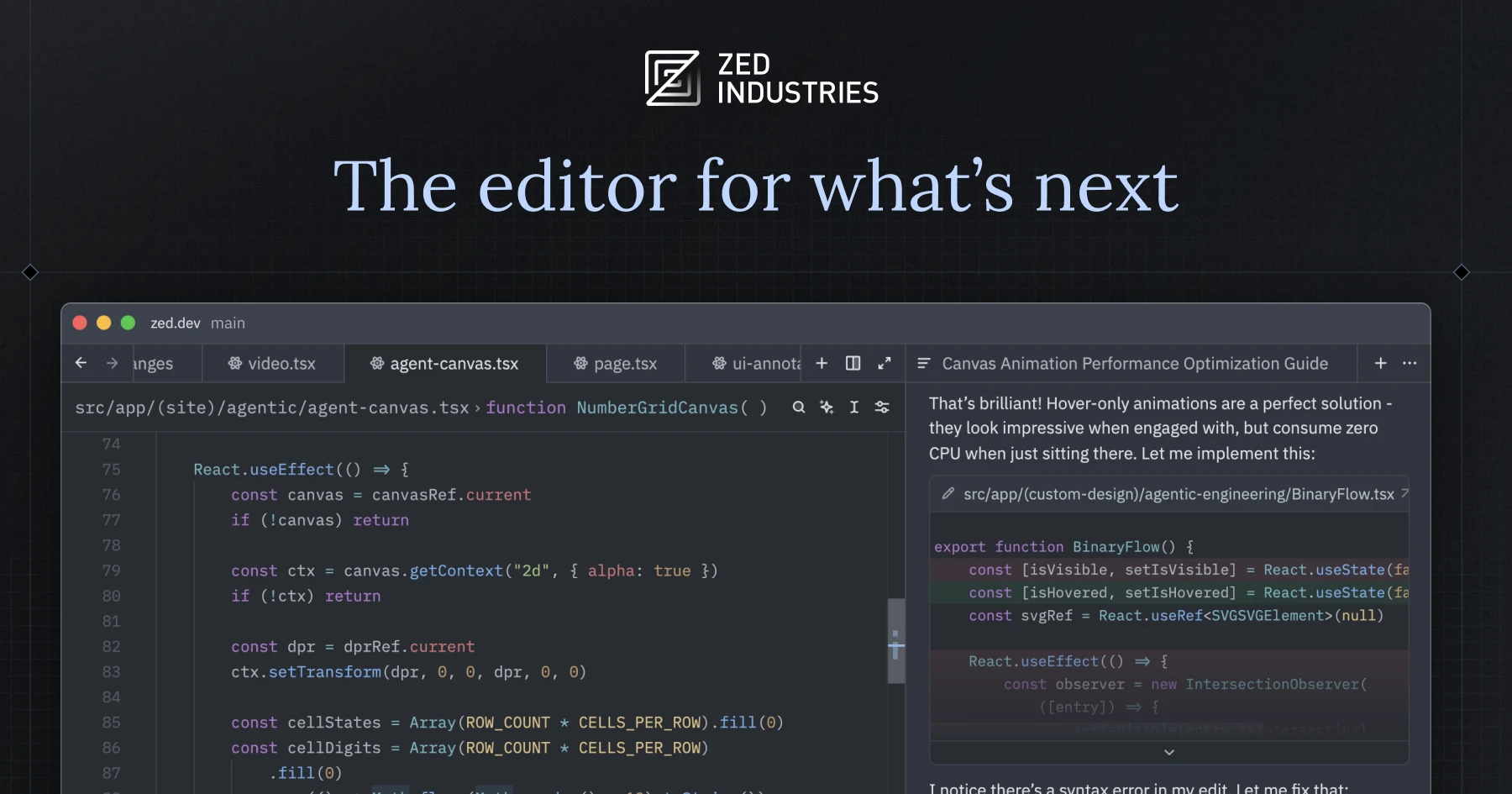
If you want the short version: VS Code remains the safer default for most developers because of its free price, its massive extension marketplace, and deep GitHub Copilot integration. Zed is worth switching to if you want a noticeably faster, GPU-accelerated editor built from scratch in Rust, with a more open approach to plugging in AI coding agents. Below is what actually changed in 2026, verified against Zed's and Microsoft's own pages, and where each editor still falls short.
- Zed hit its 1.0 release in spring 2026 (late April) and is now at version 1.26.2, built in Rust with a GPU-accelerated UI framework called GPUI.
- VS Code is free and open source, built on Electron, and is on version 1.144 as of October 28, 2026.
- Zed's extension catalog is in the "hundreds," per its own extensions page; VS Code's Marketplace has topped 100,000 extensions, per Microsoft.
- Zed connects external coding agents (Claude Agent, Codex, OpenCode, Gemini CLI) through its own open Agent Client Protocol (ACP); VS Code runs GitHub Copilot's agent mode plus the same third-party agent harnesses, including Claude and Codex.
- Zed Pro is $10/month and Zed for Business is $30/seat/month; GitHub Copilot Pro is $10/month and Pro+ is $39/month, with Business and Enterprise priced through sales.
Zed vs VS Code: the short answer
Neither editor is objectively "better" in every case. VS Code wins on breadth: it is free, it runs everywhere, its GitHub Copilot integration is mature, and its extension marketplace means almost any language, framework or workflow already has tooling built for it. Zed wins on depth in a narrower lane: it is faster to open and scroll through large files because it is written in Rust and renders through the GPU instead of a bundled browser, and it treats AI agents as a first-class, swappable layer rather than a single vendor's chat panel bolted onto an existing editor.
If your day-to-day work is extension-heavy — a specific debugger, a niche language server, a company-internal VS Code extension — VS Code is still the pragmatic choice. If you primarily want a lean, responsive editor that lets you bring your own coding agent (Claude Agent, Codex CLI, or something else) and you don't depend on a long tail of extensions, Zed is a credible daily driver in a way it wasn't a couple of years ago.
Zed and VS Code at a glance
The table below compares the two editors on the dimensions that actually drive a switch: cost, architecture, AI model, and extensibility. Numbers are pulled directly from Zed's pricing page, Zed's AI page, Zed's GitHub repository, and GitHub Copilot's plans page.
| Dimension | Zed | VS Code |
|---|---|---|
| Current version | 1.26.2 (October 28, 2026) | 1.144 (October 28, 2026) |
| 1.0 release | Late April 2026 | First released 2015 |
| Core language / rendering | Rust, GPU-accelerated UI (GPUI) | TypeScript/Electron (Chromium + Node.js) |
| License | Open source — GPL-3.0-or-later, with Apache-2.0 components | Open source (MIT-licensed core); the official builds add Microsoft's proprietary branding/telemetry |
| Free tier | Personal: $0 forever, bring your own API keys or external agents, no hosted AI included | Editor itself is free; Copilot Free gives 2,000 inline suggestions/month plus limited chat |
| Paid individual tier | Pro: $10/month, unlimited edit predictions + $5 of hosted-model tokens, overage at provider price + 10% | Copilot Pro: $10/month, $15 in monthly AI credits, unlimited inline suggestions |
| Higher individual tier | — (no equivalent) | Copilot Pro+: $39/month, $70 in monthly AI credits, wider model selection |
| Team tier | Zed for Business: $30/seat/month — org AI policies, data governance, RBAC, unlimited edit predictions | Copilot Business / Enterprise: priced via sales — policy controls, usage metrics, SAML SSO |
| Agent integration | Agent Client Protocol (ACP) — open, lets Claude Agent, Codex, OpenCode and Gemini CLI run inside Zed | GitHub Copilot agent mode plus third-party agent harnesses including Claude and Codex |
| Built-in edit prediction model | Zeta — Zed's own open-weight, open-data model | Copilot's inline suggestion models (closed, Microsoft/GitHub-hosted) |
| "Turn AI off" switch | Yes — a single disable_ai setting turns off every AI surface | No single master switch; Copilot features are enabled/disabled per-feature or by not signing in |
| Extensions | Zed's own page describes "hundreds" of community extensions | Marketplace passed 100,000 extensions per Microsoft's own milestone announcement |
| Platforms | macOS, Linux, Windows | Windows, macOS, Linux, plus a browser version (vscode.dev) |
Performance and architecture: Rust and GPU vs Electron
The architectural difference is the real reason Zed exists. VS Code is built on Electron, which bundles a Chromium renderer and Node.js runtime inside every window — a proven, extension-friendly approach, but one that carries real memory and startup overhead, especially with many extensions loaded. Zed was written from scratch in Rust by the team behind Atom and Tree-sitter, and its UI renders through a custom framework (GPUI) that uses the GPU directly instead of a browser engine. Zed's own homepage frames this explicitly as a response to editors that "use a single CPU core and underutilize the GPU."
In practice this shows up most in large monorepos, long files, and heavy multi-cursor or find-and-replace operations, where Zed's scrolling and input latency are noticeably tighter. It is a harder claim to verify with a specific benchmark number without running one yourself, so treat "Zed feels faster" as a widely repeated qualitative impression rather than a cited figure — but the architectural reason behind it is well documented on Zed's own site.
AI features compared: the Agent Client Protocol vs Copilot agent mode
Both editors now treat AI coding agents as central features rather than add-ons, but they take different approaches to how an agent plugs in.
Zed built the Agent Client Protocol (ACP), which it has open-sourced, specifically so that external agents aren't limited to Zed's own implementation. According to Zed's AI page, you can bring agents like Claude Agent, Codex, Gemini CLI, or OpenCode into the editor over ACP, follow the agent as it works through your codebase, and review its changes in an editable diff before accepting or rejecting them. Zed also connects to MCP servers for extra context, and it offers its own hosted models (such as Claude Opus and GPT-5.4 variants) if you don't want to manage API keys, or lets you run models locally through Ollama.
VS Code's approach runs through GitHub Copilot: a Chat view and a dedicated Agents window that can use a model and tools to find relevant code, make changes, and run checks, with agent harnesses that include Copilot itself, Claude, and Codex. Microsoft's own documentation also describes agent sessions that continue across interfaces — including GitHub's mobile app and the Copilot CLI — with GitHub Environments in preview and cloud sessions still marked experimental. Pandromeda covered the specific feature set Microsoft shipped for VS Code 1.144, including Copilot Fusion and cloud sessions, in a separate release-notes writeup; this piece is about the broader editor choice, not that single release.
For edit predictions specifically — the "ghost text" that guesses your next keystroke — Zed ships its own model, Zeta, which it has open-sourced as both weights and training data, a notably more transparent approach than most competitors. VS Code's inline suggestions run on Copilot's own models, which are not open.
Extensions and ecosystem: hundreds vs 100,000+
This is the starkest gap between the two editors. Zed's own extensions page describes its catalog only as "the hundreds of community-created extensions," covering themes, language servers, and MCP context servers; its most-installed entries (like HTML support) are in the single-digit millions of downloads. VS Code's Marketplace, by contrast, has publicly passed 100,000 extensions according to Microsoft's own milestone announcement, spanning tens of thousands of language extensions and thousands of debuggers.
What that means in practice: if you need a specific, somewhat obscure VS Code extension — a particular cloud vendor's toolkit, a legacy framework's language server, an internal company plugin — there's a real chance Zed simply doesn't have an equivalent yet. Zed is extensible (it uses WebAssembly-based extensions and supports the Language Server Protocol, so most language tooling works even without a dedicated Zed extension), but it hasn't closed the long-tail gap with VS Code's decade-long head start.
Pricing and plans
Both editors are free to download and use as plain text editors. The pricing that matters is for AI features:
- Zed Personal is $0 forever: unlimited use of the editor with your own API keys or external agents, with no hosted AI bundled in.
- Zed Pro is $10/month: unlimited edit predictions plus $5 of hosted-model tokens, with overage billed at the provider's list price plus 10%, and a spending cap you can set yourself. A 14-day free trial is available.
- GitHub Copilot Free gives VS Code users 2,000 inline suggestions a month plus limited chat and agent usage at no cost.
- Copilot Pro is $10/month with $15 of total monthly AI credits and unlimited inline suggestions; Copilot Pro+ is $39/month with $70 of credits and access to a wider model selection, including preview delegation to third-party coding agents.
At the individual level, Zed Pro and Copilot Pro land at the same $10/month price point, but Copilot Pro+ gives power users a $39/month tier Zed doesn't currently match.
Zed for Business vs Copilot Business and Enterprise
Both products now sell a team tier aimed at centralizing AI spend and policy, but with different maturity levels on compliance features.
Zed for Business costs $30 per seat per month, with no minimum seat count for self-serve and invoice billing available above 25 seats. It adds centralized billing, org-wide AI model policies (admins can disable specific hosted models or turn off edit predictions entirely), unified spend visibility per member, and role-based access control. Notably, Zed's own business page states plainly that "SSO, SAML, SCIM, and SOC 2 are not currently available, but we're working on them now" — a real gap for regulated or enterprise buyers today.
GitHub's Copilot Business and Enterprise plans aren't publicly priced; buyers go through sales. Microsoft's Copilot documentation describes enterprise AI policies that let organizations restrict which agents, models, and tools are available on managed devices, alongside usage metrics and SAML SSO support that Zed doesn't yet offer.
Privacy and turning AI off
If you want AI assistance off entirely, Zed has the cleaner single switch: a disable_ai setting in Zed's configuration turns off every AI surface at once — the agent panel, edit predictions, and the inline assistant — and it can be toggled during onboarding for new users. At the Business tier, prompt sharing and edit-prediction training are off by default at the org level, and individual members can't override that unless an admin allows it.
VS Code doesn't ship an equivalent single master switch; Copilot's various features (inline suggestions, chat, agent mode) are controlled individually through settings, and the simplest way to have none of them is to not sign in to Copilot at all.
Who should actually use Zed
Zed makes the most sense if: you work in large codebases where editor latency is a real daily friction point; you want to bring your own agent of choice (Claude Agent, Codex, or another ACP-compatible agent) rather than being tied to one vendor's agent implementation; you're comfortable with a smaller extension ecosystem; and you don't yet need SSO/SAML/SOC 2 for procurement. Developers already comparing agent-native editors and terminal agents may also want to read Pandromeda's look at Claude Code vs Cursor, since Zed's ACP model sits philosophically closer to "bring your own agent" than either of those.
Who should actually use VS Code
VS Code remains the right default if: you depend on specific extensions that don't exist for Zed; your organization already has Copilot Business/Enterprise procurement, SSO, and compliance sorted out; or you simply want the editor with the largest community, documentation base, and job-market familiarity. For a broader look at how VS Code stacks up against other AI-assisted editors beyond Zed, see Pandromeda's existing comparison of VS Code, Cursor and Windsurf.
What to do next
If you're curious but not ready to commit: install Zed alongside VS Code rather than replacing it. Zed's Personal tier is free and doesn't require abandoning your existing Copilot subscription — you can point Zed at your own Claude or Codex API key and try ACP-based agent workflows for a week on a real project, while keeping VS Code open for anything that needs a specific extension. Teams evaluating a wholesale switch should weigh Zed's missing SSO/SAML/SOC 2 support against their compliance requirements before signing a Business contract, and should check Zed's extensions page directly for the specific language servers and tools their stack depends on, since that list changes faster than any article can track.
Frequently asked questions
Is Zed better than VS Code?
Not universally. Zed is faster to run because it's written in Rust and renders through the GPU rather than Electron, and it lets you plug in external AI agents like Claude Agent or Codex through its open Agent Client Protocol. VS Code is better for most people day-to-day because it's free, has a 100,000+ extension marketplace, and has mature GitHub Copilot integration. The right choice depends on whether you need Zed's speed and agent flexibility more than VS Code's extension breadth.
Is Zed free to use?
Yes. Zed's Personal tier is $0 forever and includes unlimited use of the editor with your own API keys or external coding agents, though it doesn't include hosted AI. A Pro tier at $10/month adds unlimited edit predictions and $5 of hosted-model tokens.
What is the Agent Client Protocol (ACP) in Zed?
ACP is an open protocol Zed built so external coding agents can plug directly into the editor rather than being limited to Zed's own built-in agent. Per Zed's AI page, agents like Claude Agent, Codex, Gemini CLI and OpenCode can connect this way, with Zed showing the agent's progress live and letting you review its changes as an editable diff.
Does Zed have as many extensions as VS Code?
No. Zed's own extensions page describes its catalog as being in the hundreds. VS Code's Marketplace has publicly passed 100,000 extensions according to Microsoft's own announcement, so VS Code has a far larger extension ecosystem, especially for niche languages and tools.
Can I turn off AI features in Zed?
Yes. Zed has a single setting, disable_ai, that turns off every AI surface in the editor at once, including the agent panel, edit predictions, and the inline assistant. VS Code doesn't have an equivalent single master switch for Copilot; its AI features are controlled individually.
What is Zed for Business?
Zed for Business is Zed's team tier at $30 per seat per month. It adds centralized billing, org-wide AI model policies, data governance controls, unified spend visibility, and role-based access control. Zed's own business page states that SSO, SAML, SCIM and SOC 2 support are not yet available.
Sources
- Zed — AI features and Agent Client Protocolzed.dev
- Zed — Pricingzed.dev
- Zed — Business planzed.dev
- Zed Industries — zed GitHub repositorygithub.com
- Visual Studio Code — GitHub Copilot overviewcode.visualstudio.com
- GitHub Copilot — Plansgithub.com
Felix Moreau writes Pandromeda's software coverage and how-to guides. He covers Windows, macOS and Linux updates, the apps people rely on, emulators and developer tools, and turns official documentation into clear, numbered steps that work on the current version.