MacBook Pro M6 vs M5 Pro: Which Chip Should You Buy?
Apple sells the 14-inch MacBook Pro with M6 or M5 Pro, while the 16-inch model sticks to M5 Pro and M5 Max. Here is which chip actually fits your work.
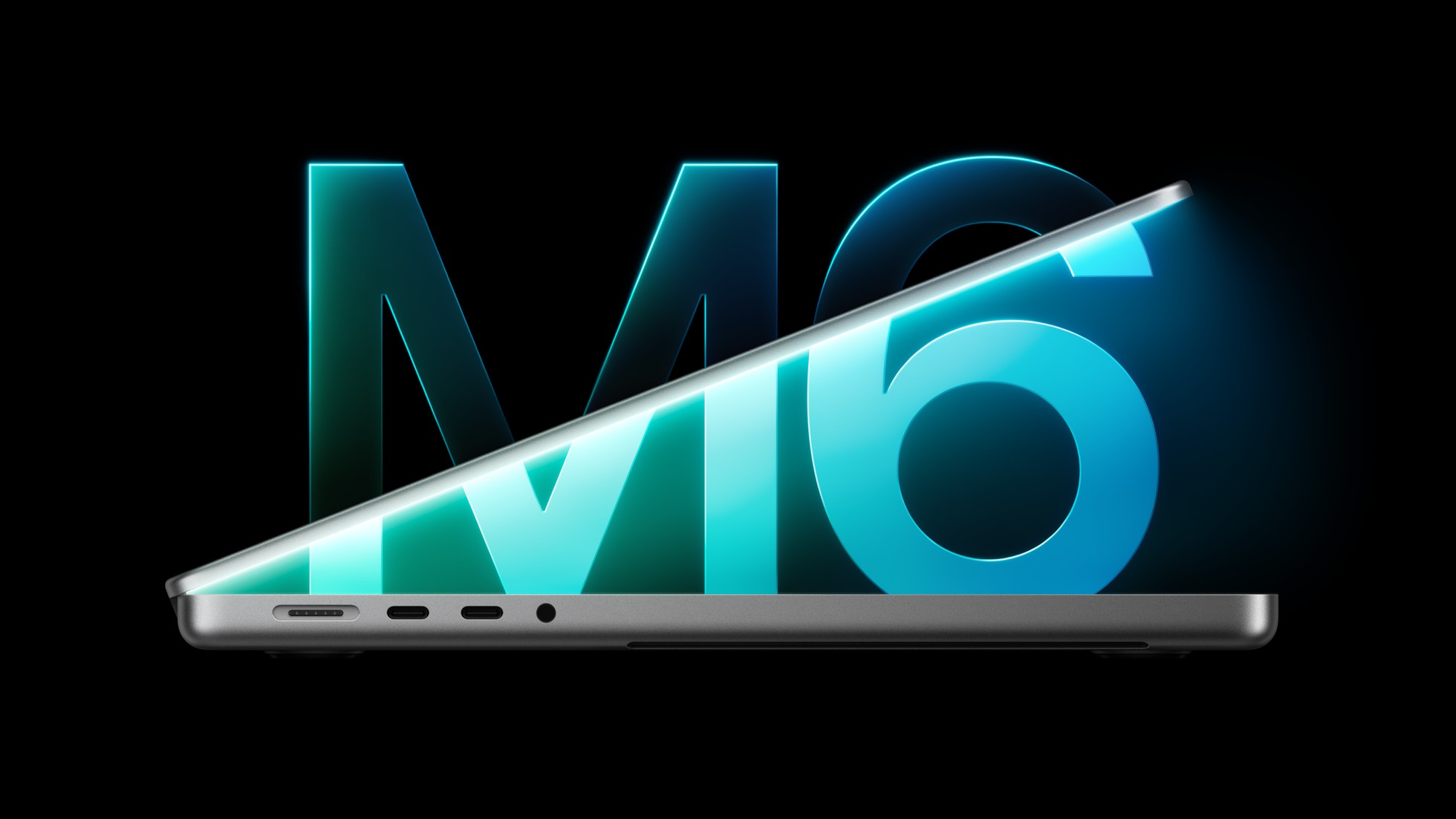
If you just want the short version: buy the 14-inch MacBook Pro with M6 if you do everyday work, light photo and video editing, coding, or general creative tasks and want to spend less. Step up to M5 Pro (or move to the 16-inch model entirely) if you regularly export long 4K or 8K video, work in 3D apps like Cinema 4D or Blender, or run large local AI models, because the extra CPU and GPU cores and faster memory bandwidth are built for exactly that kind of sustained, heavy workload.
As of this week, Apple's own MacBook Pro specs page lists the 14-inch model with a choice of three chips: M6, M5 Pro, or M5 Max. The 16-inch model skips M6 entirely and only comes with M5 Pro or M5 Max. That is a genuinely new decision for anyone shopping right now, and this guide breaks down the cores, memory, display options, battery life, and prices so you can pick the right one without overspending.
- M6, 14-inch: 12-core CPU, 12-core GPU, 16GB to 32GB memory, starts at $1,999.
- M5 Pro, 14-inch or 16-inch: 15-core or 18-core CPU, 16-core to 20-core GPU, 24GB to 64GB memory, starts at $2,499 (14-inch) or $2,999 (16-inch).
- M5 Max, 14-inch or 16-inch: 18-core CPU, 32-core or 40-core GPU, 36GB to 128GB memory, starts at $4,099 (14-inch) or $4,399 (16-inch).
- Only the 14-inch chassis offers M6. If you want a 16-inch screen, your chip choice is M5 Pro or M5 Max.
What Just Changed: M6 Joins the MacBook Pro Lineup
Apple's M5 Pro and M5 Max MacBook Pro models have been on sale since March 2026. The newer addition is the M6 chip, which Apple added to the 14-inch MacBook Pro as a lower-cost, lower-tier option alongside the existing M5 Pro and M5 Max configurations, rather than replacing them. We covered the specs and pricing rumors for this chip before it officially shipped, and Apple's current specs and buy pages confirm the chip is now live and purchasable.
According to Apple's own October 2026 announcement, the M6 14-inch MacBook Pro has a 12-core CPU and 12-core GPU, two more GPU cores than the outgoing M5 model it replaces at the entry tier. Apple says the new GPU delivers up to 30 percent faster graphics performance and up to 25 percent faster on-device AI workloads compared with that base M5 model, with the Neural Engine running up to 1.9 times faster. Apple also claims up to 1.3 times faster results in Blender ray-traced rendering and Xcode project builds versus the previous base model, and up to 1.2 times faster image processing in Affinity apps. Those comparisons are against the entry-level M5 chip that M6 replaces, not against M5 Pro or M5 Max, so they do not tell you how M6 stacks up against the step-up chips covered below.
CPU and GPU Cores: Where the Real Gap Is
Core counts are the clearest way to see the difference between these Apple silicon chips, and Apple's specs page breaks each chip down into "super," performance, and efficiency cores.
- M6: 12-core CPU (2 super cores, 4 performance cores, 6 efficiency cores) and a 12-core GPU.
- M5 Pro: 15-core CPU (5 super cores, 10 performance cores, no efficiency cores) with a 16-core GPU, configurable to an 18-core CPU (6 super, 12 performance) with a 20-core GPU.
- M5 Max: 18-core CPU (6 super cores, 12 performance cores, no efficiency cores) with a 32-core GPU, configurable to a 40-core GPU.
Notice that M5 Pro and M5 Max drop efficiency cores entirely in favor of more super and performance cores, which is exactly what you want for workloads that run flat-out for a long time, like a multi-hour video export or a batch 3D render. M6 keeps efficiency cores for better power management during everyday, bursty tasks, which is part of why Apple can still claim strong battery life out of a smaller, cheaper chip.
Unified Memory and Bandwidth
Memory bandwidth, not just capacity, is the other major split between these chips. M6 tops out at 170GB/s of memory bandwidth, while M5 Pro reaches 307GB/s and M5 Max reaches up to 614GB/s on the 40-core GPU configuration. That bandwidth matters most for GPU-heavy work like color grading, 3D viewport performance, and large AI models, where the chip needs to move huge amounts of data in and out of memory continuously.
- M6: 16GB (153GB/s), or 24GB/32GB (170GB/s).
- M5 Pro: 24GB or 48GB with the 16-core GPU; 24GB, 48GB, or 64GB with the 20-core GPU.
- M5 Max: 36GB with the 32-core GPU; 48GB, 64GB, or 128GB with the 40-core GPU.
If you're unsure how much memory your own workload actually needs before you spend the extra few hundred dollars a bigger config costs, our RAM buying guide walks through how to estimate that for typical creative and everyday use cases.
Price and Configuration Comparison
Here is how the starting (base) configuration of each chip tier prices out directly from Apple's own store, all in the 14-inch chassis unless noted, pulled from Apple's buy page on October 28, 2026.
| Model / Chip | CPU cores | GPU cores | Unified memory | Display size | Starting price |
|---|---|---|---|---|---|
| 14-inch, M6 | 12 | 12 | 16GB (up to 32GB) | 14.2-inch | $1,999 |
| 14-inch, M5 Pro | 15 (up to 18) | 16 (up to 20) | 24GB (up to 64GB) | 14.2-inch | $2,499 |
| 14-inch, M5 Max | 18 | 32 (up to 40) | 36GB (up to 128GB) | 14.2-inch | $4,099 |
| 16-inch, M5 Pro | 18 | 20 | 24GB (up to 64GB) | 16.2-inch | $2,999 |
| 16-inch, M5 Max | 18 | 32 (up to 40) | 36GB (up to 128GB) | 16.2-inch | $4,399 |
In other words: moving from the base M6 to the base M5 Pro, both in the 14-inch chassis, costs $500 more. Moving from M6 up to the 16-inch M5 Pro costs $1,000 more. If you actually need M5 Max, the jump from the base M6 is $2,100 (14-inch) or $2,400 (16-inch). Storage is also tiered by chip: M6 starts at 1TB, M5 Pro starts at 1TB, and M5 Max starts at 2TB, so part of that price gap buys you more baseline storage too, not just a faster chip.
Display and Size Options
This is the part of the decision that's easy to miss: chip choice and screen size are tied together. The 14-inch MacBook Pro is available with M6, M5 Pro, or M5 Max. The 16-inch MacBook Pro is only available with M5 Pro or M5 Max — there is no 16-inch M6 configuration on Apple's site. So if a bigger screen and larger keyboard deck matter to you, M6 simply isn't an option; you're choosing between M5 Pro and M5 Max in the 16-inch body.
Both sizes use the same Liquid Retina XDR panel technology: up to 1,000 nits of sustained full-screen brightness (1,600 nits peak for HDR highlights), a 1,000,000:1 contrast ratio, and ProMotion refresh rates up to 120Hz, with an optional nano-texture matte finish on either size. The 14-inch panel runs at 3024x1964 resolution and the 16-inch at 3456x2234, both at 254 pixels per inch, so text and image sharpness is identical between sizes — you're really just choosing physical screen area and the chip options that come attached to it.
Battery Life
Battery life actually favors the cheaper chip in the same chassis, which surprises some buyers. In the 14-inch body, Apple rates M6 for up to 24 hours of video streaming and up to 16 hours of wireless web browsing. M5 Pro in the same chassis drops to up to 22 hours of video streaming and 14 hours of wireless web, and M5 Max drops further to up to 20 hours of video and 13 hours of wireless web. All three share the same 72.4-watt-hour battery, so the difference comes down to the extra CPU and GPU cores on M5 Pro and M5 Max drawing more power under load.
The 16-inch chassis has a larger 100-watt-hour battery and correspondingly longer runtimes: up to 24 hours of video and 17 hours of wireless web on M5 Pro, and up to 22 hours of video and 16 hours of wireless web on M5 Max. So if all-day battery life away from a charger is your top priority, the 16-inch M5 Pro actually posts the best combined numbers in the current lineup, ahead of even the 14-inch M6.
Who Should Buy the M6 MacBook Pro
The 14-inch M6 model makes the most sense if your day-to-day work is web browsing, email, documents and spreadsheets, light photo editing, video calls, coding in moderate-sized projects, or casual creative work in apps like Pixelmator Pro or Final Cut Pro on shorter clips. Apple's own comparisons show meaningful generational gains in GPU and on-device AI performance at this tier, and you get the lowest entry price in the current lineup along with excellent battery life. If you're replacing an aging Intel Mac or an M1/M2-era MacBook Pro for general use, M6 is very likely enough laptop, and it frees up budget for more memory or storage instead of a bigger chip you won't fully use.
Who Should Buy M5 Pro or M5 Max
Step up to M5 Pro if you regularly work with large RAW photo libraries, multi-track audio production, software development on large codebases, or moderate 3D and motion graphics work. The jump to 15 or 18 CPU cores with no efficiency-core tradeoff, nearly double the memory bandwidth, and up to 64GB of unified memory handles sustained, heavier workloads far more comfortably than M6.
Go all the way to M5 Max only if you have a specific, demanding reason to: professional color grading and finishing on 4K/8K footage, heavy 3D rendering in Blender, Cinema 4D, or Maya, running large local AI/LLM workloads, or any job where that up-to-614GB/s of memory bandwidth and up to 128GB of unified memory is the actual bottleneck in your current workflow. For most creative professionals, M5 Pro is the better value; M5 Max is a specialist's chip, and its price reflects that.
Context: This Isn't the Rumored Touchscreen Model
It's worth being clear about what this comparison does and doesn't cover. This article is strictly about the MacBook Pro configurations with M6, M5 Pro, and M5 Max chips that are currently listed for sale on Apple's own site. There has also been reporting about a separate, unreleased MacBook Pro redesign with an OLED touchscreen tied to a rumored Apple event; we've tracked that separately in our coverage of Apple's second October event rumors. Nothing about that unreleased product is confirmed by Apple as of this writing, and it has no bearing on the shipping M6, M5 Pro, and M5 Max models compared here. For background on how this product line has evolved over the years, Wikipedia keeps a general history of the MacBook Pro lineup.
What to Do Next
If you've read this far and still aren't sure, use this simple test: open your current MacBook's Activity Monitor (or just think about your heaviest week of work in the last few months) and ask whether you've ever had a task pin the CPU or GPU at 100 percent for more than a few minutes at a stretch — a long export, a big render, a huge compile. If the honest answer is "rarely or never," buy the 14-inch M6 and put any savings toward more storage. If the answer is "yes, regularly," buy M5 Pro, and only go to M5 Max if you've already specifically identified memory bandwidth or core count as a bottleneck in that work. Either way, configure memory based on your actual files and projects, not a guess, and check Apple's buy page directly before ordering, since configuration availability can shift.
Frequently asked questions
Can I get the 16-inch MacBook Pro with the M6 chip?
No. As of Apple's current lineup, the 16-inch MacBook Pro is only available with M5 Pro or M5 Max. The M6 chip is exclusive to the 14-inch model.
How much more does the M5 Pro MacBook Pro cost than the M6 model?
At their base configurations, the 14-inch M5 Pro model costs $500 more than the 14-inch M6 model ($2,499 versus $1,999), based on Apple's own buy page.
Is the M6 chip faster than M5 Pro?
No. M6 is Apple's entry-level chip for this generation, with fewer CPU and GPU cores and less memory bandwidth than M5 Pro. Apple's own performance claims for M6 compare it to the previous base M5 chip, not to M5 Pro or M5 Max.
Which MacBook Pro configuration has the best battery life?
The 16-inch M5 Pro model, which Apple rates for up to 24 hours of video streaming and up to 17 hours of wireless web browsing, the longest runtime in the current lineup.
How much unified memory can each chip support?
M6 tops out at 32GB, M5 Pro tops out at 64GB, and M5 Max can be configured with up to 128GB of unified memory, according to Apple's specs page.
Is a 16-inch MacBook Pro with M6 coming later?
Apple has not announced one. As of this writing, the 16-inch MacBook Pro remains available only with M5 Pro or M5 Max chips.
Sources
Mara Lindqvist edits the hardware desk. She covers graphics cards, processors, memory and storage, the foundries and chip designers behind them, and what the numbers on a spec sheet mean for people choosing a PC. Specifications in her stories come from manufacturer spec pages and datasheets.