Slack Big Mode, Code Channels, and Deep Research: What's New
Slack's agent-first update adds Big Mode for full-screen AI work, Code channels for building software with Claude, Devin, Copilot, and Vercel, plus Deep Research for cited answers.
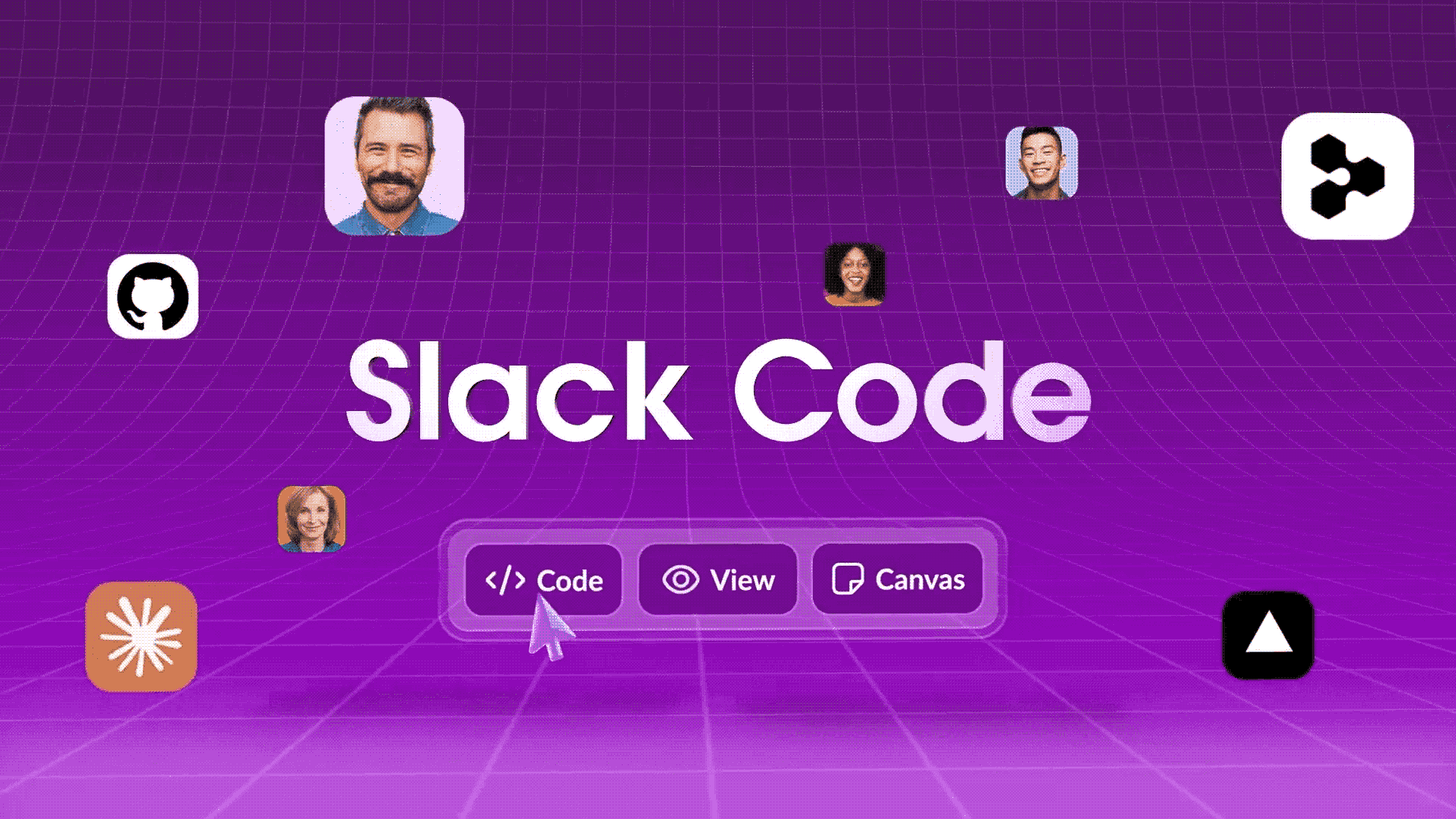
Slack has rolled out three connected features that push the app further into agent territory: Big Mode, a full-screen workspace for long-form AI work; Code channels, temporary spaces where teammates and coding agents like Claude, Devin, GitHub Copilot, and the Vercel agent build software together; and Deep Research, which digs across an organization's Slack data and the public web to produce a cited report instead of a quick answer. Here's what each one actually does, which Slack plans include them, and how to turn them on.
- Big Mode — a full-screen Slackbot workspace for research, writing, analysis, and file generation, announced August 27, 2026.
- Code channels (Slack Code) — auto-created, temporary channels for humans and coding agents to plan, code, and ship together, announced August 20, 2026.
- Deep Research — an open-ended research mode that reasons across internal Slack data and the web, then returns a cited report.
- Coding agents supported at launch: Claude, Devin, GitHub Copilot, and the Vercel agent, with ChatGPT listed as coming soon.
- Advanced Slackbot features (including Big Mode and Deep Research) are unlimited for Enterprise+ customers at launch; other plans get standard AI features.
What's actually new in Slack's agent-first update
Slack has spent 2026 repositioning itself as what it calls "the front door to the agentic enterprise" — a single place where people, AI agents, and connected apps work in the same channels instead of people bouncing between a chat app and a separate AI tool. Slack laid out that framing in a blog post tied to its September 2026 Dreamforce presence, describing Slackbot as the "AI teammate" at the center of the workspace, with agents from partners like GitHub and Vercel plugged directly into channels rather than living in their own tabs.
Three shipped features carry that pitch, and they arrived close together over about five weeks: Code channels went live first, detailed in a Slack blog post on August 20, 2026; Big Mode and Deep Research followed a week later, both detailed in Slack's own announcement on August 27, 2026; and Slack rolled a recap of all three into its Dreamforce messaging on September 15, 2026. None of them are rumors or roadmap items — all three are live in production Slack workspaces today, though availability still depends on your plan (more on that below).
It's worth being precise about the timeline here, because search interest in "Slack AI agents" has spiked well after the actual ship dates: these aren't brand-new features as of this week, they're features that shipped in late August 2026 and that Slack has continued to promote through its September event cycle.
Big Mode: a full-screen workspace for deep AI work
Big Mode expands Slackbot out of the narrow sidebar panel into a full-screen view built for work that takes more than a couple of messages to finish. According to Slack, it's meant for "long-form research, multi-step analysis, file generation, and iterative drafting" — the kind of task where you'd normally tab away to a separate document or research tool and lose the thread of the original Slack conversation.
In practice, that means you can ask Slackbot to pull together a multi-page strategy brief or a post-mortem, watch it work in a larger canvas with more room for long outputs, and then push the finished document into a Slack Surface — a pinned, live view built from a conversation that a whole channel can filter, comment on, and act on — for the rest of the team to review, all without leaving the conversation it started in. Slack frames the benefit as continuity: it's still the same thread, just with more space to work in.
Big Mode ships alongside a handful of related Slackbot updates from the same release: Skill Sets, which let admins bundle related Slackbot skills for a team; an upgraded Tasks tab for tracking scheduled Slackbot jobs; and a Skills Admin dashboard for usage tracking across an org. If you're comparing Slack's approach to other AI-native workspace tools that also blend documents and AI assistance, it's worth checking how tools like Notion and Obsidian handle AI features and privacy before standardizing on one.
Code channels: coding agents join the team chat
Code channels — Slack's name for the feature is "Slack Code" — are temporary, auto-created channels where a team and a coding agent work through a software task together, from planning to shipping, with the code diffs and live previews visible to everyone in the channel instead of hidden in one person's agent session.
Here's the mechanic: mention a supported coding agent from an existing conversation, and Slack spins up a dedicated code channel for that task. The channel pulls in relevant teammates, the agent posts progress, code diffs, and interactive Block Kit controls as it works, and the channel auto-archives (while staying searchable) once the work is done. Slack says more than 70% of code channels launch and close within a single day.
At launch, Slack Code works with four coding agents: Claude (Anthropic), Devin (Cognition), GitHub Copilot, and the Vercel agent, with OpenAI's ChatGPT listed as "coming soon." GitHub's chief product officer, Mario Rodriguez, described the pitch from his side as: "Humans set direction, agents close the loop... we're bringing Copilot into the flow of conversation in code channels to help teams turn shared intent into shippable software." Vercel's CTO, Malte Ubl, put it more simply: "Slack is already where our teams work, so it's where working with agents makes sense... Building software becomes something the whole team does together."
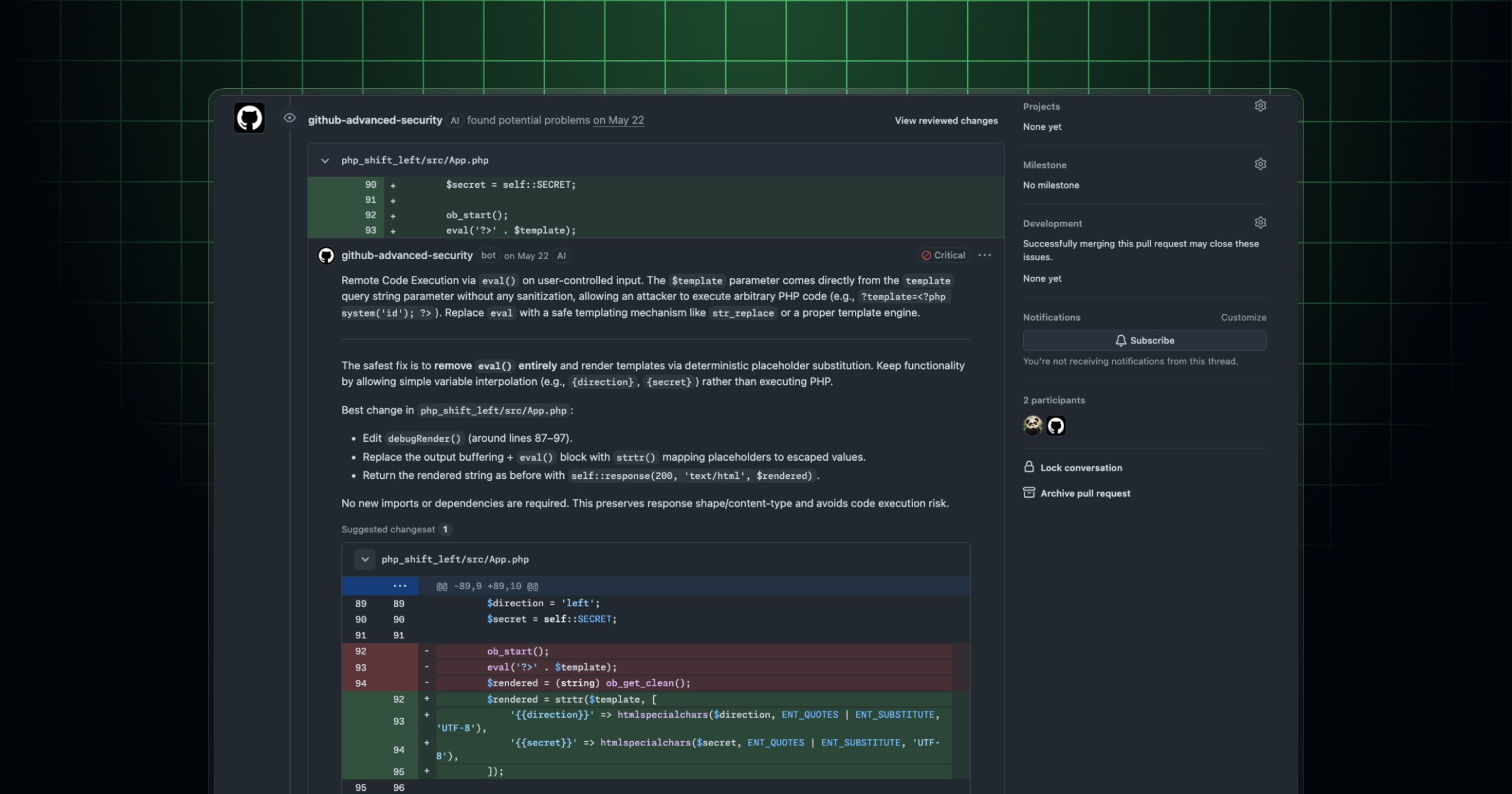
On the developer side, Slack published technical documentation for partners building on top of Slack Code, including a new code.channels:manage OAuth scope (nested under the existing assistant:write scope) that lets an agent create a code channel, stream progress, publish code diffs, canvases, and HTML previews, and manage the channel's lifecycle through to archiving. Slack's developer blog describes the design goal directly: "Slack Code isn't a separate interface for agents. It's a dedicated collaboration space built from the same primitives Slack already uses for teamwork." Those partner APIs are currently in beta for select agent partners rather than open to every developer. If your team is also picking a coding agent to standardize on, our comparison of Cursor, GitHub Copilot, Claude Code, and Codex pricing is a useful next read, and if you're keeping your editor itself up to date, see what changed in the latest VS Code release.
Deep Research: cited answers, not just quick ones
Deep Research is Slackbot's mode for open-ended questions that would otherwise take a person hours of manual digging. Instead of returning a fast, shallow answer, Slackbot works through an organization's own Slack data and the public web, reasons across what it finds, and synthesizes the result into a report with citations attached to its claims. Slack's own example: an account executive who used to spend hours pulling together a competitive brief can now get one back in minutes.
Deep Research and Big Mode are designed to work together — a Deep Research query can be the kind of longer job that benefits from the extra screen space Big Mode provides, rather than being two entirely separate tools. Because the report cites its sources, a manager or teammate reading the output can check where a given claim came from — an internal channel, a shared document, or a specific external page — rather than taking a generated summary on faith.
Slack hasn't published a separate technical breakdown of which external sources Deep Research is allowed to crawl or how it weighs internal data against public web results; the company's own post describes the behavior at a product level (digging across "your org's data and the web") without detailing the underlying retrieval mechanics. Anyone rolling this out to a team that handles sensitive data should check their org's Slack admin settings and Slack's help documentation for the current data-access controls before turning it on broadly.
Filtering activity: people, agents, and apps
As more agents post into channels alongside people, Slack has also been reworking its Activity tab so the extra traffic doesn't drown out human messages. In a May 2026 update to the Activity view, Slack added saved views and filters so teams can organize notifications by type, channel, or section — for example, letting an ops team filter down to just app and workflow notifications, or an account team jump straight to account-channel activity. Slack frames this directly as infrastructure for a workspace where "the volume of meaningful signals is only going to increase" as more Agentforce agents and connected tools post into Slack. It's the plumbing that makes it possible to keep tabs on agent work in Code channels without losing track of what actual teammates are saying.
Big Mode vs. Code channels vs. Deep Research: quick comparison
| Feature | What it's for | How you start it | Where it lives |
|---|---|---|---|
| Big Mode | Long-form research, writing, analysis, file generation | Expand a Slackbot conversation to full screen | Full-screen Slackbot view |
| Code channels (Slack Code) | Multiplayer software work with a coding agent | Mention a supported coding agent in any conversation | A new, temporary, auto-archiving channel |
| Deep Research | Open-ended questions needing evidence from Slack data + the web | Ask Slackbot a research-style question | A cited report, viewable in Big Mode |
How to turn on Big Mode
Big Mode is built into Slackbot rather than being a separate app to install. To use it: open a conversation with Slackbot, ask for something that qualifies as longer-form work — a brief, a draft, a multi-step analysis — and look for the option to expand that conversation into the full-screen Big Mode view. From there, you can keep iterating on the draft, generate files, and then send the finished output to a Slack Surface so the rest of the channel can see and act on it, without ever leaving the original thread.
How to start a code channel with Claude, Devin, Copilot, or Vercel
To start a code channel, mention one of the supported coding agents — Claude, Devin, GitHub Copilot, or the Vercel agent — from inside a project or team channel, describing the task you want done. Slack automatically spins up a dedicated code channel for that task, pulls in the relevant teammates, and the agent begins posting its plan, code diffs, and any interactive previews directly into the channel. Everyone in the channel can comment, request changes, or approve the work before anything ships; once the task is finished, the channel closes automatically but stays searchable for later reference.
Which Slack plan do you need?
Slack's pricing page lists baseline AI features — Slackbot, AI conversation summaries, AI search, and AI daily recaps — across its Free, Pro, and Business+ tiers. The heavier "Advanced Features" that Big Mode and Deep Research draw on are called out specifically for Enterprise+: Slack says Enterprise+ customers have no limits on Advanced Slackbot Features at launch, while standard Slackbot messaging use remains unlimited across Enterprise+ as well, with any future limits introduced with 30 days' notice. Slack Code's coding-agent integrations are documented separately as a beta program for partner agents rather than a line item on the pricing page, so teams that want it should check directly with Slack or their account team for current availability on their plan.
What's next
Slack has already signaled more is coming: ChatGPT is listed as a "coming soon" coding agent for Code channels, and the company's broader Dreamforce messaging points to deeper integration between Slackbot, Salesforce's Agentforce agents, and the wider set of tools a company connects to Slack. For now, the fastest way to see whether any of this changes your team's day-to-day is to try Big Mode on a real research or writing task, and — if your engineering team already uses Claude, Devin, Copilot, or Vercel — mention one of them in a project channel and watch a code channel spin up. Slack's own product pages and the sources below are the places to check for updates as plan availability and the agent roster evolve.
Frequently asked questions
What is Slack Big Mode?
Big Mode is a full-screen version of the Slackbot workspace, built for longer tasks like research, writing, analysis, and file generation. It keeps you in the same conversation but gives you more room to work than the standard sidebar panel.
What are Slack Code channels?
Code channels (Slack's product name is "Slack Code") are temporary, automatically created channels where a team and a coding agent work through a software task together. They show code diffs and live previews to everyone in the channel and auto-archive once the work is finished.
Which coding agents work in Slack Code channels?
At launch, Slack Code supports Claude (Anthropic), Devin (Cognition), GitHub Copilot, and the Vercel agent. Slack has listed OpenAI's ChatGPT as a coding agent that is coming soon.
What is Slack Deep Research?
Deep Research is a Slackbot mode for open-ended questions. It searches across an organization's own Slack data and the public web, reasons through what it finds, and returns a synthesized report with citations rather than a quick, unsupported answer.
Which Slack plan includes Big Mode and Deep Research?
Slack says the Advanced Slackbot Features that power Big Mode and Deep Research are unlimited for Enterprise+ customers at launch. Free, Pro, and Business+ plans include Slack's standard AI features, such as Slackbot, AI search, and AI summaries, per Slack's pricing page.
Do Code channels stay around permanently?
No. Slack designed code channels to be temporary: they spin up automatically when a coding agent is mentioned and auto-archive once the task is complete, though Slack says the archived channel remains searchable afterward.
Sources
- Slackbot: Your Agentic AI Workspace for Deep Work (Slack)slack.com
- Slack Code: Where Your Team and Agents Build Together (Slack)slack.com
- Slack: The Front Door to the Agentic Enterprise (Slack)slack.com
- Slack Code: A Dedicated Place for Agent Work (Slack Developer Blog)slack.dev
- Slack Pricingslack.com
- Slack Activity: The Triage Approach to Notification Overload (Slack)slack.com
Felix Moreau writes Pandromeda's software coverage and how-to guides. He covers Windows, macOS and Linux updates, the apps people rely on, emulators and developer tools, and turns official documentation into clear, numbered steps that work on the current version.