Google Workspace vs Microsoft 365: Price, Storage, Apps Compared
A head-to-head look at Google Workspace vs Microsoft 365 pricing, storage, apps and AI features, for individuals, families and small businesses alike.
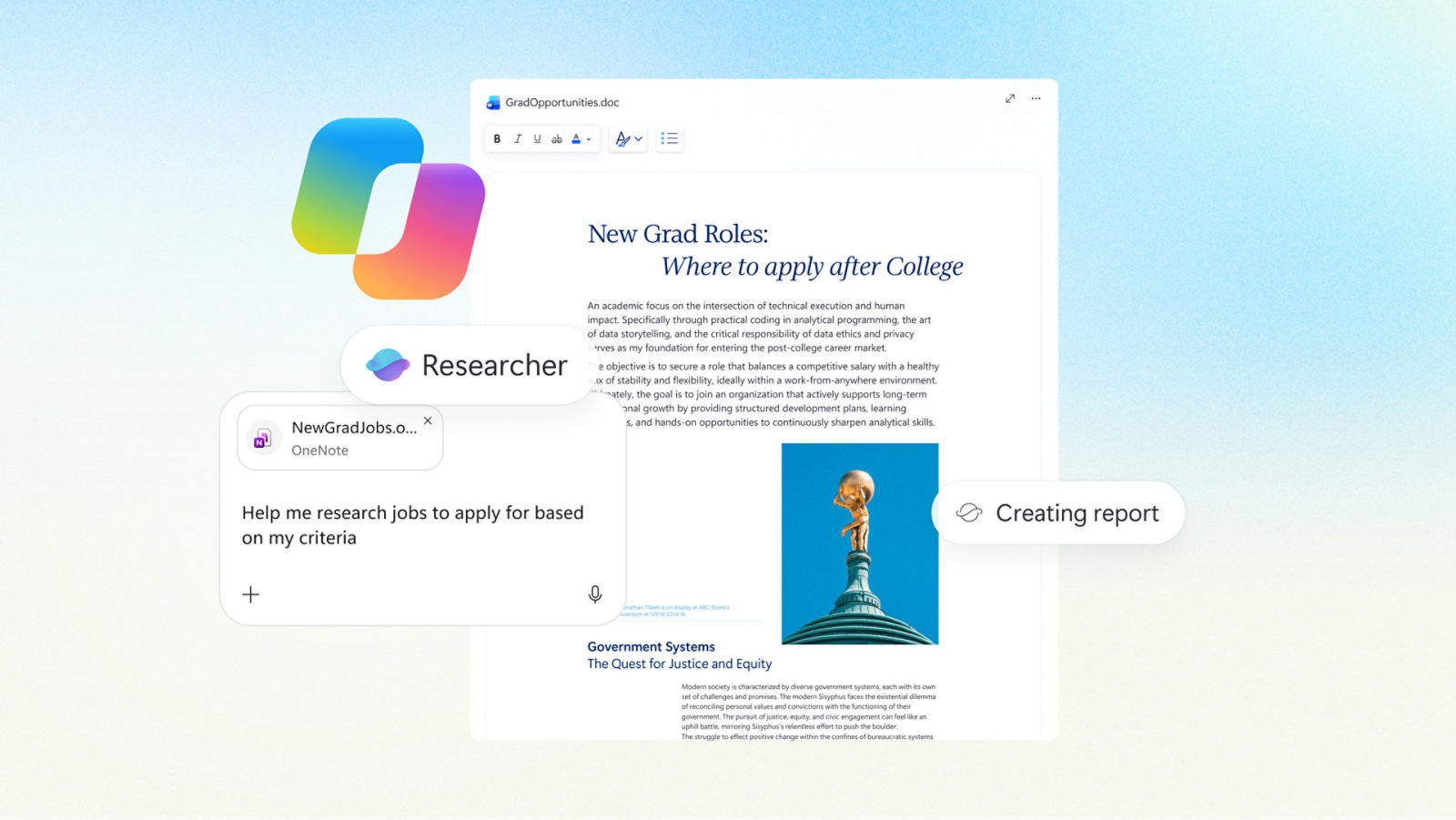
Google Workspace and Microsoft 365 both bundle email, documents, spreadsheets, video calls and built-in AI for a flat monthly fee, but the two suites split on how they charge for storage and AI. Google Workspace ties storage to the plan (30 GB on Business Starter up to 5 TB on Business Plus) and now folds Gemini into every paid tier at no extra cost. Microsoft 365 gives every business tier a flat 1 TB of OneDrive storage regardless of price, keeps full Copilot AI as a separate paid layer on top of some plans, and is the only one of the two with a genuine paid consumer tier (Personal and Family) that bundles desktop apps, storage and AI for one household price. For most small teams that live in a browser, Google Workspace Business Standard is the simpler buy; for anyone who needs the full desktop versions of Word, Excel and PowerPoint, or who wants one subscription to cover an entire household, Microsoft 365 is the better fit.
The short version: Google Workspace Business Standard costs $14/user/month (annual) with 2 TB of pooled storage and Gemini AI built in everywhere. Microsoft 365 Business Standard costs the same $14/user/month but with 1 TB of storage per user and no bundled Copilot AI — adding full Copilot costs roughly $18–21/user/month more. For individuals, Microsoft 365 Personal ($9.99/month, 1 TB, full desktop Office apps, Copilot included) has no direct Google equivalent; Google's core apps are free and AI/extra storage are sold separately through Google One.
Pricing plans compared
Both suites price per user per month, with a discount for paying annually versus month-to-month, and both now bundle at least some AI into every paid business tier. The business-plan line-ups look similar on paper but diverge once you look at what AI actually costs on top.
| Plan | Price (annual, per user/mo) | Storage | AI included |
|---|---|---|---|
| Google Workspace Business Starter | $7.00 | 30 GB | Gemini in Gmail, basic Gemini app access |
| Google Workspace Business Standard | $14.00 | 2 TB (pooled) | Gemini across Gmail, Docs, Sheets, Meet, Gemini Notebook |
| Google Workspace Business Plus | $22.00 | 5 TB (pooled) | Same Gemini features + Vault, advanced security |
| Google Workspace Enterprise | Custom | 5 TB+ (negotiable) | Full Gemini Enterprise feature set |
| Microsoft 365 Business Basic | $7.00 | 1 TB | Copilot Chat only (no full Copilot) |
| Microsoft 365 Apps for Business | $10.00 | 1 TB | None (desktop apps only, no Teams) |
| Microsoft 365 Business Standard | $14.00 ($23.50 with Copilot bundled) | 1 TB | Copilot Chat; full Copilot as paid bundle/add-on |
| Microsoft 365 Business Premium | $22.00 ($32.00 with Copilot bundled) | 1 TB | Copilot Chat; full Copilot as paid bundle/add-on |
Microsoft's standalone Copilot add-on for eligible Business Basic, Standard or Premium plans lists at $21/user/month, discounted to $18/user/month as a promotional rate through the end of 2026. Google doesn't charge a separate AI add-on for business plans — Gemini is simply part of the subscription from Business Starter up, which is the single biggest structural difference between the two suites on pricing, according to Google Workspace's own pricing page and Microsoft's Business plan comparison page.
Storage: pooled vs. per-user
This is where the two suites' pricing logic actually diverges most. Google Workspace storage is pooled per user and scales sharply by tier: 30 GB on Business Starter, a 65x jump to 2 TB on Business Standard, and 5 TB on Business Plus and Enterprise (which can be increased further on request). Microsoft 365 takes the opposite approach — every business tier, from the $7 Basic plan to the $22 Premium plan, includes the same flat 1 TB of OneDrive storage per user, plus a 100 GB Exchange Online mailbox (50 GB archive on Basic/Standard, 1.5 TB archive on Premium). That means a Microsoft 365 Business Basic user gets more raw storage than a Google Workspace Business Starter user for the identical $7 price, but a Google Workspace Business Standard user ends up with twice the storage of their Microsoft 365 Business Standard counterpart at the same $14 price point. If storage headroom is the deciding factor, it's worth reading our dedicated breakdown of how OneDrive, Google Drive and Dropbox storage and pricing stack up before committing to either ecosystem.
Apps included in each suite
Both suites cover the same basic categories — email, word processing, spreadsheets, presentations, video meetings, chat and cloud storage — but differ in app identity and, for Microsoft, in how much runs in a browser versus on the desktop.
- Google Workspace: Gmail, Docs, Sheets, Slides, Drive, Meet, Chat, Calendar, Forms, Sites, Keep, Tasks, and (from Business Standard up) Vids for AI-assisted video creation and a Gemini-powered "Gemini Notebook" for turning files into audio overviews.
- Microsoft 365: Outlook, Word, Excel, PowerPoint, OneNote, Teams, OneDrive, SharePoint, Loop, Clipchamp, and Microsoft Defender for endpoint security on every business tier. Business Basic and Apps for Business ship web/mobile or desktop apps respectively; Business Standard and Premium are the only tiers that include both full desktop apps and Teams together.
Microsoft's apps are generally considered the deeper, more feature-dense option for complex spreadsheets, long documents and desktop-grade formatting — Excel and Word still set the formatting and macro compatibility bar most businesses measure against. Google's apps are lighter, load faster in a browser, and are built around real-time, Google Docs-style co-editing from the ground up rather than as a layer added on top of desktop software.
Collaboration and meetings
Google Meet and Microsoft Teams anchor each suite's video layer, and both now scale participant caps by tier. On Google Workspace, Business Starter supports meetings up to 100 participants, Business Standard up to 150, and Business Plus up to 500, with meeting recording, noise cancellation, hand-raising, breakout rooms, polling and Q&A unlocked progressively from Standard up. Microsoft 365's Teams is included on Business Basic, Standard and Premium (not on Apps for Business, which excludes chat/calling entirely), and layers in device management, Loop workspaces for collaborative notes, and Clipchamp for video editing on every business tier rather than gating them by price the way Google does with Vids.
Real-time document co-editing is near-identical in practice on both platforms — multiple people editing a Doc or Sheet, or a Word file or Excel sheet stored in OneDrive/SharePoint, simultaneously with visible cursors and comments. The practical difference shows up in file-sharing defaults: Google Drive links and sharing permissions are generally considered more intuitive for ad-hoc external sharing, while SharePoint/OneDrive sharing is more deeply tied into Microsoft's broader identity and compliance stack, which matters more once a business grows past a handful of employees.
AI features: Gemini vs. Copilot
This is the fastest-moving part of the comparison. Google has now folded Gemini into every paid Workspace tier — Business Starter gets Gemini in Gmail and basic Gemini app access, while Business Standard and up add Gemini across Docs, Sheets, Meet (live translated captions, AI notetaking) and the Gemini Notebook tool, with no separate AI invoice, according to Google's own Workspace AI overview. Microsoft's approach keeps a free "Copilot Chat" baked into every Business tier, but reserves the fuller, work-context-aware Copilot experience — drafting in Word, formula help in Excel, meeting summaries in Teams — for Business Standard and Premium plans "with Copilot" bundled in (at $23.50 and $32/user/month respectively) or as an $18–21/user/month add-on to a cheaper base plan, per Microsoft's own pricing breakdown. In practice, a business that wants full AI in every app pays less overall with Google Workspace (Gemini is already in the $14 Standard price), while a business that wants deep AI inside Excel formulas and long Word documents specifically may still prefer paying extra for Copilot. For PC buyers wondering whether Copilot requires new hardware, our explainer on what a Copilot+ PC actually requires covers the device side of that question, and Google's own AI-in-the-browser push is covered in our look at how Gemini works inside Chrome.
Which is better for individuals?
For a single person, the two companies don't actually compete on the same shape of product. Microsoft 365 Personal is $9.99/month (or $99.99/year) for one person and includes 1 TB of OneDrive storage, the full desktop versions of Word, Excel, PowerPoint, Outlook and OneNote, Microsoft Defender, and Copilot AI chat with higher usage limits than the free tier — one subscription, one price, everything bundled, per Microsoft's Personal and Family plan comparison. Google's core apps — Gmail, Docs, Sheets, Slides, Drive with 15 GB free — cost nothing, but there's no bundled paid consumer suite that matches Microsoft 365 Personal directly. The closest equivalent, Google Workspace Individual, is $14/user/month (2 TB storage, custom scheduling/eSignature tools, but built more for solo business use than home use) per Google's Workspace Individual plan page, while extra storage and Gemini AI access for a personal Google account are sold separately through Google One, starting at $4.99/month for 400 GB and Gemini access, or $19.99/month for 5 TB and higher AI limits. For someone who just wants free, browser-based office apps and is fine topping up storage occasionally, Google wins on cost. For someone who wants the real desktop Office apps, Teams-style video calling, antivirus and AI chat in one bill, Microsoft 365 Personal is the cleaner buy.
Which is better for small business?
For a small team of five to fifty people, pricing parity makes the choice less about dollars and more about workflow. Google Workspace Business Standard ($14/user/month) is hard to beat if the team is already browser-first, uses Chromebooks or mixed devices, and wants Gemini AI baked into every seat without a separate line item. Microsoft 365 Business Standard at the same $14/user/month gives less storage (1 TB vs. 2 TB) and no bundled full Copilot, but wins for teams that depend on heavyweight Excel models, complex Word mail-merge/legal documents, or already run on Windows and Active Directory-style identity management — Business Premium ($22/user/month) adds device management and advanced threat protection that larger Microsoft-centric IT teams tend to want anyway. Teams planning to lean hard on AI from day one should budget for Microsoft's Copilot add-on separately; teams that just want "AI everywhere, included" should lean Google.
Family plans and household use
Only Microsoft offers a true multi-person consumer tier: Microsoft 365 Family, part of the same Microsoft 365 line-up that replaced the old Office 365 branding, is $12.99/month (or $129.99/year) for up to six people, each getting their own 1 TB of OneDrive storage (6 TB total) and the full desktop app suite, Defender and Microsoft Editor. The catch is AI: Copilot access on the Family plan is limited to the subscription owner and can't be shared across the other five people on the account. Google has no direct multi-person household plan at all — each family member would need their own free Google account (15 GB each) or their own paid Google One subscription for extra storage and Gemini access, since Google One plans aren't built around a shared family seat structure the way Microsoft 365 Family is.
Bottom line: which should you pick?
Price-for-price, the two suites land close together at every comparable tier — $7 for an entry plan, $14 for the mainstream business tier, $22 for the advanced one — so the decision comes down to what you value more: Google Workspace's larger bundled storage and AI-included-everywhere pricing, or Microsoft 365's flat 1 TB-per-user storage, deeper desktop apps, and genuine consumer/family tier. Solo users and households should lean Microsoft 365 Personal or Family for the all-in-one bundle; browser-first small teams and startups should lean Google Workspace Business Standard for the storage and included Gemini AI; larger, Windows-centric businesses with serious document and spreadsheet needs will likely still land on Microsoft 365 Business Premium or a Copilot-bundled plan despite the extra AI cost. Whichever you pick, both companies offer short free trials, so test actual day-to-day workflows — especially AI features and storage sharing — before committing a whole team to either ecosystem.
Frequently asked questions
Which is cheaper, Google Workspace or Microsoft 365?
At the entry level they're tied at $7/user/month (Google Workspace Business Starter vs Microsoft 365 Business Basic). At the mainstream tier both cost $14/user/month, but Google Workspace includes more storage (2 TB vs 1 TB) and bundled Gemini AI, while Microsoft 365 charges extra for full Copilot AI.
Does Microsoft 365 include Copilot AI for free?
Every Microsoft 365 Business tier includes a limited Copilot Chat, but the fuller Copilot experience inside Word, Excel and Teams requires either a Business Standard or Premium plan with Copilot bundled in, or a separate add-on priced at $18-21/user/month.
Is Gemini included in Google Workspace for free?
Yes. As of 2026, Gemini AI is built into every paid Google Workspace plan from Business Starter up, with no separate AI add-on charge, though the depth of Gemini features expands at the Business Standard tier and above.
How much storage do Google Workspace and Microsoft 365 include?
Google Workspace storage is pooled and scales by plan: 30 GB on Business Starter, 2 TB on Business Standard, and 5 TB on Business Plus and Enterprise. Microsoft 365 gives every business tier a flat 1 TB of OneDrive storage per user regardless of price.
Is there a Microsoft 365 family plan?
Yes. Microsoft 365 Family is $12.99/month for up to six people, each with their own 1 TB of OneDrive storage, though Copilot AI access is limited to the subscription owner. Google has no equivalent shared family plan.
Which suite is better for a small business?
Google Workspace Business Standard suits browser-first teams that want AI included at no extra cost and more storage. Microsoft 365 Business Standard or Premium suits teams that rely on full desktop Word/Excel, Windows-based device management, or are willing to pay extra for deeper Copilot AI.
Sources
- Google Workspace Pricingworkspace.google.com
- Google Workspace AI (Gemini) Overviewworkspace.google.com
- Google Workspace Individual Planworkspace.google.com
- Microsoft 365 Business Plans Comparedmicrosoft.com
- Microsoft 365 Personal and Family Plans Comparedmicrosoft.com
- Microsoft 365 (Wikipedia)en.wikipedia.org
Felix Moreau writes Pandromeda's software coverage and how-to guides. He covers Windows, macOS and Linux updates, the apps people rely on, emulators and developer tools, and turns official documentation into clear, numbered steps that work on the current version.