Google Antigravity vs Cursor: Pricing, Features and Which to Use
Antigravity is free with unlimited Tab and Command requests on a weekly rate limit. Cursor runs $8 to $200 a month. Here is how they really compare.
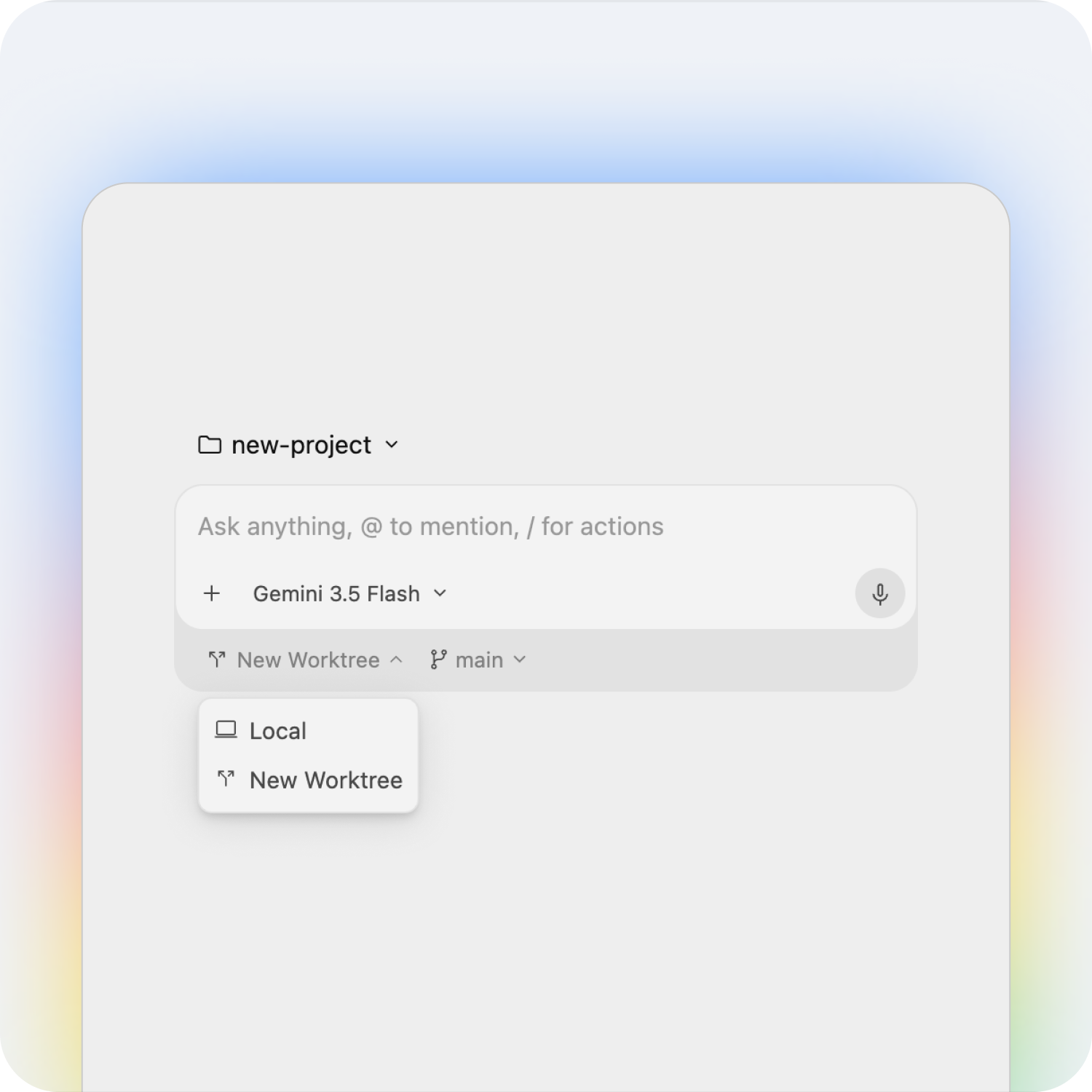
Google Antigravity and Cursor are now the two names developers bring up most when the conversation turns to "agentic" coding tools — editors built around letting an AI agent plan, write, run and test code with less hand-holding than a standard autocomplete-style assistant. Antigravity is Google's own entry, launched alongside the Gemini 3 model family and now folding in Gemini 4 Argon. Cursor is the independent VS Code fork that popularized the category. Here's how they actually compare on pricing and features, straight from each company's own site.
What Google Antigravity actually is
Antigravity isn't a single app — Google ships it as a family of surfaces built on the same agent harness. The Antigravity IDE is described as "the fully-featured, agentic IDE," with an agent manager, "artifacts" (structured outputs like task lists and implementation plans), and codebase understanding. The Antigravity App is positioned as "your command center to manage multiple local agents in parallel," with support for grouping conversations into Projects and scheduling routine tasks. There's also an Antigravity CLI for running autonomous coding agents from the terminal, and an Antigravity SDK for prototyping custom agents in Python. It's available on macOS (Apple Silicon and Intel builds), Windows, Linux, and Google's own Googlebook hardware.
What Cursor actually is
Cursor is a VS Code fork, which means it looks and feels like a standard code editor rather than a new paradigm, with AI layered deeply into it: codebase-wide indexing, multi-file editing, and autonomous agents that can work in the background or in the cloud. It also ships a JetBrains plugin, a headless CLI, and Bugbot, which automatically reviews pull requests on GitHub. Cursor has been around longer than Antigravity and has built a correspondingly larger third-party ecosystem and plugin marketplace around the core editor.
Why this comparison matters now
Agentic coding tools have moved fast over the past year, and the field keeps adding serious new entrants rather than settling. Cursor built its reputation first, growing a large independent user base around the idea of an AI-native fork of VS Code. Google entered later with Antigravity, launched alongside the Gemini 3 model family, and has continued iterating quickly — the platform now folds in newer models like Gemini 4 Argon for subscribers, and Google has pushed updates covering enterprise access, a CLI and an SDK since the initial release. That pace of change is exactly why a head-to-head on current pricing and features is more useful than relying on either company's launch-day announcement.
The two tools also represent genuinely different bets on where this category goes. Cursor's bet is that developers want AI layered as deeply as possible into a familiar, VS Code-shaped editor, with maximum choice over which underlying model does the work. Google's bet with Antigravity is that the editor itself should become a dashboard for managing multiple semi-autonomous agents at once, with Gemini as the default engine behind them. Neither bet has clearly won yet, which is exactly why so many developers are actively comparing the two instead of just picking one and moving on.
Pricing compared
| Tier | Google Antigravity | Cursor |
|---|---|---|
| Free | $0/month — unlimited Tab and Command requests, basic weekly rate limits | $0/month — limited agent and Chat requests |
| First paid step | Google AI Pro (higher rate limits + credit pool; separate Google subscription) | Plus, $8/month — shared usage pool, Grok models only |
| Mid tier | Google AI Ultra (even higher rate limits + credit pool) | Premium, $30/month — 4x Plus usage, 3rd-party models billed separately |
| Heavy usage | — | Super $100/month (15x), Ultra $200/month (50x) |
| Team | Google Cloud Standard/Plus from $30/seat/month, or pay-as-you-go with $0 seat fee | Teams, $30+/user/month, pooled usage and SSO |
| Enterprise | Custom, via Gemini Enterprise on Google Cloud | Custom, with invoice billing, SCIM and audit logs |
The free tier, in practice
This is Antigravity's biggest selling point: its free individual plan is listed as "Generally Available" with unlimited Tab completions and unlimited Command requests, gated only by a "basic weekly rate limit" rather than a hard monthly cap. Google doesn't publish the exact numeric limit on the pricing page, but the framing is clearly built to make the free tier usable as a daily driver, not just a trial.
Cursor's free Hobby-style tier is more conservative by comparison: it's described simply as "Limited AI usage, with limited agent and Chat requests," with no unlimited category called out. Most developers who stick with Cursor end up moving to at least the $8/month Plus plan or the $30/month Premium plan once they outgrow that free allowance.
Paying for more headroom
Cursor's paid structure is straightforward: Plus at $8/month gives you a shared usage pool but restricts you to Grok models only; Premium at $30/month unlocks 4x the usage of Plus and adds access to third-party models, billed separately by usage, plus Bugbot code reviews and cloud agents; Super at $100/month and Ultra at $200/month scale usage up to 15x and 50x Plus respectively, with Ultra adding earliest access to new products and models. All tiers exclude tax, and usage resets weekly rather than carrying over.
Antigravity's paid step works differently — you're not paying Google for Antigravity itself, you're paying for a Google AI Pro ($19.99/month as a standalone Google subscription) or Google AI Ultra subscription, which then unlocks higher rate limits and a flexible AI credit pool inside Antigravity on top of the free tier. That means if you already pay for Google AI Pro for Gemini elsewhere, Antigravity's extra headroom effectively comes bundled in rather than as a new line item.
Model access
Antigravity's landing page highlights Gemini access directly, with a banner noting "Gemini 4 Argon available for Google AI Pro and Ultra in Google Antigravity." Google doesn't publish a full third-party model list on the main site, so Antigravity reads as Gemini-first, though its agent harness is built to be model-flexible via the SDK.
Cursor is explicitly model-agnostic by comparison: Plus restricts you to Grok models, but Premium and above open up third-party models "at API list price, billed separately" — Cursor's own pricing page frames this as a deliberate choice to let you bring whichever model you want rather than locking you into one lab's roadmap, at the cost of a separate, usage-based bill on top of your subscription.
Agent Manager vs Cursor's agents
Both tools lean on the same underlying idea — let an agent work semi-autonomously instead of suggesting one line at a time — but package it differently. Antigravity's Agent Manager is built around running several local agents in parallel from a single command center, with "artifacts" like task lists, implementation plans and test results meant to make an agent's work auditable rather than a black box. Cursor's agents run in the background or in the cloud and are paired with Bugbot for automated PR review, which is more of a "review what the agent (or a human) changed" layer than a parallel-agent dashboard.
If you regularly want to fan out several agents on different parts of a codebase at once and check their work through structured artifacts, Antigravity's model is closer to what you want out of the box. If your workflow is closer to a single agent working inside a familiar VS Code-style editor with deep PR review tooling, Cursor's approach will feel more familiar.
Platforms and setup
Antigravity ships native builds for macOS (both Apple Silicon and Intel), Windows, Linux, and Google's Googlebook hardware, plus a standalone CLI and SDK for teams who want to build custom agents on top of its harness. Cursor, being a VS Code fork, installs the way any VS Code-style editor does on macOS, Windows and Linux, and additionally offers a JetBrains plugin for developers who don't want to leave their existing JetBrains setup, along with native iOS and Android companion apps and its own CLI.
Teams and enterprise
For organizations, Google routes Antigravity through Gemini Enterprise on Google Cloud: Standard and Plus plans for Gemini Enterprise customers start at $30 per seat per month, there's a pay-as-you-go option with no seat fee and consumption-based pricing, and full subscription deals require contacting sales. Centralized admin controls and spend caps are available on eligible plans.
Cursor's Teams plan starts at $30 per user per month with pooled usage, centralized billing, usage analytics and SAML/OIDC SSO, while Enterprise adds invoice or PO billing, SCIM provisioning, granular spend controls, audit logs and priority support — a more conventional B2B SaaS structure than Antigravity's Google Cloud routing.
Which should you actually use
If cost is the deciding factor, or you're already paying for Google AI Pro or Ultra elsewhere, Antigravity's free tier with unlimited Tab and Command requests is hard to beat, and it's worth trying first before you pay for anything. If you specifically want to fan agents out in parallel on different parts of a codebase and review their work through structured artifacts, that's also where Antigravity's design leans. Developers who want the broadest selection of third-party models, the most mature plugin and extension ecosystem inherited from VS Code, and automated PR review through Bugbot will likely still prefer Cursor, especially at the Premium tier and above where model choice opens up. For a deeper look at how Cursor itself stacks up against other agent-first editors, see our comparison of VS Code, Cursor and Windsurf, and for context on how GitHub's own agent tooling compares to both, check our GitHub Copilot vs Cursor breakdown.
Switching costs matter here too. Because Cursor is a VS Code fork, moving to it from plain VS Code is close to friction-free: your extensions, keybindings and settings largely carry over, and moving away later is just as easy since you're still working in a familiar editor shell. Antigravity's App and IDE surfaces are more of a standalone experience built around Google's own agent harness, which means there's more of a learning curve going in, but also that Google has more room to build agent-specific workflows that wouldn't fit cleanly inside a conventional editor layout. Neither company locks your code into a proprietary format — both work against your existing Git repositories — so the real switching cost is relearning the interface and agent workflow, not migrating your codebase.
What to do next
Both tools are free to start, so the lowest-risk move is to try Antigravity's free tier and Cursor's free Hobby-style tier on the same real project and see which agent workflow actually fits how you work, before paying for either one. If you're already inside Google's ecosystem with a Google AI subscription, or you're part of a team already using other agent-based developer tools, factor that existing spend in before committing to a new monthly line item.
Frequently asked questions
Is Google Antigravity free?
Yes. Antigravity's individual plan is $0/month with unlimited Tab completions and unlimited Command requests, limited by a basic weekly rate limit rather than a hard cap.
How much does Cursor cost?
Cursor has a limited free tier, then Plus at $8/month, Premium at $30/month, Super at $100/month and Ultra at $200/month, each scaling usage further, plus Teams from $30/user/month.
Does Antigravity support models other than Gemini?
Google highlights Gemini access directly, including Gemini 4 Argon for Google AI Pro and Ultra subscribers, and does not publish a full third-party model list on its main site.
Does Cursor support models other than Grok?
Yes. Cursor's Plus tier is Grok-only, but Premium and above add third-party models billed separately at API list price.
Is Google Antigravity a VS Code fork like Cursor?
No. Antigravity is a standalone agent-first app, IDE, CLI and SDK built by Google, while Cursor is a fork of VS Code with AI layered into a familiar editor shell.
Can I use Google Antigravity and Cursor for free at the same time?
Yes, both offer free individual tiers, so you can try an identical task in each before deciding whether to pay for either one.
Sources
- Google Antigravity: official siteantigravity.google
- Google Antigravity: pricingantigravity.google
- Cursor: pricingcursor.com
- Cursor: official sitecursor.com
Felix Moreau writes Pandromeda's software coverage and how-to guides. He covers Windows, macOS and Linux updates, the apps people rely on, emulators and developer tools, and turns official documentation into clear, numbered steps that work on the current version.