What Is eSIM and How Does It Work?
No tray, no plastic card. Here is what eSIM actually is, how carriers activate it, which flagship phones are eSIM only, and how to set one up.
An eSIM (embedded SIM) is a digital SIM built directly into a phone's circuitry instead of a removable plastic card. You activate a carrier plan by scanning a QR code, using a carrier's app, or transferring a profile wirelessly from another phone — no tray, no eject tool, no tiny piece of plastic to lose. Apple, Google, and Samsung have all shipped eSIM-capable phones for years, and in the United States, every iPhone since the iPhone 14 has shipped with no physical SIM tray at all.
- eSIM stands for "embedded SIM" — the chip is soldered into the device and reprogrammed remotely instead of swapped by hand.
- Every iPhone sold in the US since the iPhone 14 (2022) has no physical SIM tray; it's eSIM only.
- iPhone Air and the entire iPhone 17 line are eSIM only in every market, not just the US — Apple's own spec sheet says they are "not compatible with physical SIM cards."
- iPhone 13 and later (and iPhone SE 3rd generation) can run two active eSIMs at once; older eSIM iPhones support one physical SIM plus one eSIM.
- Pixel 7 and later can also hold two active eSIMs; most Samsung Galaxy phones keep a physical SIM slot and allow only one active eSIM at a time.
What is eSIM?
A traditional SIM card is a small removable chip that stores your phone number, carrier network credentials, and account identifiers. An eSIM stores exactly the same kind of data, but the chip itself (called an eUICC) is permanently built into the phone's logic board. Instead of a carrier handing you a physical card, they send you a "profile" — an encrypted bundle of network credentials — that gets written onto that built-in chip over the internet.
This is a standardized technology, not a proprietary one. The underlying system is called Remote SIM Provisioning (RSP), a specification maintained by the GSM Association (GSMA), the industry body that represents mobile carriers worldwide. Because it's an open standard rather than an Apple or Google invention, an eSIM profile from Verizon, EE, or Orange works the same basic way on an iPhone, a Pixel, or a Galaxy phone.
Functionally, nothing about how your phone connects to the network changes: calls, texts, and data all still run over your carrier's network exactly as they would with a physical SIM. What changes is how the profile gets onto the phone, and how many profiles a single device can store or run at once.
How does eSIM activation actually work?
Because there's no card to physically hand over, carriers and phone makers have built a handful of different ways to get a profile onto your eSIM chip. Across iPhone, Pixel, and Galaxy devices, activation generally happens through one of these methods:
- QR code scanning: Your carrier gives you a unique QR code (by email, in-store receipt, or account app), and you scan it with your phone's camera from the cellular/SIM settings screen. The code contains an activation code and the server address the phone needs to fetch the actual profile from.
- Carrier app activation: Many carriers can push an eSIM profile straight to your phone after you confirm your identity inside their own app — no code to scan at all.
- Automatic "push" provisioning: If you buy a phone directly from a carrier, the eSIM is often assigned to the device automatically as part of setup, with no action needed from you.
- Device-to-device transfer: If you're moving to a new phone and keeping the same number, the two devices can hand off the eSIM profile directly over Wi-Fi and Bluetooth, without you contacting the carrier at all — Apple calls this Quick Transfer, and Samsung calls it Instant Transfer.
- Manual entry: If a QR code isn't available, most phones let you type in the activation code and server address by hand.
Whichever method is used, the result is the same: the carrier's profile — including your phone number and account — is written to the eSIM chip, and the line shows up as active in your phone's settings.
Which phones are eSIM only in 2026?
"Supports eSIM" and "is eSIM only" are different things, and the split currently runs mostly along brand lines. Apple has gone furthest: it removed the physical SIM tray from every US iPhone starting with the iPhone 14, and with iPhone Air and the iPhone 17 line, it dropped the tray worldwide. Google and Samsung, by contrast, still ship a physical nano-SIM slot alongside eSIM on most current phones.
| Phone | SIM configuration | Dual-line support |
|---|---|---|
| iPhone 17 / 17 Pro / Pro Max, iPhone Air (all markets) | eSIM only — no physical SIM tray | Yes, two active eSIMs |
| iPhone 16e / 16 / 16 Plus / 16 Pro / 16 Pro Max (US models) | eSIM only — no physical SIM tray | Yes, two active eSIMs |
| iPhone 14 through iPhone 15 Pro Max (US models) | eSIM only — no physical SIM tray | Yes, two active eSIMs |
| iPhone 13, iPhone SE (3rd gen), and non-US iPhone models | Physical nano-SIM + eSIM | Yes — one physical SIM plus one eSIM, or two eSIMs on iPhone 13 and SE (3rd gen) |
| Google Pixel 7 and later | Physical nano-SIM + eSIM | Yes — nano-SIM plus eSIM, or two active eSIMs |
| Google Pixel 6 and earlier eSIM-capable models | Physical nano-SIM + eSIM | One SIM plus one eSIM only |
| Samsung Galaxy S20 through S26 series (unlocked) | Physical nano-SIM + eSIM | Only one eSIM can be active at a time |
iPhone and eSIM: what changed in the US
Apple's shift happened in two stages. First, with the iPhone 14 in 2022, every iPhone sold in the US lost its physical SIM tray — you could only activate service with an eSIM, while iPhones sold in most other countries kept a nano-SIM slot alongside eSIM. Then, starting with iPhone Air and the iPhone 17 line, Apple extended eSIM-only design to every market: Apple's own tech specs for iPhone Air describe it as using "advanced eSIM technology for more convenience and security" and state plainly that it is "not compatible with physical SIM cards." If you're watching Apple's other new form factors, our iPhone Duo pre-order coverage has what's confirmed about that device so far.
For Dual SIM, Apple's own support documentation lays out exactly which models can run two lines at once and how: a physical SIM plus one eSIM is supported "on iPhone SE (2nd generation), iPhone XR, iPhone XS, iPhone 11, iPhone 12, iPhone 13, and iPhone 14, and later," while two active eSIMs are supported "on iPhone SE (3rd generation), iPhone 13, and later." In practice, that means any current iPhone can juggle a personal number and a work or travel number on the same device.
Pixel and Galaxy eSIM support
Google's Pixel line has supported eSIM since the Pixel 3, and Pixel 7 and later can run two active eSIMs simultaneously, matching what Apple offers on recent iPhones. Setup happens from Settings, and Google's own support documentation notes that if you buy a Pixel directly from a carrier, "your carrier assigns your eSIM" automatically — you only need to set one up manually if you bought the phone unlocked or are adding a second line.
Samsung has adopted eSIM across most of its current lineup — Galaxy S20 through S26, the Z Fold and Z Flip series, FE models, and several A-series and tablet models — but, per Samsung's own support page, "only one eSIM can be active at a time on most Samsung Galaxy devices," so Dual SIM on a Galaxy phone typically means one physical SIM plus one eSIM rather than two eSIMs. Not every Android flagship has gone eSIM-only, either: brands that sell phones outside the carrier-subsidy model, like OnePlus, still lean on physical SIM trays as the default — see our OnePlus 16 vs. Galaxy S26 Ultra comparison for how their specs differ.
How to set up eSIM on iPhone
Apple's own setup guide lists several ways to add an eSIM, depending on your carrier and situation:
- eSIM Carrier Activation: If you get a "Finish Setting Up Cellular" notification, tap it. Otherwise, go to Settings > Cellular > Set Up Cellular (or Add eSIM).
- eSIM Quick Transfer: Moving from an older iPhone? On the new iPhone, go to Settings > Cellular > Set Up Cellular (or Add eSIM) > Transfer From Nearby iPhone, then confirm on the old iPhone. Your number stops working on the old phone once the transfer completes.
- Scan a carrier QR code: Settings > Cellular > Set Up Cellular (or Add eSIM) > Use QR Code, then frame the carrier's code with the camera (or enter the details manually). You may need a confirmation code from your carrier.
- Transfer from Android: With iOS 26 or later and Android 16 or later, you can transfer an eSIM directly from a compatible Android phone during setup or from Settings > Cellular > Add eSIM > Transfer from Android, using a QR code the iPhone displays for the Android phone to scan. Apple's supported-carrier list for this method includes AT&T, Verizon, and T-Mobile in the US, EE in the UK, Orange/SFR/Free Mobile in France, and Telekom/1&1 in Germany, among others.
- Carrier app: Download your carrier's app from the App Store and activate service from inside it.
- Carrier store: In some countries, you may need to activate in person for an ID check.
Apple also builds a dedicated Travel eSIM option into iOS: from Settings > Cellular > Add eSIM, tapping "View Travel Options" surfaces short-term data eSIMs you can add for a trip without disturbing your home line.
How to set up eSIM on Android
On a Pixel, Google's own instructions are: open Settings, tap Network & internet > SIMs > Add SIM > Set up an eSIM, then follow the on-screen prompts to scan your carrier's QR code or enter an activation code. If setup stalls, Google's guidance is to try again and contact your carrier for persistent issues.
On a Galaxy phone, Samsung's support page describes three options from Settings > Connections > SIM manager > Add eSIM: Simple Setup (automatic download for supported carriers), scanning a QR code, or entering an activation code manually. Samsung also supports converting an existing physical SIM to an eSIM in the same menu, carrier permitting, and an Instant Transfer flow for moving a profile from an old Galaxy or Android phone to a new one.
The pros and cons of eSIM
Pros:
- No physical swap. Switching plans, adding a travel line, or moving to a new phone doesn't require finding a SIM eject tool or handling a tiny card.
- Faster carrier switching. A new plan can be activated in minutes by scanning a code or opening an app, rather than waiting for a card to arrive by mail.
- Multiple profiles on one device. Phones with dual-eSIM support can store many profiles and run two at once — handy for keeping a work line and a personal line, or a home line and a travel line, on a single phone.
- Nothing to lose or damage. There's no tray to misplace and no card contacts that can wear out or get scratched.
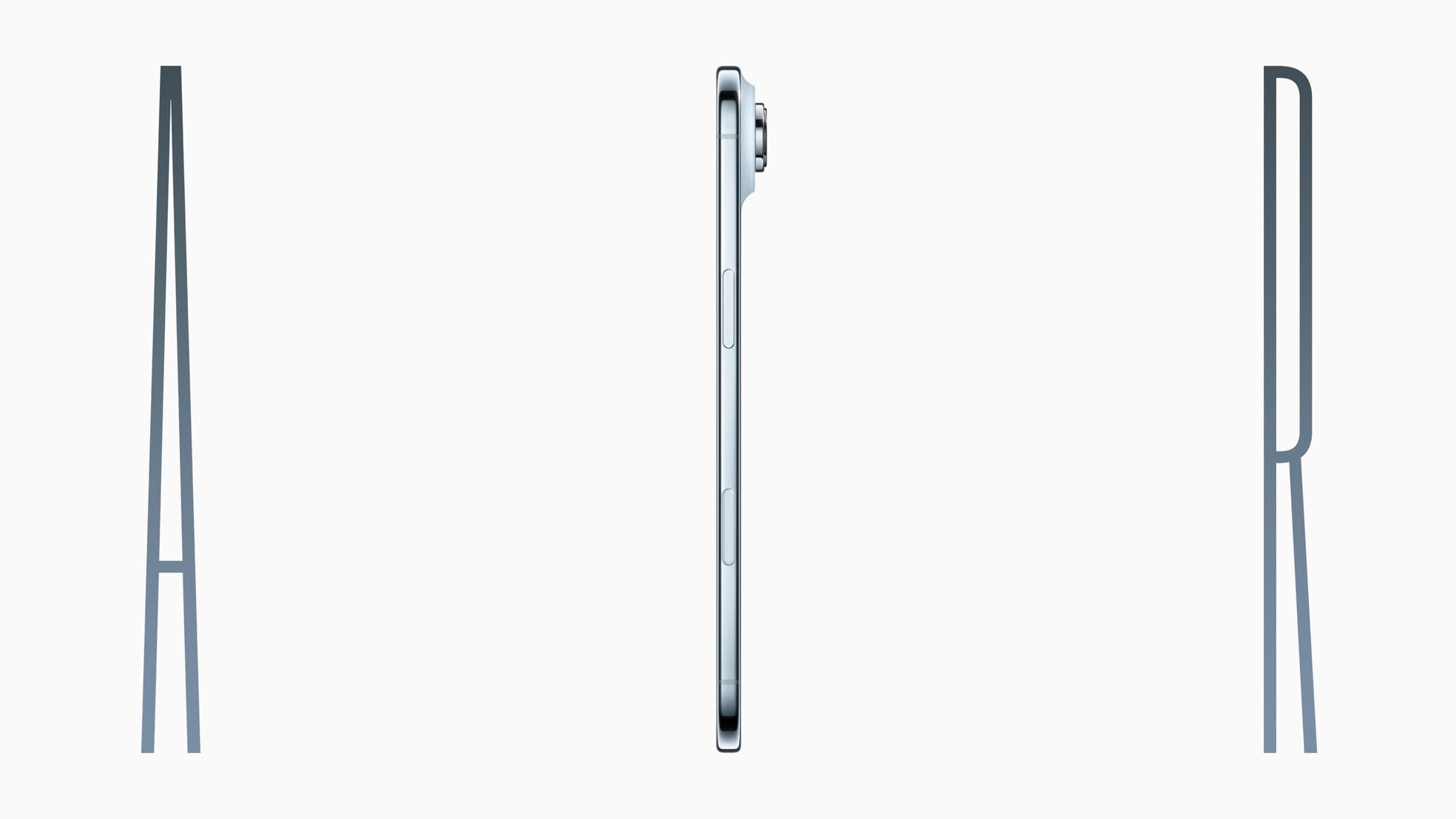
- More room inside the phone. Removing the SIM tray frees up internal volume, which is part of why Apple cites eSIM as a factor in how thin iPhone Air could be built.
Cons:
- You can't just hand off the chip. Because the eSIM is soldered to the device, if your phone is lost, stolen, or dies completely, you can't pop the profile into a spare phone the way you could with a physical card — you need the carrier (or a working device-to-device transfer) to reissue it.
- Carrier support still varies. Not every prepaid plan or smaller carrier supports eSIM yet, and unlocking an eSIM-only phone for a different carrier depends on that carrier's own eSIM provisioning systems.
- Transfers need both devices present and connected. Quick Transfer and Instant Transfer both require Wi-Fi and Bluetooth on two working phones; if your old phone is broken, you'll be contacting your carrier instead.
- Identity checks add friction. Because there's no card to physically verify, carriers typically require an account PIN, confirmation code, or app login before approving an eSIM transfer — the same category of safeguard used against SIM-swap style fraud on physical-SIM accounts, but one more step for you.
Travel eSIMs and eSIM marketplaces
Because an eSIM is just a downloadable profile, phones that support it can add a short-term, data-only line for a trip without removing your home SIM at all. Apple builds this directly into iOS as the Travel eSIM option mentioned above. Beyond what's built into the phone, a wider category of eSIM marketplace apps has grown around the same idea — selling data-only travel profiles that cover one country or a multi-country region on a single plan, installed the same way as a carrier eSIM: scan a QR code or tap to install in-app. Because these are separate, additional profiles rather than a replacement for your home line, your regular number keeps working for calls and texts (via Wi-Fi Calling or roaming, depending on your settings) while the travel eSIM handles data.
What happens if your phone breaks, is lost, or stolen
This is the biggest practical trade-off of eSIM. With a physical SIM, a dead or destroyed phone is a non-issue for your number: pop the card into literally any other unlocked phone and you're back online in seconds. With an eSIM, the profile lives on the eUICC chip inside that specific phone, so a broken, lost, or stolen handset can't simply be swapped out.
In that situation, your options are to use a working backup phone with a device-to-device transfer (which requires the old phone to still be functional, powered on, and connected) or, more commonly, to contact your carrier directly. Carriers that support eSIM can reissue your profile as a fresh QR code or push it to a new device after verifying your identity — functionally similar to reporting a lost physical SIM and getting a replacement, just without a card to mail out. It's worth keeping your carrier's account app installed and your login handy specifically for this scenario, since it's usually the fastest path back online.
What's next for eSIM
The direction of travel is clear: more phone makers are following Apple's lead in dropping physical SIM trays as eSIM support becomes standard across carriers worldwide, and the underlying GSMA specification continues to be refined as adoption grows (see Wikipedia's overview of the standard's Remote SIM Provisioning architecture for the technical background). For now, the practical takeaway is simple — check your specific phone's SIM configuration before you travel or switch carriers, keep your carrier account app installed as a backup activation path, and if you're shopping for a new phone, factor eSIM-only designs into how you'll move your number over. For a related look at another connectivity standard reshaping how iPhone and Android talk to each other, see our explainer on how RCS messaging works.
Frequently asked questions
What does eSIM stand for?
eSIM stands for "embedded SIM" — a SIM card built into the phone itself instead of a removable plastic card, storing the same carrier profile and activated by scanning a QR code, using a carrier app, or transferring a profile from another phone.
Which iPhones are eSIM only?
Every iPhone sold in the US since the iPhone 14 (2022) has no physical SIM tray. iPhone Air and the entire iPhone 17 line are eSIM only worldwide, according to Apple's own tech specs, which state they are "not compatible with physical SIM cards."
Can I use two phone numbers on one eSIM-only phone?
Yes. iPhone 13 and later (and iPhone SE 3rd generation) can run two active eSIMs at once, per Apple's own Dual SIM documentation, and Google Pixel 7 and later support the same two-eSIM setup.
What happens to my eSIM if my phone breaks or is lost?
Unlike a physical SIM, an eSIM profile can't be moved into a spare phone by hand. You'll need either a working backup device for a direct transfer, or to contact your carrier, who can verify your identity and reissue the profile to a new phone.
Can I set up an eSIM without a QR code?
Yes. Carriers can activate many eSIMs through their own app, through automatic "push" provisioning when you buy the phone directly from them, or through manual entry of an activation code if a QR code isn't available.
Do all Android phones support two eSIMs like iPhone?
No. Pixel 7 and later support two active eSIMs, but per Samsung's own support documentation, most Samsung Galaxy phones can only have one eSIM active at a time, alongside a physical SIM.
Sources
- Apple Support: Set up cellular service on iPhonesupport.apple.com
- Apple Support: Use Dual SIM on iPhonesupport.apple.com
- Apple: iPhone Air Tech Specsapple.com
- Google Pixel Phone Help: Set up a new eSIMsupport.google.com
- Samsung Support: Galaxy eSIM and supported network carrierssamsung.com
- Wikipedia: Remote SIM provisioningen.wikipedia.org
Nadia Osei covers mobile and consumer gadgets for Pandromeda: smartphones, tablets, smartwatches, earbuds and smart-home devices. She tracks launches, software updates and pricing across Apple, Google, Samsung and the rest, and builds comparisons from the manufacturers' published specifications.