What Is an eSIM? How It Works and How to Set One Up
Everything you need to know about eSIM technology: how it works, why phones are ditching SIM trays, and how to activate one on iPhone or Android.
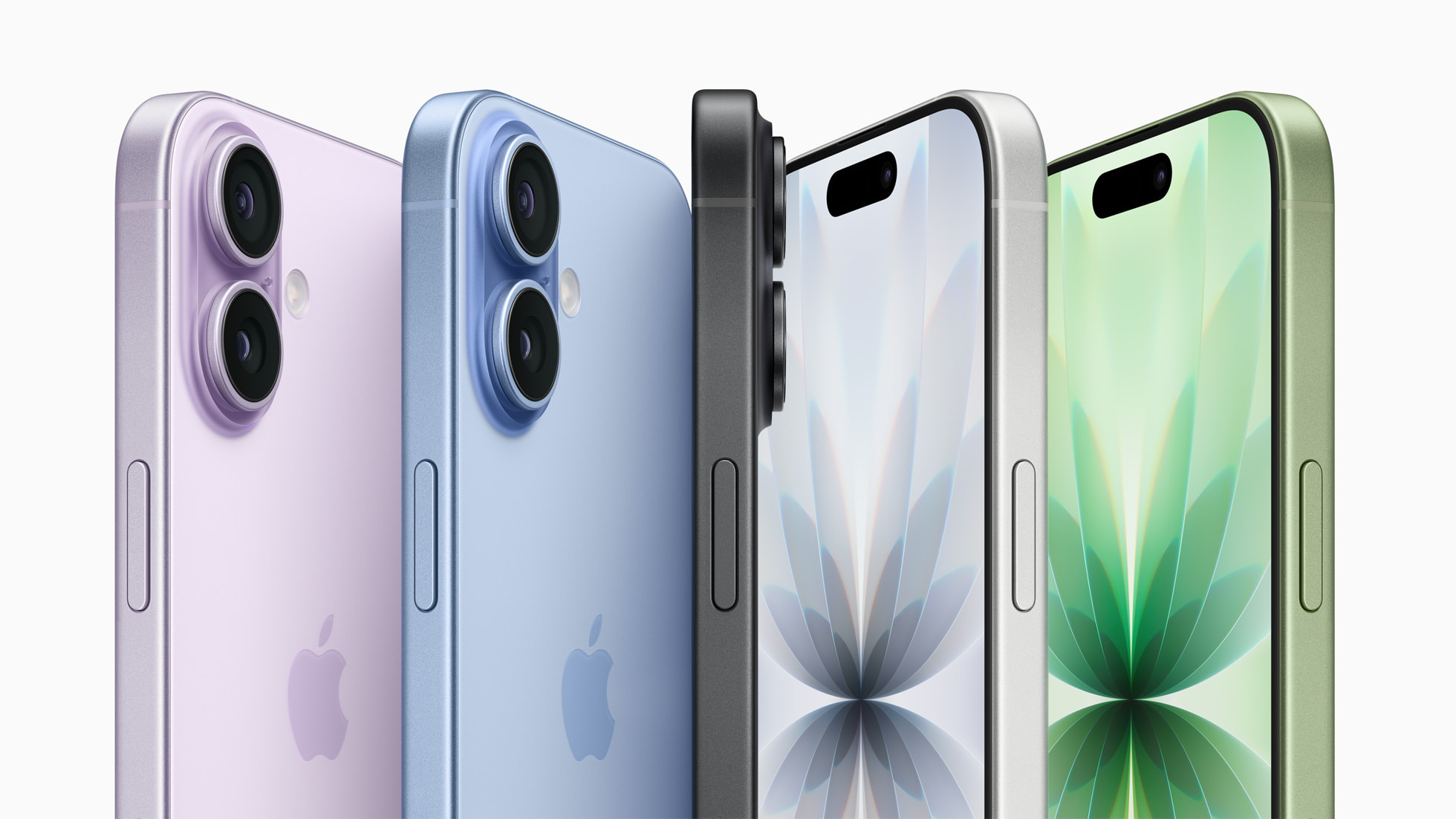
An eSIM (embedded SIM) is a digital SIM card built directly into a phone's circuitry instead of a removable plastic chip you insert into a tray. Rather than swapping a physical card when you change carriers or travel abroad, you download a carrier profile over Wi-Fi or cellular data, and the phone connects to that network as if a physical SIM were installed. eSIM has gone from a nice-to-have on flagship phones to the only option: Apple's iPhone 17 and iPhone 18 Pro lines ship with no SIM tray at all in the United States and several other markets, and Google's Pixel 10 series is eSIM-only in the US too.
- eSIM stands for "embedded SIM" — a small chip soldered into the device that stores carrier profiles digitally.
- Standardized by the GSMA, the mobile industry's global standards body, under its Remote SIM Provisioning specifications.
- Most eSIM-capable phones can store multiple carrier profiles and run two active lines at once.
- In the US, current iPhone 17/18 Pro models and Pixel 10 models ship with no physical SIM tray.
- Setup takes a QR code scan, a carrier app, or an automatic transfer — no mail-order SIM card required.
What is an eSIM, exactly?
An eSIM is a digital SIM card that lives on a small embedded chip already soldered inside your phone, tablet, smartwatch, or laptop, rather than a removable card you pop in and out. Instead of a physical card carrying your carrier's network credentials, that information — your carrier profile — is downloaded and stored securely on the device itself. The GSMA, the industry body that defined the eSIM standard, describes it as a specification that "enables remote SIM provisioning of any mobile device," letting a phone be assigned to a network without anyone touching a physical part.
Functionally, an eSIM does the same job a physical SIM always did: it identifies your phone number and plan to your carrier's network. What's different is how that information gets onto the device, and what that unlocks — multiple profiles, remote switching, and a phone that carriers and manufacturers can build without a SIM tray at all.
eSIM vs. physical SIM: what's actually different
The core distinction is removable hardware versus embedded software. A physical SIM is a tiny card you eject with a pin tool and swap between devices; an eSIM is a profile you download, and it never leaves the phone. Here's how the two compare on the things that matter day to day:
| eSIM | Physical SIM |
|---|---|
| Built into the device; nothing to insert or lose | Removable card; needs a tray and often an eject tool |
| Activated via QR code, carrier app, or automatic transfer | Activated by physically inserting the card, sometimes after mail delivery |
| Can typically store several carrier profiles at once | One card equals one profile; swapping means physically changing cards |
| Can't be pulled out and moved to another phone by hand | Easy to move between compatible phones instantly |
| Switching networks requires a new digital profile from the carrier | Switching networks can be as simple as swapping in a new card |
| Harder for a thief to remove or reuse if a phone is stolen | Can be removed and reinserted into another device |
How eSIM technology actually works
Every eSIM-capable device contains an embedded universal integrated circuit card (eUICC) — effectively a secure, reprogrammable vault for SIM profiles that's permanently attached to the phone's logic board. When you activate a plan, your carrier doesn't ship you a chip; it sends a carrier profile over the internet using a process called Remote SIM Provisioning, the over-the-air protocol the GSMA standardized so that any compliant device and any compliant carrier system can talk to each other.
In practice, that download happens one of three ways:
- QR code activation. Your carrier gives you a QR code (printed, emailed, or shown in an app or website); scanning it with your phone's camera or eSIM setup tool pulls down the profile automatically.
- Carrier app or direct carrier assignment. If you buy the phone directly from a carrier, the eSIM profile can be pushed to the device automatically during setup, with a notification prompting you to install it.
- Manual entry. Some carriers give you an activation code to type in by hand if a QR scan isn't practical.
Once the profile is installed, the eSIM behaves exactly like a physical SIM from the network's perspective — it holds your IMSI (subscriber identity), authentication keys, and carrier-specific settings. Because the eUICC can hold multiple profiles, many current phones let you keep a home line and a second line (work, personal, or a travel data plan) on the same device, switching between them in settings or running both simultaneously in a dual-SIM, dual-standby setup.
The advantages of using an eSIM
- No physical swap needed. Changing plans, adding a second line, or switching to a new carrier can happen entirely over Wi-Fi, without waiting for a card in the mail or hunting for a SIM-eject tool.
- Easier dual-SIM and travel setups. Because an eSIM-capable phone can store several profiles, you can add a local data eSIM the moment you land in another country while keeping your home number active for calls and texts, all without touching a tray.
- Harder to remove if the phone is lost or stolen. Since there's no card to physically pull out, a thief can't simply move your number to a different device to take over the SIM or dodge tracking as easily as with a removable card.
- More internal space for manufacturers. Dropping the SIM tray frees up room for other components; regulatory filings for Apple's eSIM-only iPhone 18 Pro Max models, for instance, show a larger battery than the version of the phone that still needs space for a physical tray.
- Cleaner device transfers. Some carriers support "eSIM Quick Transfer," moving your existing eSIM profile to a new phone during setup without a call to customer support.
The trade-offs and downsides
- You can't hand your SIM to someone else. Lending your number to a spare phone, or dropping a card into a cheap backup device while traveling, isn't possible the way it is with a removable SIM.
- Switching phones without help can be trickier. If a phone is lost, broken, or won't turn on, you can't just pull the SIM and put it in another device — you'll typically need your carrier to reissue the eSIM to a new phone.
- It can complicate resale. A phone you're selling needs to have its eSIM profile properly removed and deactivated first; simply wiping the device isn't always enough to fully clear an active carrier profile, and buyers of secondhand eSIM-only phones need to confirm the previous profile is gone.
- Carrier and device compatibility still varies. Not every prepaid carrier or budget phone supports eSIM yet, and some markets — including parts of Asia and mainland China — still ship SIM-tray versions of phones that are eSIM-only elsewhere.
- You're more dependent on connectivity to activate. Downloading a profile requires Wi-Fi or another working data connection at setup, which can be inconvenient if you're activating a new phone somewhere without reliable internet.
Which current phones are eSIM-only vs. eSIM-and-SIM-tray
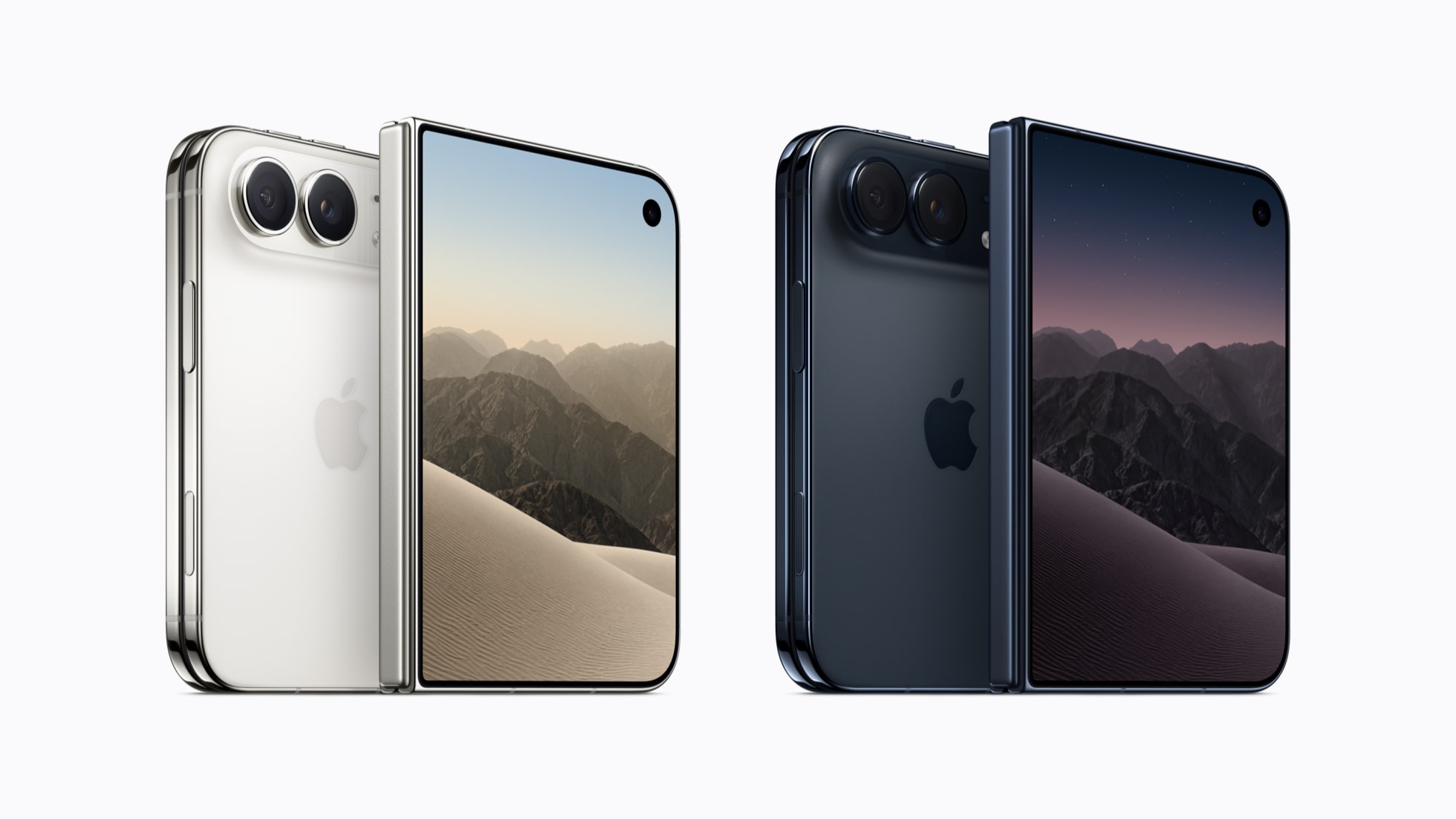
Whether a given phone has a SIM tray at all now depends heavily on which country you bought it in. Apple and Google have both gone eSIM-only for their newest flagships in the US market specifically, while keeping a physical tray option in many other regions. That eSIM-only shift, which started with the iPhone Air and has continued into newer foldable-style hardware like the iPhone Duo, is now the norm for flagship phones sold in North America.
| Phone | SIM setup in the US | Elsewhere |
|---|---|---|
| iPhone 17, 17 Pro, 17 Pro Max | eSIM-only, no tray | Nano-SIM tray + eSIM in most other markets |
| iPhone 17 Air | eSIM-only, no tray | eSIM-only worldwide |
| iPhone 18 Pro, 18 Pro Max | eSIM-only, no tray | Nano-SIM tray + eSIM in the EU, UK, Australia, and other markets; dual-nano-SIM or SIM+eSIM in mainland China |
| Google Pixel 10, 10 Pro, 10 Pro XL | eSIM-only, no tray | Physical nano-SIM tray retained outside the US |
| Samsung Galaxy S26 / S26+ / S26 Ultra | One nano-SIM tray + eSIM | Dual nano-SIM + eSIM in some markets; no eSIM hardware on South Korean carrier and mainland China variants |
If you're comparing an eSIM-only phone against one that still has a tray, it's worth reading up on how the two current flagship ecosystems otherwise stack up — see how the Pixel and Galaxy S26 lines compare on cameras, battery, and price before you decide.
How to set up an eSIM on iPhone
Apple's official guidance covers three main paths, all of which require an iPhone XS or later, an eSIM-supporting carrier, and a Wi-Fi or hotspot connection during activation:
- eSIM Quick Transfer (moving from another iPhone): On carriers that support it, sign in to both iPhones with the same Apple Account, keep them nearby with Bluetooth on, then go to Settings > Cellular > Set Up Cellular or Add eSIM, and choose the plan to transfer. Confirm with a verification code if your carrier asks for one, then wait for activation to finish.
- Carrier activation (buying through a carrier): If a carrier assigned your iPhone an eSIM when you purchased it, turn the phone on and follow the onscreen prompts during setup, or tap the "Carrier Cellular Plan Ready to Be Installed" notification if it arrives after setup. Apple recommends verifying the connection with a test call once it's active.
- QR code or manual entry: During setup, choose "Use QR code" on the cellular screen and scan the code your carrier provided. After setup, you can instead open Settings > Cellular > Add Cellular Plan and either scan a QR code with the Camera app or select "Enter Details Manually" to type in the activation information yourself.
Full step-by-step instructions, including what to do if activation fails, are in Apple's own eSIM setup guide. If you're moving to a brand-new iPhone altogether rather than just swapping carriers, it's worth pairing this with a look at how to transfer the rest of your data to a new iPhone, since eSIM transfer is only one part of a full device migration.
How to set up an eSIM on Android
The exact menu names vary slightly by manufacturer, but the process Google documents for Pixel phones is representative of most current Android devices:
- During initial phone setup: When prompted, tap "Download SIM," then "Set up," and follow the on-screen instructions to install the profile your carrier assigned.
- From Settings at any time: Open Settings > Network & internet > SIMs > Add SIM > Set up an eSIM, then choose your network provider and follow the prompts — typically scanning a QR code or entering an activation code the carrier gave you.
- On Samsung Galaxy devices: Go to Settings > Connections > SIM manager > Add eSIM, then choose to install a pre-assigned plan, scan a QR code, or enter the details manually.
If your SIM doesn't install automatically, both Google and Samsung recommend contacting your carrier first to confirm eSIM support and to have your device's IMEI or EID on hand. Google's official instructions are in its Pixel Phone Help center, and Samsung maintains its own SIM card support page listing which Galaxy models support eSIM and how to add one. Pixel 7 and later models, plus most recent Galaxy S and Z-series phones, support two active eSIM profiles at once when the carrier allows it.
Using eSIM for international travel
This is where eSIM tends to earn its keep for a lot of travelers. Rather than hunting for a SIM shop at the airport or paying your home carrier's roaming rates, you can install a second eSIM profile — either from a local carrier at your destination or from a global travel-eSIM provider — while keeping your home line active for calls and texts. Apple's own guide to using eSIM while traveling internationally notes that iPhones supporting multiple eSIMs can run "two eSIMs active at the same time," letting you choose which line handles data in Settings > Cellular > Cellular Data, and that with iOS 26 and later, the travel eSIM automatically deactivates once you're back on your home network. AT&T's own explanation of eSIM similarly points to its ability to let travelers "activate service in other countries without physical SIM requirements" as one of its core benefits.
A few practical notes: local carrier eSIMs generally need to be purchased and activated either before you leave (many carriers let you buy a QR code online in advance) or once you land and have Wi-Fi. Travel-eSIM apps distributed through the App Store or Google Play work similarly, offering prepaid data plans in dozens of countries. Either way, you'll still want Wi-Fi or working data to complete activation, since downloading the profile itself requires an internet connection.
Carrier locks, switching carriers, and getting a new phone
An eSIM doesn't automatically make your phone carrier-unlocked — that's a separate setting tied to your account and device, not to the SIM type. A locked eSIM-only phone still needs to be unlocked by the original carrier before another carrier's eSIM will work on it, exactly as with a locked phone that uses a physical SIM. Once a phone is unlocked, moving to a new carrier means getting a new eSIM profile from that carrier (typically via a QR code or their activation app) rather than swapping in a new card.
Getting a new phone works similarly: because the eSIM is tied to the old device, you can't just move it by hand. Depending on the carrier and devices involved, you'll either use an eSIM transfer feature built into the phones, a carrier's self-service app, or a quick call or chat with customer support to have the profile reissued to your new device. If you're trading in or selling an eSIM-only phone, make sure the eSIM is removed and deactivated as part of a factory reset — check your carrier's account portal or app afterward to confirm no active profile is still attached to your line.
What to do next
If you're buying a new phone, check its SIM setup for your specific country before you order — the same model can ship eSIM-only in the US and with a SIM tray elsewhere, and that affects whether your existing physical SIM will simply work on day one. If you already own an eSIM-capable phone, the fastest way to try it out is low-stakes: add a short-term travel eSIM before your next trip, or ask your carrier whether it supports eSIM Quick Transfer the next time you upgrade. And if you're staring at a "no SIM tray" phone for the first time, know that the setup itself — a QR scan or a few taps in Settings — is usually the easiest part of getting a new phone running.
Frequently asked questions
What does eSIM stand for?
eSIM stands for embedded SIM. It is a SIM card built directly into a device's hardware rather than a removable plastic card, and it stores a downloaded carrier profile instead of hard-coded data on a physical chip.
Can I switch an eSIM to a different phone myself?
Not by hand the way you would with a physical SIM. Depending on the phones and carrier involved, you'll use a built-in eSIM transfer feature, your carrier's app, or contact your carrier to have the eSIM profile reissued to the new device.
Do all new phones use eSIM only now?
No. eSIM-only design currently applies mainly to specific flagship models sold in the US and a handful of other markets, such as the iPhone 17/17 Air/18 Pro lines and Google's Pixel 10 series. Many phones, including most Samsung Galaxy models and iPhones sold outside those markets, still include a physical nano-SIM tray alongside eSIM support.
Does an eSIM work the same for international travel as a physical SIM?
Yes, functionally. You can install a local carrier's eSIM or a travel-eSIM provider's plan for data while abroad, often alongside your home eSIM, letting you keep your home number active for calls and texts while using a local or travel data plan.
Is an eSIM more secure than a physical SIM?
It can be. Because an eSIM can't be physically removed from the device, it's harder for someone to pull it out and use it in another phone if your device is lost or stolen, though your phone number can still potentially be targeted through other methods like SIM-swap fraud aimed at your carrier account.
What happens to my eSIM if I sell my phone?
You need to remove and deactivate the eSIM profile before selling or trading in the device, typically as part of an official factory reset, and confirm with your carrier that no active profile remains tied to your line afterward.
Sources
- GSMA: What is an eSIM? Guide to eSIM technology & use casesgsma.com
- Apple Support: Set up eSIM on iPhonesupport.apple.com
- Apple Support: Use eSIM while traveling internationally with your iPhonesupport.apple.com
- Google Pixel Phone Help: Set up a new eSIMsupport.google.com
- Samsung Support: SIM cards for your Galaxy phone or tabletsamsung.com
- AT&T: What is an eSIM card & how does it work?att.com
Nadia Osei covers mobile and consumer gadgets for Pandromeda: smartphones, tablets, smartwatches, earbuds and smart-home devices. She tracks launches, software updates and pricing across Apple, Google, Samsung and the rest, and builds comparisons from the manufacturers' published specifications.