What Is an NPU? Neural Processing Units Explained
NPU, TOPS, Copilot+ PC: a clear, no-jargon explainer on the AI chip powering modern laptops and phones, and how it stacks up against your CPU and GPU.
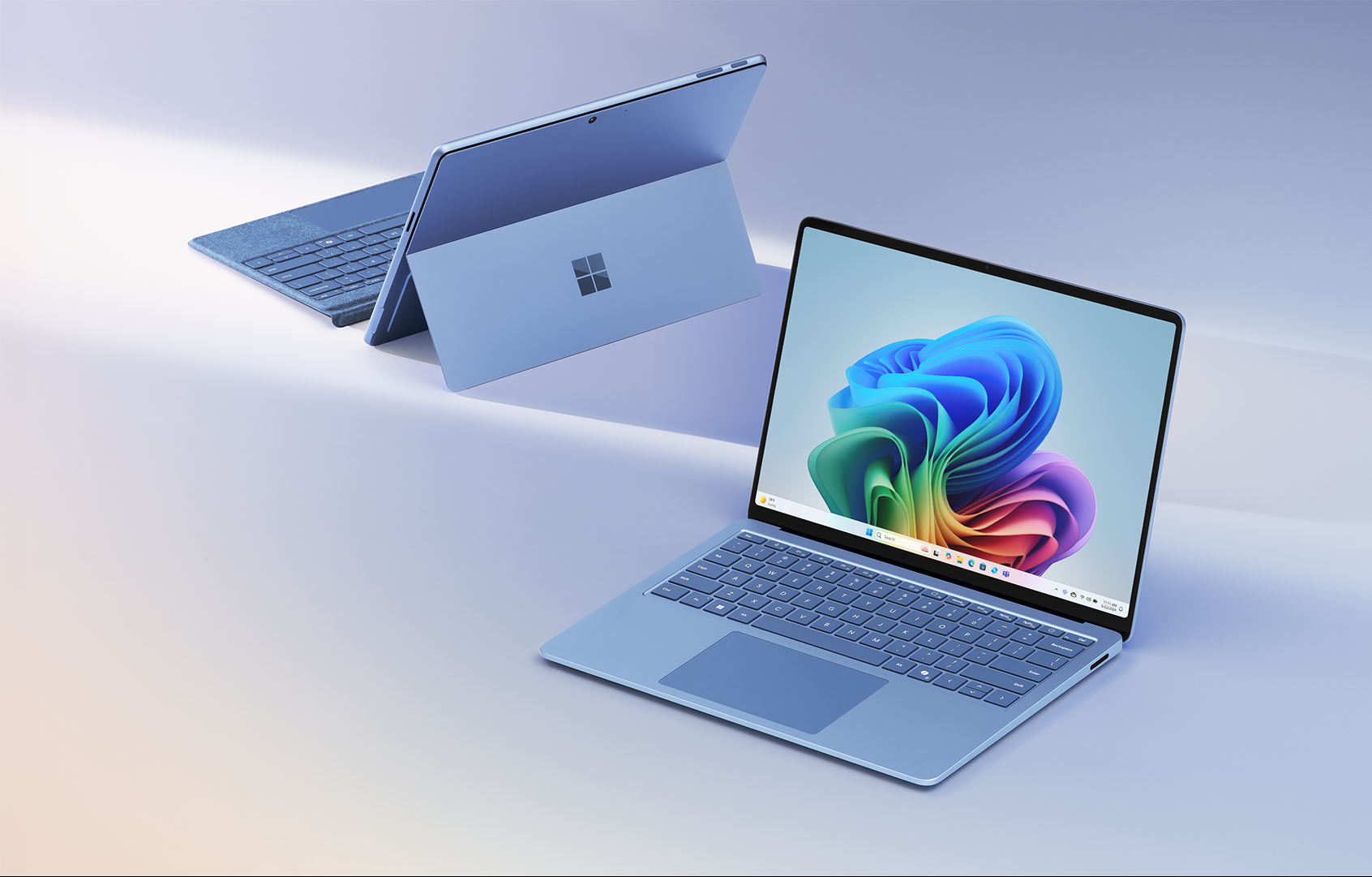
An NPU, or neural processing unit, is a dedicated chip (or a block built into a larger processor) designed specifically to run the math behind AI models — mostly matrix multiplication at low numerical precision — far more efficiently than a general-purpose CPU or a graphics-focused GPU. It is the piece of silicon that lets a laptop or phone run things like live captioning, background blur, image generation, or a local AI assistant without sending every request to the cloud, and without draining the battery in the process. Every current "Copilot+ PC," every recent iPhone and Mac, and most new Android flagships now ship with one.
- An NPU is purpose-built hardware for running trained AI models (inference), not for training them.
- Performance is usually quoted in TOPS — trillions of operations per second, almost always at INT8 precision.
- Microsoft's Copilot+ PC program requires an NPU rated at 40+ TOPS, per Microsoft's own Windows 11 specifications page.
- Qualcomm's Snapdragon X Elite/Plus NPU is rated at 45 TOPS; Intel's Lunar Lake NPU at 48 TOPS; AMD's Ryzen AI 300 (XDNA 2) NPU at up to 50 TOPS; Apple's M4 Neural Engine at 38 TOPS.
- NPUs are not a GPU replacement — they trade raw throughput for much better performance-per-watt on sustained, everyday AI tasks.
What is an NPU?
A neural processing unit is a type of AI accelerator: a processor whose circuitry is laid out to do one thing extremely well — multiply and add large grids of numbers (matrix and tensor math) at low precision, over and over, with as little energy as possible. That operation happens to be almost all that a neural network actually does when it is running (an inference pass) rather than being trained. As Wikipedia's overview of AI accelerators puts it, these chips are "designed to accelerate artificial intelligence and machine learning applications," often using many small, parallel compute units rather than a few powerful ones, and leaning on reduced-precision number formats such as INT8, INT4 or FP16 instead of the higher-precision math a CPU defaults to.
In a modern laptop or phone chip, the NPU usually isn't a separate chip you could point to on a motherboard — it's a block of silicon sitting on the same die as the CPU cores and GPU, wired into the same memory and cache. Qualcomm calls its block the Hexagon NPU, Intel calls its current version NPU 4.0, AMD calls its architecture XDNA, and Apple calls its implementation the Neural Engine. Different names, same basic job: take a trained model and run it quickly, repeatedly, and cheaply in terms of power.
NPU vs CPU vs GPU: what's actually different
All three are processors, and in principle a CPU or GPU can run an AI model too — phones and PCs did exactly that for years before NPUs became standard. What changes is efficiency and fit for the job:
- CPU: built for sequential logic and a huge variety of instructions. It's flexible and precise, but it processes AI math (which is extremely repetitive and parallel) one relatively small chunk at a time, which wastes power on a task that is mostly the same operation repeated billions of times.
- GPU: built for massive parallelism, originally for pushing pixels and now for general-purpose parallel math, including AI. A GPU can be dramatically faster than an NPU for a single large job, but it's also a much hungrier piece of silicon — it's designed to be fed continuously at high power for short, intense bursts (a game frame, a training batch), not to idle efficiently in the background all day.
- NPU: stripped down to almost exclusively the low-precision matrix math neural networks need, with a memory and cache layout tuned for that one pattern. It gives up the GPU's raw ceiling and the CPU's flexibility in exchange for running AI workloads at a fraction of the power draw — which is the whole point when the "AI workload" is something your laptop should be doing constantly in the background, like transcription, noise suppression, or an on-screen assistant.
AMD's own description of its Ryzen AI silicon lines this up almost exactly: it positions the NPU for "sustained, heavily used AI workloads at low power," the GPU for large workloads that need parallel throughput, and the CPU for single-inference, low-latency tasks — three different tools for three different shapes of problem, built into the same chip.
| Processor | Best suited for | Typical precision | Power profile |
|---|---|---|---|
| CPU | General logic, single-threaded tasks, OS and app code, one-off inference calls | FP32/FP64 and integer | Moderate, bursts on demand |
| GPU | Graphics, large/batched AI inference, local model training, big one-off jobs | FP16/BF16, INT8 (newer GPUs) | High, built for short intense bursts |
| NPU | Continuous, background AI inference: camera effects, voice, on-device assistants | INT8/INT4, Block FP16 | Low, built to run nonstop efficiently |
TOPS, explained: how NPU performance is measured
TOPS stands for trillions (or tera-) operations per second. It's the headline spec chipmakers quote for an NPU, similar to how GHz once stood in for CPU speed. According to Wikipedia's AI accelerator overview, TOPS "typically refers to INT8 additions and multiplications," meaning the number describes how many low-precision math operations the NPU can theoretically perform each second at its best case, not real-world, mixed-workload performance.
A few things worth knowing before treating a TOPS number as gospel:
- It's a peak, optimal-case figure. AMD's own footnoted marketing material defines TOPS as "the maximum operations per second achievable in an optimal scenario," adding that actual figures vary by system configuration, AI model, and software version.
- Precision matters. A TOPS figure quoted at INT8 is not directly comparable to one quoted at INT4 or FP16 — lower precision generally produces a bigger (but less accurate) TOPS number, which is part of why vendors' numbers aren't perfectly apples-to-apples.
- It measures the NPU alone, not the whole chip. Some marketing occasionally cites a combined "platform TOPS" figure that adds up the CPU, GPU and NPU together. Intel, for instance, has quoted a 120 platform-TOPS figure for Lunar Lake that splits out to roughly 48 TOPS from the NPU itself, with the rest from the integrated GPU and CPU. Always check whether a number describes the NPU specifically.
Why NPUs matter now: Copilot+ PCs and the on-device AI push
The reason "NPU" went from an obscure spec to a marketing headline is Microsoft's Copilot+ PC program, launched in May 2024. Microsoft's own Windows 11 specifications page defines Copilot+ PCs as "a class of Windows 11 AI PCs that come with higher hardware specifications than standard Windows 11 PCs," and spells out the core requirement in one line: each one needs "dedicated AI processors capable of more than 40 trillion operations per second (TOPS)." That's the NPU. For the full breakdown of what else qualifies a machine, including RAM and storage minimums, see Pandromeda's explainer on what makes a PC a Copilot+ PC.
The logic behind the requirement is straightforward: features like Windows Studio Effects, Click to Do, and on-device Recall snapshot indexing need to run continuously, in the background, without visibly draining the battery or pegging the CPU. Microsoft's own Windows Blog launch post framed the shift as enabling PCs that are "up to 20 times more powerful and up to 100 times as efficient" at running AI workloads than traditional machines, specifically because that work moved off the CPU/GPU and onto a dedicated NPU.
Microsoft's first wave of Copilot+ PCs shipped exclusively on Qualcomm's Snapdragon X Elite and X Plus chips, with Intel's Lunar Lake-based Core Ultra 200V and AMD's Ryzen AI 300 series following later in 2024. Today the 40-TOPS bar is cleared comfortably by all three Windows chipmakers, and current flagship laptop silicon — including Intel's newer Panther Lake chips — carries the requirement forward as the baseline for new AI PCs rather than a stretch target.
Who actually makes NPUs: Qualcomm, Intel, AMD, and Apple
Every major chipmaker now brands its NPU and quotes a TOPS figure for it. Here's what each one currently claims, straight from their own materials:
| Chipmaker | NPU name | Chip / family | NPU TOPS | Platform |
|---|---|---|---|---|
| Qualcomm | Hexagon NPU | Snapdragon X Elite / X Plus | 45 TOPS | Windows (Copilot+ PC) |
| Intel | NPU 4.0 | Core Ultra 200V ("Lunar Lake") | 48 TOPS | Windows (Copilot+ PC) |
| AMD | XDNA 2 | Ryzen AI 300 series | up to 50 TOPS | Windows (Copilot+ PC) |
| Apple | Neural Engine (16-core) | M4 | 38 TOPS | macOS / iPadOS |
Qualcomm's own Snapdragon X Elite launch materials describe the chip's Hexagon NPU as rated at 45 TOPS, pairing it with the Qualcomm AI Engine to run large language models locally. Intel's own support documentation for Lunar Lake describes its NPU 4.0 as delivering "three times more TOPS over the most recent generation, up to 48 TOPs," reached by adding more NPU processing engines, doubling memory bandwidth, and giving the NPU access to Lunar Lake's shared on-package cache. AMD's own Ryzen AI materials put its XDNA 2-based NPU at up to 50 TOPS in the Ryzen AI 300 series, and note that it's the first laptop NPU to support a format called Block FP16, which AMD says pairs 8-bit-level performance with 16-bit-level accuracy — relevant because most AI applications are built around 16-bit math and would otherwise need to be quantized down to run efficiently.
Apple doesn't chase the Copilot+ PC bar because macOS and iPadOS aren't part of that program, but its Neural Engine numbers are competitive on paper: Apple's own newsroom announcement for the M4 chip states its 16-core Neural Engine is "capable of up to 38 trillion operations per second," which Apple describes as "faster than the neural processing unit of any AI PC today." Apple's Neural Engine has existed far longer than the Windows NPU wave — Apple's own machine learning research page notes it first shipped in 2017 inside the iPhone X's A11 Bionic chip at a peak of 0.6 teraflops, mainly to power Face ID and Memoji, before scaling up roughly 26-fold to 15.8 teraflops by the fifth-generation, 16-core version.
What an NPU is actually used for today
Despite the AI-PC marketing push, an NPU's day-to-day job is mostly invisible, narrow, and unglamorous — which is exactly what it's designed for. Common real-world NPU tasks include:
- Camera and video processing: background blur and replacement, eye contact correction, auto-framing, and noise suppression in video calls (Windows Studio Effects on Copilot+ PCs; Portrait mode and Cinematic mode on iPhone).
- Voice and audio: real-time transcription and live captioning, voice isolation, and wake-word detection — tasks that need to run constantly without burning through battery.
- On-device assistants and search: local semantic search over a user's own files and screen history (Windows Recall), Siri's on-device processing, and local LLM-based assistants that don't need to call out to the cloud for every request.
- Image generation and editing: Windows' Cocreator in Paint and on-device image generation/editing tools that run small diffusion or generative models locally rather than over the network.
- Accessibility and translation: live caption translation, text-to-speech, and other always-on assistive features.
The common thread is that these are small, frequent, latency-sensitive AI jobs that would be wasteful to run on a power-hungry GPU and too slow or power-draining to run well on a general CPU — exactly the gap the NPU is designed to fill.
NPU vs GPU for AI workloads: when each one wins
This is probably the most practically useful comparison, because it's the one that actually determines whether your laptop's NPU matters for what you're doing. Broadly:
- The NPU wins for continuous, small, latency-sensitive inference that needs to run all day without killing battery life — the camera and voice tasks above, plus "Copilot Runtime" style local AI features Windows exposes to developers.
- The GPU wins for large, one-off, or batch AI workloads: running or fine-tuning a bigger language model locally, generating a batch of images, or any task where you want maximum throughput for a short burst and don't mind the fan spinning up and the battery draining faster. Discrete GPUs like the ones compared in Pandromeda's RTX 5080 Super vs RTX 5090 breakdown remain the better tool for heavy, sustained AI compute — training, large local models, or anything latency-tolerant where raw horsepower matters more than efficiency.
- The CPU still handles the glue logic around both: deciding which model to run where, handling a single small inference call, and running anything that doesn't map well onto parallel matrix math at all.
Microsoft's own developer-facing DirectML documentation frames this as deliberate: Windows is built to route AI workloads to whichever of the CPU, GPU, or NPU fits best, rather than forcing everything through one of them — which is also why NPU driver and runtime support (through DirectML and ONNX Runtime) matters as much as the raw TOPS number on the spec sheet. A fast NPU with poor driver support for a given app will simply fall back to the CPU or GPU, TOPS rating notwithstanding.
NPU in a laptop or a phone: does it actually change anything you'll notice?
For most people, today, the honest answer is: a little, and increasingly. If you use Windows Studio Effects on video calls, live captions with translation, Recall, or Cocreator, those features run faster and with far less battery drain on an NPU-equipped Copilot+ PC than they would on CPU/GPU fallback on an older machine — or they simply don't run at all on hardware that doesn't meet the 40-TOPS bar, since Microsoft gates several Copilot+ features behind it. On phones, Apple's Neural Engine and Qualcomm's and MediaTek's mobile NPUs have quietly powered computational photography and on-device transcription for years before "NPU" became a buzzword. The more capable NPUs get, the more AI processing — and the more sensitive data such as your voice, screen contents, and photos — can stay on-device instead of being sent to a cloud server, which is as much a privacy story as a performance one.
NPU drivers and compatibility: why the chip alone isn't the whole story
A powerful NPU is only useful if software can actually target it. On Windows, that routing happens through Microsoft's DirectML and ONNX Runtime layers, plus each chipmaker's own NPU drivers — Qualcomm, Intel, and AMD each ship and update their own NPU drivers independently of Windows Update, and a missing or outdated one is a common reason an app falls back to the CPU or GPU instead of using the NPU it was written for. This is also why apps need to be specifically built or recompiled to target the NPU (through tools like Qualcomm's AI Engine Direct SDK, Intel's OpenVINO, or AMD's Ryzen AI Software) rather than getting NPU acceleration automatically just because the hardware is present. The hardware TOPS number is a ceiling; software support determines how much of it any given app can actually use.
What's next for NPUs
The TOPS race shows no sign of slowing. AMD has already signaled a move toward 60+ TOPS NPUs in its newer Ryzen AI silicon, Qualcomm's next-generation Snapdragon X2 Elite platform pushes toward roughly double its predecessor's AI Engine throughput, and Intel's Panther Lake generation continues the same trajectory on the Windows side. Expect the 40-TOPS Copilot+ PC floor to keep looking modest within a couple of product cycles, much the way "4K-ready" GPU requirements crept upward every generation. The more interesting shift to watch isn't the TOPS number itself, though — it's software: as DirectML, ONNX Runtime, Apple's Core ML, and each chipmaker's own SDKs mature, more everyday app features (not just the marquee Copilot+ ones) will quietly start routing through the NPU rather than the CPU or GPU, which is where most people will actually feel the difference, in battery life rather than in a benchmark chart. Memory bandwidth is also becoming a bigger bottleneck than raw NPU TOPS for running larger local models, which is part of why upcoming faster memory standards are being watched closely by the same chipmakers building these NPUs.
Frequently asked questions
What does NPU stand for?
NPU stands for Neural Processing Unit — a chip, or a block built into a larger chip, designed specifically to run AI model inference (not training) efficiently. It's a type of AI accelerator, alongside GPUs and other specialized chips.
What is an NPU used for in a laptop or computer?
In a Windows or Mac laptop, an NPU mainly handles continuous, background AI tasks: camera effects like background blur and auto-framing, live captioning and transcription, on-device assistants and semantic search (such as Windows Recall), and on-device image generation tools like Cocreator in Paint.
Is an NPU better than a GPU for AI?
It depends on the job. An NPU is better for small, frequent, latency-sensitive inference that needs to run all day efficiently, such as camera or voice processing. A GPU is better for large, one-off AI jobs like running a big local language model or generating a batch of images, where raw throughput matters more than power efficiency.
How many TOPS do I need for a Copilot+ PC?
Microsoft's own Windows 11 specifications page requires a Copilot+ PC to have an NPU rated at more than 40 TOPS (trillion operations per second). Current qualifying chips include Qualcomm's Snapdragon X series, Intel's Core Ultra 200V/300V series, and AMD's Ryzen AI 300/400 series, all of which exceed that figure.
Do I need a separate NPU driver?
Yes. Qualcomm, Intel, and AMD each ship and update their own NPU drivers independently of Windows Update. An outdated or missing NPU driver is a common reason an app that was built to use the NPU falls back to running on the CPU or GPU instead.
Does my current computer or phone have an NPU?
Most laptops sold since 2023-2024 (Intel Core Ultra, AMD Ryzen AI, Qualcomm Snapdragon X) and Apple devices since 2017 (iPhone, iPad, and Mac with Apple silicon) include an NPU. On Windows 11, you can check the Performance tab in Task Manager, which shows a dedicated NPU graph if one is present.
Sources
- Microsoft — Windows 11 specifications (Copilot+ PC requirements)microsoft.com
- Intel — Core Ultra processors support article (NPU 4.0 / Lunar Lake)intel.com
- AMD — Ryzen AI official product page (XDNA 2 NPU)ryzen-ai.com
- Qualcomm — Snapdragon X Elite launch press releasequalcomm.com
- Apple — "Apple introduces M4 chip" (Newsroom)apple.com
- Wikipedia — AI acceleratoren.wikipedia.org
Mara Lindqvist edits the hardware desk. She covers graphics cards, processors, memory and storage, the foundries and chip designers behind them, and what the numbers on a spec sheet mean for people choosing a PC. Specifications in her stories come from manufacturer spec pages and datasheets.