Mac mini M6 vs Mac mini M5 Pro: Which Should You Buy?
Apple's new $899 Mac mini runs on M6, but the $1,699 M5 Pro model still beats it on paper for some workloads.
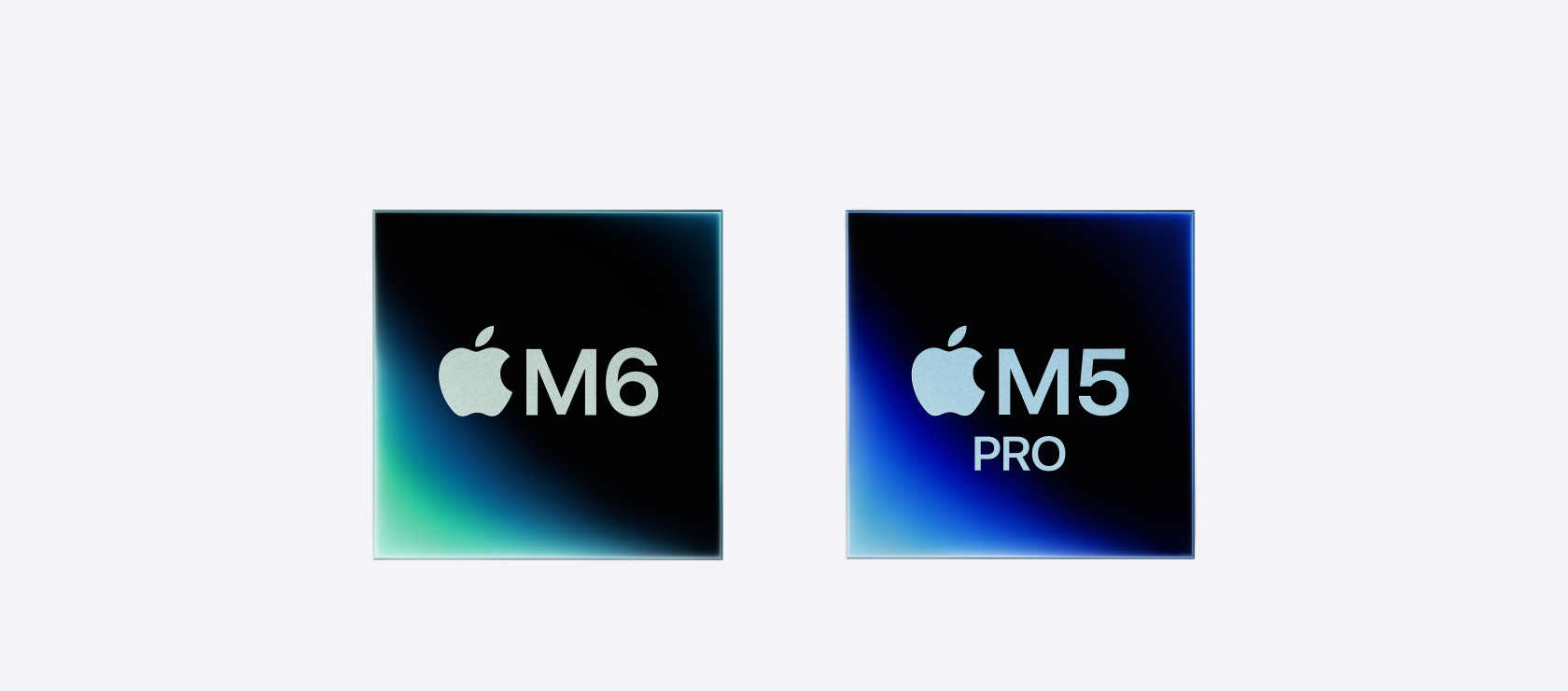
The short answer: buy the $899 Mac mini with M6 if you want the newest chip at the lowest entry price, and buy the $1,699 Mac mini with M5 Pro if your work leans on CPU-heavy or memory-bandwidth-heavy tasks, because Apple's own spec sheet gives the "older" M5 Pro configuration more CPU cores, more GPU cores, and nearly double the memory bandwidth of the base M6 model. Apple refreshed the Mac mini on August 25, 2026, and kept both chips on sale side by side, which is the rare case where the newer chip is not automatically the better buy for every workload.
- Mac mini with M6: starts at $899 (16GB unified memory, 256GB SSD, 12-core CPU, 12-core GPU)
- Mac mini with M5 Pro: starts at $1,699 (24GB unified memory, 512GB SSD, 15-core CPU, 16-core GPU, configurable to 18-core CPU/20-core GPU)
- M5 Pro memory bandwidth: 307GB/s versus up to 170GB/s on M6, per Apple's tech specs page
- Both support Wi-Fi 7, Bluetooth 6, and up to three external displays
- M6 uses Thunderbolt 4; M5 Pro steps up to Thunderbolt 5
- Announced August 25, 2026; shipped starting September 22, 2026
What changed with the 2026 Mac mini
Apple's newsroom announcement on August 25, 2026 introduced a new entry-level Mac mini built around the M6 chip, while keeping a higher-tier configuration built around the M5 Pro chip available in the same body and the same starting price Apple had set for it previously. That is an unusual structure: normally a new base chip retires the previous generation's step-up option. Here, Apple's own product and specs pages list the M6 and M5 Pro as two separate, concurrently sold configurations of the same Mac mini, not a base model and a Pro model built on the same silicon generation.
Apple's own figures describe the M6 chip as bringing up to 4x faster AI performance and 2x faster graphics compared with the outgoing M4 Mac mini, along with roughly 40 percent faster CPU performance versus M4. Those are real, meaningful gains for anyone upgrading from an M4 or older Mac mini. The nuance worth understanding before you buy is what happens when you compare the new base M6 configuration against the M5 Pro configuration sold right next to it, rather than against the machine it replaced.
Price and configurations
Both configurations start at fixed memory and storage tiers and can be built up from there. Here is how Apple's own listed starting configurations and prices compare, based on apple.com's Mac mini product and specs pages.
| Spec | Mac mini with M6 | Mac mini with M5 Pro |
|---|---|---|
| U.S. starting price | $899 ($799 education) | $1,699 ($1,599 education) |
| CPU cores | 12-core (2 super, 4 performance, 6 efficiency) | 15-core base, configurable to 18-core |
| GPU cores | 12-core | 16-core base, configurable to 20-core |
| Neural Engine | Dual 16-core | 16-core |
| Unified memory (starting / max) | 16GB / 32GB | 24GB / 64GB |
| Memory bandwidth | Up to 170GB/s | 307GB/s |
| Storage (starting / max) | 256GB / 2TB SSD | 512GB / 8TB SSD |
| Thunderbolt ports | 3x Thunderbolt 4 (up to 40Gb/s) | 3x Thunderbolt 5 (up to 120Gb/s), with Genlock |
| Wireless | Wi-Fi 7, Bluetooth 6 | Wi-Fi 7, Bluetooth 6 |
| External displays | Up to 3 | Up to 3 |
| Weight | 1.5 lb (0.67 kg) | 1.6 lb (0.73 kg) |
The $800 gap between starting prices is not just a markup for a faster chip. It also buys you a higher memory floor (24GB versus 16GB), a bigger starting SSD (512GB versus 256GB), and headroom to configure far more unified memory and storage than the M6 model allows.
The chip specs Apple actually publishes
Apple's Mac mini tech specs page lists the M6 chip as a 12-core CPU (2 super cores, 4 performance cores, 6 efficiency cores) paired with a 12-core GPU and a dual 16-core Neural Engine. The same page lists the M5 Pro chip starting at a 15-core CPU (5 super cores, 10 performance cores) and a 16-core GPU, configurable up to an 18-core CPU and 20-core GPU, with a 16-core Neural Engine. Apple's Mac Compare tool shows the same core counts side by side.
On memory, the base M6 configuration ships with 16GB of unified memory and a published memory bandwidth of up to 170GB/s once you configure additional memory (Apple's specs page lists 153GB/s at the base tier and up to 170GB/s on upgraded-memory configurations). The M5 Pro configuration starts at 24GB of unified memory with 307GB/s of memory bandwidth, a figure that does not change across its memory tiers. That is roughly 80 percent more bandwidth than even the upgraded-memory M6 figure, straight from Apple's own numbers.
Why the "older" M5 Pro can still win some tasks
Apple's own newsroom release does not publish a head-to-head M6-versus-M5-Pro benchmark, so this section describes what the spec sheet implies rather than a tested result. Apple's performance claims for M6 are all measured against the outgoing M4 Mac mini, and its performance claims for M5 Pro are measured against M2 Pro and M4 Pro. Neither press release compares the two current configurations directly.
What Apple's spec pages do confirm is the underlying hardware gap: the M5 Pro configuration has more CPU cores (15 to 18, versus 12 on M6), more GPU cores (16 to 20, versus 12 on M6), and substantially more memory bandwidth (307GB/s versus up to 170GB/s). Core count and memory bandwidth are the two factors that most directly determine throughput on heavily multi-threaded or memory-bandwidth-bound workloads, such as rendering, large batch exports, running bigger local AI models, or compiling large codebases. A chip with more cores and more bandwidth to feed them can out-process a newer but smaller chip on exactly that kind of job, even if the newer chip wins on single-threaded responsiveness or on tasks that fit comfortably inside M6's narrower memory pipe. Treat this as a spec-driven expectation rather than a verified benchmark margin, since Apple has not published a direct comparison between these two specific configurations.
Apple's own performance claims, in full
Since Apple does not publish a direct M6-versus-M5-Pro comparison, it is worth seeing exactly what Apple does claim for each chip, against the generations it is replacing. For the M6 Mac mini, Apple's newsroom release cites up to 13.5x faster large language model prompt processing in LM Studio versus the original M1 Mac mini, and up to 4.8x faster versus the M4 Mac mini. It also cites up to 2.3x faster Excel spreadsheet calculations versus M1 (1.5x versus M4), and up to 2x faster ray-traced gaming performance in Cyberpunk 2077 versus M4.
For the M5 Pro Mac mini, Apple's figures are measured against the M2 Pro and M4 Pro chips rather than M1 or M4: up to 8.5x faster LLM prompt processing in LM Studio versus M2 Pro (4x versus M4 Pro), up to 4.5x faster ray-traced rendering in Blender versus M2 Pro (1.4x versus M4 Pro), and up to 2.1x faster image processing in Affinity versus M2 Pro (1.5x versus M4 Pro). None of these figures pit M6 against M5 Pro directly, which is exactly why the core-count and memory-bandwidth gap documented on Apple's specs page is the most reliable way to reason about how the two current configurations stack up against each other.
Memory, storage, and upgrade headroom
Beyond raw chip specs, the two configurations diverge most on how far you can push memory and storage after the base configuration. The M6 Mac mini tops out at 32GB of unified memory and 2TB of SSD storage. The M5 Pro Mac mini goes up to 64GB of unified memory and 8TB of SSD storage, according to Apple's specs page. For anyone who works with large creative files, big local datasets, or memory-hungry virtual machines, that ceiling matters as much as the chip itself, since Apple's unified memory cannot be upgraded after purchase on either configuration.
Ports, connectivity, and displays
Both configurations share the same front panel (two USB-C ports with USB 3 support, plus a headphone jack) and the same wireless hardware: Wi-Fi 7 and Bluetooth 6. Both also support up to three external displays over a combination of Thunderbolt and HDMI, per Apple's specs page.
The difference is on the back panel. The M6 model carries three Thunderbolt 4 ports rated up to 40Gb/s. The M5 Pro model carries three Thunderbolt 5 ports rated up to 120Gb/s, and Apple's specs page notes Genlock support for synchronizing displays and compatible cameras, including iPhone 17 Pro, over that connection. If you move large video files over an external SSD regularly, or want to daisy-chain high-bandwidth accessories, Thunderbolt 5 is a meaningful practical upgrade that has nothing to do with CPU or GPU core counts.
Which Mac mini should you buy
Based strictly on what Apple's own pricing and specs pages show, here is how the choice breaks down by use case.
Buy the M6 Mac mini ($899) if: you are upgrading from an Intel Mac mini or an M1/M2-era Mac mini, your workloads are mostly single-app, everyday computing (browsing, office work, light photo editing, email, video calls), and you do not need more than 32GB of memory or 2TB of storage. The 40 percent CPU gain and up to 4x AI performance gain Apple cites versus M4 will be very noticeable for that kind of upgrade.
Buy the M5 Pro Mac mini ($1,699) if: your work is CPU- or GPU-core-bound and memory-bandwidth-sensitive, such as video rendering, 3D work, running larger local AI models, or heavy multitasking across memory-hungry apps. The extra cores and the 307GB/s memory bandwidth give it a structural advantage on exactly that kind of job, and the higher memory and storage ceilings (up to 64GB and 8TB) mean you are less likely to hit a wall two years into ownership. Thunderbolt 5 is also worth the premium on its own if you regularly move very large files over external storage.
If your budget sits in between, it is worth configuring a mid-tier M6 unit (24GB memory, for example) before assuming you need the M5 Pro jump, since the baseline M6 chip is still a genuine generational step up from M4 for most everyday tasks.
How this fits Apple's wider M6 lineup
The Mac mini is not the only machine where Apple is selling an M6 base chip alongside a higher-tier previous-generation Pro chip. The same core-count and bandwidth trade-off question comes up when choosing between the M6 and M5 chips across Apple's Mac lineup, and it is even more pronounced on Apple's laptops, where the MacBook Pro's M6 and M5 Pro configurations carry a similar core and bandwidth gap. If you are shopping across Apple's broader 2026 Mac refresh rather than just the Mac mini, it is also worth checking how the new M6 iMac's pricing and specs compare before deciding where your budget is best spent.
Bottom line
Apple's own spec sheet settles the practical question here, even without a head-to-head benchmark: the base Mac mini with M6 is the cheaper, newer, and perfectly capable choice for everyday computing, while the Mac mini with M5 Pro remains the better-specced machine for CPU- and bandwidth-heavy work, despite being built on the chip generation Apple is otherwise phasing out. Decide based on the kind of work you actually do, not on which chip name sounds newer. For most buyers replacing an aging Mac mini, the $899 M6 configuration is the sensible default; for buyers doing rendering, local AI, or heavy multitasking, the $1,699 M5 Pro configuration is worth the jump on Apple's own numbers alone.
Frequently asked questions
What is the starting price of the Mac mini with M6?
$899 in the U.S., or $799 with education pricing, for the base configuration with 16GB of unified memory and a 256GB SSD, according to Apple's Mac mini product page.
What is the starting price of the Mac mini with M5 Pro?
$1,699 in the U.S., or $1,599 with education pricing, for the base configuration with 24GB of unified memory and a 512GB SSD, per Apple's product and newsroom pages.
Is the Mac mini with M5 Pro actually faster than the new Mac mini with M6?
Apple has not published a direct benchmark comparing the two. Apple's own spec sheet does show that the M5 Pro configuration has more CPU cores, more GPU cores, and nearly double the memory bandwidth of the base M6 configuration, which should favor it on multi-threaded and bandwidth-heavy tasks like rendering or running larger local AI models.
Can you upgrade the memory or storage after buying a Mac mini?
No. As with all Apple silicon Macs, unified memory is fixed at the time of purchase and cannot be added later, so it is worth configuring enough memory and storage upfront based on Apple's listed maximums for each chip.
What is the difference in ports between the two Mac mini configurations?
The Mac mini with M6 has three Thunderbolt 4 ports rated up to 40Gb/s. The Mac mini with M5 Pro has three Thunderbolt 5 ports rated up to 120Gb/s with Genlock support, according to Apple's tech specs page. Both share the same front USB-C ports, HDMI, and Ethernet.
Do both Mac mini configurations support the same displays and wireless standards?
Yes. Both configurations support up to three external displays and include Wi-Fi 7 and Bluetooth 6, per Apple's Mac mini specs page.
Sources
- Apple Newsroom: Apple unveils a more powerful Mac mini featuring M6 and M5 Proapple.com
- Apple Newsroom: The new Mac mini and Mac Studio are available todayapple.com
- Apple: Mac mini Technical Specificationsapple.com
- Apple: Mac mini product pageapple.com
- Apple: Mac Compare - Mac mini M6 vs M5 Proapple.com
Mara Lindqvist edits the hardware desk. She covers graphics cards, processors, memory and storage, the foundries and chip designers behind them, and what the numbers on a spec sheet mean for people choosing a PC. Specifications in her stories come from manufacturer spec pages and datasheets.