How to Gift a Game on PS5 and Xbox: The Complete Guide
PlayStation still has no way to gift one specific game directly — only gift cards. Xbox does. Here’s the full, step-by-step guide to gifting on both consoles.

Short answer: Xbox lets you gift a specific digital game directly to a friend. PlayStation does not — there is no “send this exact game” button anywhere on PS5. On PlayStation, the only official way to gift a digital game is to buy a PlayStation Store gift card and let the recipient redeem it themselves. Here’s exactly how both systems work, step by step, plus how they compare to Nintendo’s approach on Switch 2.
- PS5 / PS5 Pro / PS4: No direct game gifting. Buy a PlayStation Store gift card instead; the recipient redeems it and buys the game themselves.
- Xbox (console, PC, web): Full direct gifting. Find the game, choose “Buy as Gift,” and send it to a friend or an email address.
- Game Pass Ultimate: Can be gifted on Xbox the same way as a game.
- Country rule: On Xbox, the recipient generally needs to be in the same country as the buyer for console gifting to work.
Can you gift a specific game directly on PS5?
No. PlayStation’s own gift card page is explicit about this: PlayStation Store gift cards are “the go-to way of gifting digital games on PS5, PS5 Pro and PS4.” There is no PlayStation Store feature that lets you pick a specific game, pay for it, and send a redeemable code for that exact title to a friend the way Xbox and Steam allow. If you want to put a specific PS5 game under someone’s tree, the practical options are a physical disc copy (where one exists) or a PlayStation Store gift card sized to cover the digital game’s price, which the recipient then spends themselves.
How to buy and send a PlayStation Store gift card
PlayStation sells its digital gift cards through a retail partner rather than directly inside the PS5 interface. The process:
- Go to PlayStation’s official gift card page and choose a card value.
- Pick a card design and, optionally, add a personal message.
- Choose delivery as either a printable PDF or a digital voucher sent by email.
- Pay, and the code is emailed to you (or directly to the recipient, depending on how you send it) so you can pass it on.
Because the card isn’t tied to one game at checkout, it works on any PS5, PS5 Pro or PS4, in any supported region matching the card’s currency — you’re gifting store credit, not a title. That regional matching detail trips people up more than almost anything else about PlayStation gift cards: a card bought in US dollars will not redeem on an account registered to a different country’s PlayStation Store, since each regional storefront runs its own separate wallet and pricing. If the recipient’s PSN account is registered somewhere other than where you’re buying the card, check the card’s region eligibility before paying, not after they try and fail to redeem it.
How the recipient redeems it
Redemption happens entirely on the recipient’s side, on their own console, app or browser:
- Sign in to PlayStation Network and select your profile.
- Choose “Redeem Code” from the PlayStation Store menu.
- Enter the 12-digit code from the card.
- The value is added as wallet funds, which can then be spent on whichever game, add-on or subscription the recipient actually wants.
This can be done on a PS5 or PS4 console, through the PlayStation App, or in a web browser — PlayStation’s store support hub confirms all three work for redemption.
What PlayStation gift cards can and can’t buy
Once redeemed, the balance covers any digital item sold on PlayStation Store: full games, game add-ons and DLC, PlayStation Plus memberships, in-game virtual currency, and digital pre-orders. What it explicitly does not cover is physical merchandise — PlayStation’s own wording is that gift cards “can only be used on digital products at PlayStation Store.” If you were hoping to use a PS gift card toward a physical collector’s edition or merch, that won’t work; it’s digital-only credit.
Why doesn’t PlayStation support direct game gifting?
PlayStation has never added a one-to-one “send this exact game to a friend” feature to PlayStation Store, even as its library has grown almost entirely digital-first. Sony hasn’t published an explanation for the gap, and its own support documentation simply states the gift-card workaround as the policy rather than framing it as a limitation. For players coming from Xbox or Steam, where picking a title and sending it directly has been standard for years, it’s a genuine functionality gap rather than a quirk of one region or storefront — PlayStation’s support page describing gift cards as the “go-to way” is the same wording used globally.
PS5 vs. Xbox vs. Switch 2: gifting at a glance
| Console | Can you gift one specific game? | How it works | Delivery |
|---|---|---|---|
| PS5 / PS5 Pro / PS4 | No | Buy a PlayStation Store gift card; recipient redeems it as wallet credit and buys the game themselves | Printable PDF or emailed digital voucher |
| Xbox (console/PC/web) | Yes | “Buy as Gift” on the game’s store page, sent to a friend or an email address | Console message + email (friend); email only (web/PC checkout) |
| Nintendo Switch / Switch 2 | Yes, but family group only | “Give as a Gift” on the eShop product page, sent to a member of your Nintendo Account family group | Delivered instantly to the recipient’s HOME Menu |
How to gift a game on Xbox (console)
Xbox takes the opposite approach: you can buy one specific game and send it directly to someone. On an Xbox console:
- Open the Microsoft Store and search for the game you want to give.
- Select the gift-wrap icon on the game’s page to open the “Buy as Gift” options.
- Choose a friend from your Xbox friends list, or enter the recipient’s email address instead.
- The recipient generally needs to be in the same country as you for this to go through.
- Pick a payment method and complete the purchase.
The recipient gets notified two ways: a message on their own console, and an email sent to the address tied to their Xbox account. They select “Redeem code” on either notification, the same flow Xbox Support’s official redeem-codes page walks through, to unlock the download and start playing.
Gifting on PC, the Xbox app and the web
The same “Buy as Gift” option exists outside the console, with small differences depending on where you’re buying:
- Xbox app on PC (including the ROG Xbox Ally handheld): search for the game, select the “…” button on its page, and choose “Buy as Gift.” Send it to an Xbox friend or an email address, the same as on console.
- Xbox Store or Microsoft Store in a web browser: find the game, add-on or subscription, open the “…” menu beside the buy button, and select “Buy as a gift.” Only the email delivery option is available here — there’s no friends-list picker in the browser version.
- Microsoft Store on Windows: select the “Buy as a Gift” icon next to the regular buy button on the item page. As with the web version, only email delivery is offered.
In every case, you sign in with your Microsoft Account and choose a payment method before the gift is sent.
What you can gift on Xbox
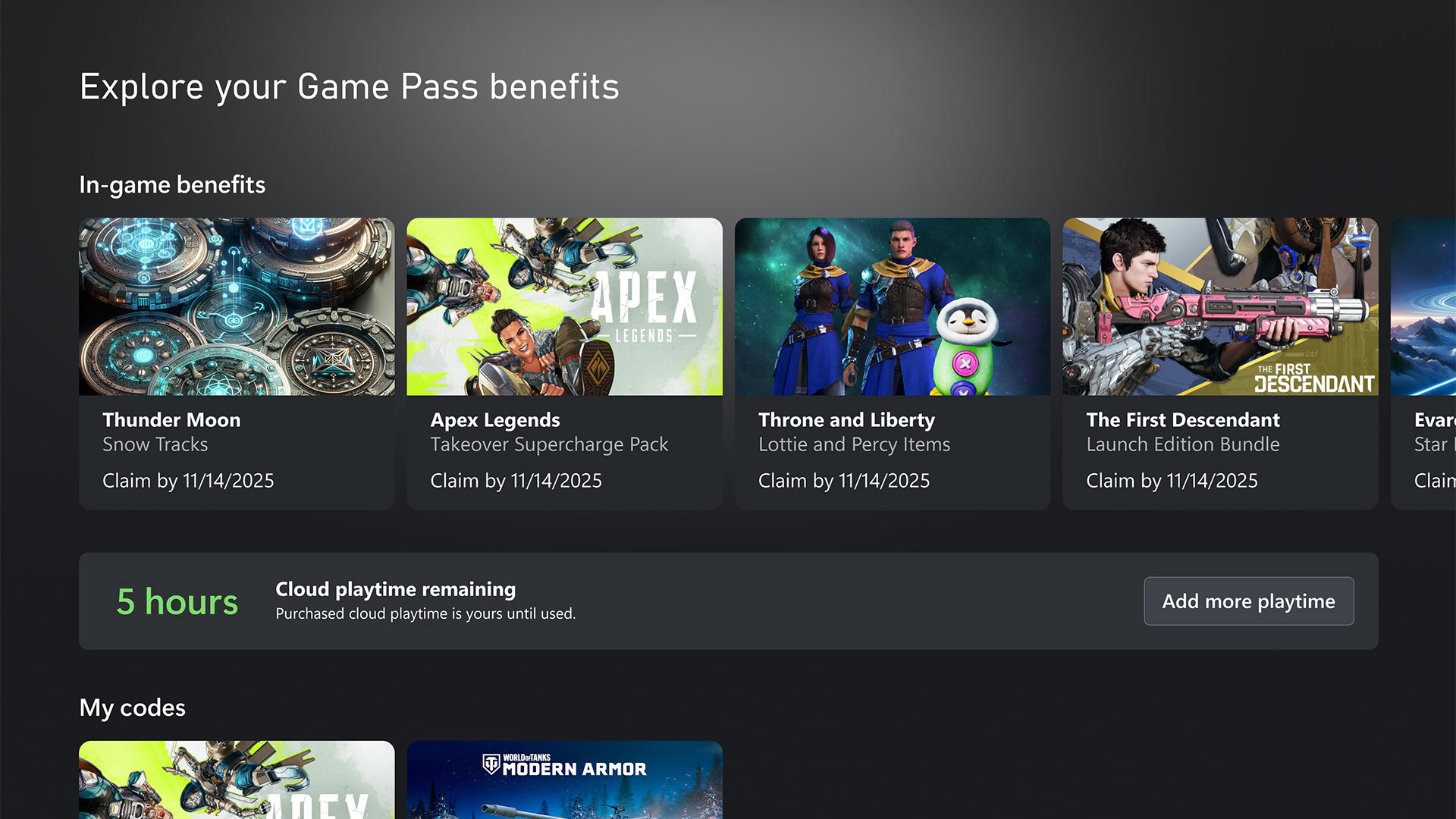
Xbox’s gifting option isn’t limited to full retail games. Add-ons and subscriptions can be sent the same way, including Xbox Game Pass Ultimate — useful if you’d rather give someone a month (or several) of access to the whole library instead of one specific title. A Game Pass Ultimate gift works through the same “Buy as Gift” flow as a regular game: you select the Xbox Game Pass subscription in the Microsoft Store, choose how it’s delivered, and the recipient redeems a code that adds the membership time to their account. That makes Xbox’s gifting system noticeably more flexible than PlayStation’s gift-card-only approach: you can hand someone a specific game they’ve been asking for, a season pass for a game they already own, or a subscription that unlocks hundreds of titles at once, rather than a balance they have to go spend themselves.
Troubleshooting a game gift that didn’t arrive
Most gifting problems on either platform come down to a short list of causes:
- Wrong country match (Xbox). If the recipient’s Xbox account region doesn’t match yours, the “Buy as Gift” purchase can fail or the gift may not be redeemable even if the purchase goes through. Double-check the recipient’s account region before buying, not after.
- Email delivery delay (both platforms). Gift cards and web/PC Xbox gifts sent by email aren’t always instant. Buy a few days ahead of when you need the gift to land, especially around peak shopping periods when retailers’ and platforms’ email systems are under heavier load.
- Recipient already owns the game. On Xbox, gifting a title the recipient has already purchased typically isn’t useful to them since digital licenses aren’t resold or refunded that way — it’s worth asking first for anything less than an obvious pick.
- Spam folders. Since both PlayStation gift card codes and Xbox web/PC gifts are delivered by email, a code that “never arrived” is very often sitting in a spam or promotions folder.
- Payment method declined. Gifting purchases go through the same payment verification as a normal purchase, so an expired card or billing-address mismatch will block a gift exactly like it would block buying something for yourself.
How this compares to Nintendo Switch 2
If you’re shopping across platforms this holiday season, it’s worth knowing where each console lands, and the picture changed again this month. As Nintendo’s official announcement confirms, the company switched on eShop gift giving for both Switch and Switch 2 on November 17, 2026, requiring system software 23.5.0 or later. It lets you select “Give as a Gift” on an eligible game, DLC or upgrade pack and send it straight to a recipient’s HOME Menu for instant delivery — but only to someone in your own Nintendo Account family group (up to eight members total), not to any friend by email the way Xbox allows. Supervised accounts can’t send gifts, and Nintendo caps how many digital gifts can be sent in a given period. See Pandromeda’s full guide to gifting digital games on Nintendo Switch and Switch 2 for the complete walkthrough.
For console shoppers specifically weighing a PS5 versus an Xbox purchase around Black Friday, Pandromeda’s roundup of this year’s PS5, Xbox Series X and Switch 2 Black Friday deals is a useful companion read, and Xbox’s own 25th-anniversary Game Pass perks are worth checking if a Game Pass Ultimate gift is on your list.
What to do next
If the person you’re buying for is on PS5, decide on a gift card value that covers the specific game’s price (check the PlayStation Store listing first, since prices vary by title and region) and choose email or printable delivery depending on how far in advance you’re buying. If they’re on Xbox, you can skip that math entirely — just open the Microsoft Store, find the exact game, and use “Buy as Gift” to send the title itself. Either way, send PlayStation gift cards and Xbox email gifts a few days before you need them to arrive, since email delivery isn’t always instant. And if you’re not sure which console the gift is actually for, buying a PlayStation Store gift card is the safer universal fallback of the two systems: it can be redeemed for whatever the recipient wants on their own PlayStation account, whereas an Xbox game gift only makes sense if you already know the exact title they’re after and that they don’t already own it.
Frequently asked questions
Can you gift a specific game on PS5?
No. PlayStation Store has no feature to send one exact game to a friend. The only official way to gift on PS5 is a PlayStation Store gift card, which the recipient redeems as wallet credit and spends on whatever they want.
How do you gift a game on Xbox?
Find the game in the Microsoft Store, select the gift-wrap icon or the ‘Buy as Gift’ option, choose a friend or enter their email address, and complete the purchase. The recipient gets a console message and an email with a redeemable code.
Can you gift Xbox Game Pass Ultimate?
Yes. Game Pass Ultimate can be sent through the same ‘Buy as Gift’ flow as a regular game, letting you give someone months of access to the library instead of one title.
Can you gift games on Nintendo Switch or Switch 2?
Yes, as of November 17, 2026, but only to members of your own Nintendo Account family group, not to any friend by email. Select ‘Give as a Gift’ on an eligible product and choose a recipient's linked console.
Why can't you send a specific PS5 game directly to a friend?
PlayStation has never added that feature to PlayStation Store. Its own support documentation presents the gift-card option as the policy, not as a workaround for a missing feature.
Does the Xbox recipient need to be in the same country as me?
Generally yes for console gifting — Xbox's gifting process requires the recipient's account region to match the buyer's for the gift to be redeemable.
Sources
- PlayStation: PlayStation Store gift cardsplaystation.com
- PlayStation Support: PlayStation Store helpplaystation.com
- Xbox Support: How to redeem gift cards and codessupport.xbox.com
- Nintendo: Official eShop gift giving announcementnintendo.com
Jonah Reyes leads Pandromeda's gaming coverage: console and handheld hardware, release dates, pricing changes, patch notes and the business moves behind the biggest franchises. He sources every date and price from the platform holders and publishers themselves, and says plainly when something is still only a rumour.