Nano Banana Pro vs Seedream 5.0 Pro: Which AI Image Tool Wins?
Google's Gemini 3 Pro Image model meets ByteDance's design-focused Seedream 5.0 Pro: here's how their specs, pricing, and editing tools actually compare.
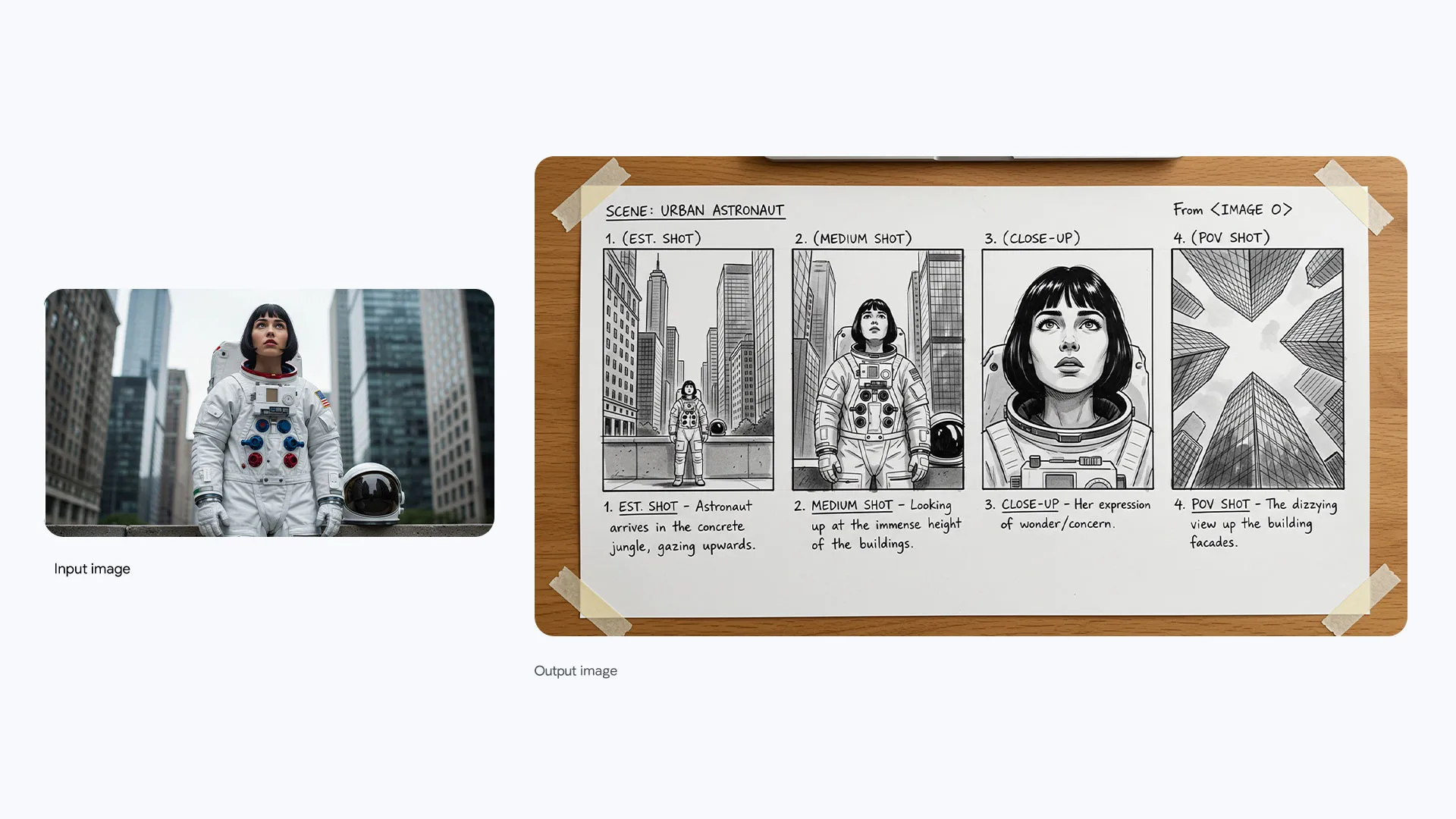
Short answer: Nano Banana Pro (Google's Gemini 3 Pro Image model) is the stronger pick for text-heavy graphics, factual infographics, and multi-reference consistency, while Seedream 5.0 Pro from ByteDance leads on layered, pixel-level editing control and multilingual design work. Both ship 2K/4K-class output, but they price and gate access differently, and only one of them has fully public, official per-image pricing as of this writing.
Key facts
- Nano Banana Pro is Google's Gemini 3 Pro Image model, announced November 20, 2025, built on Gemini 3 Pro's reasoning. It outputs 1K, 2K, or 4K images and blends up to 14 reference images.
- Nano Banana Pro pricing (Gemini API, Google AI Studio): $0.134 per 1K/2K image, $0.24 per 4K image, per Google's official pricing page.
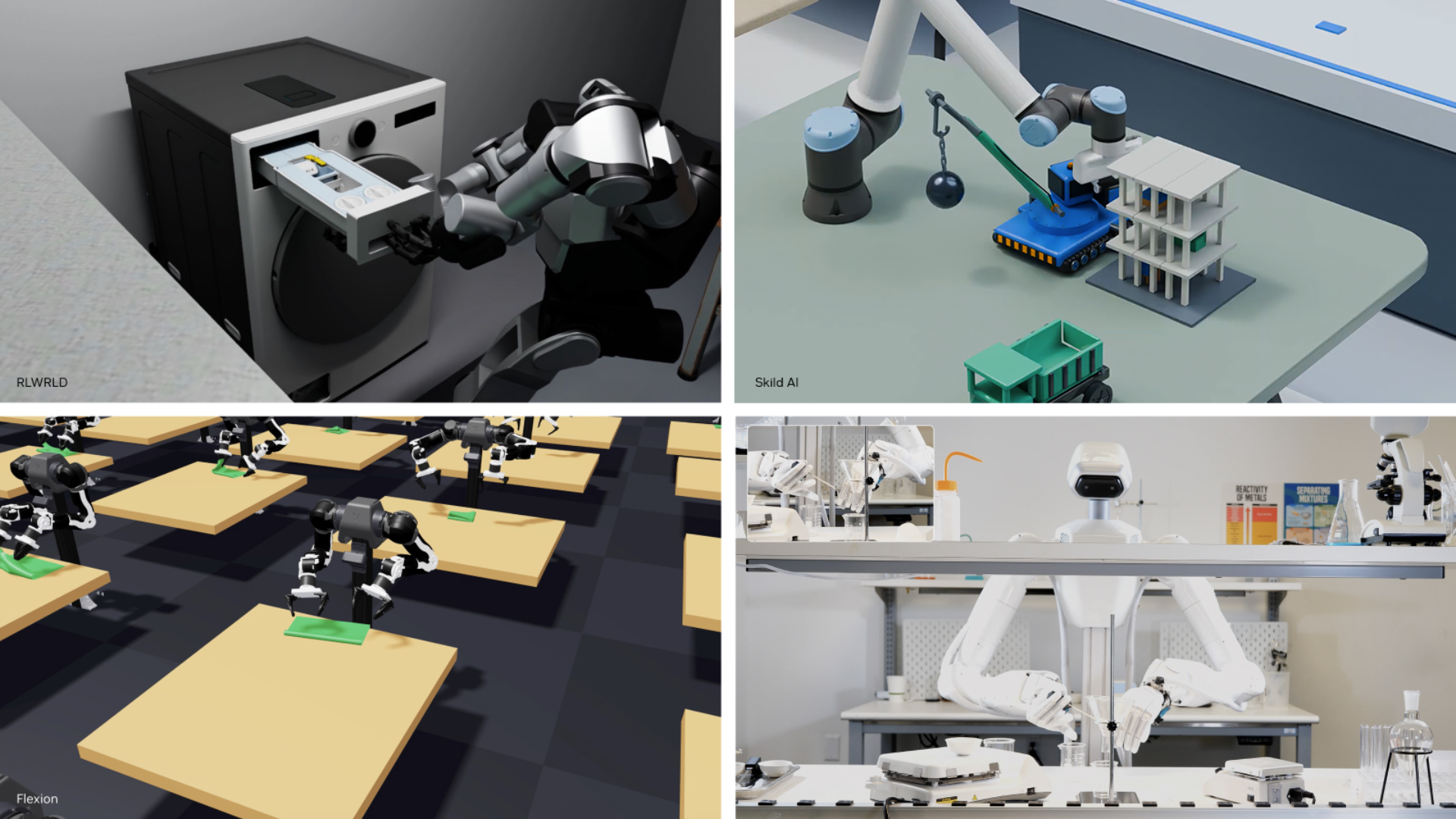
- Seedream 5.0 Pro is ByteDance's flagship multimodal image model, launched July 8, 2026, with layer separation, point/lasso selection, and native support for 10+ languages.
- Seedream 5.0 Pro resolution defaults to 2K, with 1K/1.5K presets and a custom pixel range up to roughly 4.6 megapixels, per Volcano Engine's own API docs. ByteDance has not published official per-image API pricing as of this writing; third-party hosts report figures in the $0.035–$0.09 range, so treat those as estimates.
- Neither company has published a head-to-head benchmark against the other; every number below traces back to each company's own documentation or blog post.
Quick answer: which one should you use?
If your work leans on legible text inside images — ad creative with taglines, infographics with real numbers, UI mockups, posters in multiple scripts — Nano Banana Pro's Gemini 3 reasoning and Google Search grounding give it an edge, and Google publishes a transparent, metered price per image. If your work is closer to production design — splitting a finished poster into editable layers, swapping a product's color with a hex code, or compositing faces from several reference photos into one scene — Seedream 5.0 Pro's point-and-lasso editing tools are built specifically for that workflow, though you'll need to confirm current API pricing directly with Volcano Engine or BytePlus before committing to a production budget.
What is Nano Banana Pro?
Nano Banana Pro is Google's marketing name for Gemini 3 Pro Image, the image generation and editing model built on Gemini 3 Pro. Google introduced it on November 20, 2025 as the successor to the original Nano Banana (Gemini 2.5 Flash Image), describing it as the company's "most advanced image generation and editing model." It uses Gemini's reasoning — Google calls this "Thinking" — to follow multi-step instructions, keep brand elements consistent across a composition, and render legible text, including translating text already inside an uploaded image while leaving the rest of the picture untouched.
Per Google's Gemini API documentation, the model can blend up to 14 reference images in one request (up to 6 object images, 5 character images, and 3 style references) and keep the likeness of up to 5 people consistent across a scene. It also connects to Google Search for grounding, so an infographic about today's weather or a live sports score can pull real data rather than guessing. Every image carries an invisible SynthID watermark, and free and Google AI Pro users additionally get a visible sparkle mark that Ultra subscribers and API/Studio output do not have. For a deeper walkthrough of these features and how to access them, Pandromeda's explainer on Nano Banana Pro's price and features covers the consumer side in more detail.
What is Seedream 5.0 Pro?
Seedream 5.0 Pro is ByteDance's flagship multimodal image creation model, built by the company's Seed research team. ByteDance's own blog post, titled "Beyond Generation, It Understands Design," is dated July 8, 2026 and frames the release around production-ready design control rather than raw generation: "Today, we are officially launching our multimodal image creation model, Seedream 5.0 Pro." The model sits above Seedream 5.0 Lite in ByteDance's lineup.
Its headline features are editing tools aimed at designers: point selection and lasso selection for isolating part of an image without regenerating the whole frame, sketch-guided rendering, color and material replacement using hex codes or a swatch reference, and layer separation that can split a finished poster into more than 10 independent, transparent layers. ByteDance also highlights multilingual input and output — natively covering Chinese, English, and more than ten other languages including French, German, Russian, Japanese, Korean, Spanish, and Arabic, with correct right-to-left rendering for Arabic script. The company is candid about current limits, noting in the same post that there is "still room to improve in finer-grained text rendering and pixel-level editing consistency."
Specs and pricing compared
The table below pulls only from each company's own documentation: Google's Gemini API pricing page and image-generation docs, and Volcano Engine's Ark API reference for Seedream. Where ByteDance has not published an official number, that's noted rather than filled in with a third-party guess.
| Spec | Nano Banana Pro (Gemini 3 Pro Image) | Seedream 5.0 Pro |
|---|---|---|
| Developer | Google DeepMind | ByteDance (Seed team) |
| Announced / launched | November 20, 2025 | July 8, 2026 |
| Underlying model | Gemini 3 Pro | Seedream 5.0 family (Doubao/Seed) |
| Max output resolution | 4K (4096×4096) | ~2K default; custom sizes up to roughly 4.6 MP (per Volcano Engine docs) |
| Resolution presets | 1K, 2K, 4K | 1K, 1.5K, 2K |
| Reference images per request | Up to 14 (objects, characters, style) | Multi-image fusion supported; exact cap not published by ByteDance |
| Signature editing tools | Local edits, camera/lighting controls, text translation in-image | Point/lasso selection, layer separation, hex-code color/material swap |
| Price per image (official) | $0.134 (1K/2K), $0.24 (4K) — Gemini API | Not publicly listed by Volcano Engine/BytePlus as of writing; third parties report roughly $0.035–$0.09/image |
| Grounding / world knowledge | Google Search grounding available | Not offered |
| Watermark | Invisible SynthID on all outputs; visible mark on free/Pro tiers only | Not detailed in ByteDance's launch post |
| Consumer app | Gemini app, Search AI Mode (US), NotebookLM | Dreamina (ByteDance's consumer app) |
| Developer access | Gemini API, Google AI Studio, Vertex AI, Antigravity | Volcano Engine Ark, BytePlus ModelArk |
Image quality and text rendering
Both companies lead with text rendering because it's historically been the weak point of diffusion-style image models. Google says Nano Banana Pro "produces legible text in images, from short taglines to long paragraphs, in multiple languages," and can translate text already baked into a photo while leaving the rest of the composition alone — useful for localizing packaging shots or UI screenshots. Google also pairs this with Search grounding, so a generated infographic can cite a real, current figure instead of a plausible-looking but invented one.
ByteDance's pitch for Seedream 5.0 Pro is similar but language-first: native support for right-to-left Arabic, correctly placed Spanish accent marks, and more than ten languages without a separate translation pass. ByteDance frames the model around "complex information visualization" — turning dense notes or data into infographic-style layouts — which overlaps directly with Nano Banana Pro's infographic use case. Neither company has published a shared benchmark, and ByteDance's own post acknowledges current gaps in "finer-grained text rendering and pixel-level editing consistency," so this is a case where testing your own prompts matters more than any single vendor claim.
Resolution also plays into perceived quality. Nano Banana Pro's 4K tier (4096×4096) is the higher ceiling on paper, useful for print-ready posters or large-format ad creative, and it costs noticeably more per image than the 1K/2K tier under Google's own pricing. Seedream 5.0 Pro defaults to 2K and lets developers specify a custom width and height instead of fixed presets, as long as the total pixel count stays within the range Volcano Engine's documentation sets out — useful if your output needs an unusual aspect ratio, such as a wide banner or a tall social story format, without cropping after generation.
A practical gap to note: Google's own documentation does not spell out firm file-size or payload limits for reference-image uploads beyond pointing readers to its separate image-understanding docs, and ByteDance's launch post likewise skips numeric limits on multi-image fusion. If your workflow depends on hard limits for batch or reference-image size, confirm the current figures against each platform's console before building automation around them, since neither company commits to a number in the page we reviewed.
Editing tools: layers, selection, and consistency
This is where the two models diverge most. Nano Banana Pro's editing is reference-driven: feed it up to 14 images and it blends them while holding up to 5 people's likenesses consistent, plus it supports local edits (change just one region) and camera/lighting adjustments like shifting from day to night or applying a bokeh effect. Seedream 5.0 Pro's editing is selection-driven and closer to a design tool: point or lasso an area, swap its color or material via a hex code, or split the whole composition into more than 10 separate transparent layers for later work in a design app. If your pipeline already involves a layered editor like Photoshop, Seedream's layer separation is the more directly useful feature; if you need one model to keep a cast of characters consistent across many generated scenes, Nano Banana Pro's reference-image handling is built for that. Pandromeda has also compared Nano Banana Pro against other rivals, including its matchup with OpenAI's GPT-Image 2 and the differences between Nano Banana 2 and Nano Banana Pro, for readers weighing more than two options.
Where to access each model
Nano Banana Pro is the easier of the two to try without an API key: it's live in the Gemini app under the "Thinking" + "Create images" combination, in Search's AI Mode for US Google AI Pro/Ultra subscribers, in NotebookLM, and it's rolling into Google Slides, Vids, and Google Ads. Developers reach it through the Gemini API, Google AI Studio, Vertex AI (enterprise), and the Antigravity IDE.
Seedream 5.0 Pro's consumer front door is Dreamina, ByteDance's AI creation app. Developers reach the model through Volcano Engine's Ark platform (the model ID referenced in ByteDance's ecosystem is a doubao-seedream-5-0-pro build) and BytePlus ModelArk, which is the international version of the same API. ByteDance's launch post links directly to a BytePlus playground rather than a self-serve pricing page, which is part of why official per-image pricing is harder to pin down than Google's.
Which one is cheaper to run at scale?
On paper, Google's published rate is straightforward: $0.134 per image at 1K or 2K, rising to $0.24 at 4K, billed through the Gemini API with no free tier for this model. Google also meters text input/output separately ($2 per million input tokens, $12 per million output tokens) if you're combining image generation with a lot of prompt reasoning or interleaved text output.
ByteDance has not published an equivalent official rate card for Seedream 5.0 Pro on Volcano Engine or BytePlus as of this writing — the ModelArk playground is live, but a public, first-party price-per-image page was not found on either domain. Third-party inference hosts list figures anywhere from roughly $0.035 to $0.09 per image depending on output resolution, but those are reseller prices, not ByteDance's own numbers, so don't budget a production pipeline against them without checking the Ark or ModelArk console directly first.
Which model should you choose?
Pick Nano Banana Pro if: you need transparent, published API pricing; you're generating text-heavy assets (ads, infographics, diagrams) where legibility and factual grounding matter; or you want one model that stays inside the Google ecosystem (Slides, Vids, Ads, Vertex AI). Pick Seedream 5.0 Pro if: your workflow needs layer-level control for downstream editing; you're producing multilingual creative at volume, especially in scripts like Arabic; or you're already building on Volcano Engine/BytePlus infrastructure. Many teams that create across markets end up testing both, since they're priced and gated differently enough that a single winner rarely holds for every use case.
Budget and governance also factor in differently depending on where your organization already operates. A team already paying for Google Workspace or running on Vertex AI gets Nano Banana Pro bundled into infrastructure it's billed for anyway, with the same enterprise copyright and data-handling terms as the rest of Google Cloud. A team already on Volcano Engine or BytePlus for other Doubao/Seed-family models can add Seedream 5.0 Pro to an existing account without a new vendor relationship. Neither consideration should override an actual output-quality test on your own prompts, but it does change which model is cheaper to adopt even before the per-image price is factored in.
What's next
Watch two things over the next few months: whether ByteDance publishes an official, stable price list for Seedream 5.0 Pro on Volcano Engine and BytePlus (rather than leaving it to resellers), and whether Google extends Nano Banana Pro's Search-grounded infographic features further into Workspace apps beyond Slides and Vids. Until ByteDance's own pricing page goes live, run a small paid test on both models with your actual prompts before committing a production budget to either one.
Frequently asked questions
What is Nano Banana Pro?
Nano Banana Pro is Google's name for Gemini 3 Pro Image, its image generation and editing model built on Gemini 3 Pro. Google announced it on November 20, 2025 as the successor to the original Nano Banana (Gemini 2.5 Flash Image).
What is Seedream 5.0 Pro?
Seedream 5.0 Pro is ByteDance's flagship multimodal image creation model, built by its Seed research team. ByteDance officially launched it on July 8, 2026, with a focus on production-ready design editing tools like layer separation and point/lasso selection.
How much does Nano Banana Pro cost per image?
Through the Gemini API, Google charges $0.134 per image at 1K or 2K resolution and $0.24 per image at 4K resolution, per Google's own pricing documentation. There is no free tier for this model.
Does ByteDance publish official pricing for Seedream 5.0 Pro?
Not as of this writing. Volcano Engine's Ark platform and BytePlus ModelArk host the model, but neither has published a public, first-party per-image rate card. Third-party inference hosts report estimates of roughly $0.035 to $0.09 per image, which should be verified against the official console before budgeting.
Which model renders text better, Nano Banana Pro or Seedream 5.0 Pro?
Both companies claim strong text rendering. Google highlights legible, multi-language text and the ability to translate text already inside an image, while ByteDance highlights native support for 10+ languages including right-to-left Arabic. Neither company has published a shared benchmark against the other, so results vary by prompt.
Where can I try Seedream 5.0 Pro?
ByteDance's consumer app Dreamina offers Seedream 5.0 Pro to end users, and developers can access the model through Volcano Engine's Ark platform or the international BytePlus ModelArk API.
Sources
- Google: Introducing Nano Banana Problog.google
- Google AI for Developers: Gemini API pricingai.google.dev
- Google AI for Developers: Image generation documentationai.google.dev
- ByteDance Seed: Introducing Seedream 5.0 Proseed.bytedance.com
- Volcano Engine: Seedream API documentationvolcengine.com
Theo Park runs the AI desk at Pandromeda. He follows model launches from the frontier labs and the open-weight community, tracks the assistants and developer tools built on them, and explains what each release changes on pricing, capability and safety. His reporting leans on primary sources: model cards, technical reports, API documentation and the companies' own announcements.