What Is a Botnet? How It Works and How to Stay Safe
Botnets quietly turn ordinary routers, cameras and computers into an attacker's army. Here's how devices get recruited, what they're used for, and how to stay safe.
A botnet is a network of internet-connected devices — computers, phones, routers, security cameras, or other smart devices — that have been infected with malware and put under the remote control of an attacker, usually without their owners ever knowing. The term combines "robot" and "network": each infected device becomes a "bot" or "zombie" that silently follows commands from whoever controls the botnet, often called a bot-herder.
Botnets at a glance
- What it is: a group of malware-infected, remotely controlled devices, each called a "bot" or "zombie"
- How devices join: malware infection via malicious links, infected attachments, drive-by downloads, or weak/default passwords on IoT devices
- Used for: DDoS attacks, spam, credential stuffing, cryptomining, click fraud, data theft
- Control methods: a centralized command-and-control (C&C) server, or decentralized peer-to-peer (P2P) communication with no single point to shut down
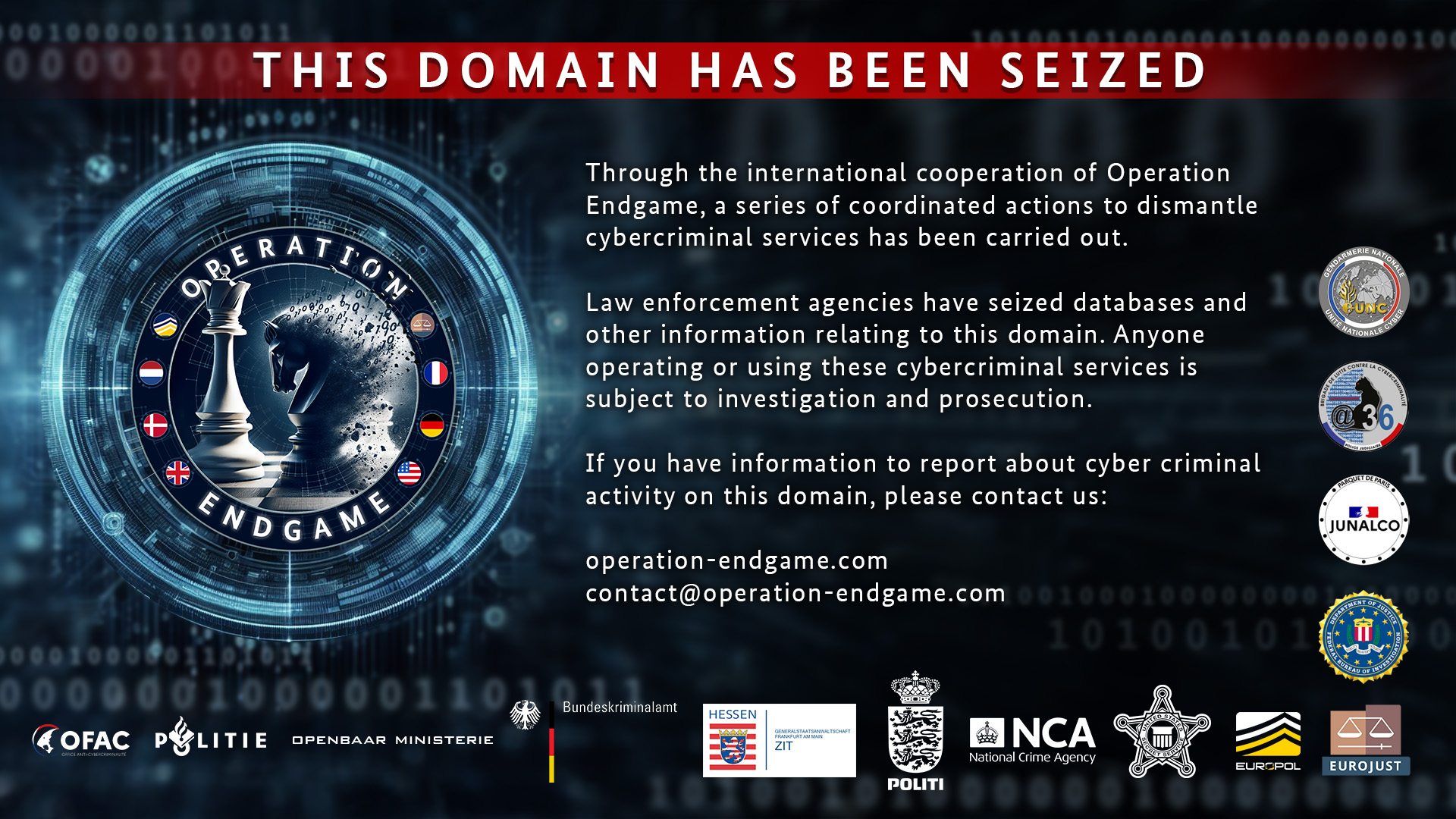
- Recent real-world example: Europol's "Operation Endgame" (May 2024) took down over 100 servers and disrupted malware droppers including IcedID, SystemBC, Pikabot, Smokeloader, and Bumblebee
What is a botnet?
According to Wikipedia's technical description, a botnet is "a group of Internet-connected devices, each of which runs one or more bots." Those bots can run distributed denial-of-service (DDoS) attacks, steal data from the infected device, send spam, and give the attacker ongoing access to the device and whatever network it's connected to. What makes a botnet dangerous isn't any single infected device — it's the combined computing power and network bandwidth of potentially thousands or millions of devices, all following the same attacker's commands simultaneously.
Botnets aren't limited to desktop computers. Modern botnets increasingly recruit internet-of-things (IoT) devices — routers, security cameras, DVRs, and smart-home gadgets — specifically because these devices are often left running outdated software with weak or unchanged default passwords, and their owners rarely notice unusual activity on them the way they might notice a sluggish laptop.
How a device gets recruited into a botnet
Per Wikipedia's summary of common infection methods, devices typically join a botnet through one of a few routes:
- Malicious links and attachments: A user clicks a malicious link or opens an infected email attachment, which silently installs bot malware.
- Drive-by downloads: Simply visiting a compromised or malicious website can trigger malware to download through a browser vulnerability, with no click required.
- Trojan horses: Malware disguised as legitimate software, often bundled with pirated programs or fake updates.
- Weak or default credentials on IoT devices: Many routers, cameras, and smart devices ship with default usernames and passwords that owners never change — newer bot malware can scan the internet for these devices and log in automatically, with no user interaction at all.
- Self-propagation: Some newer bots can scan for and exploit other unpatched vulnerabilities on their own, spreading from one vulnerable device to the next without further attacker involvement.
Once installed, the malware "checks in" with a remote controller and waits for instructions; some variants stay resident indefinitely to receive ongoing commands and updates, which is part of why a device can remain part of a botnet for months or years without its owner noticing anything beyond maybe a slower internet connection.
How attackers control a botnet
Wikipedia describes two broad architectures bot-herders use to issue commands:
| Architecture | How it works | Weakness |
|---|---|---|
| Centralized (client-server) | Bots check in with one or more command-and-control (C&C) servers over IRC channels, websites, or domains | Taking down the C&C server(s) can disable the entire botnet — the classic target for law-enforcement takedowns |
| Peer-to-peer (P2P) | Bots act as both clients and command distributors to each other, with no single central server | Harder to take down since there's no one server to seize, though individual bots can still be identified and cleaned |
Centralized botnets sometimes use techniques like fast-flux DNS or domain-generation algorithms to rotate through many server addresses, making them harder to block even though the architecture itself remains vulnerable to a well-targeted takedown. Peer-to-peer botnets — Wikipedia cites Gameover ZeuS and ZeroAccess as examples — are more resilient to that single-point-of-failure problem, and some even use digital signatures so only someone holding the right private key can issue valid commands to the network.
What botnets are actually used for
- DDoS attacks: The most well-known use — flooding a target server or service with traffic from thousands of bots simultaneously until it can't respond to legitimate users. See our DDoS attack explainer for how this plays out from the target's side.
- Spam distribution: Sending bulk email from infected "zombie" machines, which shifts the bandwidth and reputation cost onto the botnet's unwitting victims rather than the attacker.
- Credential stuffing: Automatically trying large lists of stolen username-password pairs against many different services using the botnet's distributed IP addresses to avoid rate-limiting and blocklists. Wikipedia specifically cites a 2022 credential-stuffing attack against General Motors as an example of this technique. Our credential stuffing guide covers this attack type in depth.
- Cryptomining: Some newer botnets quietly run cryptocurrency-mining software on infected devices, generating money for the operator at the victim's electricity expense.
- Click fraud and ad fraud: Using bots to simulate real user clicks or ad views to fraudulently generate advertising revenue.
- Further malware delivery: Some botnets exist specifically to install additional malware — including ransomware — onto already-infected machines, acting as a distribution channel for other criminal operations.
Notable botnets through history
Botnets have been a recognized online threat for over two decades. Wikipedia's history of the term traces several landmark examples:
| Botnet | Active / dismantled | Scale or notability |
|---|---|---|
| EarthLink spammer botnet | Exposed 2001 | Described as the first documented botnet; accounted for nearly 25% of spam at the time |
| Conficker | November 2008 | An estimated 10.5 million+ infected devices |
| Mariposa | Dismantled December 2009 | An estimated 12 million bots |
| Rustock | c. 2006 – March 2011 | Major spam-focused botnet |
| Mirai | Disrupted August 2016 | An estimated 380,000 bots, built largely from unsecured IoT devices |
| Necurs | Active from 2014 | An estimated 6 million bots |
| Operation Endgame (IcedID, Pikabot, Smokeloader, Bumblebee, SystemBC) | Disrupted May 2024 | 100+ servers seized in one coordinated international operation |
Mirai is worth singling out because it specifically targeted IoT devices — security cameras, routers, and DVRs — rather than PCs, scanning the internet for devices still running factory-default usernames and passwords. It demonstrated how much damage a botnet built from ordinary consumer hardware could do, and newer IoT-focused botnets have continued to follow the same basic playbook.
A real recent example: Operation Endgame
In May 2024, international law enforcement carried out what Europol itself described as a large-scale operation against the "dropper" malware ecosystem that feeds botnets and other infections — droppers are malware whose sole job is quietly installing other malicious software once a device is compromised. Per Europol's own announcement, the operation led to four arrests and took down more than 100 servers worldwide, disrupting malware families including IcedID, SystemBC, Pikabot, Smokeloader, and Bumblebee. Operations like this illustrate the usual lifecycle of a major botnet: build a large base of infected devices over months or years, monetize it through some mix of the uses above, and eventually face a coordinated international takedown once it becomes large or damaging enough to draw law-enforcement attention — though smaller or newer botnets regularly escape notice for far longer.
CISA has separately flagged the broader IoT side of this problem for years: a 2016 CISA alert pointed to "recent distributed denial-of-service (DDoS) attacks" enabled by IoT devices as a reason the Department of Homeland Security published its Strategic Principles for Securing the Internet of Things, and the agency's botnet-focused initiatives since have generally pushed device makers, not just end users, to build in better default security.
Warning signs your device might be part of a botnet
- Your internet connection or device feels unusually slow, especially when you're not actively using bandwidth-heavy apps.
- Your device's fan runs constantly or it overheats, which can indicate background cryptomining or sustained network activity.
- Your router's outbound traffic logs (if you can view them) show constant connections to unfamiliar addresses at odd hours.
- Your IoT devices — cameras, smart plugs, routers — are still running factory-default passwords, which is the single most common way these devices get recruited.
- Your ISP contacts you about unusual traffic from your connection, which sometimes happens when an ISP detects botnet-like behavior on a customer's network.
How to protect your devices
- Change every default password on routers, cameras, and smart-home devices the moment you set them up — this single step blocks the most common automated recruitment method.
- Keep software and firmware updated on computers, phones, and IoT devices, since many botnets spread through known, already-patched vulnerabilities that victims simply haven't applied yet.
- Avoid clicking unexpected links or opening unexpected attachments, even from contacts you recognize, since compromised accounts frequently spread bot malware to others in the victim's contact list.
- Use reputable security software that can detect and remove bot malware, and run periodic scans rather than only reacting to obvious symptoms.
- Segment your network so IoT devices sit on a separate Wi-Fi network from your computers and phones, limiting what a compromised smart device can reach even if it is infected.
- Replace IoT devices that no longer receive security updates — an old router or camera the manufacturer has stopped patching is a standing invitation to automated botnet-recruitment scans.
Frequently asked questions
Can my phone be part of a botnet? Yes. Smartphones can be infected the same way computers are, typically through malicious apps installed outside official app stores or through phishing links, though mobile botnets are less common than PC- and IoT-based ones.
How do I know for sure if my device is in a botnet? There's no single definitive sign from the outside, but unusual slowness, unexpected network activity, and overheating are common indicators. A full antivirus/anti-malware scan is the most reliable way to check.
Is a botnet the same thing as a virus? Not quite. A virus or other malware is what infects the device; the botnet is the network of infected devices the malware connects to a controller. The malware is the cause, the botnet is the resulting network.
Can botnets be shut down permanently? Sometimes, usually through coordinated law-enforcement operations that seize command-and-control servers, like Europol's 2024 Operation Endgame. Peer-to-peer botnets, which have no single server to seize, are generally harder to take down completely.
Do I need special software to protect against botnets? Not necessarily special software — keeping devices updated, changing default passwords, and running standard, reputable security software covers most of the practical risk for a typical home network.
What's next
Botnets are built from ordinary, everyday devices — routers, cameras, phones, laptops — that their owners simply never secured. The practical defense is almost entirely preventative: change default passwords, keep firmware updated, and treat unexpected links and attachments with suspicion. If you want to understand what botnets are most often used to do once assembled, see our DDoS attack and malware explainers for the next layer of this threat chain.
Frequently asked questions
Can my phone be part of a botnet?
Yes. Smartphones can be infected the same way computers are, typically through malicious apps installed outside official app stores or through phishing links, though mobile botnets are less common than PC- and IoT-based ones.
How do I know for sure if my device is in a botnet?
There's no single definitive sign from the outside, but unusual slowness, unexpected network activity, and overheating are common indicators. A full antivirus/anti-malware scan is the most reliable way to check.
Is a botnet the same thing as a virus?
Not quite. A virus or other malware is what infects the device; the botnet is the network of infected devices the malware connects to a controller. The malware is the cause, the botnet is the resulting network.
Can botnets be shut down permanently?
Sometimes, usually through coordinated law-enforcement operations that seize command-and-control servers, like Europol's 2024 Operation Endgame. Peer-to-peer botnets, which have no single server to seize, are generally harder to take down completely.
Do I need special software to protect against botnets?
Not necessarily special software — keeping devices updated, changing default passwords, and running standard, reputable security software covers most of the practical risk for a typical home network.
Sources
- Botnet — Wikipediaen.wikipedia.org
- Europol — Largest-ever operation against botnets hits dropper malware ecosystemeuropol.europa.eu
- CISA — Botnet Road Map Status Updatecisa.gov
- CISA — Strategic Principles for Securing the Internet of Thingscisa.gov
Sana Qureshi runs the security and privacy desk. She reports on actively exploited vulnerabilities, vendor patches and data breaches, and covers the password managers, VPNs and authentication tools readers use to protect themselves. Her alerts cite vendor advisories, CISA and the CVE record directly.