Brave vs Firefox: Which Is the Better Privacy Browser in 2026?
A privacy-and-security comparison of Brave's Shields and farbling against Firefox's tracking protection, containers and new built-in VPN in 2026.
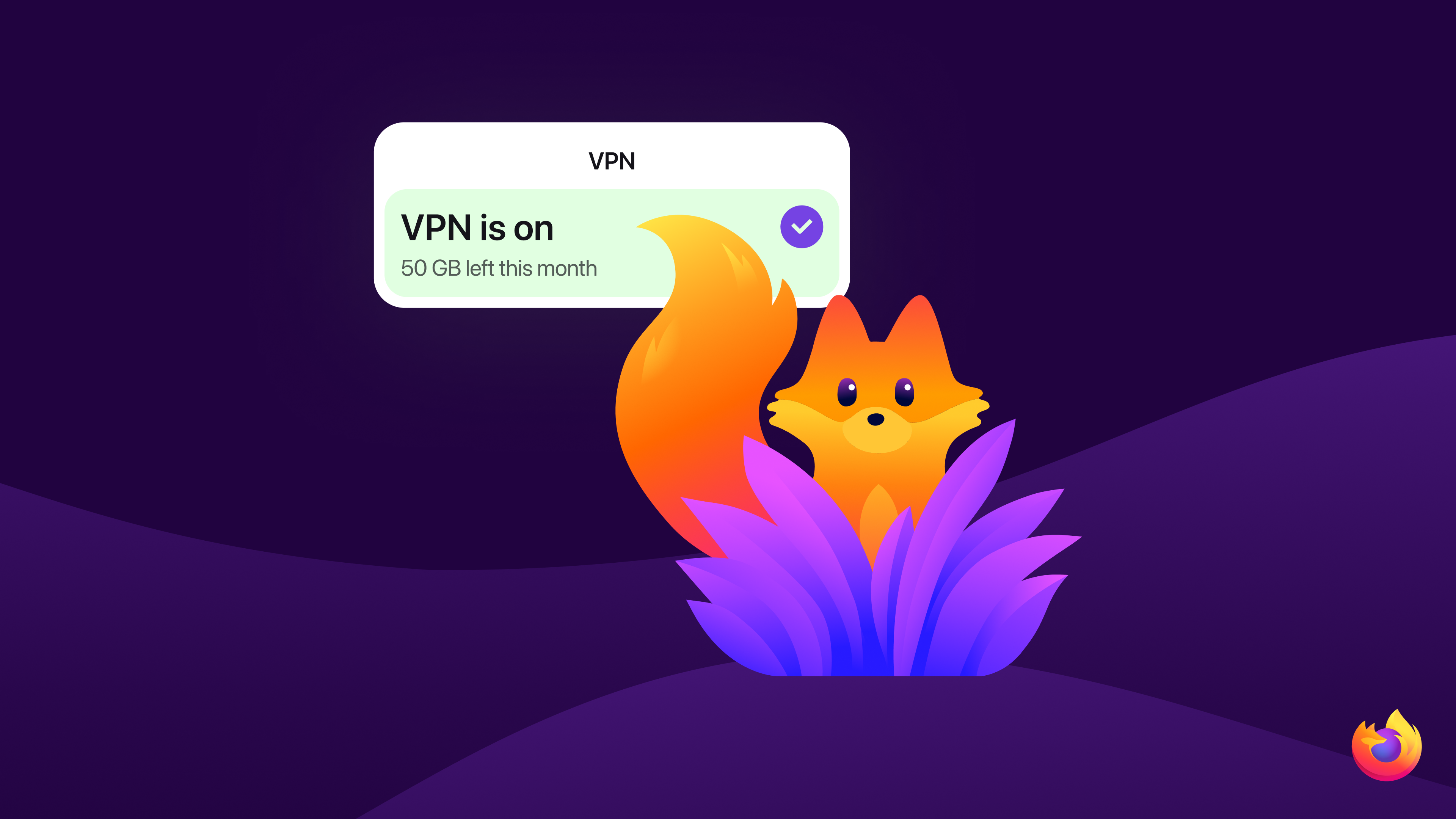
Brave and Firefox both brand themselves as privacy-first browsers, but they get there in different ways: Brave builds ad and tracker blocking directly into the Chromium engine and bets on aggressive fingerprint randomization, while Firefox pairs Gecko's independence from Google with policy-driven protections like Enhanced Tracking Protection, Total Cookie Protection, and — new as of 2026 — a free built-in VPN. For most people choosing a default browser for everyday privacy, Firefox's combination of strong out-of-the-box blocking, container-based identity separation, and a non-Chromium engine makes it the safer long-term default, while Brave remains the better pick if you specifically want maximum blocking with zero configuration and don't mind running on Google's Chromium codebase.
Quick facts
- Engine: Brave runs on Chromium; Firefox runs on Mozilla's independent Gecko engine.
- Ad/tracker blocking: Both block third-party trackers by default; Brave also blocks most ads by default, Firefox does not.
- Fingerprinting defense: Brave randomizes ("farbles") identifying values every session; Firefox's Standard Enhanced Tracking Protection now also blocks known fingerprinting scripts and limits device-detail exposure.
- Anonymity tooling: Brave has built-in Private Windows with Tor; Firefox has Multi-Account Containers and, since March 2026, a free built-in VPN with a 50GB monthly cap.
- Default search: Brave defaults new installs in the US, Canada and UK to its own Brave Search; Firefox lets you pick a provider during setup.
Tracker and ad blocking
Brave's built-in Shields feature blocks third-party ads and trackers on every page by default, using filter lists drawn from EasyList, EasyPrivacy, uBlock Origin, and Brave's own lists. Shields also replaces some tracking scripts with more private substitutes so pages keep working, and it detects trackers that hide their origin through CNAME cloaking — a technique that defeats many list-based blockers. Cross-site cookies are blocked by default, and third-party storage is swapped for temporary storage that gets deleted automatically. In January 2026, Brave rewrote its Rust-based adblock engine to store its roughly 100,000 default filters in a binary format instead of heap-allocated structures, a change Brave says cuts the engine's memory use substantially across desktop, Android and iOS.
Firefox does not block display ads by default — that's a job it leaves to extensions like uBlock Origin — but its Enhanced Tracking Protection (ETP) blocks known third-party trackers, social media trackers, and cryptominers out of the box in its default Standard mode, according to Mozilla's Firefox privacy notice. Total Cookie Protection, part of ETP, gives every website its own separate "cookie jar" so cross-site tracking cookies can't follow you from one site to another; Mozilla makes narrow exceptions so single-sign-on providers keep working across sites you're actually using. Firefox's Strict mode adds blocking of tracking content such as ad and video embeds, at the cost of occasionally breaking a page's functionality, while Custom mode lets you choose exactly which categories — cookies, tracking content, cryptominers, fingerprinters — to block. For readers who also run a dedicated extension-based blocker on top of either browser, our uBlock Origin vs AdGuard comparison covers how those tools differ.
Fingerprinting protection
Fingerprinting — identifying a device by the unique combination of its fonts, GPU, screen, and browser settings, without using cookies at all — is where the two browsers diverge most sharply in approach. Brave calls its method "farbling": rather than simply blocking APIs that sites use to fingerprint visitors, Brave randomizes the values those APIs return. Each browsing session gets a random token that's combined with the site's domain to produce a per-site, per-session seed, so a tracker sees consistent values during one visit but different, unlinkable values on a different site or after a restart. Brave's Fingerprinting Defenses 2.0 update extended farbling to canvas, WebGL, audio, and other APIs, applying the protection in both first-party and third-party contexts, and offers Off, Default, and Maximum protection levels in Shields settings. In August 2026, Brave went further with protections against GPU fingerprinting, starting in version 1.93: Brave now replaces WebGL vendor and renderer strings with a generic value, empties out WebGPU adapter descriptors, and randomizes the list of supported WebGL extensions on a per-session, per-site basis.
Firefox's approach has historically leaned on blocking known fingerprinting scripts via its tracking-protection lists rather than randomizing API output browser-wide. That changed meaningfully with Firefox 151 in 2026: Mozilla's own release notes describe a strengthened default Standard-mode fingerprinting protection that limits how much device and browser detail sites can read, which Mozilla says cuts the share of uniquely identifiable users by roughly 14% on average and by about 49% on macOS specifically. Users who want Brave-style aggressive blocking can still switch to ETP Strict or build a Custom profile that blocks fingerprinters outright.
| Privacy feature | Brave | Firefox |
|---|---|---|
| Engine | Chromium | Gecko (independent) |
| Default ad blocking | Yes, built into Shields | No (extension required) |
| Default tracker blocking | Yes, Shields (Standard/Aggressive) | Yes, Enhanced Tracking Protection (Standard) |
| Cross-site cookie isolation | Yes, by default | Yes, Total Cookie Protection |
| Fingerprinting defense | Farbling (randomization), Off/Default/Maximum | Blocking + reduced API surface, strengthened in Firefox 151 (2026) |
| Built-in Tor access | Private Window with Tor (desktop only) | None built in |
| Identity separation | Private/Tor windows | Multi-Account Containers |
| Built-in VPN | No | Yes, free with 50GB/month cap (since March 2026) |
| Default search (new installs) | Brave Search in US/Canada/UK | User choice during setup |
Default search engine and telemetry
Since Brave 1.3, Brave Search has been the default search engine for new installs on desktop and Android in the United States, Canada, and the United Kingdom, with other options including Google, DuckDuckGo, Qwant, Bing, and Startpage available in settings. Brave says Brave Search is private by default and doesn't collect personal information about users, their devices, or their searches. On telemetry, Brave's update checks are counted only in aggregate, its Privacy-Preserving Product Analytics system sends anonymous, aggregated usage data that can be turned off in settings, and crash reporting is optional. Brave also proxies Safe Browsing checks on desktop so your IP address doesn't reach Google directly, though Brave notes this proxying doesn't extend to its Android and iOS apps.
Firefox doesn't ship with a single fixed default search engine worldwide — Mozilla's setup flow offers a choice of providers, including Google, Bing, DuckDuckGo and others, and you can switch at any time. On data collection, Mozilla's privacy notice confirms Firefox collects technical data (device type, OS, IP-derived location, settings) and interaction data (such as click counts) by default to understand usage and run studies, but most browsing data stays on-device and is sent to Mozilla only in specific cases like opted-in crash reports. The "technical and interaction data" toggle can be switched off in Firefox's privacy settings, Firefox supports Global Privacy Control, and Mozilla lets users opt out of its studies program individually or entirely.
Tor, VPN, and identity separation
Brave is the only one of the two with Tor built directly into the browser. A Private Window with Tor, available on desktop only, routes your connection through three volunteer-run Tor relays, so sites you visit see only the final relay's address rather than your own IP. Brave is explicit that this isn't a substitute for the dedicated Tor Browser: it lacks most of Tor Browser's additional anti-fingerprinting and isolation protections, some sites can still learn your real IP through other means, and Brave recommends using Tor Browser itself if your safety genuinely depends on anonymity. Since Brave 1.44, you can also select a Tor bridge in settings to get around network-level blocking of the Tor network.
Firefox takes a different route to separating identities: Multi-Account Containers, a Mozilla-built extension, lets you split browsing into color-coded tabs that each get their own isolated cookie jar, so you can stay signed into multiple accounts on the same site, or keep a shopping-research identity separate from a work identity, without extra browser profiles. Containers are disabled in private browsing windows and don't anonymize your IP address the way Tor does — they isolate identity, not location. For network-level privacy, Firefox instead added a free built-in VPN starting with Firefox 149 in March 2026: a single toggle routes browser traffic through a proxy that hides your IP from sites you visit, with a 50GB monthly data allowance, no separate app required, and no Mozilla account requirement reported in Mozilla's own announcement. It's narrower than Brave's Tor windows — it protects only in-browser traffic, not your whole device, and Mozilla positions its paid, unlimited Mozilla VPN as the full-device alternative — but it's a meaningful default-browser privacy feature neither browser had a year earlier. If you're comparing it against a dedicated VPN service, see our breakdown of Proton VPN vs Mullvad on price, speed and privacy.
Update and patch cadence
Brave ships frequent point releases on top of Chromium's own update cycle — Brave's release notes page lists version 1.97.57 as the current desktop build dated October 14, 2026 — meaning Brave inherits Chromium's security patches quickly while adding its own privacy fixes in between. Firefox has historically shipped a new version roughly every four weeks, but Mozilla has been piloting a faster, two-week release cadence on desktop and Android starting around Firefox 155 in September 2026, aiming to ship smaller changes, including security and privacy fixes, more often. Both vendors publish security advisories alongside each release — Mozilla's Firefox 151 notes, for instance, point to advisory mfsa2026-46 for that release's fixes.
Which is the better privacy default in 2026
Neither browser is a strict upgrade over the other on every axis, so the right default depends on what you're optimizing for. Brave is the stronger choice if your top priority is blocking the most trackers and ads with zero setup, you want built-in casual Tor access for the occasional anonymous browsing session, and you're comfortable running on Chromium. Firefox is the stronger choice if you'd rather avoid Google's rendering engine entirely, want cross-site identity separation via containers for day-to-day account management, and want a genuinely free, no-extra-app VPN toggle for general IP protection — plus Firefox's Standard-mode fingerprinting protections closed much of the gap with Brave in 2026. Readers specifically weighing device-level IP protection against Apple's own option may also want to see how iCloud Private Relay compares to a full VPN.
What's next
Mozilla has said its two-week release cadence trial is not meant to rush unfinished features, so expect privacy and fingerprinting changes to keep arriving in smaller increments through Firefox's 150s version range, alongside continued rollout of the built-in VPN to more countries and platforms. On Brave's side, the GPU fingerprinting protections that began rolling out in version 1.93 are a phased rollout across desktop and Android, and Brave's privacy-updates blog is the place to watch for the next farbling or adblock-engine iteration. For most readers, the practical takeaway for late 2026 is that both browsers now block meaningfully more by default than they did a year ago — the choice comes down to Chromium versus an independent engine, and whether built-in Tor access or a built-in VPN matters more to how you browse.
Frequently asked questions
Does Brave block ads by default?
Yes. Brave's Shields feature blocks third-party ads and trackers automatically on every site in its Standard and Aggressive modes, using EasyList, EasyPrivacy, uBlock Origin and Brave's own filter lists, with no extension required.
Does Firefox block ads by default?
No. Firefox's Enhanced Tracking Protection blocks known trackers, cryptominers and cross-site tracking cookies by default, but it does not block display ads the way Brave Shields does; ad blocking in Firefox requires a separate extension.
Is Brave's Private Window with Tor as anonymous as the Tor Browser?
No. Brave says its Tor windows route traffic through three Tor relays but lack most of Tor Browser's additional anti-fingerprinting and isolation protections, and it recommends using the dedicated Tor Browser when real anonymity is at stake.
Does Firefox's built-in VPN cost money?
Firefox's built-in VPN, introduced with Firefox 149 in March 2026, is free and requires no extra app, but it caps protected browsing at 50GB per month and only covers in-browser traffic, unlike Mozilla's separate paid, unlimited, full-device VPN subscription.
Which browser does more fingerprinting protection by default?
Both now do meaningful fingerprinting protection by default. Brave uses value randomization ("farbling") across canvas, WebGL, audio and other APIs, while Firefox strengthened its default Standard-mode fingerprinting protection in Firefox 151, which Mozilla says cuts unique-user identifiability by roughly 14% on average.
Can I keep separate identities for different sites without Tor?
Yes, in Firefox, using Mozilla's Multi-Account Containers extension, which gives each color-coded container its own isolated cookies so you can stay signed into multiple accounts on one site. Brave's comparable tool is its Private and Tor windows, which isolate a session rather than persistent per-site identities.
Sources
- Brave: Shields — Block ads & trackers automaticallybrave.com
- Brave Privacy Updates: Brave improves protections against GPU fingerprintingbrave.com
- Brave Support: What is a Private Window with Tor Connectivity?support.brave.app
- Mozilla: A free VPN you can trust, now built into Firefoxblog.mozilla.org
- Mozilla: Firefox 151.0 Release Notesmozilla.org
- Mozilla: Firefox Privacy Noticemozilla.org
Sana Qureshi runs the security and privacy desk. She reports on actively exploited vulnerabilities, vendor patches and data breaches, and covers the password managers, VPNs and authentication tools readers use to protect themselves. Her alerts cite vendor advisories, CISA and the CVE record directly.