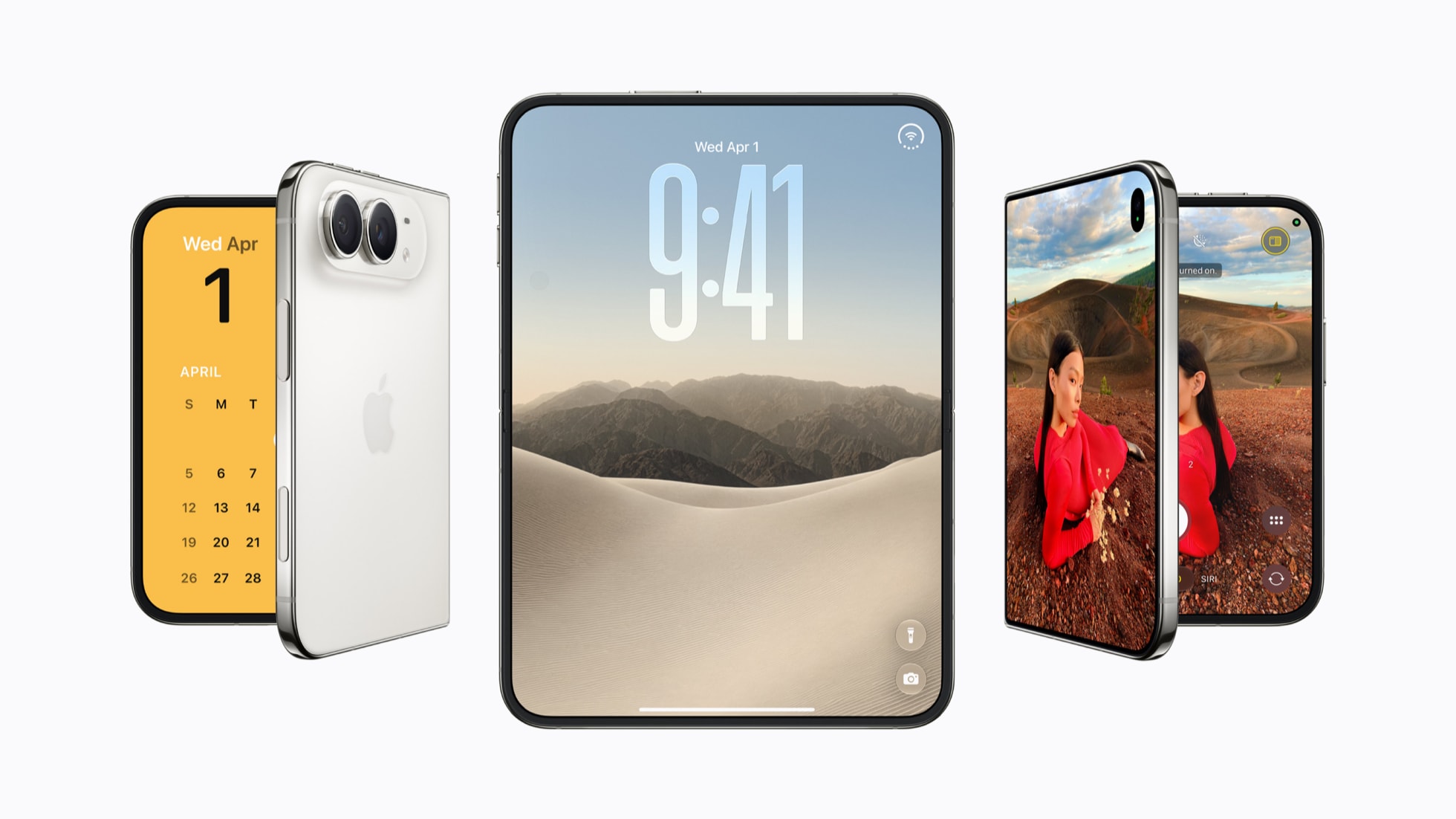
iPhone 18 Pro Max AT&T Issue: SOS, No Service and How to Fix It
Some AT&T customers with the new iPhone 18 Pro Max are seeing SOS instead of a signal. Here is what is confirmed, what is not, and how to try to fix it.
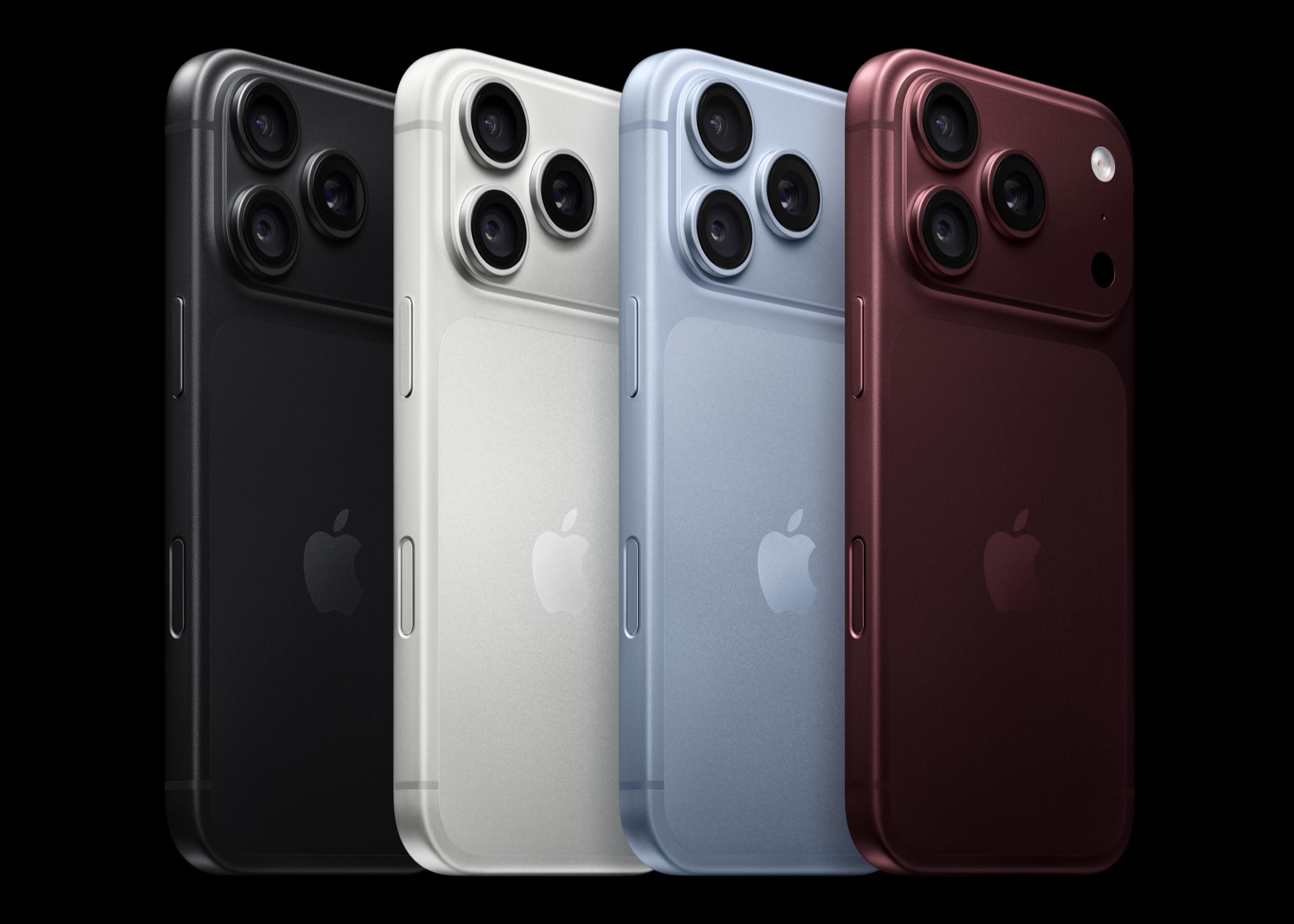
The short version: A subset of US iPhone 18 Pro Max owners on AT&T are seeing "SOS" or "No Service" instead of a signal, even though Wi-Fi and Wi-Fi Calling keep working. The reports, which started showing up in late September 2026 on the Apple Support Community, MacRumors Forums and Reddit, describe calls, texts and cellular data all failing at once. Apple Support has, in at least some documented cases, told affected customers that the phone itself needs to be swapped after an on-device RF diagnostic came back failed — but that is based on individual customer accounts, not a published Apple Newsroom statement. iOS 27.0.1, which Apple shipped on September 28, did not list a fix for this; whether the Qualcomm modem used only in the US iPhone 18 Pro Max is actually to blame remains unconfirmed.
What's happening to AT&T customers with the iPhone 18 Pro Max
Starting around September 25, 2026, a cluster of iPhone 18 Pro Max buyers on AT&T began describing the same failure: the status bar drops to "SOS," the phone can't place or receive calls or texts, and cellular data stops working, while Wi-Fi and Wi-Fi Calling continue to function normally. Some owners say the phone worked fine for a day or more after setup before service dropped out; others say it never connected over cellular at all after the eSIM was activated.
These accounts surfaced first on the Apple Support Community, the MacRumors Forums and Reddit threads devoted to the new phone, not through an Apple press release or an AT&T outage notice. That distinction matters: what we have confirmed is a pattern of matching complaints from named individuals in public forums, not an official tally of how many devices are affected or a root-cause determination from Apple or AT&T. Apple has not published a support document naming this issue, and neither company has issued an on-record statement to press that we could independently verify quoting an exact cause or an exact number of affected units.
It is also worth being precise about scope: this is being reported specifically by owners of the iPhone 18 Pro Max on AT&T in the US. There's no comparable wave of reports tied to Verizon or T-Mobile, or to the smaller iPhone 18 Pro or the new iPhone Duo.
One representative account, posted publicly by an affected buyer and picked up by tech outlets covering the story: "I got my iPhone 18 on Friday... I have been getting SOS on my phone. Wi-Fi works for the internet but I can't make calls." That single line captures the pattern seen across most of the reports we reviewed — data over Wi-Fi is fine, cellular service is not, and the phone otherwise behaves normally.
How widespread is this, really?
This is the single biggest unknown in the story, and it's worth saying plainly: nobody outside Apple and AT&T has a real number. What's visible from the outside is a repeating pattern across several independent public forums over roughly a week, which is enough to say the issue is real and not a one-off defective unit, but not enough to say what percentage of US iPhone 18 Pro Max buyers on AT&T are affected. It could be a small batch of devices with a hardware fault, a wider provisioning problem on AT&T's side that happens to be easy to work around for most customers, or some combination of both hitting different owners for different reasons. Coverage describing "a small group" rather than a mass outage lines up with there being no AT&T network status alert or FCC filing tied to this, but that absence of a big public signal isn't proof the number is small, either — it's simply the limit of what's publicly documented right now.
Why the Qualcomm modem is a suspect, not a confirmed cause
Apple's newsroom announcement for the iPhone 18 Pro line says the standard iPhone 18 Pro and iPhone 18 Pro Max use "C2, Apple's next-generation cellular modem system," built in-house. The twist with the Pro Max is regional: reporting from the launch cycle indicates that the US cellular model of the iPhone 18 Pro Max uses a Qualcomm modem instead of Apple's own C2 silicon, making it the only current Pro iPhone sold in the US without Apple's modem. Apple's own specs and newsroom pages do not break out modem supplier by region, so this detail comes from device teardown and carrier-variant reporting, not from an Apple statement.
That coincidence — a modem swap paired with a connectivity complaint — is why the Qualcomm modem keeps coming up in coverage of this story. But coincidence is not causation. No Apple statement, AT&T statement, or carrier filing we could find confirms the modem as the root cause, and some of the troubleshooting patterns described by affected users (eSIM re-activation temporarily helping, or Wi-Fi Calling working while cellular fails) are also consistent with an account-provisioning or eSIM profile problem rather than a hardware fault. Treat the modem theory as plausible and widely discussed, not established.
| Detail | What's confirmed | What's not confirmed |
|---|---|---|
| Symptom | SOS / No Service for calls, texts, data on AT&T; Wi-Fi and Wi-Fi Calling still work | Exact number of affected devices |
| Timing | First widely reported around Sept. 25, 2026 | Whether it affects all Pro Max units or a narrow batch |
| Modem | US iPhone 18 Pro Max reportedly uses a Qualcomm modem; other 18 Pro models use Apple's C2 | Whether the Qualcomm modem is the cause |
| Apple's remedy | Some customers report Apple ordered a replacement device after an RF diagnostic failed | Whether replacement is Apple's policy for every affected unit |
| Software fix | iOS 27.0.1 shipped Sept. 28, 2026 fixing Face ID restarts, a camera color artifact, and a touchscreen bug | Whether any update will fix the AT&T issue; 27.0.1's release notes do not list it |
What Apple has reportedly told affected customers
Several threads on Apple's own Support Community describe a similar escalation path: a customer contacts Apple after the usual network resets fail, Apple runs or asks the customer to run a wireless/RF diagnostic (through the Apple Support app or in-store), and when that diagnostic comes back failed, Apple tells the customer their specific unit needs to be replaced rather than fixed with a settings change. That is a meaningful, hardware-level signal — a failed RF diagnostic implies something on that device's radio hardware or antenna path isn't behaving as expected — but it is not the same as an Apple Newsroom statement declaring a defect across the model line.
We did not find a published Apple support document or an on-record Apple statement to press confirming a blanket replacement policy for every iPhone 18 Pro Max showing this symptom. What's confirmed is narrower: individual customers, posting under their own accounts, say Apple told them their device specifically needed replacing after diagnostics failed. Other affected owners report that reactivating the eSIM, or AT&T re-provisioning the line, resolved things without a swap. Both outcomes appear to be happening, which is itself evidence the underlying cause isn't uniform across every report.
If you're still within Apple's 14-day return window from your purchase date, that remains the fastest path back to a working phone if troubleshooting doesn't help — a straight return or exchange rather than waiting on a repair ticket.
Did iOS 27.0.1 fix it? No — here's what it actually fixed
Apple released iOS 27.0.1 on September 28, 2026. Its release notes cover three specific fixes: iPhone 18 Pro and iPhone 18 Pro Max units unexpectedly restarting after a failed Face ID attempt, a color artifact that could appear in some 2x photos shot at f/1.48 on a small number of iPhone 18 Pro units, and a bug where opening Notification Center and Control Center at the same time could make the touchscreen stop responding. None of Apple's listed fixes in 27.0.1 mention AT&T, cellular connectivity, eSIM provisioning, or carrier settings. If you installed 27.0.1 hoping it would resolve SOS on AT&T, the update's own documentation gives no indication it was built to do that — and user reports after its release don't show the AT&T complaints disappearing.
That leaves the AT&T cellular issue, as of this writing, without a confirmed software fix. It's reasonable to expect Apple could ship a fix in a future point release if the cause turns out to be software-side (carrier configuration or eSIM provisioning logic, for instance), but nothing we found — including coverage of what iOS 27.0.1 actually fixed — confirms that is coming or when.
Which iPhone 18 models are affected
The reports are specific to the US iPhone 18 Pro Max on AT&T. The regular iPhone 18 Pro and the iPhone Duo, which both ship with Apple's own C2 modem in the US, have not generated a comparable wave of SOS/No Service complaints in the same forums. If you're comparing what changed between this generation and last year's hardware, the iPhone 18 Pro vs. iPhone 17 Pro comparison covers the modem and other spec changes in more detail. None of this is to say other carriers or other 18 Pro Max units are definitely unaffected — only that the public complaint pattern, as of early October 2026, clusters around this specific phone-plus-carrier combination.
How to try to fix SOS / No Service on your iPhone 18 Pro Max (AT&T)
Before assuming your unit needs a hardware swap, Apple's standard cellular-network troubleshooting steps are worth running through in order:
- Toggle Airplane Mode. Turn it on, wait about 15 seconds, then turn it off. This forces the phone to re-register with the network.
- Restart the iPhone. A full restart (not just the above) resolves a meaningful share of transient SOS states.
- Check for a carrier settings update. On Wi-Fi, go to Settings → General → About. If a carrier settings update is available, you'll see a prompt there within a minute or two.
- Check for an iOS update. Go to Settings → General → Software Update and install anything available — even though iOS 27.0.1 doesn't list this fix, staying current rules out already-fixed bugs.
- Reset Network Settings. Settings → General → Transfer or Reset iPhone → Reset → Reset Network Settings. This clears saved Wi-Fi passwords and VPN configs too, so note those down first.
- Contact AT&T about the eSIM. Ask AT&T to confirm the account is active, the device isn't blocked, and the correct IMEI/EID is tied to your line. AT&T's own support process lets you request a new eSIM through your account if the existing one looks corrupted or was never fully provisioned.
- Contact Apple and ask for a diagnostic. If the above doesn't resolve it, Apple Support (by chat, phone, or an in-store Genius Bar appointment) can run a wireless/RF diagnostic on the device. If that diagnostic fails, say so explicitly and ask what your options are — based on public reports, that's the point at which some customers have been offered a replacement unit.
- Use Wi-Fi Calling as a bridge. Settings → Phone/Cellular → Wi-Fi Calling. It won't fix cellular data away from Wi-Fi, but it keeps calls and texts working while you sort out the rest.
If none of this works and you're still inside your return window, a straight exchange for a new unit is the simplest option — it sidesteps the question of whether your specific device has a hardware fault at all.
What to watch next
Three things would meaningfully change this story: an Apple support document or on-record statement naming the issue and a fix path; an iOS point release whose release notes explicitly mention a cellular, carrier, or eSIM fix tied to AT&T; or data (from Apple, AT&T, or a large-scale independent source) showing how widespread the problem actually is beyond forum reports. None of those exist yet as of October 3, 2026. Until one does, the honest framing is: a real, repeatable complaint pattern exists; a hardware-level explanation (failed RF diagnostics leading to device swaps) has been reported by individual affected customers; and the Qualcomm-modem theory, while widely discussed, is unconfirmed. If you're affected, working through AT&T's provisioning first and Apple's diagnostic second — rather than assuming either a guaranteed software fix or a guaranteed hardware fault — is the most accurate path based on what's known right now. If you're still deciding whether to buy, it's also worth checking current carrier trade-in offers before committing to a line change.
Frequently asked questions
Is this an official Apple-confirmed defect in the iPhone 18 Pro Max?
No. Apple has not published a support document or Newsroom statement naming a defect across the model line. What's documented is a cluster of matching complaints on the Apple Support Community, MacRumors Forums and Reddit, plus individual accounts of Apple replacing specific units after a failed RF diagnostic. That's real, but it's not the same as a company-wide acknowledgment of a hardware flaw.
Is the Qualcomm modem the cause?
It's unconfirmed. The US iPhone 18 Pro Max reportedly uses a Qualcomm modem while other iPhone 18 Pro models use Apple's own C2 modem, and that coincidence is widely discussed as a suspect. But no Apple or AT&T statement we could find confirms the modem as the root cause, and some reports are also consistent with an eSIM or account-provisioning problem instead.
Does iOS 27.0.1 fix the AT&T SOS issue?
No, based on its published release notes. iOS 27.0.1, released September 28, 2026, fixed a Face ID restart bug, a camera color artifact, and a touchscreen responsiveness issue on iPhone 18 Pro models. It does not list any AT&T, cellular, or eSIM fix, and user reports after its release do not show the issue resolved.
Will Apple replace my iPhone 18 Pro Max if it shows SOS on AT&T?
Possibly, but only after troubleshooting and a diagnostic. Several affected customers say Apple offered a replacement device once an on-device RF diagnostic failed. Others resolved the issue through AT&T eSIM re-provisioning without a replacement. Run through network troubleshooting and contact both AT&T and Apple before assuming you need a new unit.
What should I do right now if my iPhone 18 Pro Max shows SOS on AT&T?
Toggle Airplane Mode, restart the phone, check for a carrier settings update and an iOS update, reset network settings, and contact AT&T to confirm your eSIM and account are correctly provisioned. If none of that works, contact Apple for a wireless/RF diagnostic, and use Wi-Fi Calling in the meantime. If you're still within the 14-day return window, an exchange is the fastest fix.
Are other carriers or other iPhone 18 models affected?
Public reports as of early October 2026 cluster specifically around the iPhone 18 Pro Max on AT&T in the US. There is no comparable wave of complaints tied to Verizon, T-Mobile, the standard iPhone 18 Pro, or the iPhone Duo, though that reflects what has been publicly reported, not a confirmed statement that other combinations are unaffected.
Sources
- Apple Newsroom: Apple debuts iPhone 18 Pro and iPhone 18 Pro Maxapple.com
- Apple: iPhone 18 Pro Technical Specificationsapple.com
- Apple Support: Set up eSIM on iPhonesupport.apple.com
- Apple: What is eSIM on iPhone?support.apple.com
- AT&T Support: Get a new eSIMatt.com
- Wikipedia: iPhone 18 Proen.wikipedia.org
Nadia Osei covers mobile and consumer gadgets for Pandromeda: smartphones, tablets, smartwatches, earbuds and smart-home devices. She tracks launches, software updates and pricing across Apple, Google, Samsung and the rest, and builds comparisons from the manufacturers' published specifications.