eSIM-Only iPhone Explained: Which Models Have No SIM Tray
iPhone Air and the iPhone 17e have no SIM tray anywhere, and the iPhone 17 line is eSIM-only in eleven named markets, including the U.S.
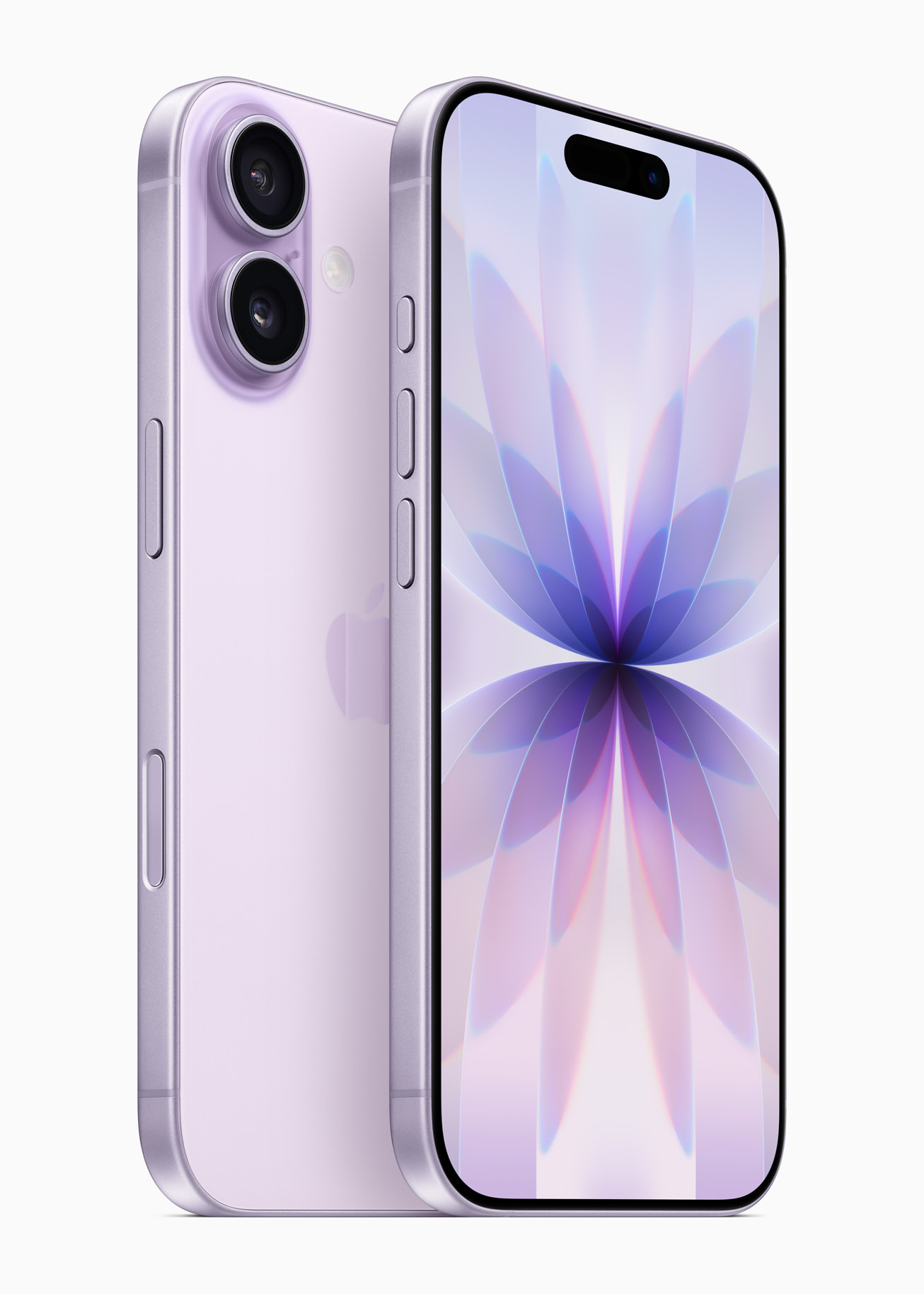
An eSIM-only iPhone has no physical SIM tray at all: it connects to a carrier exclusively through a digital eSIM profile stored in the phone's hardware, so there is no plastic card to insert, remove, or swap. Apple made the first eSIM-only iPhone models for the United States in 2022 with the iPhone 14 line, and by the iPhone 17 generation in 2025 it extended eSIM-only hardware to several more countries and to every iPhone Air and iPhone 17e sold anywhere in the world. Whether your specific iPhone has a SIM slot now depends on both the model and the country you bought it in, not just the model name.
What "eSIM-Only iPhone" Actually Means
eSIM stands for embedded SIM: a small chip built into the phone that stores a carrier's network profile the same way a plastic nano-SIM does, but digitally. An "eSIM-only" iPhone is simply a model Apple built without the mechanical SIM tray and card reader at all, so there is no fallback to a physical card even if your carrier doesn't support eSIM for your plan. Apple's own iPhone 17 technical specifications page states this plainly: "iPhone 17 is activated with an eSIM and does not support a physical SIM." The same exact language appears on Apple's iPhone Air and iPhone 17e spec sheets. Every eSIM-only iPhone still supports Dual SIM — meaning two active phone numbers at once — it just does it with two eSIMs instead of one eSIM plus a nano-SIM, and can store eight or more eSIM profiles even though only two can be active for calls and data simultaneously.
Which iPhone Models Are eSIM-Only Right Now
This is the part search engines get asked about most, so here is the model-by-model breakdown as Apple itself documents it, combining the iPhone 17-era launch details with Apple's current eSIM setup support page and its Dual SIM with nano-SIM support page for Hong Kong, Macao, and mainland China specifics.
| Model | eSIM-only markets | Still gets a physical SIM tray |
|---|---|---|
| iPhone 14 / 14 Plus / 14 Pro / 14 Pro Max | U.S. models only | Yes, everywhere else |
| iPhone 16 / 16 Plus / 16 Pro / 16 Pro Max | U.S. models only | Yes, everywhere else |
| iPhone 17 / iPhone 17 Pro / iPhone 17 Pro Max | Bahrain, Canada, Guam, Japan, Kuwait, Mexico, Oman, Qatar, Saudi Arabia, UAE, U.S., U.S. Virgin Islands | Yes, in most other countries (Australia, UK, EU, etc.); in mainland China it's nano-SIM only, with no eSIM option at all |
| iPhone Air | Every country and region, including mainland China | No — no SIM tray exists on this model anywhere |
| iPhone 17e | Worldwide | No, except mainland China, where it can use either an eSIM or a physical nano-SIM |
| iPhone 18 Pro / iPhone 18 Pro Max | Most markets | No in most countries; in mainland China it can use either an eSIM or a physical nano-SIM |
So to directly answer the most specific searches: yes, the iPhone 17 Pro Max is eSIM-only if you buy it in the U.S., Canada, Japan, or one of the other nine markets Apple named at launch, but it still has a SIM tray if you buy it in most other countries. The same is true of the regular iPhone 17 Pro. And yes, Apple carried the eSIM-only approach forward into iPhone 18 Pro and iPhone 18 Pro Max, with mainland China again getting a physical-SIM option that most other countries don't.
Where You Still Get a Physical SIM Tray
Outside of iPhone Air, which has no SIM tray on earth, physical SIM support is really a question of where the phone was purchased rather than which generation it is. Apple's own iPhone 17 launch announcement names the eleven eSIM-only markets explicitly, which means every other country Apple sells the iPhone 17 line in — including Australia, the UK, most of the EU, India, and the rest of Asia outside Japan — still gets a model with a working nano-SIM slot alongside eSIM support. If you're searching "esim only iphone australia," the short answer is that the standard iPhone 17, iPhone 17 Pro, and iPhone 17 Pro Max sold in Australia currently keep their SIM tray; only iPhone Air (and, per Apple's specs pages, iPhone 17e) ship as eSIM-only there. Mainland China is its own special case: regulatory requirements mean the regular iPhone 17 line sold there keeps a dual nano-SIM tray and doesn't support eSIM at all, while iPhone Air sold in mainland China is eSIM-only, and iPhone 17e and iPhone 18 Pro/Pro Max purchased there can use either a nano-SIM or an eSIM, per Apple's support documentation.
Why Apple Is Removing the SIM Tray
Apple's stated reasoning, repeated in its launch materials going back to the iPhone 14, centers on three things. First, space and durability: removing the tray and card-eject mechanism frees up internal volume for battery or other components and removes one more opening in the chassis. Second, security: as Apple's iPhone 17 newsroom release puts it, "eSIM cannot be physically removed if an iPhone is lost or stolen," unlike a nano-SIM that a thief can simply pop out. Third, convenience and travel: Apple's 2022 iPhone 14 announcement said eSIM "allows users to easily connect or quickly transfer their existing plans digitally, is a more secure alternative to a physical SIM card, and allows for multiple cellular plans on a single device." eSIM is now an industry standard supported by more than 500 global carriers, according to Apple, which has made it practical for Apple to go eSIM-only in markets with mature carrier support, while continuing to ship a nano-SIM tray in countries where carrier eSIM infrastructure, regulation, or secondhand-device markets still favor physical cards.
How eSIM Activation and Carrier-Switching Actually Work
Apple's support documentation lays out several official ways to get an eSIM onto an iPhone, and which one applies to you depends on your carrier:
- eSIM Quick Transfer: If you're moving from one iPhone to a new one and your carrier supports it, you can transfer your cellular plan directly between the two devices over Bluetooth during setup, without calling your carrier. Both phones need to be signed into the same Apple Account, the old iPhone needs to be unlocked with its passcode nearby, and both need iOS 18.4 or later. With iOS 26, Apple added the ability to transfer more than one phone number at once.
- eSIM Carrier Activation: When a carrier assigns an eSIM to your phone at the point of sale, it typically installs automatically during setup, or arrives as a "Carrier Cellular Plan Ready to Be Installed" notification you tap to finish.
- QR code: Many carriers issue a QR code (by email, in a store, or in an app) that you scan with the Camera app or during the "Set Up Cellular" screen in iPhone setup to install the eSIM profile.
- Carrier app: Several carriers, including T-Mobile and AT&T, let you activate or transfer an eSIM entirely inside their own app.
- Manual entry: If a carrier sends you the eSIM details as text, you can enter them by hand under Settings > Cellular > Add Cellular Plan > Enter Details Manually.
All of this is documented on Apple's "Set up eSIM on iPhone" support page. Because eSIM-capable iPhones support Dual SIM with two active eSIMs, you can also keep two phone numbers running at once — for example, a personal line and a work line, or a home number and a local number you picked up while traveling — and store several more eSIMs for later even though only two can be active for calls and data at the same time.
Switching Phones Without Losing Your eSIM
A common worry when upgrading is losing cellular service mid-transfer. Apple's guidance is that when you use eSIM Quick Transfer or Carrier Activation and your new iPhone's plan activates, it automatically deactivates the SIM on your old phone — so there's a brief window where only one device is connected, by design, rather than a bug. If the transfer doesn't go smoothly, Apple's own checklist for a failed activation includes toggling Airplane Mode, confirming the line is turned on under Settings > Cellular, restarting the device, and checking for a carrier settings update under Settings > General > About, where the carrier name and version number appear. If none of that works, Apple's troubleshooting page for when you can't set up an eSIM recommends contacting your carrier directly with your phone number, account PIN, and your iPhone's IMEI or EID ready, since the carrier — not Apple — ultimately issues and re-activates the eSIM profile on its network.
If you're switching between carriers rather than just phones, make sure your iPhone is unlocked first (Settings > General > About will show "No SIM Restrictions" next to Carrier Lock if it is), since a locked iPhone can't accept an eSIM from a different network even if the transfer process otherwise completes.
What Happens When You Travel Internationally
eSIM genuinely simplifies international travel, which is one of the reasons Apple keeps pushing it. According to Apple's guide to using eSIM while traveling, you generally have three options: roam internationally on your existing carrier's plan (many carriers now include this, or sell an add-on travel pass), buy a local prepaid eSIM from a carrier in the country you're visiting, or buy a prepaid data eSIM from a worldwide provider that covers more than 190 countries and regions. Because an eSIM-capable iPhone can hold two active eSIMs at once, you can keep your home number reachable for calls and texts while using a second, local eSIM for cheaper data — without touching a single tray. If your iPhone still has a SIM tray, Apple notes you can use a physical SIM and an eSIM side by side while traveling, which gives SIM-tray iPhone owners a bit more flexibility than eSIM-only owners, who are limited to eSIM-based options only. One geography worth flagging separately is mainland China: Apple has a dedicated eSIM activation process there for the handful of models that support it, so if you're bringing an eSIM-only iPhone into mainland China, confirm compatibility before you go, since the regular iPhone 17 line sold outside China mainland does not support local eSIM activation inside it the way iPhone Air, iPhone 17e, or iPhone 18 Pro do.
Upgrading From a SIM-Tray iPhone
If your current iPhone has a physical SIM and your new one is eSIM-only — say you're moving from an iPhone 13 to an iPhone 17 Pro, or weighing the iPhone 17e against the iPhone 17 and iPhone 16 — the cleanest path is letting iOS handle it during setup. When you turn on the new iPhone near your old one, it offers to transfer your number automatically; if your carrier supports Quick Transfer, this converts your physical SIM into an eSIM on the new device without a store visit or a call. If your carrier doesn't support Quick Transfer, you'll instead be guided to carrier activation, a QR code, or the carrier's own app. Either way, keep your old iPhone powered on and nearby until the new one confirms it has an active signal, since the transfer process deactivates the old SIM only once the new eSIM is confirmed working — removing or wiping the old phone first can leave you without service.
Common eSIM Problems and How to Fix Them
Most "eSIM not activating" complaints trace back to a small set of causes Apple's support documentation addresses directly:
- No Wi-Fi during setup: Most eSIM-only iPhones need an internet connection to activate; Apple notes that in some countries eSIM-only models can activate without Wi-Fi, but it's not guaranteed everywhere, so connect to Wi-Fi or a hotspot before starting.
- Outdated carrier settings: Go to Settings > General > About, scroll to the eSIM section, and tap the carrier version number to check for an update.
- Stuck activation after a transfer: Turn Airplane Mode on and back off, then check Settings > Cellular to confirm the new line shows as active; if it's listed but not working, toggle it off and on.
- Losing service after switching phones: This is expected for a short window during a legitimate transfer, since activating the new eSIM deactivates the old one — but if service doesn't return within a few minutes, restart the device and, if that fails, contact the carrier with your IMEI/EID and account PIN ready, as Apple's troubleshooting steps recommend.
- A locked iPhone rejecting a new carrier's eSIM: Check Carrier Lock status under Settings > General > About before assuming the eSIM itself is broken.
- Related connectivity confusion: If calls or texts seem to drop indoors rather than failing during an eSIM transfer, that's frequently a separate issue — see our guide on fixing Wi-Fi Calling when it stops working — rather than an eSIM activation problem at all.
Bottom Line: Where eSIM-Only iPhones Are Headed
The physical SIM tray is being phased out market by market rather than all at once. iPhone Air has already gone eSIM-only everywhere, iPhone 17e is eSIM-only in nearly every country Apple sells it, and the standard iPhone 17 line is eSIM-only in eleven named markets while keeping a nano-SIM slot elsewhere — including Australia, the UK, and the EU for now. Apple extended the same eSIM-only approach into iPhone 18 Pro and iPhone 18 Pro Max, with mainland China again the main exception where a physical-SIM option persists. For most people, the practical experience barely changes: set up your new iPhone near your old one, let eSIM Quick Transfer or your carrier's app do the work, and keep both phones on until the new one shows a signal. The clearest signal of where this is going is simple: every brand-new iPhone form factor Apple has introduced since the iPhone 14 — Air and 17e included — has shipped eSIM-only from day one, and that is unlikely to reverse.
Frequently asked questions
What does eSIM-only iPhone mean?
It means the iPhone has no physical SIM card tray at all. The phone connects to a cellular carrier only through a digital eSIM profile, so there's no nano-SIM slot to fall back on even if you'd prefer a physical card.
Is the iPhone 17 Pro Max eSIM-only?
Only in specific markets. Apple's launch materials name the iPhone 17 line as eSIM-only in Bahrain, Canada, Guam, Japan, Kuwait, Mexico, Oman, Qatar, Saudi Arabia, the UAE, the U.S., and the U.S. Virgin Islands. In most other countries, including Australia and the UK, the iPhone 17 Pro Max still ships with a nano-SIM tray.
Does the iPhone 17 Pro have a SIM card slot?
It depends on where you buy it. Outside the eleven eSIM-only markets Apple named at launch, the iPhone 17 Pro ships with a nano-SIM tray alongside eSIM support. In mainland China, it uses only a physical dual nano-SIM tray with no eSIM option.
Is the iPhone 18 eSIM-only?
Apple's iPhone 18 Pro and iPhone 18 Pro Max technical specifications state they are activated with an eSIM and do not support a physical SIM in most markets. In mainland China, though, both can be activated with either an eSIM or a physical nano-SIM.
Is the iPhone eSIM-only in Australia?
Not across the board. iPhone Air is eSIM-only everywhere, including Australia, but the standard iPhone 17, iPhone 17 Pro, and iPhone 17 Pro Max sold in Australia are not on Apple's eSIM-only market list, so they currently ship with a physical SIM tray.
What happens to my number if I lose or break my eSIM-only iPhone?
Your eSIM profile stays tied to your carrier account, not just the physical device, so you can typically reactivate your number on a replacement iPhone through eSIM Carrier Activation, a new QR code from your carrier, or your carrier's app — contact your carrier with your account details to re-issue it.
Sources
- Apple Newsroom — Apple debuts iPhone 17apple.com
- Apple — iPhone 17 Technical Specificationsapple.com
- Apple — iPhone Air Technical Specificationsapple.com
- Apple — iPhone 17e Technical Specificationsapple.com
- Apple Support — Set up eSIM on iPhonesupport.apple.com
- Apple Support — Use eSIM while traveling internationally with your iPhonesupport.apple.com
Nadia Osei covers mobile and consumer gadgets for Pandromeda: smartphones, tablets, smartwatches, earbuds and smart-home devices. She tracks launches, software updates and pricing across Apple, Google, Samsung and the rest, and builds comparisons from the manufacturers' published specifications.