What Is an AI Browser? Comet, Gemini and Copilot Mode Explained
Perplexity Comet, Gemini in Chrome and Edge Copilot Mode explain the agentic-browser category — and ChatGPT Atlas's shutdown shows how unsettled it still is.
An AI browser is a web browser with a general-purpose AI model built into its core rather than bolted on as a toolbar add-on, one that can read everything on a page, answer questions about it, and — in the newest versions — click, type, and fill out forms to complete a task on a person's behalf. Perplexity's Comet, Google's Gemini in Chrome, and Microsoft Edge's Copilot Mode are the three mainstream examples live today; OpenAI's ChatGPT Atlas was a fourth until the company retired it in August 2026, a decision that doubles as a warning about how young and unsettled this category still is.
Quick facts
- An AI browser bundles a chatbot, page-reading, and (increasingly) autonomous "agent mode" actions directly into the browser shell, not as a separate extension.
- Three are live now: Perplexity Comet (free, Windows/macOS/Android/iOS), Google Gemini in Chrome (free with a Google account, agentic "Auto browse" in preview), and Microsoft Edge Copilot Mode (free, opt-in, Windows/macOS).
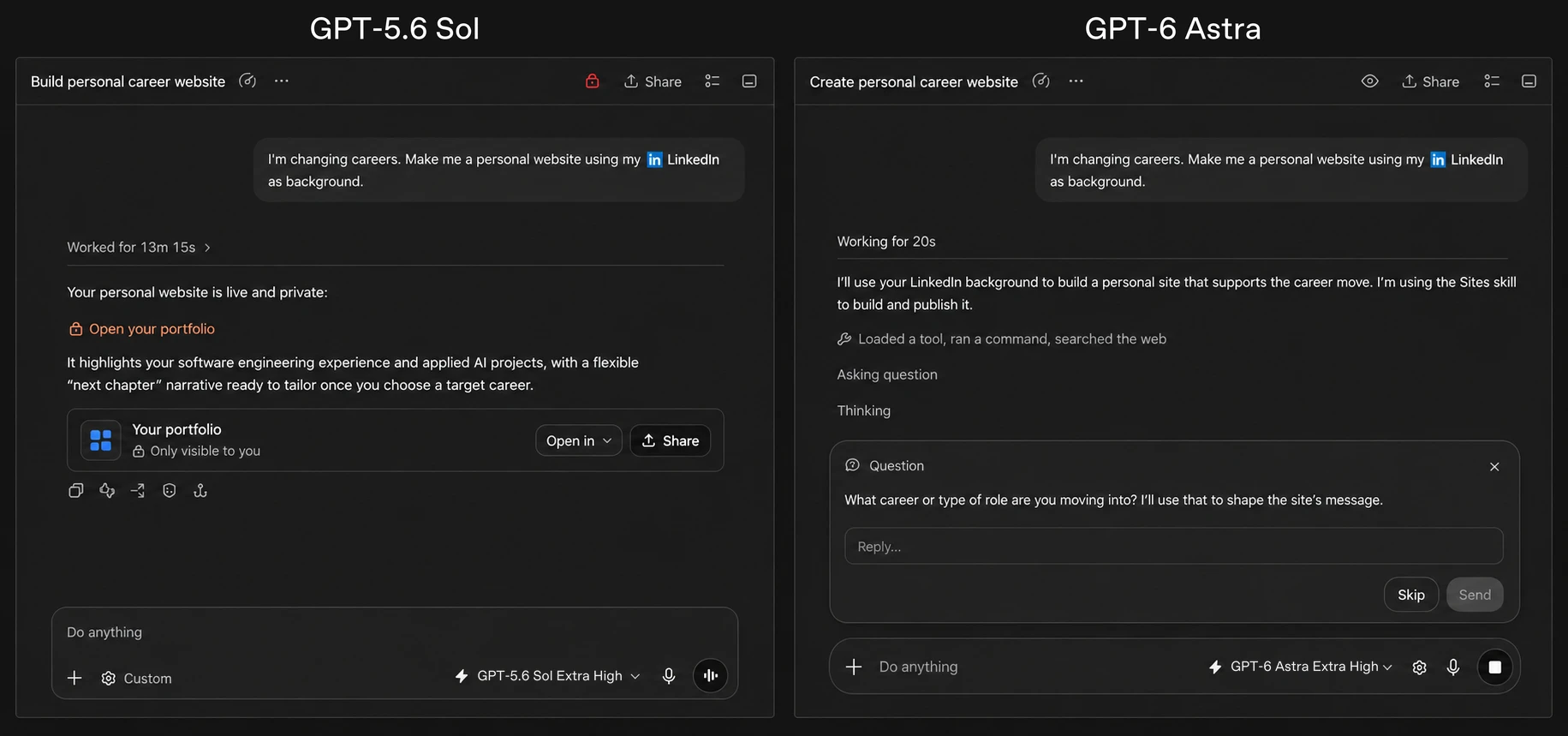
- OpenAI's ChatGPT Atlas, launched October 2025, was discontinued on August 9, 2026 — the clearest sign yet that "agentic browsing" is still a feature in flux, not a settled product category.
- The core risk across all of them is prompt injection: hidden instructions on a web page that trick the AI agent into acting against the user's interests while it holds the user's logged-in session.
What is an AI browser, exactly?
An AI browser is a Chromium-based (so far, every mainstream example is built on the same open-source engine as Chrome) web browser that ships with a large language model wired into the browsing engine itself. Instead of opening a separate chat window or installing a plugin, the AI can see the live, rendered page you're looking at — including content across multiple open tabs — and respond inside the browser chrome itself: a sidebar, a new-tab box, or a floating panel.
The category is young. Perplexity shipped the first mainstream version, Comet, to paying subscribers in July 2025; Microsoft and Google both followed with their own built-in assistants within weeks; OpenAI joined in October 2025 with Atlas. All four either exist or existed inside the same basic shape: a standard web browser, plus a model that can read the page, plus — to varying degrees — a model that can also act on the page.
How is this different from a normal browser?
A normal browser (Chrome, Safari, Firefox) renders pages and lets you navigate. It has no understanding of what's on the screen beyond rendering it. Any "AI" feature bolted onto a normal browser — a grammar checker, a translation popup — is a narrow, single-purpose tool, not a general assistant that can reason across the whole page or an entire browsing session.
An AI browser adds a persistent layer that can read tab content, summarize it, compare it against other open tabs, and answer follow-up questions, all without the user copying and pasting anything into a separate chat app. That's the baseline. What makes the newest wave notable is the second layer stacked on top: the ability to act, not just read.
How is this different from "just" an AI chatbot or a browser extension?
This is the distinction that gets blurred in marketing copy, so it's worth being precise about it:
- A chatbot (ChatGPT, Gemini, or Claude in a tab) only knows what you type or paste to it. It has no native view of your open tabs, your browsing history, or your logged-in sessions unless you explicitly feed it that information.
- A browser extension with AI (summarizer plugins, sidebar assistants) can usually read the current page's text through the browser's extension APIs, but it's sandboxed — it generally can't act with your authenticated session the way the browser itself can, and it's limited by what the extension platform exposes.
- An AI browser is the browser. The model has first-party access to the rendering engine, your tabs, and — when you grant agent permissions — your logged-in cookies and sessions. That's precisely what lets Comet's assistant or Gemini's "Auto browse" actually click "add to cart" or fill in a reservation form instead of just describing how you'd do it.
That first-party access is also exactly why security researchers treat AI browsers as a materially different risk than a chatbot tab. If you want the underlying mechanics of how an AI system plans and executes multi-step actions at all, Pandromeda's explainer on how AI agents actually work covers the plan-act-observe loop these browsers rely on.
The agentic angle: a browser that acts for you
"Agentic" is the word every vendor now uses, and it has a specific meaning here: instead of answering a question about a page, the AI is given a goal — "book the cheapest flight to Lisbon next Friday," "add these three items to my cart," "find and apply to this job posting" — and it plans a sequence of browser actions (click, scroll, type, submit) and executes them with minimal supervision.
In practice, every vendor currently ships this with guardrails. Google's Gemini in Chrome "Auto browse" is explicitly described as keeping the user "in control" and is limited to a preview rollout. Microsoft frames Edge Copilot Mode's task-taking abilities, like booking a reservation, as a feature it's still building toward rather than one that's fully live. Perplexity's Comet assistant can already send emails and complete purchases for users who grant it permission — which is also exactly the capability a security researcher used to demonstrate a real exploit (more on that below). None of the mainstream products currently let an agent act completely unsupervised on sensitive tasks like payments without some confirmation step, but all of them are visibly racing toward doing more of that with less friction.
Which AI browsers exist today, and what do they cost?
As of October 2026, three AI browsers are shipping and actively maintained. A fourth, OpenAI's ChatGPT Atlas, existed for about ten months before being folded back into the ChatGPT app.
| Browser | Maker | Status | Platforms | Price | Agentic action |
|---|---|---|---|---|---|
| Comet | Perplexity AI | Live | Windows, macOS, Android, iOS | Free; Comet Plus publisher add-on $5/mo, bundled into Perplexity Pro ($20/mo) and Max ($200/mo) | Yes — assistant can summarize, send emails, and complete purchases |
| Gemini in Chrome | Live, expanding rollout | Windows, macOS, ChromeOS, Android, iOS | Free with a signed-in Google account; some features (incl. "Auto browse" preview) tied to Google AI Pro/Ultra subscriptions | Preview — "Auto browse" handles multi-step tasks like bookings with the user kept in control | |
| Copilot Mode (Edge) | Microsoft | Live, opt-in, experimental | Windows, macOS | Free; higher usage limits for chat/agent tasks with a Microsoft 365 subscription | Partial — multi-tab reasoning and voice navigation now; autonomous task-taking (e.g. bookings) described as coming |
| ChatGPT Atlas | OpenAI | Discontinued Aug 9, 2026 | macOS only (Windows/iOS/Android never shipped) | Was free; Agent Mode required Plus/Pro/Business | Yes — Agent Mode could click, type, and navigate; folded into the ChatGPT desktop app's built-in browser |
Perplexity Comet
Comet is built on Chromium and launched for Windows and macOS on July 9, 2025, initially restricted to subscribers on Perplexity's $200-a-month Max plan before the company opened it up as a free download later that year; Android and iOS versions followed in late 2025 and March 2026. Its built-in assistant is tied to Perplexity's search engine and can summarize articles, manage tabs, and — for users who grant it permission — send emails and buy things on their behalf. Perplexity also sells Comet Plus, a $5-a-month add-on bundling access to paywalled publisher content, which is included free for Pro and Max subscribers. Full current details are on Perplexity's own Comet page; background on the release timeline and underlying Chromium build is summarized on Wikipedia's entry for Comet.
Google Gemini in Chrome
Google folded its Gemini assistant directly into Chrome, where it can summarize open tabs, compare specs and prices across pages, pull in information from Gmail or Google Flights without switching tabs, and hold spoken conversations through Gemini Live. Its most agentic feature, "Auto browse," is rolling out in preview to Google AI Pro and Ultra subscribers in the US and is pitched as handling tasks like booking appointments while keeping the user in control. Google expanded Gemini in Chrome to more countries, more account types, and Chromebook Plus devices through February and March 2026, alongside a cheaper Google AI Plus subscription tier. Google's own overview is at gemini.google/overview/gemini-in-chrome.
Microsoft Edge Copilot Mode
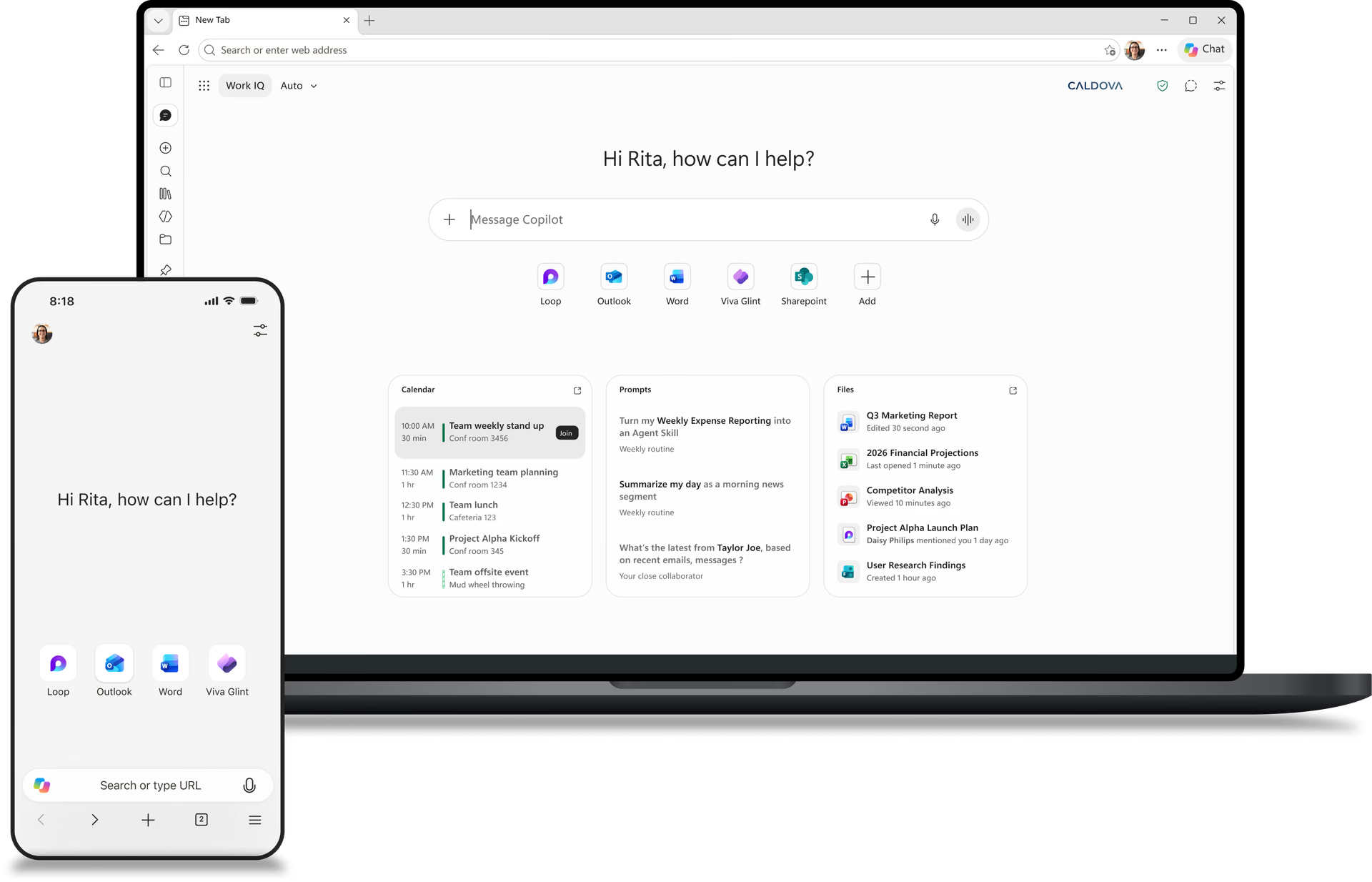
Microsoft shipped Copilot Mode as an experimental, opt-in mode for Edge in late July 2025. It merges search, navigation, and chat into a single box on the new-tab page, adds multi-tab "journeys" that group related browsing together, and supports hands-free voice commands. With permission, Copilot can read all of a user's open tabs to compare information across them. Microsoft has said future updates will let Copilot take actions like booking reservations, but as of this writing that's described as a direction rather than a shipped capability; see Microsoft's Edge Copilot Mode page for the current feature list.
The cautionary tale: ChatGPT Atlas
OpenAI's entry into this category, ChatGPT Atlas, is the clearest evidence that "AI browser" isn't a settled product yet — it's a feature vendors are still figuring out where to put. Atlas launched October 21, 2025 for Apple Silicon Macs only (Windows, iOS, and Android versions were promised and never shipped), built around a ChatGPT sidebar, optional "browser memories" that let the model remember facts from sites a user had visited, and an Agent Mode — limited to paid subscribers — that could click, type, and navigate pages autonomously, as OpenAI described in its original launch announcement.
Less than a year later, OpenAI began winding it down: deprecation started July 9, 2026, and Atlas was scheduled to stop working entirely on August 9, 2026. OpenAI's framing was that lessons learned from Atlas were being folded into a more capable, built-in browser inside the ChatGPT desktop app and a Chrome sidebar extension, rather than maintained as a standalone product, per OpenAI's own transition help-center article. Pandromeda covered the shutdown in detail, including what happened to users' saved bookmarks and history, in our explainer on why OpenAI shut Atlas down. The short version for this piece: a major AI lab built a full standalone agentic browser, shipped it, and killed it within ten months — a useful data point for anyone deciding how much to invest in any one AI browser today.
Privacy and security concerns
The feature that makes AI browsers useful — letting a model act with your logged-in session — is also their biggest liability. Because an agent can be instructed by whatever text it reads on a page, researchers have repeatedly found that malicious or booby-trapped pages can hijack it. Two documented examples:
- "CometJacking" in Perplexity Comet: Security firm LayerX reported a vulnerability by this name in August 2025, describing a way crafted prompts could potentially cause the browser's AI assistant to exfiltrate a user's sensitive personal data to an attacker-controlled server. According to LayerX's own account, Perplexity initially said it saw no security impact; Perplexity later told reporters it had independently found and patched the underlying issue.
- "ChatGPT Tainted Memories" in Atlas: In October 2025, LayerX reported a separate issue in ChatGPT Atlas combining social engineering with a cross-site request forgery technique to inject hidden instructions into the browser's memory feature, which could then persist across sessions. OpenAI said it could not reproduce the attack and had seen no evidence it was exploited in the wild, according to the summary on Wikipedia's ChatGPT Atlas page.
This class of attack — known broadly as prompt injection — is the single biggest open problem in agentic browsing, and no vendor claims to have fully solved it. Pandromeda's wider look at how AI systems are being given standardized, permissioned access to outside tools and data covers some of the plumbing that different companies are using to try to put guardrails around exactly this kind of agent action.
Beyond prompt injection, the baseline privacy trade-off is simple: an AI browser's assistant typically needs to see page content, and sometimes browsing history, to work. Each vendor offers controls — Google lets users review or delete Gemini Apps Activity; Microsoft keeps optional features like memory and context clues off by default and separates personal from work-account data; OpenAI's browser memories were described as summarized on its servers with the original page content deleted shortly after. None of that eliminates the fact that more of what you do on the web is now visible to, and sometimes acted on by, a third party's AI model.
Is any AI browser inherently safer than another?
Not in any way that's been independently verified at scale. All three live products are built on the same Chromium engine as regular Chrome, so they inherit Chrome's baseline security model, and all three gate their most consequential agentic actions (purchases, bookings, form submissions with sensitive data) behind either a subscription tier, an explicit opt-in, or a confirmation step. The practical safest approach, echoed across security researchers' writeups of both the Comet and Atlas incidents, is the same advice that applies to any AI agent: don't grant agent or autonomous permissions on browsers used for banking, healthcare, or other high-stakes accounts, and treat any page an agent is asked to act on as untrusted input.
What's next for AI browsers
Three trends look likely to define the next year of this category:
- Consolidation into existing apps, not new browsers. OpenAI's retreat from Atlas into the ChatGPT desktop app's built-in browser and a Chrome extension suggests the "ship a whole new Chromium browser" approach may not be the winning shape — chatbot-makers may prefer extending their existing apps over maintaining a full browser release cycle.
- Agentic actions getting more autonomous, more carefully. Google and Microsoft have both explicitly said fuller task-taking (multi-step bookings, purchases without step-by-step confirmation) is coming, but both are shipping it slowly, in preview, after the Comet and Atlas security incidents drew public attention to prompt injection risk.
- Standardized guardrails for agent permissions. Expect more vendors to publish — and get pressed on — exactly what an agent can see and do by default, how it's sandboxed from sensitive accounts, and how injection attempts are detected, rather than leaving that to each browser's own ad hoc design.
For now, the practical takeaway is that "AI browser" describes a feature set in motion, not a finished category: pick the one tied to whichever AI subscription or ecosystem you already use, keep agent permissions limited to low-stakes tasks, and expect this list — and this comparison table — to need updating again within months.
Frequently asked questions
What is an AI browser?
An AI browser is a web browser — so far, all built on the Chromium engine — with a large language model built directly into the browsing software itself, rather than added as a separate extension. It can read the content of the page you're viewing, summarize it, answer questions about it, and, in agentic versions, carry out actions like filling out forms or completing a purchase on your behalf.
How is an AI browser different from just using ChatGPT or Gemini in a separate tab?
A chatbot in its own tab only knows what you type or paste to it. An AI browser's assistant has native access to your open tabs, the rendered page content, and — when you grant permission — your logged-in session, which is what lets it act on pages directly instead of only describing what to do.
Is Perplexity Comet free to use?
Yes. Comet launched in July 2025 restricted to Perplexity's $200-a-month Max subscribers, then became a free download later that year for Windows, macOS, Android, and iOS. Perplexity sells a separate $5-a-month Comet Plus add-on for premium publisher content, which is bundled free into its Pro and Max subscriptions.
What happened to ChatGPT Atlas?
OpenAI launched ChatGPT Atlas, a macOS-only AI browser with an agent mode, in October 2025. OpenAI began deprecating it on July 9, 2026, and it was scheduled to stop working on August 9, 2026, with its agentic browsing features folded into the ChatGPT desktop app and a Chrome extension instead of being maintained as a standalone browser.
Are AI browsers safe to use?
They carry a different risk profile than a normal browser because an AI agent with access to your logged-in session can potentially be manipulated by hidden instructions on a malicious page, a technique called prompt injection. Security researchers have already documented this in both Perplexity Comet ("CometJacking") and ChatGPT Atlas ("Tainted Memories"). Both vendors said the specific reported issues were patched or unreproducible, but neither the industry nor any single vendor claims to have solved prompt injection generally.
Which AI browser should I use?
There's no independently verified "safest" pick among the three live options — Comet, Gemini in Chrome, and Edge Copilot Mode. Most people end up using whichever one is tied to an AI subscription or ecosystem they're already in, and it's worth limiting agent permissions to low-stakes tasks rather than banking or other sensitive accounts.
Sources
- Perplexity – Comet browser overviewperplexity.ai
- Google – Gemini in Chrome overviewgemini.google
- Microsoft – Edge Copilot Modeexplore.microsoft.com
- OpenAI – Introducing ChatGPT Atlasopenai.com
- OpenAI Help Center – Evolving Atlas into ChatGPT for browser-based agentic workhelp.openai.com
- Wikipedia – Comet (web browser)en.wikipedia.org
Theo Park runs the AI desk at Pandromeda. He follows model launches from the frontier labs and the open-weight community, tracks the assistants and developer tools built on them, and explains what each release changes on pricing, capability and safety. His reporting leans on primary sources: model cards, technical reports, API documentation and the companies' own announcements.