Meta Muse: Price, Plans, Features and What’s New After Connect
Meta’s personal AI agent books, buys and emails on your behalf. Here is what Muse costs, what it can do, how Meta says it protects your data, and everything added at Connect.
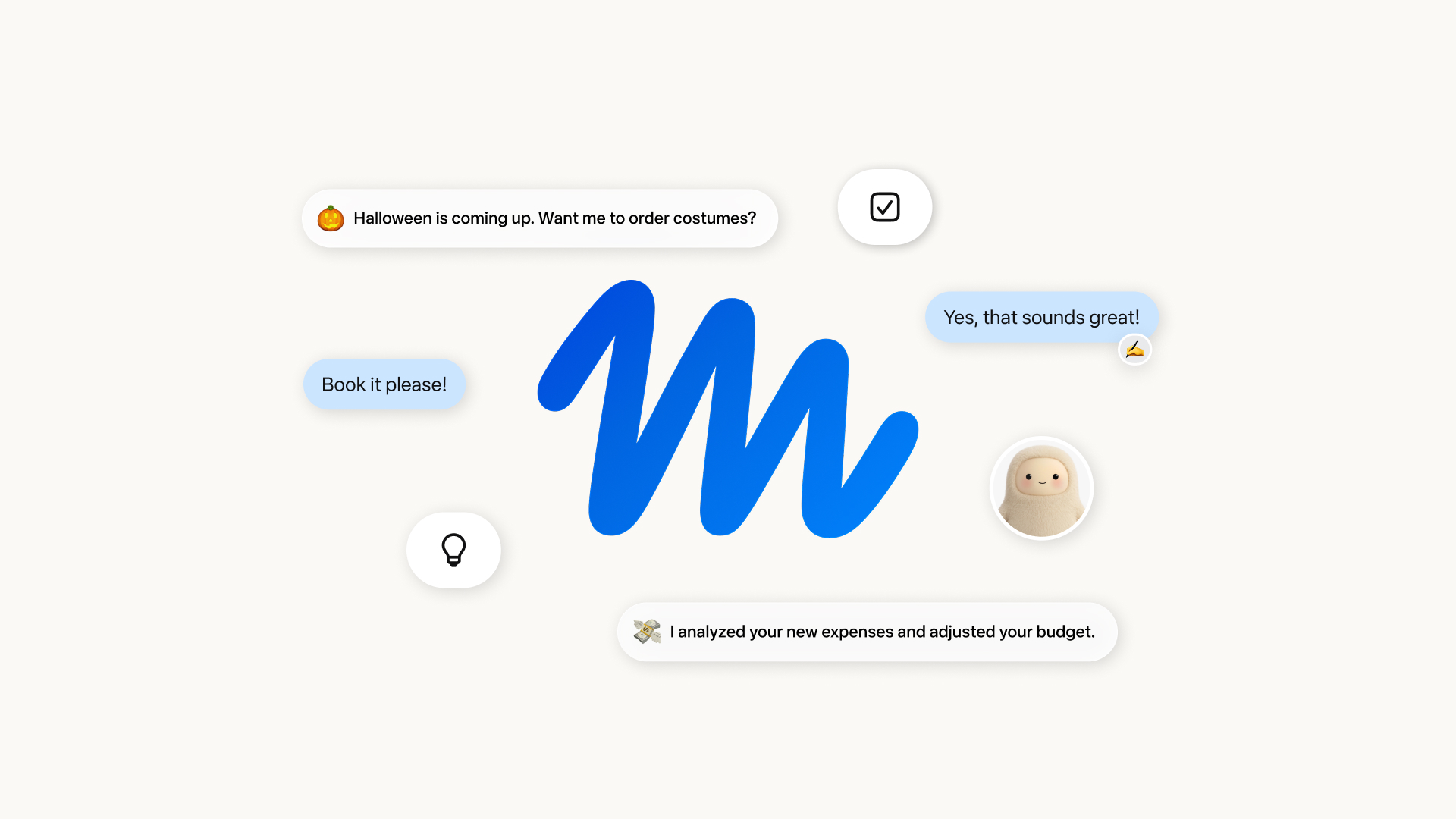
Meta’s Muse is a personal AI agent that launched in the US on September 8, 2026, and it is free to start, with paid Power ($20 a month) and Maximum ($100 a month) plans for heavier use. At Connect on September 23, Meta added a voice mode, a batch of new shopping and productivity connectors, a dedicated email address for each Muse, and confirmed Muse is coming to its AI glasses in the coming months.
Key facts
- Launched: September 8, 2026, in the US
- Where: Muse app on iOS and Android, muse.ai on the web, and WhatsApp; Mac desktop version announced at Connect
- Price: free tier with usage limits; Power $20/month (500M Muse tokens per week); Maximum $100/month (3B Muse tokens per week)
- Age: 18 or the age of majority in your country to subscribe
- Model: Muse Spark, Meta’s in-house model family
- Coming next: AI glasses support, Muse Charm pocket device, Muse Confidential VM
What is Meta Muse?
Muse is Meta’s answer to the question of what comes after the chatbot. Instead of only answering questions, it is designed to carry out work: sending emails, booking travel, filling out forms, comparing prices and, in Meta’s words, taking on “big audacious goals.” In its announcement of Muse, Meta describes it as “a secure, private personal AI agent that proactively helps with people’s goals and suggests ideas.”
You talk to Muse the way you would message a person, either in the dedicated Muse app or directly in WhatsApp. Once you give it a goal, Meta says it helps build a plan, coordinates your time and resources, and then advances the work on its own. For longer jobs, Muse keeps running after you close the app and comes back when something changes or when it needs your approval.
Meta’s own examples are deliberately everyday: selling a car for more, lowering a bill, adjusting a training plan, turning a recipe reel you saved on Instagram into a grocery list, or remembering friends’ dietary restrictions before sending dinner-party invitations.
Muse is powered by Muse Spark, which Meta calls its most capable model to date. The latest version, Muse Spark 1.3, was published by Meta’s research team on September 2, 2026. Meta says it improves agentic and coding performance and uses about 20% fewer tool calls and 25% fewer tokens than version 1.2 on coding work.
How much does Muse cost?
Muse is free for what Meta calls “most of what people need,” with subscriptions for people who want to do more. The Meta Help Center page on Muse subscriptions lists two paid plans, both measured in “Muse tokens” per week rather than message counts:
| Plan | Price | Weekly allowance | Best for |
|---|---|---|---|
| Free | $0 | Usage-limited free tier | Trying Muse and occasional errands |
| Power | $20 per month | 500 million Muse tokens | Regular daily use |
| Maximum | $100 per month | 3 billion Muse tokens | Heavy use and long-running goals |
A few terms from Meta’s help page matter before you sign up:
- You subscribe at muse.ai or in the mobile app, logging in with a Meta account created through Facebook, Instagram, or an email address or phone number.
- Subscriptions renew automatically each month on the same date as your original purchase, and you can cancel at any time from subscription settings.
- You must be 18, or the age of majority where you live, to subscribe.
- Meta says Muse and its subscriptions are “in limited testing and aren’t available in all locations yet.”
Maximum costs five times as much as Power for six times the weekly allowance, so the per-token rate is slightly better on the top plan. For context on how that stacks up against general-purpose assistants, see our breakdown of ChatGPT, Claude and Gemini plans and prices.
What can Muse actually do?
Meta’s product site, introducing.muse.ai, describes Muse as an agent with its own computer, file system, terminal and web browser. The main capabilities Meta lists:
- Browsing and transactions: it can search, navigate sites, fill in forms and complete purchases, asking you first before sensitive actions.
- Writing its own tools: Muse can write code to build the tools a task needs.
- Documents and Artifacts: it produces documents, PDFs, web pages and interactive outputs Meta calls Artifacts.
- Background and scheduled work: it continues working on a schedule and in response to events, and messages you when something meaningful happens.
- Goals tab: a dedicated place to manage long-running tasks.
- Memory and side chats: memory persists across conversations, and side chats keep separate contexts for complex projects.
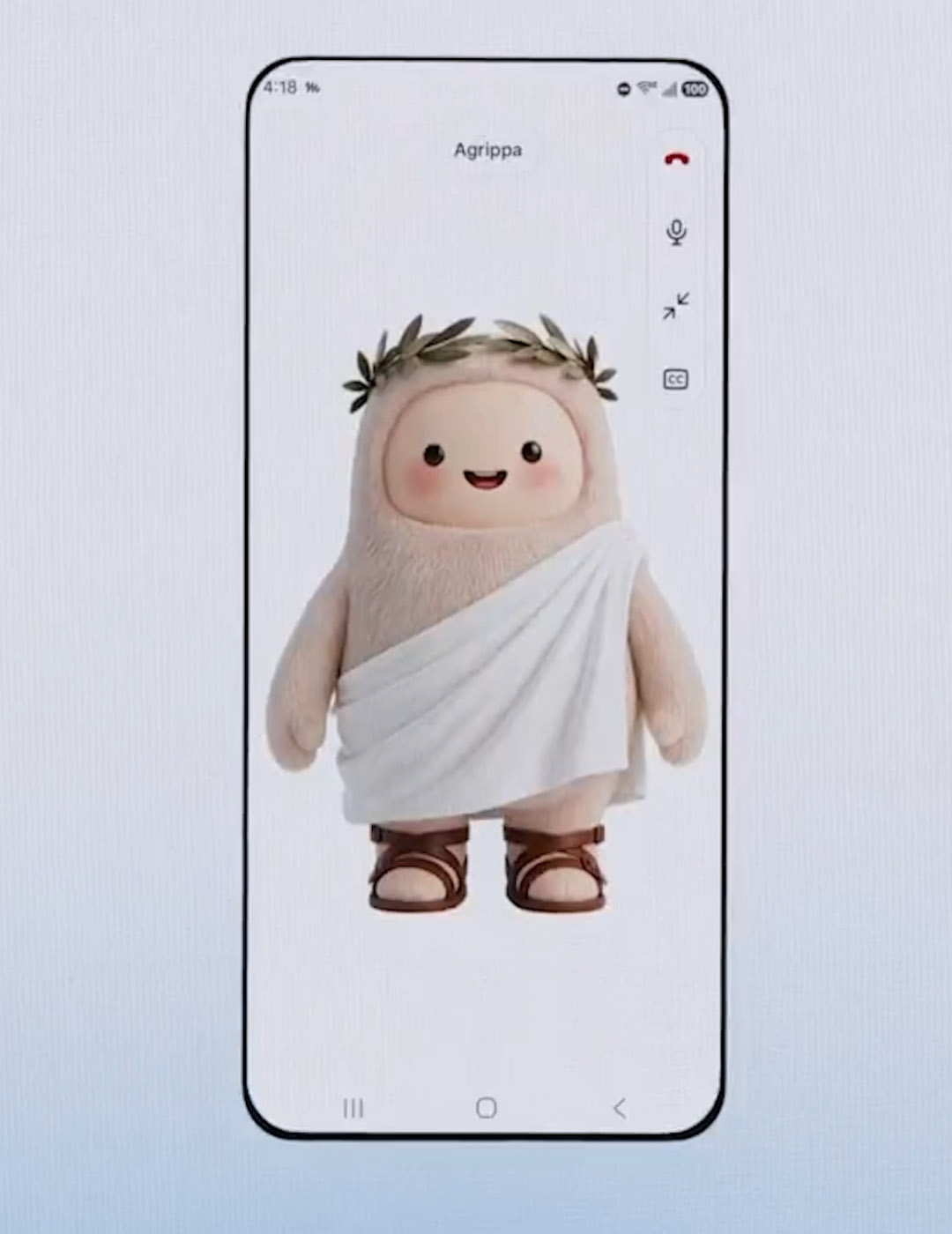
- Personalisation: you can give your Muse a custom name and avatar.
Paying with Muse
When it is time to pay, Muse can check out with Link, built by Stripe. Meta says Muse is the first AI agent covered by Link’s purchase protections, which include coverage for damaged or lost items, price drops, no-fee returns and a return guarantee on eligible purchases. Link’s agent wallet generates a one-time-use card number so your real card details stay hidden. Shop Pay and PayPal were added as payment options at Connect.
What’s new for Muse after Connect 2026?
Meta used its Connect keynote on September 23 to make Muse the centre of its hardware and software story. The company’s recap of the biggest news from Connect 2026 lists these Muse updates:
- Muse on AI glasses: coming “in the coming months.” You will be able to say your agent’s name and have Muse act on what you are looking at, such as a product on a shelf or a flyer on a wall, without describing it.
- Voice mode: long, in-depth spoken conversations while Muse keeps working in the background. Meta’s Connect 2026 announcement roundup adds that you can adjust the voice, including speed and accent.
- Muse Realtime Avatar: a new model that turns your Muse into an expressive, interactive avatar you can talk to face to face in real time.
- Its own email address: each Muse will get an address it can use to get things done, or that you can use to reach it.
- Mac computer use: Meta says Muse on Mac can drive any app on your computer.
- Muse Charm: a small pocket device built to talk to your Muse, using a real-time voice model. Meta says it will share more later this year.
New connectors
Muse launched with dozens of partners and access to the full Shopify catalogue. At Connect, Meta added:
| Category | Connectors announced at Connect |
|---|---|
| Retail | Walmart, Best Buy, American Eagle Outfitters, DICK’S Sporting Goods, Fanatics, Gap, Michael Kors, Sephora, Ulta, Wayfair |
| Payments | Shop Pay, PayPal |
| Groceries | Instacart |
| Travel | Expedia (coming soon) |
| Work | Notion, Granola, GitHub, Box |
Is Muse safe and private?
An agent that can read your email and spend your money raises obvious questions, and Meta has built most of its pitch around them. Each Muse runs on what Meta calls Muse Secure VM, a dedicated virtual machine in the cloud that holds both the agent and your data. Meta’s stated protections:
- Isolation: your Muse runs on its own contained computer that no one else’s agent can reach, and that is where credentials for connected services are stored.
- A second “Sentinel” agent: it runs on the same machine but is kept apart from Muse at the system level. Nothing Muse does reaches the internet unless the Sentinel approves it.
- No visibility into secrets: Meta says Muse cannot see your passwords or payment methods, even ones you type into its browser yourself.
- Approvals and audit trail: Muse checks with you before sensitive actions like sending an email or making a purchase, and shows a complete log of what it has done and plans to do.
- Granular access: you choose which apps Muse connects to and what it can do in each, for example read-only email access versus permission to send.
- Ads and training: Meta says Muse does not share your conversations or VM data with its ad systems, and you can opt out of your interactions being used to train Meta’s models.
Meta also says that later this year it will introduce Muse Confidential VM, in which the whole machine, including your data and conversations, is encrypted with a key only you hold, “so not even Meta can access it.” Until that arrives, the guarantee that even Meta cannot reach your data is not in place; today’s protections rest on Meta’s system design and policies rather than user-held encryption keys. Meta has published a longer technical write-up on its security and safety approach for Muse.
How to get Muse
- Check you are in the US and 18 or over; Meta says Muse is rolling out in the US first and is not yet available in all locations.
- Download the Muse app on iPhone or Android, or go to muse.ai in a browser. You can also message Muse in WhatsApp.
- Sign in with a Meta account, created with Facebook, Instagram, or an email address or phone number.
- Connect the services you want Muse to use, and choose the level of access for each one.
- Start on the free tier, and upgrade to Power or Maximum from the app or muse.ai if you hit the weekly limit.
A sensible way to start is to connect one or two low-stakes services first, such as a calendar, and give email read-only access before allowing Muse to send on your behalf. Meta says you can change access or disconnect a service whenever you want, and you can tell Muse to “forget” specific things it has learned about you. It is also worth reviewing the audit trail after the first few tasks, so you can see exactly which sites Muse visited and what it did there before you hand it anything that involves money.
Which glasses will support Muse?
Meta has not yet said which frames get Muse first or on what date, only that it is coming to its AI glasses in the coming months. The glasses launched at Connect are framed around it: Meta’s announcement of Ray-Ban Meta Audio and new styles says the new lineup will connect to “your personal AI agent from Muse.” Ray-Ban Meta Audio glasses start at $349 and ship October 13, and Ray-Ban Meta (Gen 3) is on sale now from $449. If you are buying glasses mainly for Muse, it is worth waiting for Meta to confirm device support first.
What happens next
Muse is Meta’s most direct move yet into the personal-agent race against OpenAI, Google and others, and the company is backing it with hardware, commerce partners and a free tier to get people started. The next milestones to watch are the glasses rollout, more detail on the Muse Charm device, the Confidential VM that would take Meta itself out of the loop, and any expansion beyond the US. For now, the free tier is the low-risk way to find out whether handing real errands to an agent works for you, as long as you keep sensitive permissions, such as sending email and making purchases, on approval.
Frequently asked questions
Is Meta Muse free?
Yes. Muse has a free tier with usage limits that Meta says covers most of what people need. Paid plans are Power at $20 a month and Maximum at $100 a month.
What is the difference between Muse Power and Maximum?
Only usage. Power includes 500 million Muse tokens per week and Maximum includes 3 billion Muse tokens per week, according to Meta's Help Center.
Is Muse available outside the US?
Not yet. Meta says Muse is rolling out in the US first and that Muse and its subscriptions are in limited testing and not available in all locations.
Can Muse use WhatsApp?
Yes. You can message Muse directly in WhatsApp as well as in the Muse app on iOS and Android and at muse.ai on the web.
Does Meta use Muse data for ads?
Meta says Muse does not share your conversations or the data in your Muse Secure VM with its ad systems, and you can opt out of your interactions being used to train Meta's AI models.
When is Muse coming to Meta's AI glasses?
Meta said at Connect 2026 that Muse will come to its AI glasses in the coming months. It has not named a date or the first supported frames.
Sources
- Meta Newsroom: Introducing Museabout.fb.com
- Meta Newsroom: The biggest news from Connect 2026about.fb.com
- Meta Help Center: About Muse subscriptionsmeta.com
- Meta: Introducing Museintroducing.muse.ai
- Meta AI research: Introducing Muse Spark 1.3research.meta.ai
Theo Park runs the AI desk at Pandromeda. He follows model launches from the frontier labs and the open-weight community, tracks the assistants and developer tools built on them, and explains what each release changes on pricing, capability and safety. His reporting leans on primary sources: model cards, technical reports, API documentation and the companies' own announcements.