Gemini Live Guided Vision: What It Is and How to Turn It On
Google and accessibility partner Aira built a Gemini Live mode that narrates your surroundings in real time and tells you how to reframe the shot.
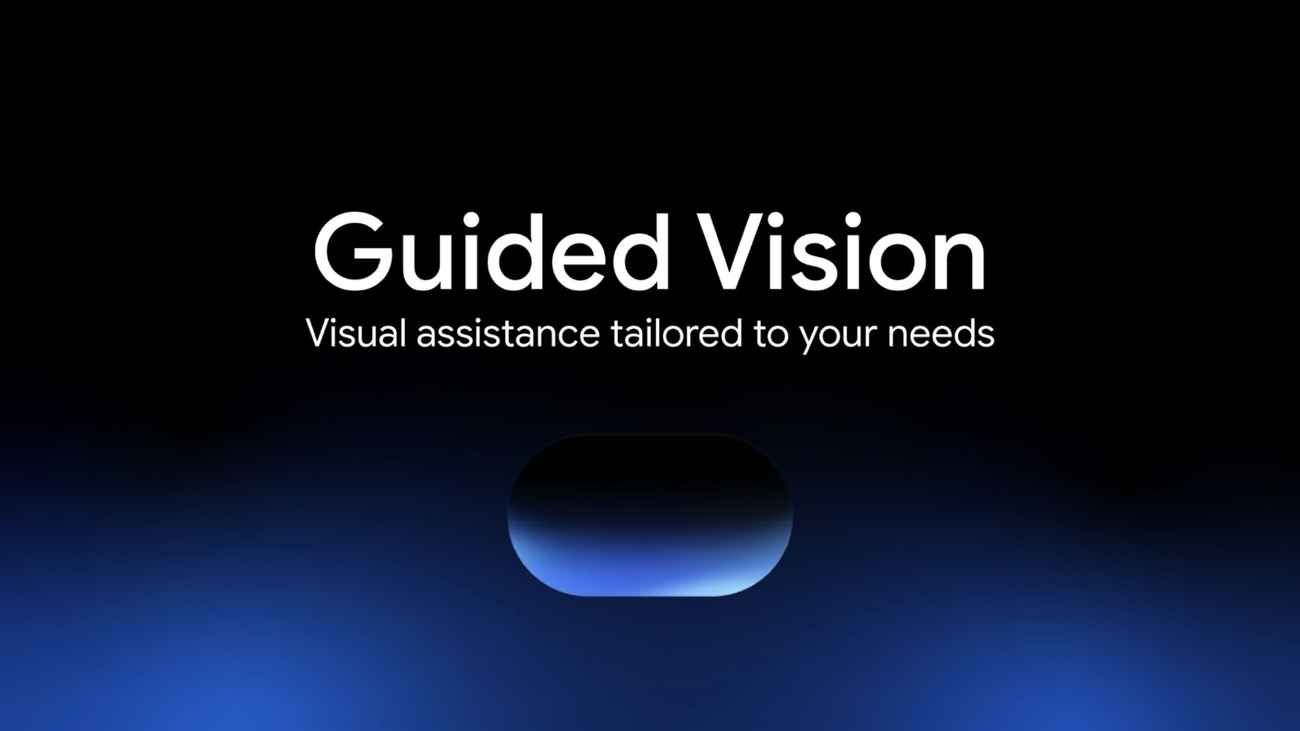
Google has switched on Guided Vision inside Gemini Live, a voice-first camera feature built with accessibility company Aira that gives blind and low-vision users real-time spoken descriptions of what's in front of them.
Google is rolling out Guided Vision in Gemini Live on compatible Android phones starting October 1, 2026. Point your camera during a Gemini Live session and the assistant will describe your surroundings out loud, answer follow-up questions about what it sees, and tell you how to reposition the camera — pan right, tilt down, step back — when it needs a clearer view. Google built the feature with Aira, a live visual-interpreting service for blind and low-vision people, and more than 1,000 members of Aira's Trusted Tester network helped stress-test it before launch. It works on Android 9 and newer, in any market where Gemini Live is already available, and Google is explicit that it is not a substitute for a cane, a guide dog, or any other mobility aid.
- What: Guided Vision, a real-time spoken-description mode inside Gemini Live
- Built with: Aira, a live visual-interpreting company for blind/low-vision users
- Full launch: October 1, 2026 (previewed Sept. 1, 2026 in the Android feature drop)
- Testing: 1,000+ members of Aira's Trusted Tester network
- Requires: Android 9+, a market where Gemini Live is supported
- Turn it on via: Gemini app settings, Android accessibility shortcut, or Google TalkBack
- Google's caveat: not a medical device, mobility aid, or white-cane replacement; not for navigation or obstacle detection
What is Guided Vision in Gemini Live?
Guided Vision is a new mode inside Gemini Live, Google's conversational voice assistant, that Google describes as bringing "voice-forward, real-time visual interpretation to people who are blind, have low vision, or want intuitive visual assistance." Rather than snapping a single photo for Gemini to analyze, you keep your camera pointed at a scene during a live conversation. Gemini narrates what it sees, you can ask it follow-up questions, and it gives spoken cues to help you get a usable shot — for example asking you to pan slowly to the right, tilt the phone downward, or step back so it has enough visual context to answer. Google says the feature was "developed through close collaboration with the accessibility community," and it was designed to function as a conversational partner rather than a one-shot image labeler, which is the detail that separates it from a basic "describe this photo" tool. Because the exchange happens inside an ongoing Gemini Live session, a user can keep asking follow-up questions about the same scene — what color is this, is there text on the box, is the stove still on — without having to start over with a new photo each time, and Gemini keeps responding in the context of the same conversation.
The feature is co-authored on Google's blog by Isha Sheth, Senior Product Manager for Gemini Live, and Scott Adams, Senior Product Manager for Google Accessibility Engineering — a pairing that reflects how the project sits across both the core Gemini product team and Google's dedicated accessibility group, rather than being a side feature bolted onto an existing model.
How Guided Vision actually works
In practice, Guided Vision is built for moments where you need a quick visual check rather than full-time navigation. Google's own post lists five everyday categories it's meant to help with:
| Everyday task | Example Google gives |
|---|---|
| Reading fine print | Nutrition labels, appliance dials, washing-machine cycles, dimly lit restaurant menus |
| Finding objects | A dropped earbud on the floor, the black pepper in a crowded spice cabinet |
| Describing and matching | Checking colors, patterns, and shapes — like whether a striped shirt pairs with a pair of trousers |
| Exploring a space | Getting a descriptive overview of an unfamiliar room or objects spread across a table |
| Conversing in your language | Tested with blind and low-vision communities in India, Brazil, Singapore, Indonesia, and Japan, among others |
Google adds that the feature isn't limited to blind and low-vision users specifically — it says older adults, people with low literacy, or "anyone trying to read fine print in low lighting" may also find it useful. Language support is also a focus area: Google says Guided Vision reflects "extensive testing and feedback from blind and low-vision communities across India, Brazil, Singapore, Indonesia, Japan, and more" to make the descriptions, reframing cues, and answers feel natural across languages rather than translated afterthoughts.
Who Guided Vision is built for
The primary audience is unambiguous: Google frames this as an assistive-technology launch first, aimed at people who are blind or have low vision and want a faster, more conversational alternative to asking a sighted person — or a remote human interpreter — what's in front of them. That's also where Aira's involvement makes the most sense, since Aira's existing customer base is exactly that community. But Google's own framing leaves room for a wider set of casual use cases, from a sighted person juggling groceries and wanting a hands-free label read-out, to someone checking an outfit in bad lighting. The core design goal Google describes — a conversational partner that proactively tells you how to reposition your camera rather than silently failing on a bad shot — is the kind of interaction design that tends to generalize well beyond its original audience, even though the feature's testing, safety guardrails, and go-to-market were all built around blind and low-vision users first.
Why Google built this with Aira
Aira isn't a Google-invented brand name; it's an existing accessibility company whose main product, the Aira Explorer app, connects blind and low-vision users to trained human visual interpreters over live video so they can get help with everyday tasks, often for free at partner locations through organizations that sponsor access on a user's behalf. Aira describes its mission as removing barriers and treating accessibility as a human right, and it runs a separate on-demand American Sign Language interpreting app for Deaf and hard-of-hearing users as well. That existing infrastructure — real interpreters, on call, describing the physical world to blind and low-vision customers all day, every day — is what made Aira a logical partner for teaching an AI model to do a version of the same job.
For Guided Vision specifically, Google says it "partnered with Aira to visually interpret data for a total of tens of thousands of hours" while training Gemini Live to understand real-world, conversational visual context. More than 1,000 members of Aira's Trusted Tester network — real blind and low-vision users who regularly test accessibility tech — then stress-tested and refined the model across daily routines, while Aira's own specialists worked alongside Google's teams as subject-matter experts to help set and evaluate the feature's safety guardrails. That combination — large-scale interpretation data plus a dedicated tester community plus specialists embedded in the safety review — is a heavier-weight accessibility development process than simply fine-tuning a general-purpose vision model and shipping it.
That testing pipeline matters because it's the difference between a feature that performs well in a demo and one that holds up during the kind of unpredictable, lived-in use that accessibility tools actually need to survive. It's also a template Google has leaned on elsewhere as it builds out Gemini-powered tools across its product line, pairing its own models with specialists in the relevant domain rather than training in isolation.
How to turn on Guided Vision
Google lists three ways to switch it on, and you'll want the Gemini app and your Android system software updated first:
- Gemini app: Open your profile settings inside the Gemini app and turn on "Use Guided Vision in Live." Then open Gemini Live as usual and tap to share your camera.
- Accessibility shortcut: Go to Android Settings > Accessibility > Vision assistance > Guided Vision, then set up an accessibility shortcut — the floating accessibility button, a two-finger swipe gesture, or pressing both volume keys — to launch it directly.
- Google TalkBack: If you use Google TalkBack, bring up the TalkBack menu with a three-finger tap and select Guided Vision directly from there.
Once it's on, starting a Guided Vision session is the same motion as any other Gemini Live camera-sharing conversation — you just get the added reframing cues and the mode's accessibility-tuned responses.
Which phones and markets get it
Guided Vision runs on Android 9 and newer, in any region and language where Gemini Live itself is already supported — Google isn't gating it behind a narrower device or country list beyond that. It was previewed a month before this full launch: Google flagged it as "coming soon" in the September 2026 Android feature drop, which described it as heading "to phones running Android 9+ in countries where Gemini is available." The October 1 post is the full, general rollout of that preview, following Google's established pattern of previewing accessibility and Android features in a monthly drop before a wider release — the same cadence it's used for other Android capabilities, including the staged Android developer verification rollout.
What Guided Vision is not for
Google is unusually direct about the feature's limits, and it's the single most important caveat in the announcement. In its own words: Guided Vision "is not a medical device, mobility aid, or white cane replacement, and it's not intended for navigation, safe-travel guidance, or obstacle detection. Users should continue relying on established mobility aids and safe-travel practices in physical environments." Google also notes that, like any generative AI tool, Guided Vision is an assistive utility that can make mistakes. In short: it's built for a quick spoken description or a visual double-check, not for finding your way across a street or around a hazard — a cane, a guide dog, or another dedicated mobility aid stays the tool for that job.
Why this launch matters
Guided Vision is part of a broader push by every major AI lab to turn multimodal models into practical accessibility tools rather than just chat interfaces — a shift that's visible across Google's wider AI infrastructure and product investments this year. What distinguishes this release is the specificity of the partnership: Google didn't just fine-tune Gemini on generic captioning data, it brought in a company whose entire business is live visual interpretation for blind and low-vision people, and let that company's own trusted-tester community and specialists shape both the feature and its safety guardrails before shipping.
What's next
Google hasn't published a follow-up roadmap for Guided Vision beyond the October 1 launch post, but the September-to-October preview-then-ship cadence suggests future Android feature drops are a reasonable place to watch for refinements — expanded language support, new accessibility shortcut options, or deeper TalkBack integration are all plausible next steps given how the feature was introduced. For now, the rollout itself is the news: Guided Vision is live for any Android 9+ user in a Gemini Live market today, reachable through the Gemini app, Android's accessibility shortcut, or TalkBack.
Frequently asked questions
What is Guided Vision in Gemini Live?
Guided Vision is a feature inside Gemini Live, Google's voice assistant, that gives blind and low-vision users real-time spoken descriptions of whatever their phone camera is pointed at, plus spoken cues to reframe the shot.
How do I turn on Guided Vision?
Open the Gemini app's profile settings and switch on "Use Guided Vision in Live," set it up as an Android accessibility shortcut under Settings > Accessibility > Vision assistance, or select it from the Google TalkBack menu with a three-finger tap.
What phones support Guided Vision?
Guided Vision works on Android 9 and newer, in any region and language where Gemini Live is already available. Google recommends updating both the Gemini app and Android system software first.
What role did Aira play in building Guided Vision?
Aira, a live visual-interpreting company for blind and low-vision users, supplied tens of thousands of hours of visual-interpretation data to help train Gemini Live, and more than 1,000 members of its Trusted Tester network stress-tested the feature before launch.
Can Guided Vision replace a cane or guide dog?
No. Google says explicitly that Guided Vision is not a medical device, mobility aid, or white cane replacement, and it is not intended for navigation, safe-travel guidance, or obstacle detection.
When was Guided Vision first announced?
Google previewed Guided Vision as "coming soon" in its September 2026 Android feature drop on September 1, 2026, about a month before the full October 1, 2026 launch.
Sources
- Guided Vision in Gemini Live: built for accessibility (Google)blog.google
- Android Feature Drop: September 2026 (Google)blog.google
- Aira official siteaira.io
- Use Guided Vision in Live (Google Accessibility Help)support.google.com
- Gemini Live help (Google)support.google.com
Theo Park runs the AI desk at Pandromeda. He follows model launches from the frontier labs and the open-weight community, tracks the assistants and developer tools built on them, and explains what each release changes on pricing, capability and safety. His reporting leans on primary sources: model cards, technical reports, API documentation and the companies' own announcements.