Claude Cowork vs ChatGPT Work: Which AI Agent Should You Use?
Anthropic and OpenAI both now ship AI agents for non-coding work. Here is how Claude Cowork and ChatGPT Work compare on price, file access, and governance.
If you need an AI agent that works through folders of files, spreadsheets, and apps on your own computer, pick Claude Cowork. If you need an agent built around enterprise governance and the ability to spin up finished documents, slides, and internal web tools from inside your browser, pick ChatGPT Work. Both do agentic "give it a goal, get back finished work" tasks, but they start from different places: Cowork grew out of Claude Code and lives mainly in a desktop app with direct access to your local files, while ChatGPT Work grew out of ChatGPT's existing enterprise tooling and leans on connectors, Sites, and Scheduled Tasks inside the browser and desktop app alike.
Here's what each one actually does, what they cost, and which one fits your setup.
Quick Answer: Which One Should You Use?
Choose Claude Cowork if: you want an agent that reaches into local folders on your Mac, edits real files (docs, PDFs, spreadsheets, code, notebooks) in place, and asks for approval before anything destructive. It's bundled into Claude Pro, Max, Ultra, and Team.
Choose ChatGPT Work if: your team is already on ChatGPT Enterprise/Edu/Pro, you want built-in admin governance from day one, and you mostly need finished deliverables (reports, spreadsheets, slides, or a shareable internal Site) rather than direct edits to local files.
What Is Claude Cowork?
Anthropic describes Cowork as the non-coding counterpart to Claude Code — see our full explainer on what Cowork actually is for more detail. You point it at a goal, it works across the files and tools you've given it access to, and it hands back finished work for you to review. As of late October 2026, Anthropic's own product page for Cowork carries the headline "Claude Cowork is now just Claude" — Cowork isn't being sold as a separate add-on anymore; it activates automatically inside Claude whenever a task touches your files, rather than requiring you to switch into a distinct "Cowork mode."
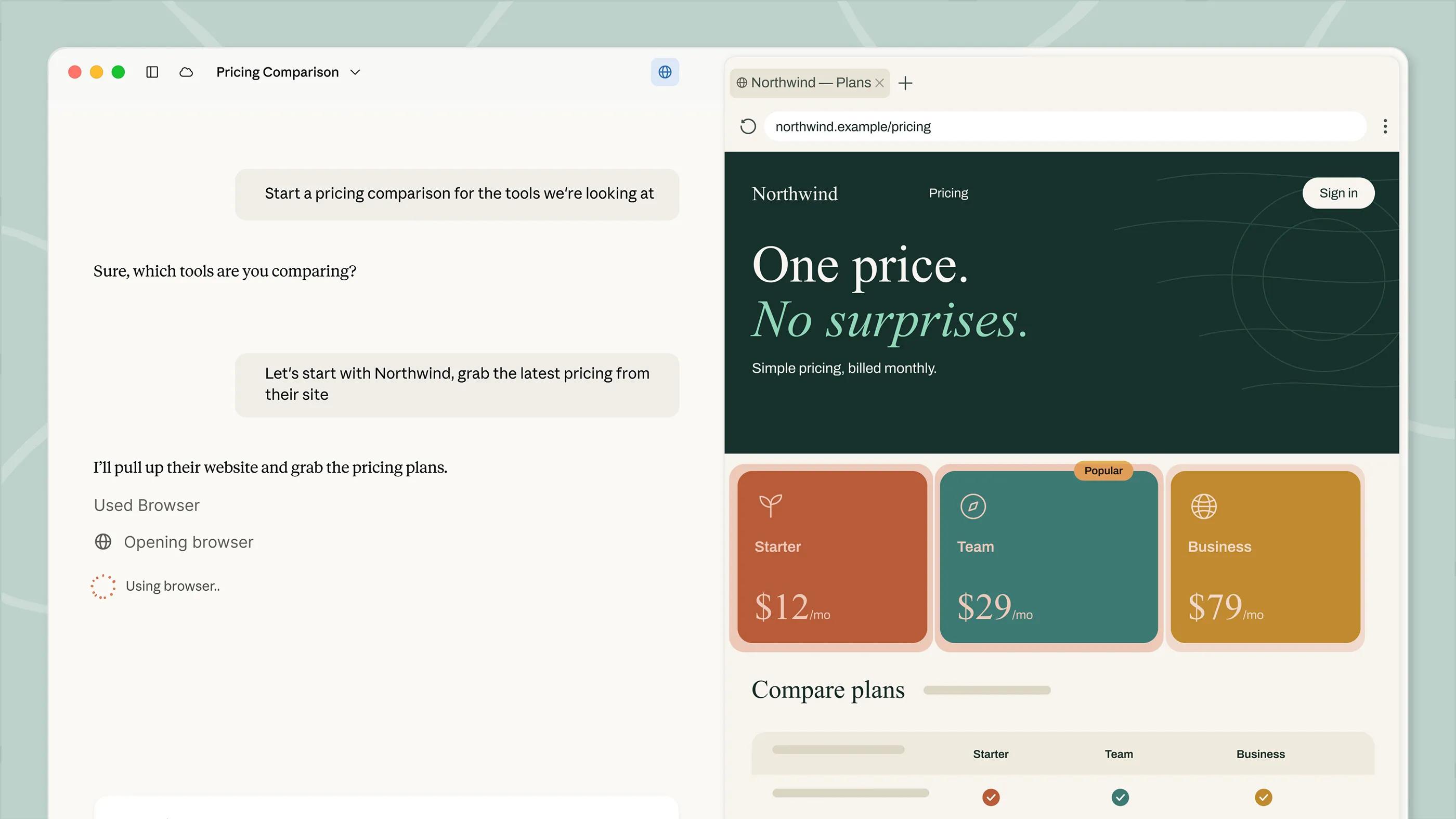
Cowork can read, edit, and create documents, PDFs, spreadsheets, presentations, images, code, and notebooks inside folders you explicitly select, and it needs your approval before deleting anything. It also opens a separate, sandboxed browser in its side panel — no separate install needed — which doesn't share your existing logins or tabs unless you sign in for that session or import cookies from Chrome, Edge, or Firefox. For apps it can't reach through connectors or the browser, Cowork falls back to Anthropic's computer-use research preview, controlling your screen directly and asking permission app by app.
What Is ChatGPT Work?
OpenAI's own launch post frames ChatGPT Work as "a new agent in ChatGPT that helps teams turn ambitious goals into finished work — with enterprise controls and governance built in." Where plain ChatGPT Chat is for quick questions and brainstorming, Work is positioned for longer jobs: researching a topic, analyzing information, or producing a document, spreadsheet, presentation, report, or a shareable internal Site. It runs on GPT-5.6, the same model family OpenAI rolled out across ChatGPT, Codex, and the API at the same time.
ChatGPT Work launched first for Pro, Enterprise, and Edu accounts, with Plus and Business accounts following within days (OpenAI's help center article on Work and Codex covers the current rollout), and it's built on the same security, privacy, and compliance foundation as ChatGPT Enterprise — meaning admins can manage access and connected tools from the same console they already use. Alongside Work, OpenAI introduced Sites (public beta, for turning a finished task into a shareable page) and Scheduled Tasks (recurring jobs ChatGPT repeats on a schedule), both of which plug into Work-generated output.
Pricing Compared
Anthropic's pricing page bundles Cowork into existing Claude plans rather than charging for it separately. OpenAI has not published a standalone price for ChatGPT Work either — it rides on your existing ChatGPT subscription tier.
| Plan | Claude (Cowork) | ChatGPT (Work) |
|---|---|---|
| Entry paid tier | Pro: $17/mo billed annually ($200 upfront) or $20/mo monthly | Plus: access rolled out within days of launch |
| Mid tier | Max: $100/mo, 5x Pro usage + $100/mo API credits | Pro: access from day one |
| Top individual tier | Ultra: $200/mo, no 5-hour limit for verified accounts, 10x Pro weekly usage | Not published as a distinct tier |
| Team | $20/seat/mo annual ($25 monthly), 2–150 seats, explicitly includes Cowork | Business: access within days of launch |
| Enterprise | $20/seat/mo annual, 20-seat minimum, plus API-rate usage charges | Included with ChatGPT Enterprise; no separate published price |
If you're trying to decide between Claude's own paid tiers first, see our breakdown of Claude Pro vs Claude Max. One asymmetry worth flagging: Anthropic's pricing page names Cowork explicitly only under the Team plan's feature list — it doesn't spell out separate Cowork usage limits for Pro, Max, or Ultra individually, beyond the general note that agentic tasks burn through your rate limit faster than normal chat. OpenAI, for its part, hasn't disclosed whether Work will stay bundled into existing ChatGPT subscriptions long-term or eventually carry its own price. Budget for using more of your existing allowance either way, rather than for a new line-item charge.
Platform and Access
Cowork's most capable form is still the desktop app, and Anthropic's product page currently only lists a macOS download — there's no Windows or Linux desktop client called out. Cowork also runs on web and mobile, with mobile tasks continuing in the cloud after you close your laptop, but reaching your own local files requires the desktop app specifically.
ChatGPT Work is available at chatgpt.com in the browser, and separately through the ChatGPT desktop app, which OpenAI has extended to Chat, Work, and Codex for all desktop users, including free-tier accounts for the lighter Chat mode. Because Work leans on connectors and cloud-hosted tools rather than direct local-disk access, it's less tied to one operating system than Cowork currently is.
File Access and Connectors
This is the sharpest practical difference between the two. Cowork, through its desktop app, works directly inside folders you select on your own machine — editing a spreadsheet or rewriting a document in place — and extends that reach with Anthropic's connector framework (the product page lists Amplitude and Microsoft 365 among supported connectors). ChatGPT Work instead centers on connected apps and cloud documents: it gathers information across whatever tools your workspace has connected, then produces a finished artifact (a doc, sheet, deck, report, or Site) rather than editing files already sitting on your laptop.
If your workflow depends on an agent directly touching files already living in a local project folder, that favors Cowork. If your workflow is "pull from five connected business apps, produce one clean deliverable," that's squarely what ChatGPT Work is built for.
Built-In Browser and Computer Use
Cowork's side-panel browser is a distinctive feature: a sandboxed browser that opens inside the Claude desktop app, available on Pro, Max, Ultra, and Team, with no extra install. It keeps your real browser logins separate by default — you sign in fresh each session, or import cookies from Chrome, Edge, or Firefox on macOS (Firefox only on Windows/Linux). When a task needs an app Cowork can't reach via connector or browser, it can fall back to direct computer use — moving your cursor and clicking through your actual screen — which Anthropic still labels a research preview and gates behind per-app permission prompts.
ChatGPT Work doesn't advertise an equivalent built-in sandboxed browser or screen-control fallback in OpenAI's own materials; its web-reaching capability is expressed through connectors and the browser you're already using at chatgpt.com, backed by Scheduled Tasks for anything that needs to repeat automatically.
Scheduling, Automation, and Parallel Work
Both products are built around letting an agent keep working without you watching it. Cowork can run recurring tasks on a daily, weekly, or monthly schedule, including while you're offline, and it can split a large project into chunks that run in parallel rather than one step at a time. Anthropic also packages reusable combinations of skills, connectors, and sub-agents into plugins — the Cowork product page lists examples like a Brand voice plugin, a Legal plugin, and a Finance plugin, available through a marketplace Anthropic opened in February 2026.
ChatGPT Work's equivalent to recurring automation is Scheduled Tasks, which repeats a job on a schedule the same way Cowork's scheduling does, and its equivalent to a finished, reusable output is Sites — OpenAI's public beta feature for turning a completed Work task into a page you can share by URL rather than exporting a file. Neither company's own materials describe a direct Work equivalent to Cowork's plugin marketplace; OpenAI's packaging leans more on connectors to existing business apps than on installable task bundles.
Safety and Permissions
Letting an agent act on real files and real accounts raises the same category of risk for both products: a malicious instruction hidden inside a document or web page the agent reads could attempt to hijack what it does next, a problem commonly called prompt injection. Anthropic's design response is approval gates — Cowork is built to show its plan and pause for your sign-off before anything significant, and it explicitly requires approval before deleting any file, with computer-use screen control asking permission app by app as an extra layer. Admins on Team and Enterprise plans can also restrict or fully disable Cowork by department.
OpenAI's response is to inherit ChatGPT Enterprise's existing security, privacy, and compliance controls wholesale rather than add a separate permission layer specific to Work — access and connected tools are managed from the same admin console IT teams already use for the rest of ChatGPT Enterprise. In practice, that means Cowork's safety model is visible task-by-task inside the product itself, while ChatGPT Work's is mostly enforced upstream, at the account and connector level, before a Work session ever starts.
Governance and Enterprise Controls
Both companies pitch admin oversight as a selling point, but they lead with it differently. Anthropic's Enterprise tier for Claude adds admin controls, usage analytics, an Analytics API, and OpenTelemetry support on top of Team features, and admins can set Cowork permissions by team or department, or disable it organization-wide. OpenAI says ChatGPT Work is "built on the security, privacy, and compliance foundation of ChatGPT Enterprise," so governance isn't a bolt-on tier — it's inherited automatically the moment Work is enabled for an Enterprise or Edu account, with admins managing access and connected tools from the existing Enterprise console.
Which Should You Use?
Pick Cowork if you're already paying for Claude Pro, Max, or Ultra and your real bottleneck is local files — folders of documents, codebases, spreadsheets, or notebooks you want an agent editing directly, with a sandboxed browser and (eventually) full computer-use as backup. Pick ChatGPT Work if your organization already runs on ChatGPT Enterprise, Edu, Pro, or Business, you want enterprise governance switched on from the first day rather than configured separately, and what you need back is a finished, shareable deliverable rather than an edited local file. Teams running both platforms for different jobs — Claude for file-heavy technical work, ChatGPT Work for cross-app business deliverables — aren't choosing wrong; the two tools solve genuinely different versions of "give an agent a goal and walk away."
What to Do Next
If you're on a Claude Pro, Max, or Team plan already, open the Claude desktop app and point Cowork at a real folder before judging it — its local file access is the feature that doesn't come across in a screenshot. If your organization already has ChatGPT Enterprise or Edu seats, check OpenAI's help center for whether Work has reached your account yet (OpenAI staggered the rollout by plan) and try it on a project that ends in a concrete deliverable, like a report or a Site. Either way, read the current Claude pricing page or check with your ChatGPT admin before assuming either agent is "free" on your existing seat — agentic tasks use noticeably more of your plan's usage allowance than ordinary chat.
Frequently asked questions
Is Claude Cowork a separate product from Claude?
Not anymore. Anthropic's own Cowork page now carries the headline "Claude Cowork is now just Claude," meaning Cowork's agentic file-and-task abilities activate automatically inside Claude rather than being a distinct mode you switch into.
How much does ChatGPT Work cost?
OpenAI hasn't published a separate price for ChatGPT Work. It rolled out first to Pro, Enterprise, and Edu accounts, with Plus and Business following within days, riding on your existing ChatGPT subscription rather than a new charge.
Can Claude Cowork edit files on my computer directly?
Yes, through the Claude desktop app (currently macOS only), Cowork can read, edit, and create files inside folders you select, including documents, spreadsheets, PDFs, code, and notebooks, and it asks for approval before deleting anything.
Does ChatGPT Work handle local files the same way?
No. ChatGPT Work is built around connected apps and cloud-based documents rather than direct access to files already on your computer; it produces finished deliverables like docs, sheets, slides, reports, or a shareable Site rather than editing local files in place.
Which Claude plans include Cowork?
Claude Pro, Max, Ultra, Team, and Enterprise all include Claude Code, and Cowork's agentic file abilities are bundled the same way; Anthropic's pricing page names Cowork explicitly only in the Team plan's feature list.
Is Cowork's computer-use feature safe to turn on?
Anthropic still labels direct computer use, where Cowork controls your screen, a research preview, and it asks for permission app by app rather than running unattended, specifically because letting an agent act on real files and accounts carries prompt-injection risk.
Sources
- Anthropic: Claude Cowork product pageclaude.com
- Anthropic: Claude pricingclaude.com
- OpenAI: Introducing ChatGPT Workopenai.com
- OpenAI Help Center: ChatGPT Work and Codexhelp.openai.com
Theo Park runs the AI desk at Pandromeda. He follows model launches from the frontier labs and the open-weight community, tracks the assistants and developer tools built on them, and explains what each release changes on pricing, capability and safety. His reporting leans on primary sources: model cards, technical reports, API documentation and the companies' own announcements.