Claude Cowork Now Runs in the Cloud by Default on Pro and Max
Cowork sessions are moving from your laptop to Anthropic's cloud, letting tasks keep running after you close the lid — here's what changes and how to switch back to local.
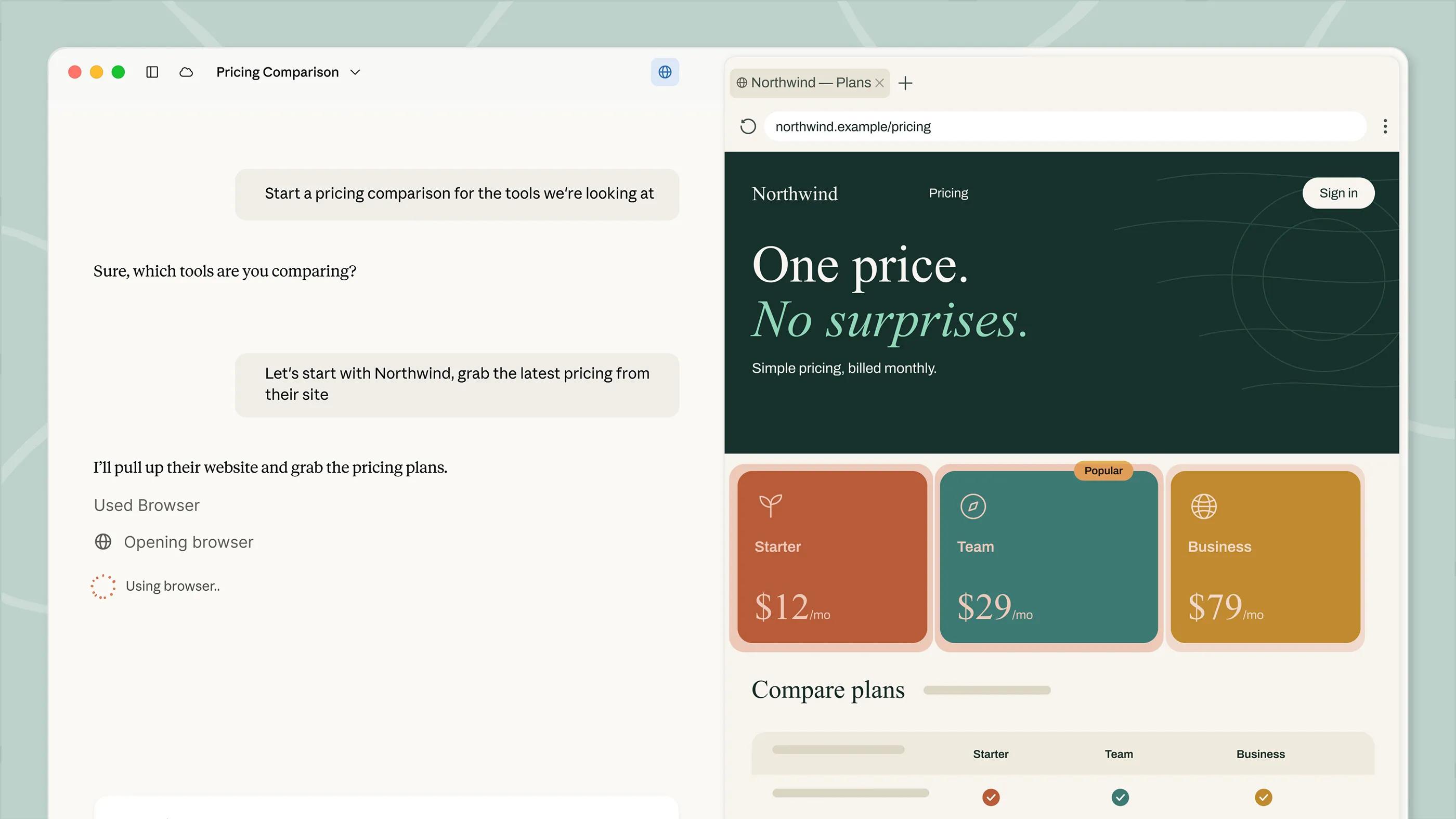
Claude Cowork sessions are moving off your laptop and onto Anthropic's own servers. According to Anthropic's support documentation, "Claude Cowork can now run your tasks in the cloud, on Anthropic's servers instead of your computer," and for accounts that have been switched to what Anthropic calls the "new Claude experience" — the rollout that merges the separate Chat and Cowork surfaces into one — new tasks run in the cloud automatically, with no option to run them locally. That unified experience is rolling out gradually to Pro and Max plans, with more plans to follow. For everyone else, a toggle in Settings still lets you choose cloud or local on a session-by-session basis, and switching back is simple if you'd rather keep work on your own machine.
What actually changed
Cowork has supported local sessions since launch: Claude read and wrote files on your computer inside an isolated virtual machine, and the desktop app had to stay open the entire time. Anthropic's support article "What to expect with Claude Cowork in the cloud" now describes a second mode that runs the same kind of multi-step task on Anthropic's infrastructure instead. The practical upshot, per that article: work continues when your computer is closed, and it brings Cowork to the web and to mobile, not just the desktop app.
The cloud mode isn't new in the sense of being announced for the first time — Anthropic's "Get started with Cowork" guide notes that cloud Cowork has been in beta on Team and Enterprise plans for a while, and that web and mobile access on Pro, Max and Team is also in beta. What's new, and what makes this a default-behavior change rather than an optional feature, is the "new Claude experience": accounts that get it lose the separate "Chat" and "Cowork" picker entirely, and new tasks simply run in the cloud, full stop. Anthropic's support page is explicit on this point: "If you have the new Claude experience, tasks run in the cloud, and there's no option to run them locally." That unification is what's rolling out gradually to Pro and Max subscribers.
- Cowork can now run sessions on Anthropic's servers instead of your own computer, continuing even after you close your laptop.
- Accounts on the "new Claude experience" no longer get a Chat/Cowork picker — new tasks run in the cloud with no local option.
- The unified experience is rolling out gradually to Pro and Max plans, with more plans to follow.
- The desktop app still has to be open and connected for local files and folders, local MCP servers (including plugins that bundle them), browser use through Claude in Chrome, and computer use.
- Where the toggle still exists, you switch modes from Settings > Cowork, under "Run new tasks in the cloud" — or the "Beta" button in the top right of the app.
Why it matters for how you work
The headline practical change is that a Cowork session no longer depends on your laptop staying powered on and connected. Previously, closing the lid on a long-running task — say, a multi-step research job or a batch of file edits — would interrupt it, because the work happened inside a local virtual machine tied to the desktop app. With a cloud session, Anthropic's support page says the work keeps going if the desktop app is closed, and scheduled tasks created in the cloud run without requiring any of your devices to be online. That also opens Cowork up to the web and mobile apps, which previously couldn't host a full session at all.
It's a similar shift to the one agentic AI tools in general have been making: moving execution off a single device and into infrastructure the provider controls, so a task can outlive the browser tab or app window that started it.
Who gets cloud Cowork, and where
Availability still varies by plan and by surface. Anthropic's support documentation lays out the following access picture for Cowork broadly, with cloud sessions specifically called out as rolling out gradually to Pro and Max:
| Surface | Pro | Max | Team | Enterprise |
|---|---|---|---|---|
| Claude Desktop (macOS/Windows) | Yes | Yes | Yes | Yes |
| Web (claude.ai), beta | Yes | Yes | Yes | Only if an owner enables it |
| Mobile (iOS/Android), beta | Yes | Yes | Yes | Only if an owner enables it |
| Claude in Chrome side panel | Rolling out | Yes | Yes | Only if an owner enables it |
| Cloud execution ("new Claude experience") | Rolling out gradually | Rolling out gradually | On by default (owner can disable) | Off by default (owner must enable) |
Team and Enterprise behave differently from the individual plans, and it's worth separating them out because the defaults are opposite. On Team, Anthropic's guide to using Cowork on Team and Enterprise plans says cloud sessions are on by default, and an owner can turn that off at any time from organization settings. On Enterprise, it's reversed: cloud sessions are off by default, and an owner has to turn on "Run Cowork in the cloud" under Organization settings, then grant the capability to specific groups through custom roles. Organizations running the HIPAA configuration for Claude Code and Cowork in local mode don't get a cloud option at all — the support page says plainly that "no setting turns it on" in that configuration.
What still needs the desktop app open
Running in the cloud doesn't make the desktop app optional for every kind of task. Anthropic's support page lists four things that still route through your computer and therefore still need Claude Desktop open and connected:
- Local files and folders on your machine
- Local MCP servers, including plugins that bundle them
- Browser use through Claude in Chrome
- Computer use
If the desktop app is closed, a cloud session keeps running, but it simply can't reach your computer for any of those four things until you reopen it. That's a meaningful distinction from the old behavior, where closing the app paused the whole session rather than just cutting off local access. If your workflow leans on local folders or a local MCP connector — something like the setups covered in our comparison of Claude Code and Cursor for terminal-based agent work — you'll still want to keep the desktop app running for those pieces even once the broader session has moved to the cloud.
What else is different inside a cloud session
Beyond the headline "doesn't need your laptop" change, Anthropic's support article flags several smaller behavioral differences between cloud and local sessions:
- File retention: only files Claude actually delivers to you are kept. Working files it touches along the way but doesn't hand back aren't retained or referenced after the session ends.
- No mid-session switching: once a session starts, it stays in the cloud or stays local — you can't flip a running session from one to the other.
- Search is title-only: search across cloud sessions covers titles, not full session text.
- Manual folder attachment: local folders have to be attached manually, and still require the desktop app open and connected to reach them.
- Large files may be slower: very large files, or a large number of files, can slow a cloud session down.
- Scheduled tasks: scheduled tasks created in the cloud use Cowork's built-in scheduling options and can't reference local folders or local connectors. Scheduled tasks that were already running locally keep running locally.
- Memory: cloud tasks can use Claude's memory feature; local sessions don't use memory.
- Artifacts: live artifacts created on or after August 19, 2026 are available on both desktop and web. Earlier live artifacts remain desktop-only.
What stays the same
A few things don't change regardless of which mode a session runs in, per Anthropic's support page. Connectors stay linked across sessions and across devices. Files that Claude delivers to you are saved either way. And the basic interaction model is unchanged: you describe a task, review the approach Claude proposes, and step in to steer it when needed — that part of the Cowork workflow is the same whether the session is sitting on your laptop or on Anthropic's servers.
How to switch a session back to local
If your account still has the toggle (that is, you haven't been moved to the unified "new Claude experience" where cloud is the only option), reverting to local execution is straightforward. Because a running session can't change modes partway through, you first need to start a new session. Then, either click the "Beta" button in the upper right corner of the app, or go to Settings > Cowork and turn off "Run new tasks in the cloud." New sessions will run locally from that point on, with Claude working inside the isolated local virtual machine as before, and the desktop app needing to stay open for the duration.
Once an account has the new Claude experience, that toggle — and the separate Chat/Cowork selector — disappears, and Anthropic's documentation doesn't describe a way to force a session back to local from within that experience.
Admin controls for Team and Enterprise
Organization admins have a more granular lever than individual users do. The cloud setting on Team and Enterprise plans lives under Organization settings > Cowork, as a "Run Cowork in the cloud" toggle, separate from the "Enable for your organization" toggle that controls whether Cowork is available at all. On Enterprise specifically, turning cloud access on is only the first step — an owner then has to grant the "Cowork in the cloud" capability to a group through custom roles before members of that group can actually use it. Team organizations don't need that extra step; cloud sessions are already on by default, and it's purely an opt-out for admins who want to keep everything local.
A couple of local-session notes for Windows users
For anyone still running local Cowork sessions on Windows, Anthropic's support page also documents two specific error messages. A "VM service not running" error means the Claude VM Service isn't available — the fix is to reinstall from the download page or start the service manually (Microsoft Store installs use a differently named service, CoworkVMServiceStore). An "EXDEV: cross-device link not permitted" error is usually caused by storage being set to a drive other than C:\, or by AppData being redirected to a network share; resetting storage to C:\, reinstalling Cowork, and updating to the latest desktop build resolves it.
What's next
Anthropic's own language — "rolling out gradually to Pro and Max, with more plans to follow" — signals this is a staged rollout rather than a single cutover, so not every Pro or Max account will see the change land on the same day, and the toggle may keep existing for some accounts well after others have already moved to the unified, cloud-only experience. Worth watching: whether Anthropic eventually removes the local/cloud toggle for Team and Enterprise too, whether local-only features like full-text session search and local MCP access get cloud equivalents, and whether Claude in Chrome's rollout to Pro catches up with the access Max and Team already have. For now, the practical move for most Pro and Max users is simple: check Settings > Cowork (or the "Beta" button) to see which mode you're in, and keep the desktop app open whenever a task needs your local files, a local MCP server, Chrome browsing, or computer use.
Frequently asked questions
Does Claude Cowork now run in the cloud by default for Pro and Max?
Anthropic is rolling out a unified "new Claude experience" gradually to Pro and Max plans. Once an account has it, new Cowork tasks run on Anthropic's servers automatically, with no local option. Accounts that haven't been switched over yet still choose cloud or local via a toggle in Settings.
Do I need to keep the Claude Desktop app open for a cloud Cowork session?
Not for the session itself — work continues even if the app is closed. You do still need the desktop app open and connected for local files and folders, local MCP servers (including plugins that bundle them), browser use through Claude in Chrome, and computer use.
How do I switch a Cowork session back to running locally?
If your account still has the toggle, start a new session (a running session can't change modes), then click the "Beta" button in the top right of the app or go to Settings > Cowork and turn off "Run new tasks in the cloud."
Are cloud Cowork sessions on by default for Team and Enterprise plans?
They're opposite defaults. On Team plans, cloud sessions are on by default and an owner can turn them off. On Enterprise plans, cloud sessions are off by default, and an owner must turn on "Run Cowork in the cloud" and then grant the capability to a group through custom roles.
What happens to files in a cloud Cowork session?
Only files Claude actually delivers to you are kept. Working files it touches along the way but doesn't hand back aren't retained or referenced after the session ends.
Can scheduled Cowork tasks use local folders in the cloud?
No. Scheduled tasks created in the cloud use Cowork's built-in scheduling options and can't reference local folders or local connectors. Scheduled tasks that were already running locally keep running locally.
Sources
- Anthropic Support: What to expect with Claude Cowork in the cloudsupport.claude.com
- Anthropic Support: Get started with Coworksupport.claude.com
- Anthropic Support: Use Claude Cowork on Team and Enterprise planssupport.claude.com
- Claude.com: Cowork product pageclaude.com
Theo Park runs the AI desk at Pandromeda. He follows model launches from the frontier labs and the open-weight community, tracks the assistants and developer tools built on them, and explains what each release changes on pricing, capability and safety. His reporting leans on primary sources: model cards, technical reports, API documentation and the companies' own announcements.