Claude Code vs Gemini CLI: Which AI Coding Agent Wins in 2026?
Gemini CLI is now an enterprise tool for Google Cloud's Code Assist licenses. Here's how it compares to Claude Code on price, models, and features in 2026.
Quick answer: Claude Code is available to anyone with a Claude subscription, starting at the $17-$20/month Pro plan, and runs in the terminal, VS Code, JetBrains, a desktop app, and the browser. Gemini CLI no longer has an individual free tier — as of June 18, 2026, Google moved free and Google AI Pro/Ultra users to a separate tool called Antigravity CLI, and now positions Gemini CLI itself as an enterprise tool for Gemini Code Assist Standard/Enterprise customers.
If you searched "Claude Code vs Gemini CLI" expecting a straightforward feature battle between two terminal coding agents, the honest 2026 answer is more interesting than that: the two tools aren't really built for the same user anymore. Claude Code remains Anthropic's single coding agent for everyone from solo developers to enterprises. Gemini CLI has narrowed into an enterprise tool tied to Google Cloud's Gemini Code Assist licenses, while Google redirected individual and Google AI Pro/Ultra users to a newer tool, Antigravity CLI.
Here's what each tool actually offers today, what it costs, and which one fits your situation.
What Claude Code is
Claude Code is Anthropic's agentic coding tool. It reads your codebase, edits files, runs commands, and integrates with your existing development tools. It isn't limited to a terminal: the same engine runs as a terminal CLI, a VS Code extension, a JetBrains plugin, a standalone desktop app, and in the browser at claude.ai/code, with sessions you can move between devices using Remote Control or the Claude mobile app.
Claude Code supports project memory through CLAUDE.md files (and can read an existing AGENTS.md), packaged repeatable workflows called skills, hooks that run shell commands around its actions, and an Agent SDK for building fully custom agents on top of the same engine. It can also spawn multiple subagents to work on different parts of a task in parallel, coordinated by a lead agent, and supports the Model Context Protocol (MCP) for connecting to external tools like Jira, Slack, or Google Drive.
What Gemini CLI is now
Gemini CLI is Google's open-source (Apache 2.0) terminal agent, installable instantly with npx @google/gemini-cli or globally via npm, Homebrew, MacPorts, or Anaconda. It queries and edits codebases, generates apps from PDFs, images, or sketches, and automates tasks like querying pull requests or handling rebases. It supports MCP servers, non-interactive scripting with -p and JSON output, checkpointing, custom commands, GEMINI.md context files, token caching, sandboxing, and IDE integration.
What changed is who it's for. Google's own documentation for the project now states it is "designed for Gemini Code Assist Standard / Enterprise licenses and Code Assist for GitHub on Google Cloud." The same page is explicit about the cutover: "Free individual access and Google AI Pro / Ultra (Google One) moved to Antigravity CLI on June 18, 2026." Google now directs individual developers and Google AI Pro/Ultra subscribers to Antigravity CLI (the agy command) instead, which the documentation describes as the home for interactive multi-agent coding and newer Gemini 4-series models like Gemini 4 Argon.
Gemini CLI itself still works for anyone willing to authenticate with a Gemini API key, a Google Cloud Vertex AI key, or a Google account tied to a paid Code Assist license — Google just no longer frames it as the free, individual on-ramp to Gemini in the terminal.
Pricing and plans compared
Claude Code's access is bundled into Anthropic's regular Claude plans, and usage draws from the same pool as chat usage on whichever plan you're on. The Free plan doesn't include Claude Code at all.
| Plan | Price | Claude Code included | Notes |
|---|---|---|---|
| Free | $0 | No | Chat only, rolling 5-hour usage window |
| Pro | $17/mo (annual) or $20/mo (monthly) | Yes | At least 5x Free's usage per 5-hour session |
| Max 5x | From $100/mo | Yes | 5x Pro's usage, $100/mo in API credits |
| Max 20x | From $100/mo tier | Yes | 20x Pro's usage, $200/mo in API credits |
| Team (Standard seat) | $20/seat/mo (annual) or $25 (monthly) | Yes | 2-150 users, pooled API credits up to $500/mo |
| Enterprise | $20/seat/mo (annual), 20-seat minimum | Yes | Plus usage at API rates, org spend limits |
Gemini CLI doesn't have an equivalent consumer price list anymore, because it isn't sold as a consumer product. Access runs through a Gemini Code Assist Standard or Enterprise license on Google Cloud, a legacy Gemini API key, or Vertex AI billing. If you use a plain Gemini API key, you pay the underlying model rate: Google's API pricing lists Gemini 2.5 Pro at $1.25 per million input tokens (prompts up to 200K tokens) and $10 per million output tokens, rising to $2.50/$15 above 200K tokens, while Gemini 2.5 Flash is $0.30 per million input tokens and $2.50 per million output tokens. Google AI Studio's free-tier rate limits apply to API-key usage outside a paid Code Assist seat, but that free tier is lower-volume and aimed at prototyping, not the always-on coding-agent use Gemini CLI's enterprise positioning now assumes.
Models and context handling
Claude Code gives every paid plan access to Opus, Sonnet, and Haiku, with Anthropic's Fable model available at full or reduced weekly limits depending on the plan. Anthropic states a context window of up to 1M tokens, varying by model. You select the model with the --model flag or in-session.
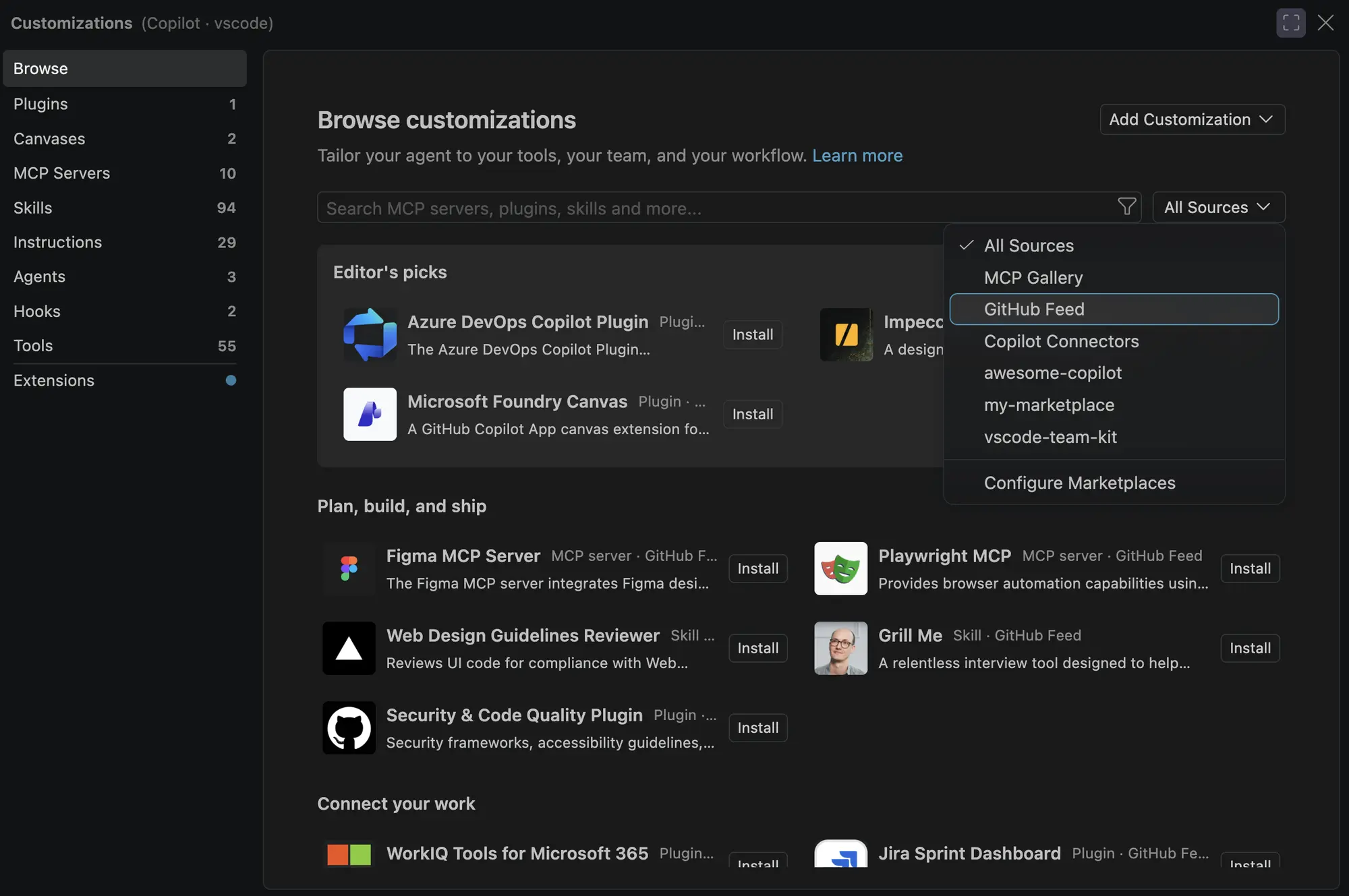
Gemini CLI's own documentation only demonstrates model selection with gemini -m gemini-2.5-flash and doesn't list Gemini 2.5 Pro as a supported option on that page. Google's API pricing page confirms Gemini 2.5 Flash supports a 1M token context window. Notably, Google's Gemini CLI documentation says newer Gemini 4-series models, including Gemini 4 Argon, are "not optimized" for Gemini CLI and recommends against using the CLI to benchmark Gemini models at all — another sign the tool has been de-emphasized in favor of Antigravity CLI for anyone who wants Google's latest models in an agentic coding workflow.
Terminal, IDE, and automation features
Both tools cover the agentic-coding basics: reading a codebase, editing multiple files, running shell commands, and working non-interactively in scripts or pipelines. Claude Code adds first-party surfaces beyond the terminal — VS Code and JetBrains extensions, a desktop app with visual diff review and scheduled recurring tasks, a browser version at claude.ai/code, and mobile continuity through Remote Control and the Claude app. It also supports routing events from Slack, Discord, Telegram, or iMessage into a session through Channels, and cloud-hosted scheduled tasks that keep running when your machine is off.
Gemini CLI's feature set centers on the terminal itself: MCP server support configured through ~/.gemini/settings.json, checkpointing, sandboxing, trusted folders, telemetry, and three release channels (a weekly preview and stable build, plus nightly builds). It also integrates with IDEs, though Google's own documentation doesn't detail that integration to the same depth as Claude Code's dedicated extension docs. The project is popular as open-source software, with roughly 108,600 GitHub stars and 14,900 forks. Claude Code also layers in skills (packaged, shareable slash-command workflows), hooks that trigger shell commands around file edits or tool calls, and an Agent SDK for teams that want to build fully custom agents on the same underlying engine rather than using the CLI as-is.
Installation and setup
Claude Code's native installer is a single command: curl -fsSL https://claude.ai/install.sh | bash on macOS, Linux, or WSL, with PowerShell and CMD equivalents on Windows, plus Homebrew (brew install --cask claude-code) and WinGet (winget install Anthropic.ClaudeCode) casks, and apt/dnf/apk packages on Linux. The native installer auto-updates in the background; Homebrew and WinGet installs need a manual upgrade command. After installing, running claude inside a project folder prompts you to log in with your Claude subscription, or to use an ANTHROPIC_API_KEY environment variable instead.
Gemini CLI installs just as quickly with npx @google/gemini-cli, or globally through npm, Homebrew, MacPorts, or Anaconda, and ships three release channels: a weekly preview build, a weekly stable (latest) build, and daily nightly builds, both released on Tuesdays for the weekly channels. Authentication is where the enterprise shift shows up again: you sign in with a Google account (setting GOOGLE_CLOUD_PROJECT if you're on a paid Code Assist license), a Gemini API key from AI Studio, or Vertex AI with a Google Cloud billing account. There's no subscription-style sign-in tier comparable to Claude Pro that unlocks the CLI specifically for individual, ongoing coding work the way Claude Code's Pro plan does.
GitHub Actions and CI/CD
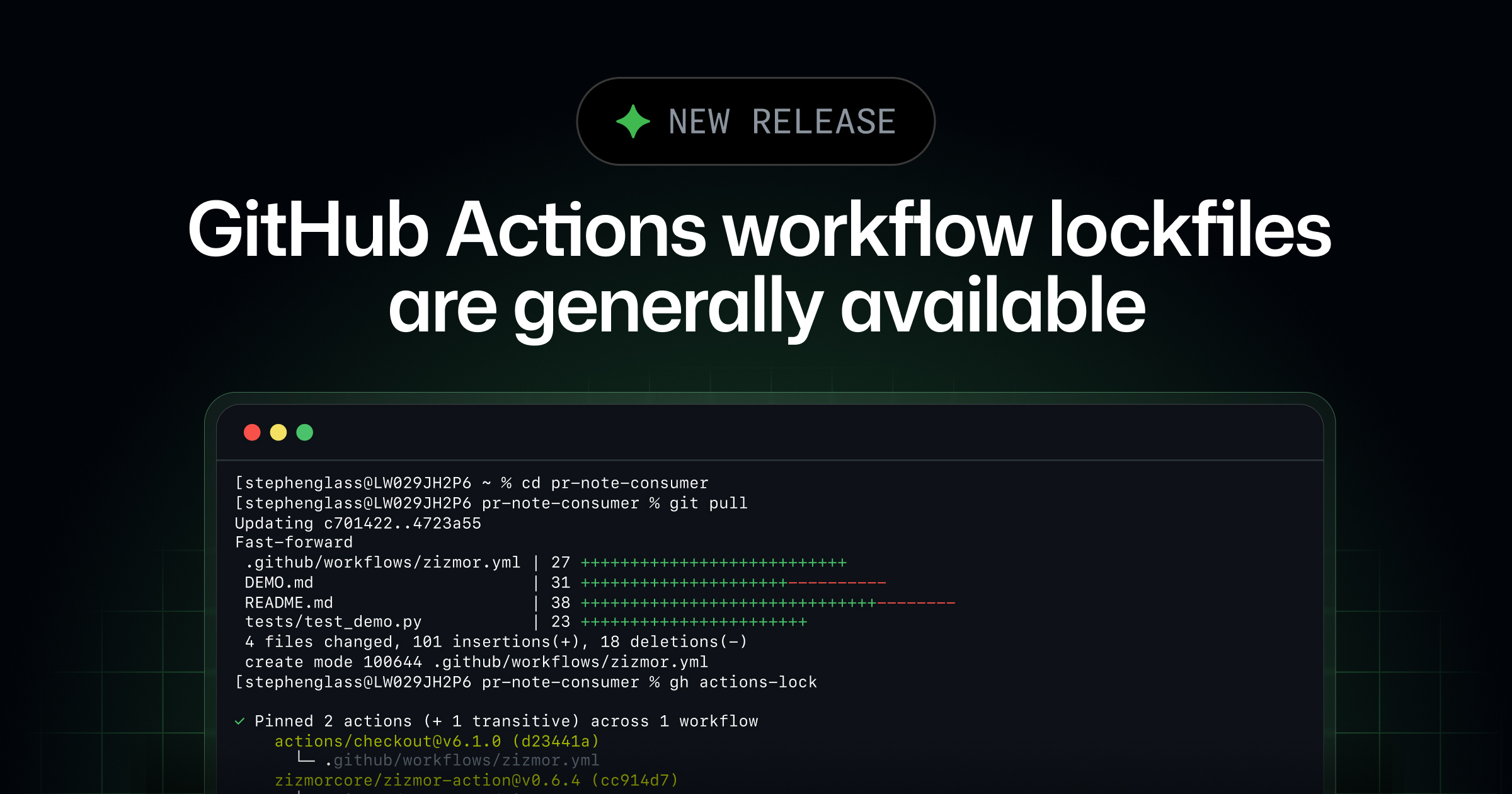
Claude Code has a dedicated, documented GitHub Action (anthropics/claude-code-action) that responds to @claude mentions in issues and pull requests, or runs automatically on any GitHub event, including a cron schedule. Quick setup installs the GitHub App and a workflow file for you by running /install-github-app from inside Claude Code; authentication uses either a Claude API key or an OAuth token tied to a Pro, Max, Team, or Enterprise subscription. It also supports GitLab CI/CD, and can route inference through Amazon Bedrock, Google Cloud's Agent Platform, or Microsoft Foundry instead of Anthropic's API.
Gemini CLI's enterprise positioning points toward Google Cloud's "Code Assist for GitHub" as the comparable CI-facing product, but Google's gemini-cli documentation doesn't walk through an equivalent self-serve GitHub Action setup the way Claude Code's docs do. For teams already standardized on Google Cloud and a paid Code Assist license, that integration lives at the Code Assist product level rather than inside the open-source CLI's own docs.
Which one should you use?
If you're an individual developer who wants an AI coding agent today, Claude Code is the more direct option: a Pro subscription gets you Claude Code across terminal, IDE, desktop, and browser for $17-$20 a month, with no separate enterprise licensing step. If you specifically wanted a free way to use Gemini models as a coding agent, Gemini CLI is no longer that tool — Google's own documentation sends free and Google AI Pro/Ultra users to Antigravity CLI instead. Pandromeda has a separate comparison of Google Antigravity against Claude Code if that's the pairing you actually need.
If you're inside an organization that already pays for Gemini Code Assist Standard or Enterprise, or Code Assist for GitHub, Gemini CLI remains a legitimate terminal front end for that license, with open-source flexibility and MCP support. Outside that context, comparing it to Claude Code on price or individual access isn't really an apples-to-apples comparison anymore — it's closer to comparing a consumer product with an enterprise add-on. For a broader look at how Claude Code fares against other agents in the same price range, see Pandromeda's comparison of Claude Code against OpenAI's Codex, and if you're still deciding which Claude plan to buy for Claude Code access, there's a guide to Claude Pro vs. Claude Max as well.
What's next
Anthropic and Google both ship updates to their coding agents on a near-weekly cadence, so pricing, model access, and feature sets in this comparison can shift quickly. Anthropic's pricing page and Claude Code documentation, and Google's gemini-cli repository and Gemini API pricing page, are the two places to check for the latest terms before you commit to either plan.
Frequently asked questions
Is Gemini CLI still free to use?
Not as a dedicated individual product. As of June 18, 2026, Google moved free and Google AI Pro/Ultra access to a separate tool, Antigravity CLI, and now documents Gemini CLI itself as built for Gemini Code Assist Standard/Enterprise licenses, Code Assist for GitHub, or legacy paid API/Vertex AI keys.
What is Antigravity CLI, and how is it different from Gemini CLI?
Antigravity CLI (the agy command) is Google's current home for free and Google AI Pro/Ultra individual access, built for interactive multi-agent coding with newer Gemini 4-series models like Gemini 4 Argon. Gemini CLI remains available but is now documented as an enterprise tool.
Which Claude plans include Claude Code?
Every paid Claude plan - Pro ($17-$20/month), Max 5x and Max 20x (from $100/month), Team, and Enterprise - includes Claude Code. The free Claude plan does not.
Does Claude Code support models other than Claude's own?
Claude Code runs on Anthropic's Opus, Sonnet, Haiku, and Fable models, with availability varying by plan; it doesn't run Gemini or other third-party models directly.
Does Gemini CLI have a GitHub Actions integration like Claude Code's?
Not as a documented self-serve open-source action. Claude Code ships anthropics/claude-code-action with guided setup via /install-github-app; Gemini CLI's enterprise documentation instead points to Google Cloud's Code Assist for GitHub product.
Sources
- Anthropic: Claude Code overviewcode.claude.com
- Anthropic: Claude pricingclaude.com
- Anthropic: Claude Code GitHub Actionscode.claude.com
- Google: gemini-cli README (GitHub)github.com
- Google: Gemini API pricingai.google.dev
Felix Moreau writes Pandromeda's software coverage and how-to guides. He covers Windows, macOS and Linux updates, the apps people rely on, emulators and developer tools, and turns official documentation into clear, numbered steps that work on the current version.