Microsoft Paint RCE Bug Is Fixed, But Only via the Microsoft Store
CVE-2026-83844 lets a crafted image trigger code execution in Windows Paint. Microsoft is only fixing it through a Microsoft Store app update, not Windows Update.
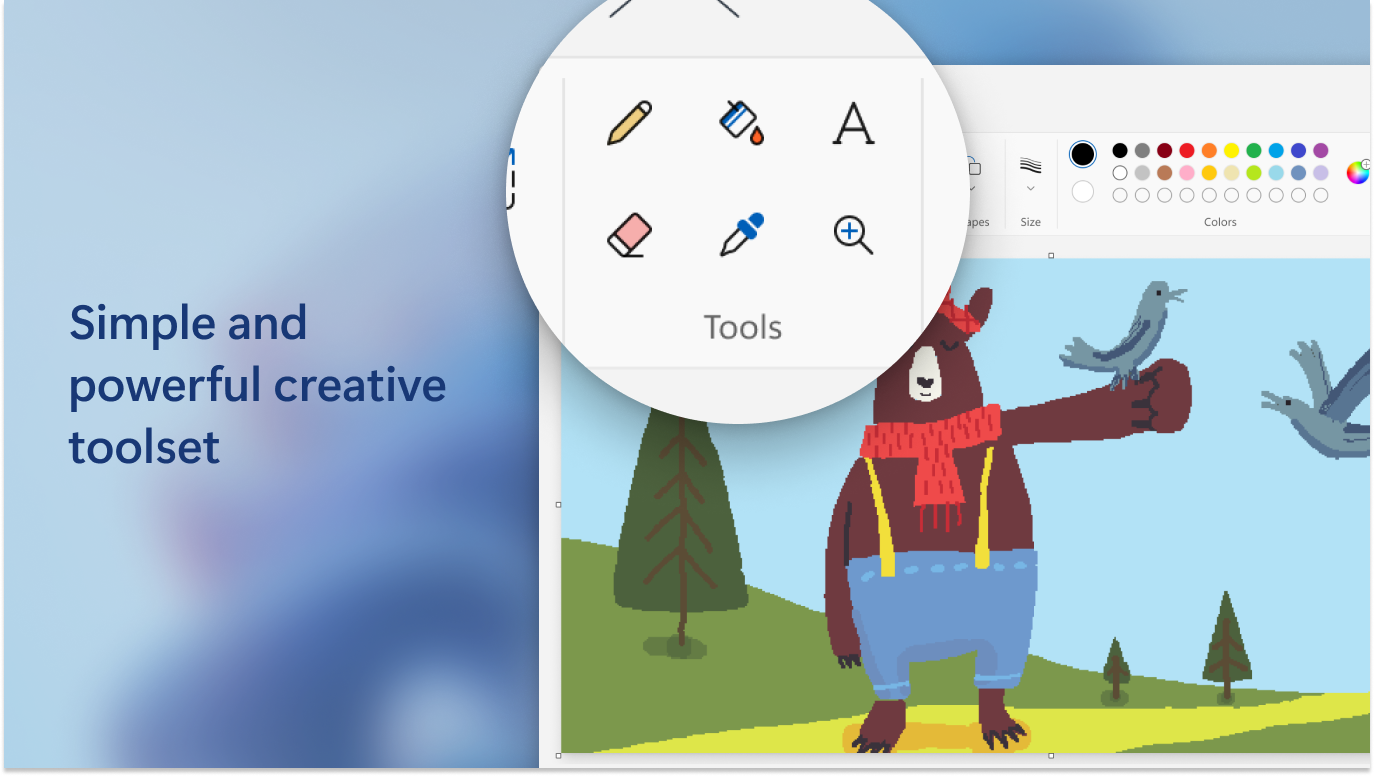
Microsoft has fixed a remote-code-execution flaw in Windows Paint, but it is not shipping the fix through Windows Update or a Patch Tuesday cumulative update. The vulnerability, CVE-2026-83844, is an out-of-bounds read in Paint that Microsoft rates 8.1 on the CVSS 3.1 scale ("Important"), and the only way to get the fix is to update the Paint app itself to build 11.2609.401.0 through the Microsoft Store (or let it auto-update there). If you have not opened the Microsoft Store in a while, do it now: open Microsoft Store > Library > Get updates, or run winget upgrade --id 9PCFS5B6T72H --source msstore from a terminal.
Microsoft's own Security Update Guide entry for CVE-2026-83844 was first published on October 13, 2026, then revised on November 6, 2026, to confirm the fix and name the Paint build that contains it. That revision is the news here: a Critical-sounding Windows bug that Windows Update itself cannot patch, because the vulnerable component is not part of the OS image anymore.
CVE-2026-83844 — Windows Paint Remote Code Execution
- CVSS 3.1 score: 8.1 (High/Important), vector AV:N/AC:H/PR:N/UI:N/S:U/C:H/I:H/A:H
- Weakness type: CWE-125, out-of-bounds read
- Affected: Paint builds before 11.2609.401.0 on Windows 10 and Windows 11
- Fixed in: Paint 11.2609.401.0, delivered via the Microsoft Store only
- Exploited in the wild: No, per Microsoft ("Exploitation Less Likely")
- Action needed: Update Paint from the Microsoft Store, or run
winget upgrade --id 9PCFS5B6T72H --source msstore
What CVE-2026-83844 actually is
Microsoft's advisory describes CVE-2026-83844 in one line: "Out-of-bounds read in Windows Paint allows an unauthorized attacker to execute code over a network." In plain terms, Paint's file-parsing code can read past the end of a memory buffer when it processes a malformed image, and under the right conditions an attacker can turn that misread into arbitrary code execution on the victim's machine.
The CWE-125 weakness class that Microsoft assigned to this bug covers exactly this kind of memory-safety error: a program trusts a length or offset value it should have validated, and ends up reading data it was never supposed to touch. That misread data can then leak memory contents or, combined with other primitives, be chained into full code execution.
Microsoft's own FAQ for the advisory notes that the attack complexity is rated high, explaining that "successful exploitation of this vulnerability requires an attacker to have a deep understanding of the system" and depends on the target's configuration and other defenses being in place. That is why Microsoft scored it 8.1 rather than higher, and why its own exploitability assessment is "Exploitation Less Likely" rather than "likely" or "detected."
Microsoft's advisory does not spell out the exact delivery method an attacker would use, but out-of-bounds read bugs in image-handling code are almost always triggered the same general way: the victim is sent or downloaded a malformed image file — through an email attachment, a chat app, a shared drive, or a download link — and the bug fires when Paint parses that file's internal structure, whether the user opens it deliberately or an associated app hands it off to Paint automatically (for example, via "Edit in Paint" from File Explorer or Photos). That is the standard template for this class of desktop-app memory-safety bug, and it is why Microsoft and most researchers treat "don't open files from people or sources you don't trust" as a baseline precaution even once a patch exists.
How severe is it, really?
An 8.1 base score still lands this squarely in the "High" severity band, and Microsoft's own severity rating of "Important" is one notch below its top "Critical" tier. The impact metrics — confidentiality, integrity, and availability all rated High — mean a successful exploit could give an attacker full control of whatever the logged-in user could do on the machine, not just a crash or a minor leak.
No public exploit code is known to exist, and Microsoft has not recorded any in-the-wild exploitation as of the November 6 revision. That is genuinely good news: this is a fix-now-while-you-can situation rather than an active-attack emergency. But heap and buffer memory-safety bugs in widely installed desktop apps have a long history of getting weaponized once a patch (and the accompanying advisory) tells researchers exactly where to look, so there is no reason to delay updating.
Who is affected
Any Windows 10 or Windows 11 PC running a Paint build older than 11.2609.401.0 is potentially exposed. Because Paint has been distributed as a Microsoft Store app (not a file baked into the Windows image) since Windows 10, the exact build a given machine is running depends on when it last updated the app, not on which Windows feature update or cumulative patch is installed. That means two PCs on the identical Windows 11 build can have different, and differently vulnerable, versions of Paint installed.
| CVE | CVSS score | Weakness | How it was patched |
|---|---|---|---|
| CVE-2026-70586 (Sept. 2026) | 8.8 — Critical | CWE-122, heap-based buffer overflow | Regular Windows Update / September 2026 Patch Tuesday cumulative update (KB5122871 and related platform-specific KBs) |
| CVE-2026-83844 (Oct.–Nov. 2026) | 8.1 — Important | CWE-125, out-of-bounds read | Microsoft Store update to the Paint app only, build 11.2609.401.0 |
That table is worth sitting with, because it is easy to conflate the two bugs. Microsoft fixed an earlier, slightly more severe Windows Paint remote-code-execution flaw, CVE-2026-70586, back in September through an ordinary Windows Update cumulative patch — the normal channel most IT teams already track. CVE-2026-83844 is a separate, later bug, and it is the one that only ships through the Store. If your patch management only watches Windows Update and the Microsoft Update Catalog, you will have correctly closed the September hole and still be exposed to the November one. The National Vulnerability Database entry for CVE-2026-83844 carries the same CVSS vector and CWE-125 classification as Microsoft's own record.
Why Windows Update won't deliver this fix
This is the part that trips people up. Paint, along with Notepad, the Snipping Tool, and a handful of other "inbox" apps, was moved out of the core Windows image and onto the Microsoft Store years ago. Microsoft did this so it could ship feature updates and bug fixes to those apps on its own schedule, without waiting for the next Windows cumulative update or feature release. The upside is faster iteration; the downside, as this advisory shows, is that a security fix for the app can land completely outside the patch channel that most vulnerability-management programs are built around.
Windows Update, WSUS, and most enterprise patch tools are built to scan for and deploy operating-system-level updates — the monthly cumulative patches identified by KB numbers. They are generally not configured to track or force updates to individual Microsoft Store app packages. So a scan that reports "fully patched" against Microsoft's own KB list can still leave a vulnerable copy of Paint sitting on the machine, because Paint's update was never part of that KB list to begin with.
Exactly how to get the fix
There is no cumulative update, security-only patch, or KB article to install for this one. You update the app directly:
- Open the Microsoft Store app on the PC (search "Store" in the Start menu).
- Click your account icon, then Library.
- Click Get updates and let it check for pending app updates. If Paint shows an available update, let it install, or click Update all.
- Confirm the version afterward: open Paint, click the three-dot menu, and check About (or check the app's entry in Store > Library) for build 11.2609.401.0 or later.
If "Automatically update apps" is turned on in Store settings — the default on most consumer PCs — this fix has likely already installed itself quietly in the background, which is also exactly why many users won't notice anything happened.
From a command line, the same update can be triggered with the App Installer / winget tooling Microsoft ships with Windows:
winget upgrade --id 9PCFS5B6T72H --source msstoreThat package ID is Paint's listing ID on the Microsoft Store, and running it will pull the same 11.2609.401.0 build. Microsoft's Paint release notes confirm that build rolled out to all Windows Insider channels on November 6, 2026 — the same day the security advisory was revised — alongside a batch of non-security fixes (faster image loading, clearer error messages for damaged files, and corrected layer-selection behavior).
If the Microsoft Store is blocked on your fleet
Plenty of managed corporate devices restrict or disable the Microsoft Store entirely through group policy or Intune, which breaks the normal self-update path. If that is your environment, you cannot simply tell users to "check the Store." IT administrators should instead push the Paint app package directly through whatever enterprise deployment tooling they already use for other Store (MSIX/AppX) applications — Intune's Microsoft Store app type, Configuration Manager, or a provisioning package — specifically targeting the Paint package and confirming it lands on 11.2609.401.0 or later. Re-enabling Store access, even scoped narrowly to allow updates for pre-approved inbox apps, is the other practical option many organizations land on after an advisory like this one.
Either way, this is a case where "we're fully patched on Patch Tuesday" is not a safe assumption to report up the chain. It's worth cross-checking this kind of out-of-band, app-specific fix the same way security teams already track other updates that arrive outside the usual rhythm — the OpenSSH fix that shipped outside a regular distro release cycle is a recent parallel worth comparing notes against.
If you can't update right away
Updating is the only real fix, but if a managed device genuinely cannot reach the Store today, there are stopgaps worth knowing about. Avoid opening image files from unknown or unsolicited sources in Paint specifically; if you need to view an untrusted image, a different viewer (such as the Photos app, which has its own separate update and codec path) is not guaranteed to be immune to a different bug, but it is not running the specific vulnerable Paint code path either. Group policy can also restrict which users or processes are allowed to launch Paint as the default handler for image file types, which narrows the exposure window for a shared or kiosk-style machine without removing the app outright. None of these are a substitute for the actual update — they only buy time until the Store-delivered fix can be applied.
Timeline
- October 13, 2026: Microsoft first publishes the CVE-2026-83844 advisory, describing the out-of-bounds read and assigning the 8.1 CVSS score.
- November 6, 2026: Microsoft revises the advisory to confirm the fix and name Paint build 11.2609.401.0 as the version that resolves it, delivered through the Store.
- November 6, 2026: Microsoft's Windows Insider Paint release notes list build 11.2609.401.0 rolling out to all Insider channels, matching the advisory revision.
- Now: The build is rolling out broadly through the Store's normal update mechanism; users on automatic app updates should already be covered.
Why this matters beyond one app
Paint is not an isolated case. As more of Windows' built-in functionality gets unbundled into independently updated Store apps, the list of components that live outside the traditional Windows Update patch cycle keeps growing — and security teams' asset-inventory and patch-compliance tooling hasn't universally caught up. It's a similar gap to the one flagged around package-manager-level vulnerabilities on Linux, where the fix lives in a package update rather than a kernel or OS-image patch, or the way Android's monthly security patches bundle separate Google Play system updates alongside the carrier/OEM firmware patch. In every case, "did we install this month's OS update" is no longer the same question as "are we fully patched."
What to do next
If you only do one thing after reading this: open the Microsoft Store, go to Library, hit Get updates, and make sure Paint shows no pending update. If you manage multiple PCs, verify that "Automatically update apps" is enabled in Store settings on standard builds, and if your organization blocks the Store, push Paint 11.2609.401.0 through your MSIX/AppX deployment tooling rather than waiting for a Windows Update KB that will never arrive for this particular bug. Then make a note for next time: when a security advisory names a Microsoft Store app rather than a Windows component, check the app's own update path first — Windows Update was never going to be the answer.
Frequently asked questions
What is CVE-2026-83844?
It is a remote-code-execution vulnerability in Windows Paint caused by an out-of-bounds read (CWE-125). Microsoft rates it 8.1 on the CVSS 3.1 scale and classifies it as Important severity. Exploiting it could let an attacker run code on a victim's machine.
Is CVE-2026-83844 the same bug as CVE-2026-70586?
No. CVE-2026-70586 is an earlier, separate Windows Paint RCE flaw (a heap-based buffer overflow, CVSS 8.8) that Microsoft fixed in September 2026 through a normal Windows Update cumulative patch. CVE-2026-83844 is a different, later bug fixed only through a Microsoft Store update to the Paint app.
How do I update Paint to fix CVE-2026-83844?
Open the Microsoft Store app, go to Library, and select Get updates. If Paint has a pending update, install it, or click Update all. You can also run winget upgrade --id 9PCFS5B6T72H --source msstore from a command line. The fixed build is 11.2609.401.0 or later.
Why doesn't Windows Update install this patch automatically?
Paint has been distributed as a Microsoft Store app, separate from the core Windows image, since Windows 10. Microsoft updates it on its own schedule through the Store rather than through Windows Update's monthly cumulative patches, so this particular fix never appears as a KB article.
Has CVE-2026-83844 been exploited in the wild?
No. Microsoft's advisory states the flaw has not been publicly disclosed or exploited, and rates exploitation as 'Less Likely' because of the high attack complexity involved.
What should IT admins do if the Microsoft Store is blocked on managed devices?
Push the Paint app package (MSIX/AppX) directly through existing enterprise deployment tooling, such as Intune's Microsoft Store app type or Configuration Manager, targeting build 11.2609.401.0 or later, rather than waiting for a Windows Update KB that will not arrive for this specific bug.
Sources
- Microsoft Security Response Center — CVE-2026-83844 advisorymsrc.microsoft.com
- Microsoft Security Response Center — CVE-2026-70586 advisorymsrc.microsoft.com
- Microsoft Learn — Paint release notes, Windows Insider Programlearn.microsoft.com
- Microsoft Store — Paint app listingapps.microsoft.com
- National Vulnerability Database — CVE-2026-83844nvd.nist.gov
Sana Qureshi runs the security and privacy desk. She reports on actively exploited vulnerabilities, vendor patches and data breaches, and covers the password managers, VPNs and authentication tools readers use to protect themselves. Her alerts cite vendor advisories, CISA and the CVE record directly.

